
Digital Signage Blog
Interesting articles and knowledge about digital signage software

Creating Drive Thru Signage to Increase Sales
Drive‑thru lanes are one of the most profitable touchpoints for restaurants, and digital signage can significantly increase sales by improving visibility, speeding up ordering, and highlighting promotions at the right moment. This article explores how digital drive‑thru screens help customers make faster decisions, reduce order errors, and respond to time‑of‑day changes automatically. Discover how SignageTube enables restaurants to manage drive‑thru menus from the cloud, schedule specials, and keep every screen bright, clear, and up to date—leading to higher average order values and a smoother customer experience.
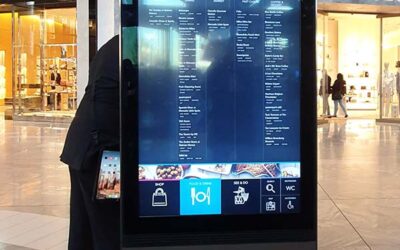
How Wayfinder Signs Improve Your Customer Experience
Wayfinding is one of the most valuable uses of digital signage, helping visitors navigate buildings, campuses, and public spaces with clarity and confidence. This article explores how digital wayfinder signs improve the visitor experience by offering real‑time directions, interactive maps, and dynamic updates. Discover how SignageTube makes it easy to design, publish, and manage wayfinding content from the cloud, ensuring your navigation screens stay accurate, consistent, and visually clear across every location.

How to Place Advertising on TVs with SignageTube
Television screens are one of the most accessible ways to start digital signage advertising, whether in a shop, waiting room, lobby, or restaurant. This article explains how to place advertising on TV screens using SignageTube, from choosing the right device to publishing content and scheduling promotions. Discover how cloud‑managed updates, flexible hardware options, and simple setup steps make it easy to run professional advertising without specialized equipment. With the right workflow, any TV can become a powerful promotional tool that boosts visibility and engagement.
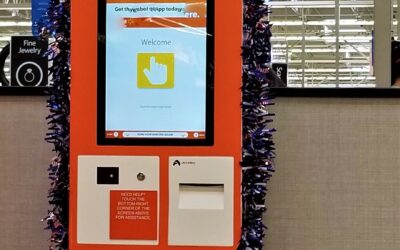
How To Set Up PowerPoint Kiosk: Touch Screen Kiosks using PowerPoints?
Touch‑screen kiosks don’t have to be complex or expensive. This article shows how you can build interactive kiosks simply by using PowerPoint and SignageTube. By converting your slides into a touch‑friendly format, you can guide visitors through menus, maps, product details, or service information without custom software. Discover how SignageTube makes it easy to publish, update, and manage these interactive presentations from the cloud, giving you a flexible and affordable way to create professional kiosk experiences.
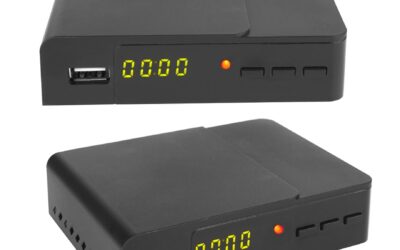
Multiple Features you need to Look for in a Digital Signage Player Before Buying
A digital signage player is only as good as the features behind it. This article breaks down the essential capabilities that make a signage player reliable, from smooth video playback and stable connectivity to remote management and automatic startup. Learn how SignageTube combines these features into a powerful, cloud‑managed player that keeps your screens running flawlessly. With the right feature set, your signage becomes more consistent, more professional, and easier to manage across any environment.

The Hidden Benefits of Android Digital Signage
Android devices have become a powerful foundation for digital signage, offering far more benefits than just affordability. This article explores the hidden advantages of using Android for signage, including smoother playback, flexible hardware choices, easy updates, and strong compatibility with cloud‑managed workflows. See how SignageTube takes full advantage of the Android ecosystem to deliver reliable performance, simple setup, and scalable screen management for businesses of any size.

Why Hospital Signage is going Digital?
Hospitals are rapidly moving from printed signs to digital displays because they offer clearer communication, faster updates, and a better experience for patients and visitors. This article explores how digital signage supports hospitals by reducing confusion, improving wayfinding, and sharing important information in real time. Learn how SignageTube enables healthcare teams to manage screens from the cloud, automate updates, and deliver consistent messaging across every department, from reception areas to treatment zones.
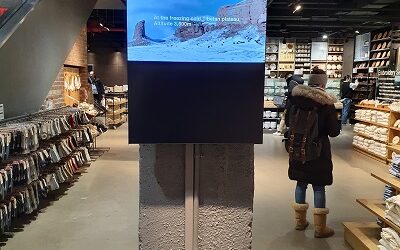
Choosing the Right Digital Screen for Signage
Selecting the right screen is one of the most important decisions in any digital signage setup. This article explains how factors like brightness, viewing distance, durability, and placement determine which display technology works best. Explore the differences between consumer and commercial screens, understand when to choose LED or LCD, and see how SignageTube ensures your content looks sharp and professional on any device. With the right screen and a cloud‑managed workflow, your signage becomes clearer, more reliable, and more impactful.

How Can Cloud-Managed Digital Signage Keep You One Step Ahead of the Game?
Cloud‑managed digital signage makes it easier than ever to control screens, update content, and keep communication consistent across your organization. This article explains how SignageTube’s cloud platform simplifies the entire process, from uploading content to scheduling playlists and managing multiple screens at once. Learn how remote access, automation, and centralized control help you save time, reduce manual work, and deliver more effective digital signage in any environment.
Digital Signage for Multiple Sites Made Easy
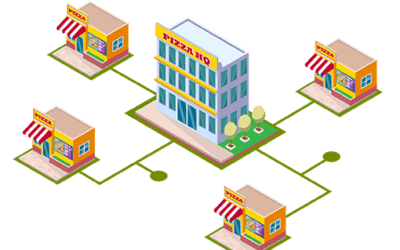
Managing digital signage across multiple sites can be challenging without the right tools. This article explains how SignageTube simplifies multi‑location screen management by centralizing content control, automating updates, and ensuring consistent branding across every branch. Learn how organizations with distributed teams or multiple stores can streamline communication, reduce manual work, and keep all screens aligned through a single cloud‑based platform.

How to Automatically Launch your Digital Signage on AndroidTV?
Automatic startup is essential for reliable digital signage, especially when screens need to run all day without manual intervention. This article explains how SignageTube enables auto‑launch on Android TV, ensuring your content starts playing the moment the device powers on. Explore simple setup steps, compatibility tips, and the benefits of hands‑free signage playback for retail, hospitality, offices, and more.
How to Set Your Favorite Digital Signage App on AndroidTV
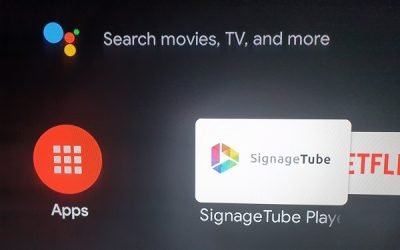
Android TV has become one of the most accessible ways to run digital signage, and SignageTube is designed to make the experience smooth, stable, and professional. This article explains why SignageTube is a favorite among AndroidTV users, highlighting its reliable playback engine, simple setup, and powerful cloud‑based management. Learn how to turn any Android TV into a fully featured signage screen that delivers dynamic content with ease.
Announcing SignageTube Player version 1.2 for Android
SignageTube Player 1.2 for Android delivers faster, smoother, and more reliable digital‑signage playback across all your screens. This article highlights the latest improvements, from enhanced performance and stability to better compatibility with modern Android devices. Learn how the updated player strengthens your cloud‑managed signage workflow and ensures your content runs flawlessly in any environment.

Using a TV Stick to Run Advertising on a Television
A TV stick is one of the easiest and most affordable ways to run digital signage on any television. This article explains how SignageTube transforms compact streaming devices into full‑featured advertising players, letting you publish content from the cloud, schedule promotions, and update screens instantly. Discover how a plug‑and‑play setup can help you launch professional advertising displays without expensive hardware or complex installation.

Advertise Better with Cloud Digital Signage
Effective advertising depends on delivering the right message at the right moment, and digital signage makes that easier than ever. This article explores how SignageTube helps businesses improve their advertising performance with dynamic visuals, targeted scheduling, and effortless cloud‑based updates. Discover how smarter screen communication can increase engagement, strengthen your brand, and make every promotion more impactful.
Company-Wide Info
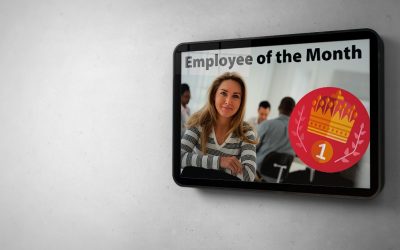
Clear internal communication is essential for any growing organization, and digital signage can make those messages faster, more visible, and more consistent. This article explores how SignageTube helps companies share updates across all departments, automate announcements, and keep employees informed through dynamic, cloud‑managed screens. Discover how a unified signage strategy strengthens engagement, reduces communication gaps, and keeps everyone aligned.
Scheduled Screens
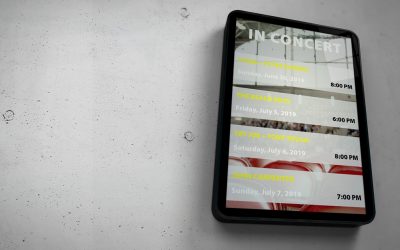
Scheduled screens make digital signage far more effective by ensuring your content appears exactly when your audience needs it. This page explains how SignageTube’s scheduling tools let you plan daily or weekly screen activity, automate content changes, and manage everything from the cloud. Learn how precise timing, dayparting, and hands‑off updates help you deliver targeted messages and keep your screens running smoothly without manual effort.
Digital Signage Safety Screens for Health & Alerts
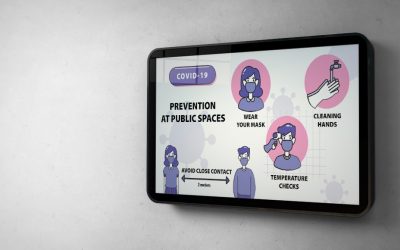
Safety screens play a crucial role in keeping people informed during both everyday operations and emergency situations. This article explores how digital signage can display clear safety instructions, emergency alerts, evacuation guidance, and real‑time updates that help protect employees, visitors, and students. It highlights how SignageTube enables organizations to manage safety content from the cloud, ensuring that critical messages appear instantly and consistently across all screens. With the right setup, digital safety screens become a dependable communication tool that strengthens preparedness, reduces confusion, and supports a safer environment for everyone.
The Power of Digital Signage for Modern Businesses
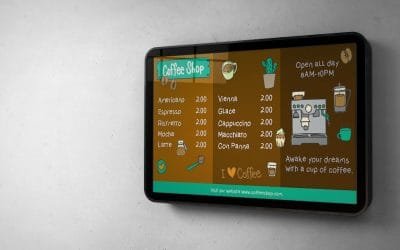
Digital signage has become one of the most powerful tools for modern communication, helping businesses and organizations share information quickly, visually, and with far greater impact than traditional methods. This article explores why digital screens are so effective, from their ability to capture attention to their flexibility in displaying real‑time updates, promotions, and announcements. It also highlights how SignageTube simplifies the entire process with cloud‑managed content, automated updates, and easy scheduling. With the right digital signage strategy, any organization can improve engagement, strengthen communication, and create a more dynamic environment for customers, visitors, and employees.

Going Digital for your Bakery Sign
Digital signage is becoming a powerful tool for bakeries that want to present their products more attractively and communicate more clearly with customers. This article explores how digital menu boards help bakeries highlight fresh pastries, promote daily specials, adjust prices instantly, and reduce printing costs. It also shows how SignageTube makes it easy to manage content from the cloud, ensuring every screen stays accurate, appealing, and perfectly aligned with the bakery’s atmosphere. With the right digital signage setup, bakeries can boost sales, streamline operations, and create a more engaging in‑store experience.

Corporate Branding using Digital Signage
Corporate branding goes far beyond logos and colors—it’s about creating a consistent visual identity that employees, visitors, and customers recognize instantly. This article explores how digital signage helps companies reinforce their brand through dynamic visuals, branded announcements, internal communication, and unified design standards. It highlights how SignageTube enables organizations to publish content that aligns with their brand guidelines, ensuring every screen reflects the company’s personality and values. With the right digital signage strategy, businesses can strengthen culture, improve communication, and present a polished, professional image across all locations.
Care Home Signage
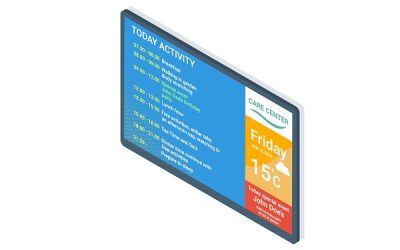
Care homes rely on clear, timely communication to support residents, families, and staff. This article explores how digital signage helps care facilities share daily schedules, meal menus, activity updates, safety information, and warm, reassuring messages. It highlights how SignageTube enables teams to update screens instantly from the cloud, ensuring information stays accurate and accessible for everyone. With the right digital signage setup, care homes can create a calmer environment, strengthen connections with families, and support residents with visual cues that make daily life easier and more engaging.
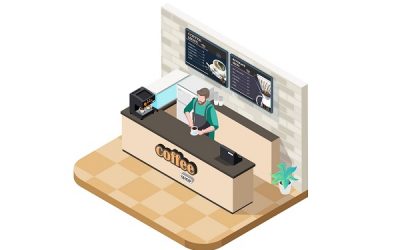
Reasons to Use a Digital Coffee Shop Menu Board
Digital menu boards are becoming essential for modern coffee shops, offering clearer communication, faster updates, and a more polished customer experience. This article explores the main reasons cafés are switching to digital screens, from highlighting seasonal drinks to adjusting prices instantly and reducing printing costs. It also shows how SignageTube makes it easy to manage menu content from the cloud, ensuring every screen stays accurate, attractive, and up to date. With the right setup, digital menu boards help coffee shops boost sales, streamline operations, and create a more inviting atmosphere.
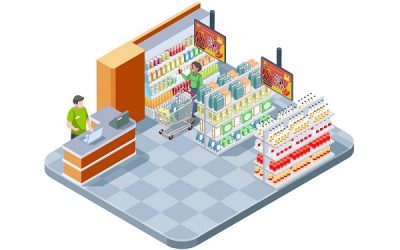
How to Create Retail Digital Signage That Drives Sales
Retail digital signage is one of the most effective ways to capture attention, guide customers, and promote products inside your store. This article explains how to create impactful retail screens, from choosing the right content and designing visuals to scheduling promotions and managing displays from the cloud. It highlights how SignageTube simplifies the entire process with flexible templates, real‑time updates, and smooth playback on any screen. With a well‑planned retail signage strategy, stores can increase sales, improve navigation, and deliver a more engaging shopping experience.
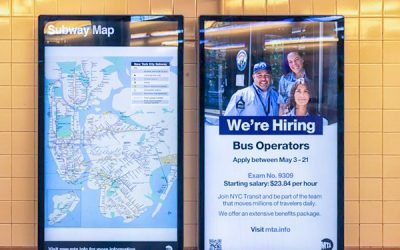
Problem Solving with Digital Signage
Digital signage has become a powerful tool for solving everyday business challenges, from improving communication to reducing workload and enhancing customer engagement. This article explores how screens can address common problems such as outdated information, unclear messaging, slow manual updates, and inconsistent branding. It highlights how SignageTube enables organizations to automate content, deliver real‑time updates, and create visually engaging messages that support both staff and customers. With the right digital signage strategy, businesses can work more efficiently, communicate more clearly, and create a smoother, more modern experience across all locations.
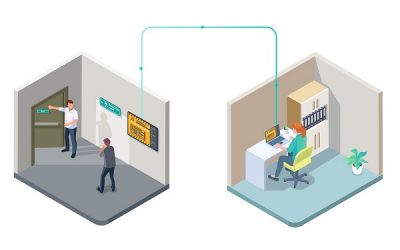
Showing Emergency Information in Public Facilities and Offices
Public facilities and offices rely on clear, timely communication to keep people safe during both everyday operations and emergency situations. This article explores how digital signage can display essential information such as evacuation routes, safety instructions, real‑time alerts, and important updates. It highlights how SignageTube enables organizations to manage and trigger emergency messages instantly from the cloud, ensuring that critical information reaches employees, visitors, and the public without delay. With a well‑designed digital signage setup, facilities can strengthen preparedness, reduce confusion, and create a safer, more informed environment.
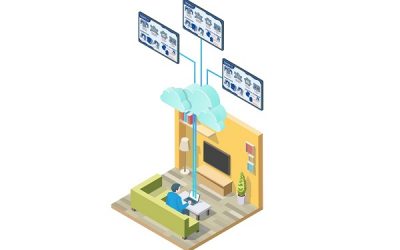
How to Create a Digital Emergency Warning System
A digital emergency warning system helps organizations deliver fast, clear alerts during critical situations. This article explains how to build such a system using SignageTube, from preparing alert templates to triggering warnings instantly across all screens. You’ll learn how to design emergency messages, automate responses, and ensure that vital information reaches employees, visitors, and students without delay. With a cloud‑managed setup, your emergency communication becomes faster, more reliable, and easier to manage during both everyday incidents and true emergencies.
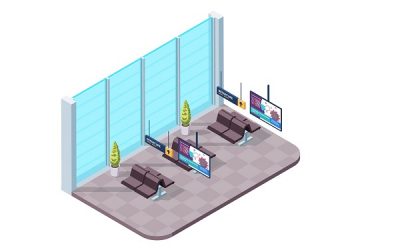
Emergency Alert System using Cloud-Based Digital Signage
A reliable emergency alert system is essential for keeping people safe during critical situations. This article explains how digital signage can deliver instant alerts, warnings, and instructions across your entire facility. It highlights how SignageTube enables organizations to trigger emergency messages quickly, update screens in real time, and ensure that vital information reaches employees, visitors, and students without delay. With a cloud‑managed alert system, you can respond faster, reduce confusion, and support a safer environment during both everyday incidents and true emergencies.

Working with Digital Signage Media Files, Playlists and Channels
Media files, playlists, and channels form the foundation of every SignageTube setup. This article explains how each element works, how they connect, and how you can use them to organize your digital signage content efficiently. You’ll learn how to upload media files, combine them into playlists, and publish those playlists to channels that control what appears on your screens. With a clear understanding of this structure, managing your digital signage network becomes faster, more intuitive, and far more scalable.
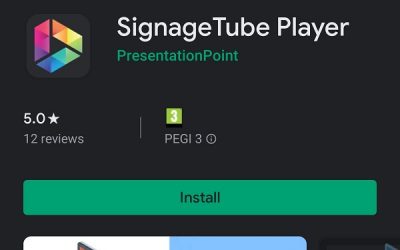
How to Install and Connect your SignageTube Player app from the Google Play Store
Installing the SignageTube Player on your Android device is quick and straightforward. This guide walks you through downloading the app from the Google Play Store, linking your device to your SignageTube account, and configuring essential playback settings. You’ll learn how to activate your screen, manage content from the cloud, and ensure smooth, reliable digital signage performance. Whether you’re setting up one display or an entire network, this tutorial helps you get your screens running in minutes.

How Do you Display Info on your Menu Board TV?
Displaying information on a menu board TV is one of the easiest ways to keep your restaurant’s communication clear, accurate, and visually appealing. This article explains how to show menus, prices, promotions, and daily specials on your screens using SignageTube. It covers how to design your content, upload it to the cloud, and update your displays instantly—without technical hassle. With a digital menu board setup, restaurants can reduce printing costs, react quickly to changes, and present a polished, modern look that improves the customer experience.
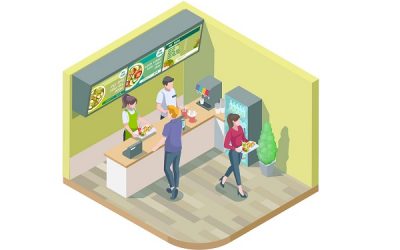
How to Create a Digital Menu Board
Creating a digital menu board is easier than ever with modern signage tools. This article walks through the essential steps, from designing your layout and choosing visuals to publishing your menu on screens in minutes. It explains how SignageTube simplifies the process with cloud‑managed updates, flexible templates, and smooth playback on any display. Whether you run a restaurant, café, bar, or takeaway, a well‑designed digital menu board helps you present information clearly, highlight specials, and keep your content fresh without extra effort.

Digital Signage Expo 2020 (DSE) • Las Vegas • Postponed
Digital Signage Expo 2020 faced an unexpected postponement as global events disrupted travel, conferences, and large gatherings. This article explains the reasons behind the delay, how it affected exhibitors and attendees, and what it meant for the digital‑signage industry at the time. It also highlights how companies like SignageTube continued supporting customers remotely, helping organizations maintain communication and adapt their signage strategies during a challenging period. The postponement became a defining moment for many industry events, reshaping how digital‑signage professionals connect, collaborate, and share innovations.

Digital Signage for Sports and Entertainment Venues
Sports and entertainment venues rely on dynamic, high‑impact communication to keep fans informed and engaged. This article explores how digital signage transforms the visitor experience by delivering real‑time updates, live scores, promotional content, wayfinding, and immersive visuals throughout stadiums, arenas, theaters, and event spaces. It highlights how SignageTube enables teams to manage content from the cloud, schedule updates instantly, and maintain consistent branding across every screen. With the right digital signage strategy, venues can boost fan excitement, streamline operations, and create unforgettable event experiences.

Our SignageTube Player App is Listed Now at the Google Play Store
Choosing a digital signage app from the Google Play Store is the easiest way to turn any Android device into a powerful display. This article explains what to look for in a signage app, how to install the SignageTube Player, and how to connect your device to the cloud for smooth, reliable playback. You’ll learn how to publish content, schedule updates, and manage screens remotely—whether you’re setting up a single TV or deploying displays across multiple locations. With the right app, your Android device becomes a flexible, professional digital signage solution.

Reception Area Digital Displays: How Do You Display Info on Your TV?
A reception area TV is one of the most effective ways to welcome visitors and share important information the moment they walk in. This article explains how to display content such as announcements, schedules, welcome messages, and promotional visuals on your reception screen using SignageTube. It covers how to design your content, upload it to the cloud, and update your display instantly—without technical complexity. With a well‑managed reception TV, your organization can create a professional first impression, reduce repetitive questions at the front desk, and keep visitors informed in a clear, engaging way.