SignageTube
Digital signage that works for you: menus that sell more, notices your staff actually see, safety and emergency alerts on every screen, and targets that teams can track and hit. Change it all in seconds, from your browser.
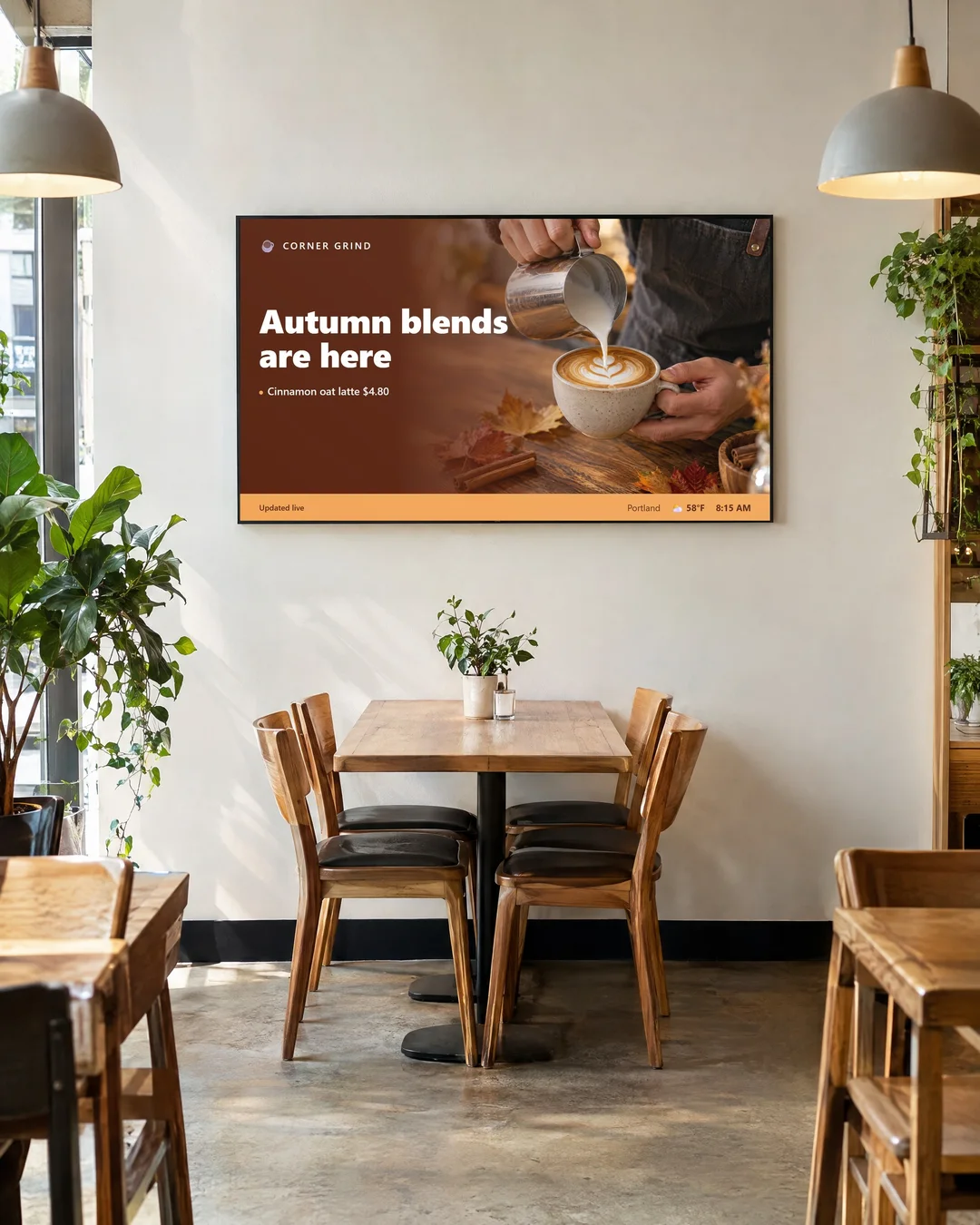
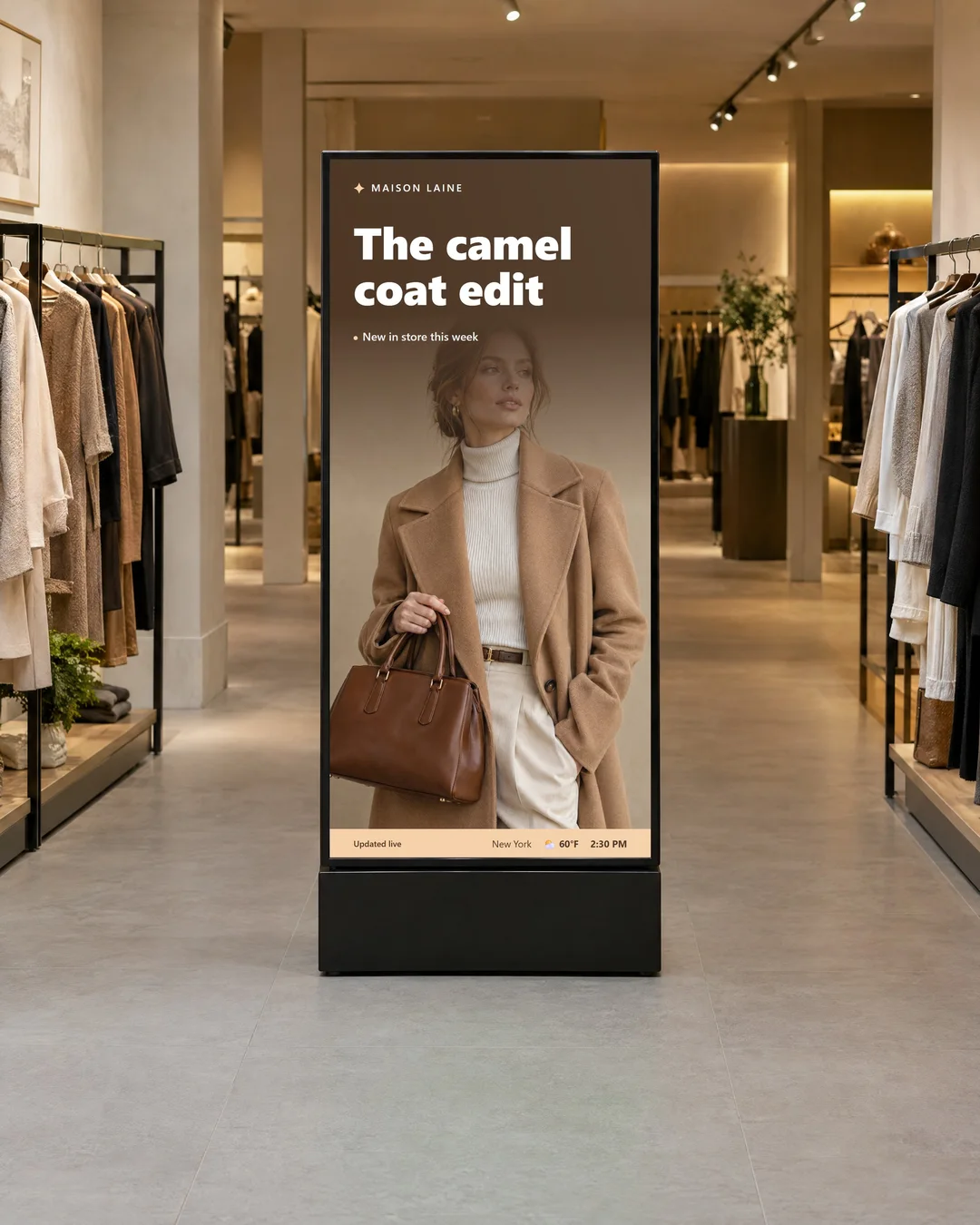
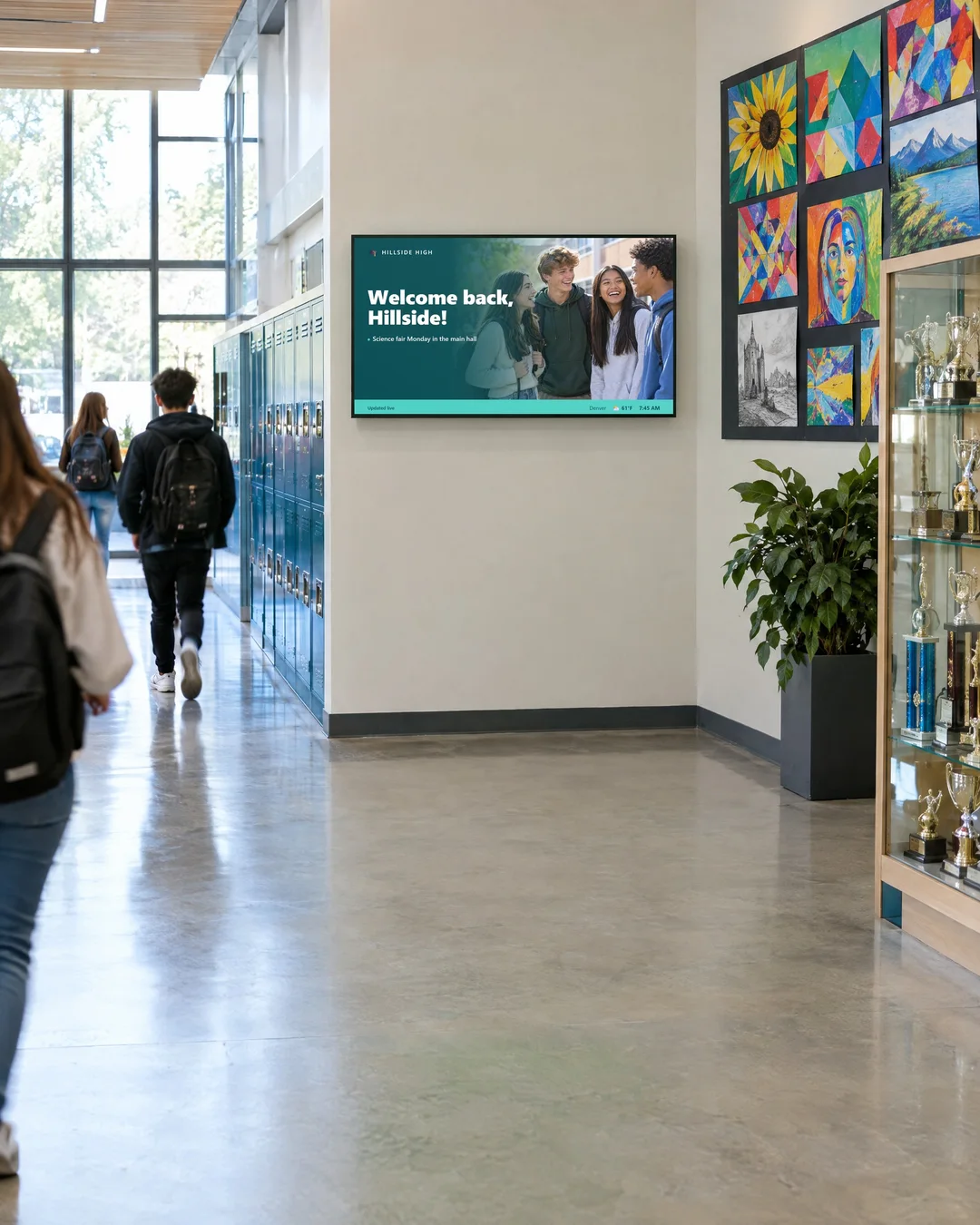
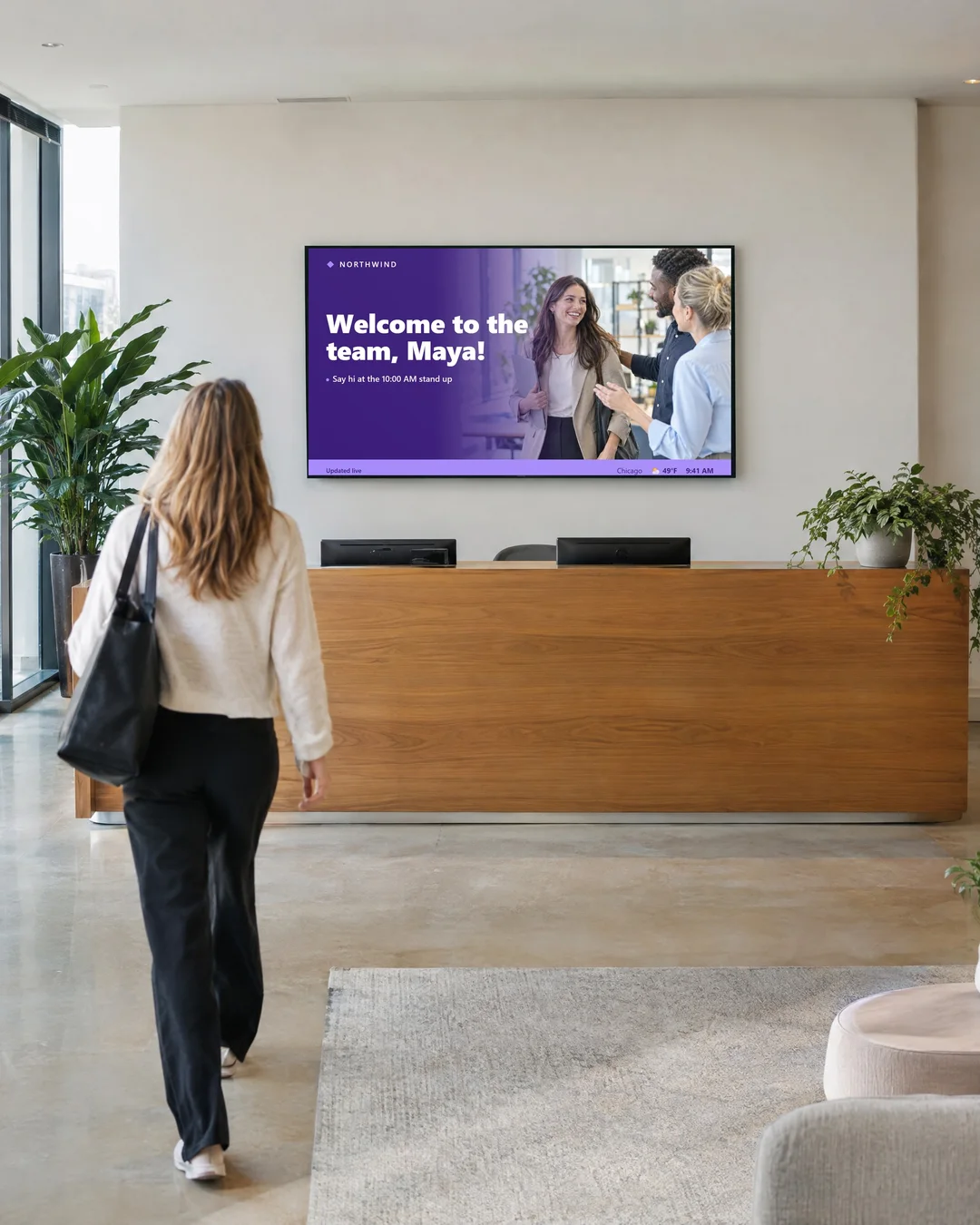
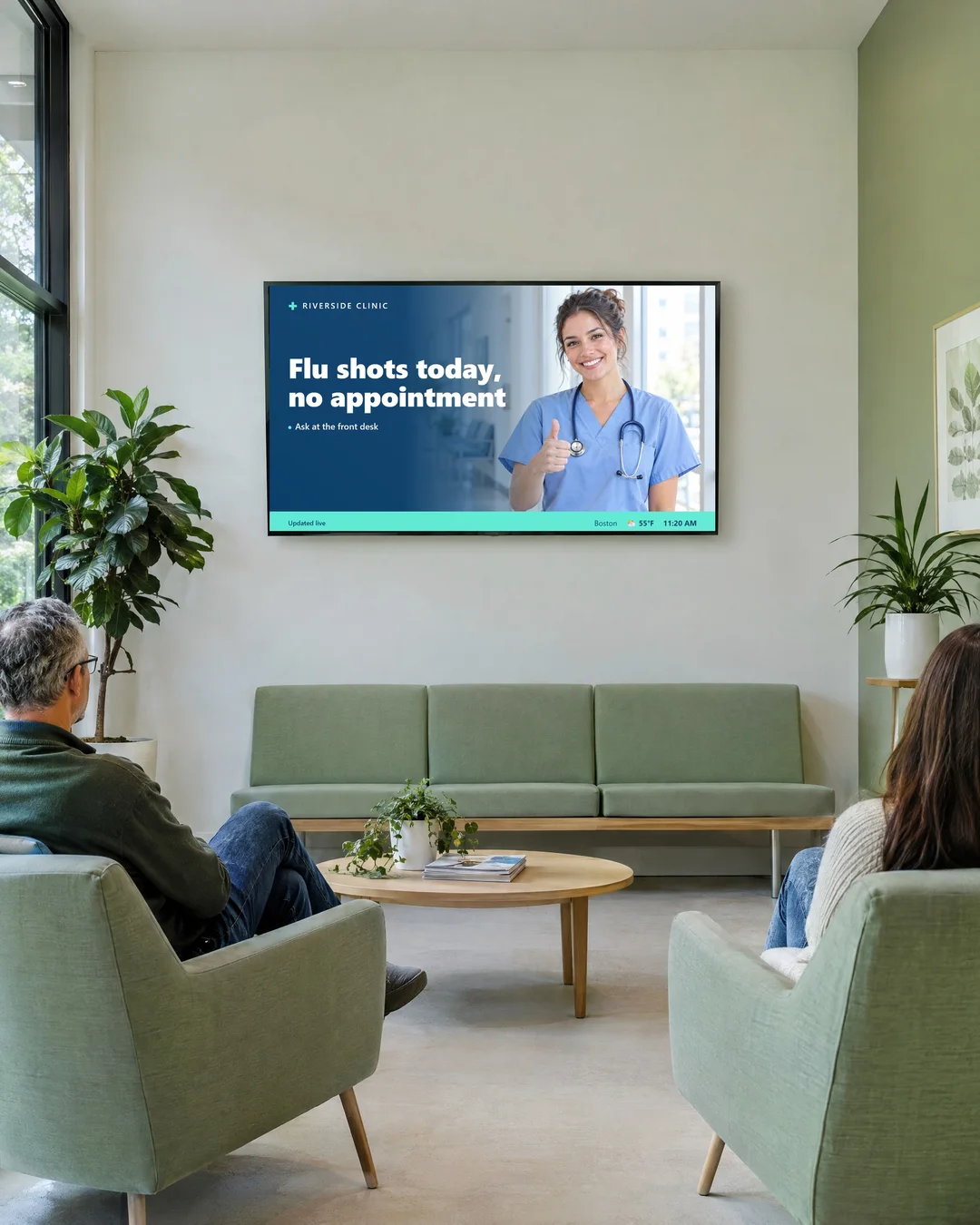
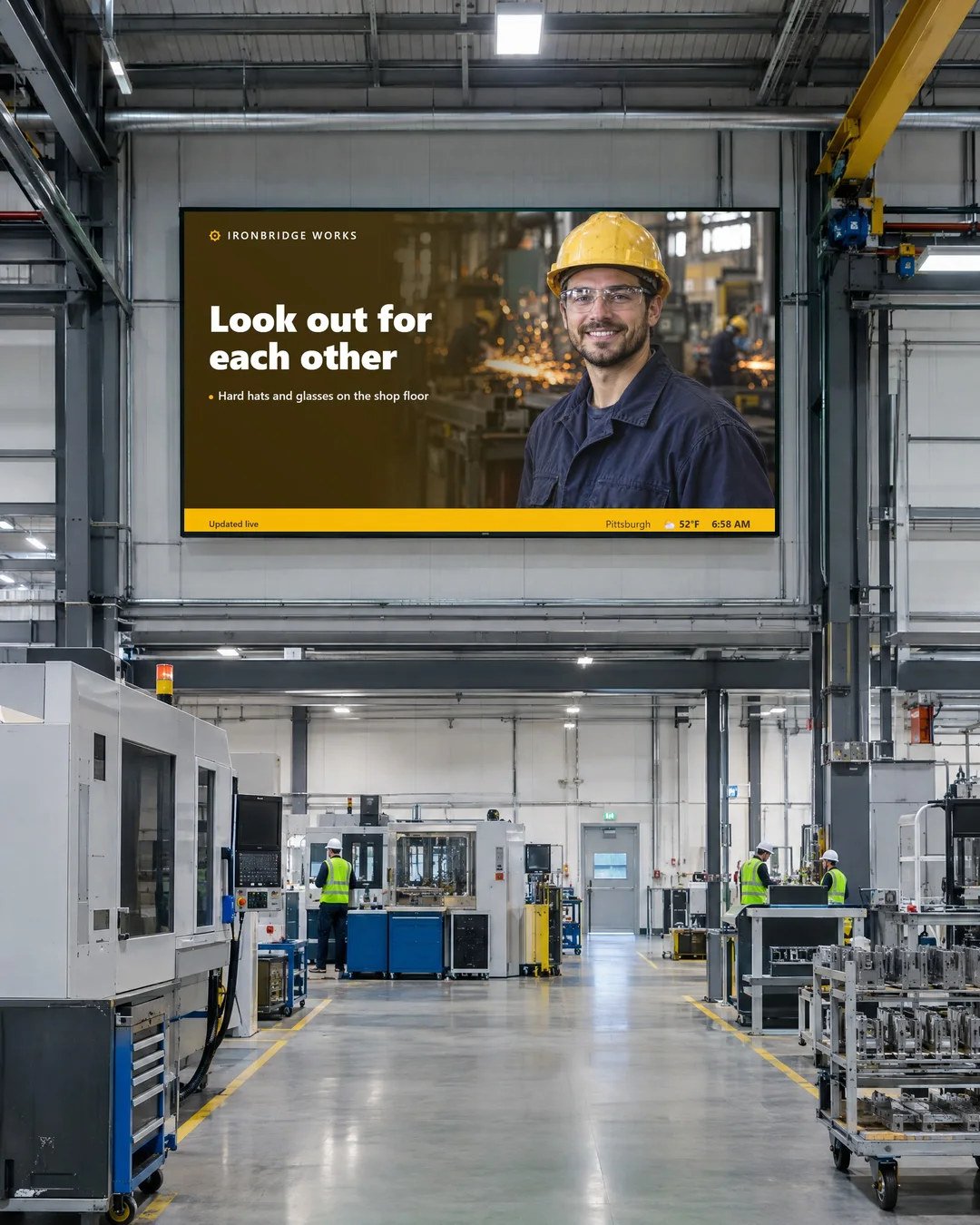















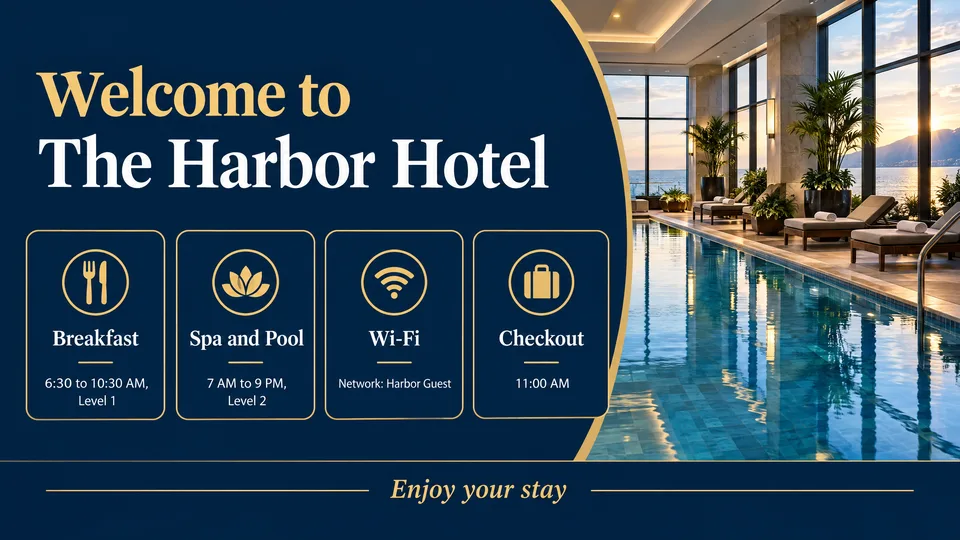
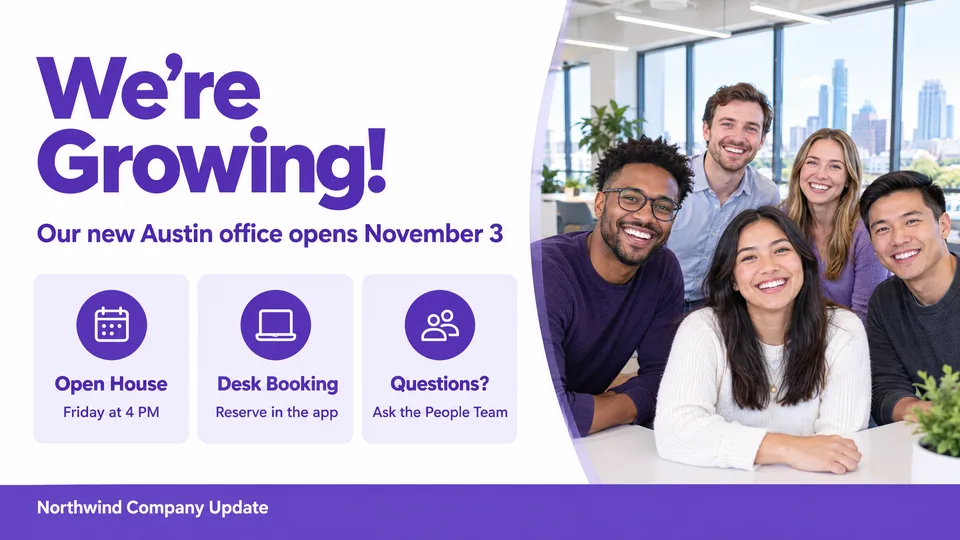
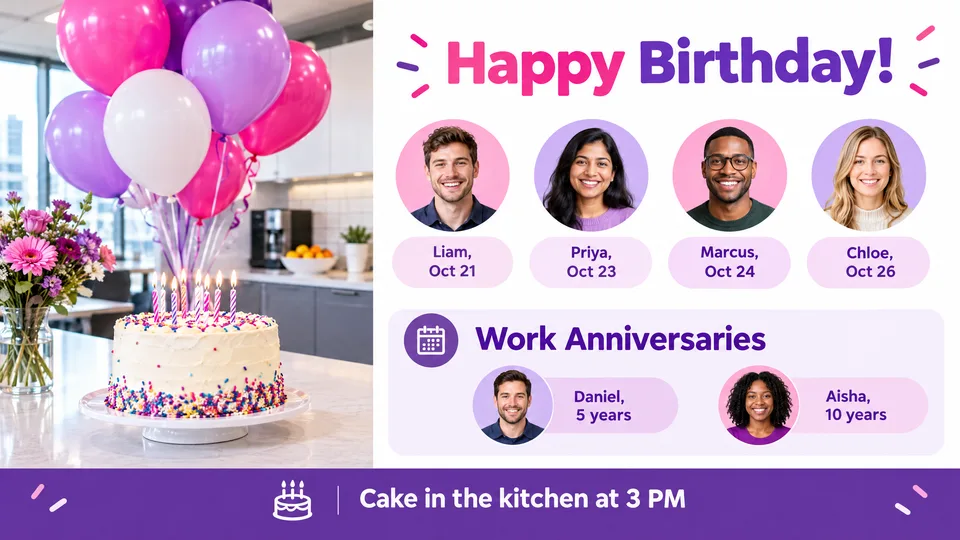
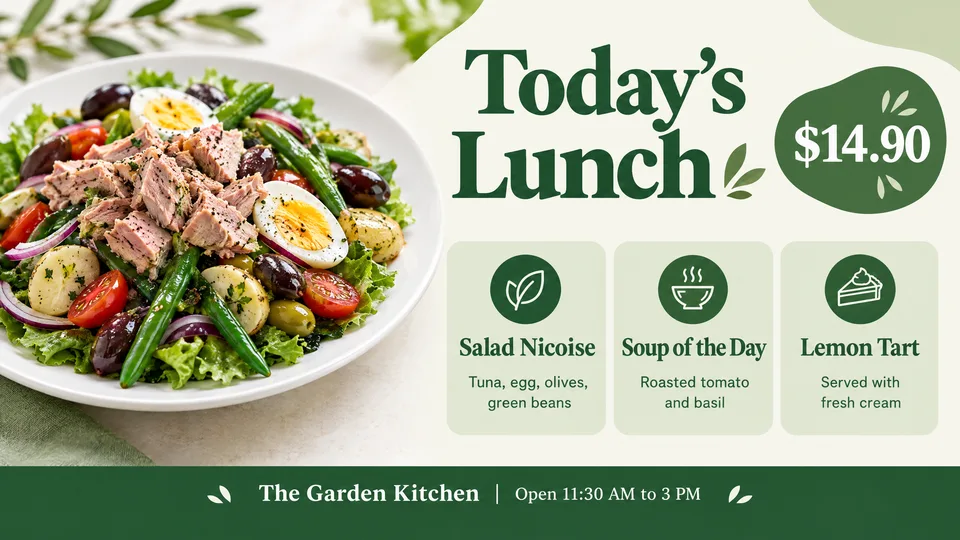
It is the TVs around your business showing your messages: menus, notices, welcome screens, safety alerts or targets. You change them from your computer, and every screen updates at once.
The same message, two ways. One of them keeps working for you.
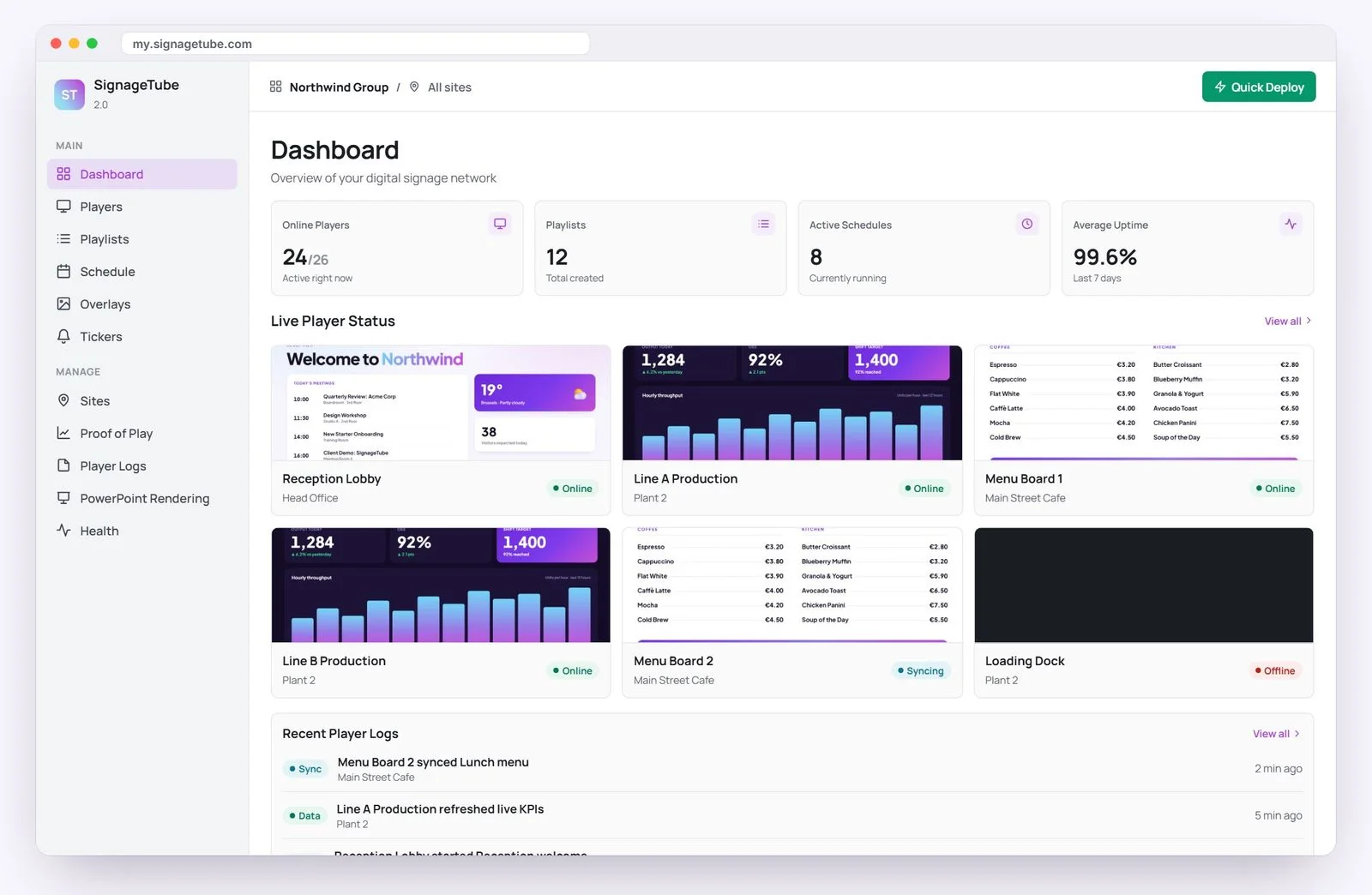
SignageTube is digital signage software for any TV. Create what your screens show, plan when it plays and run every screen at every site, all from your browser.
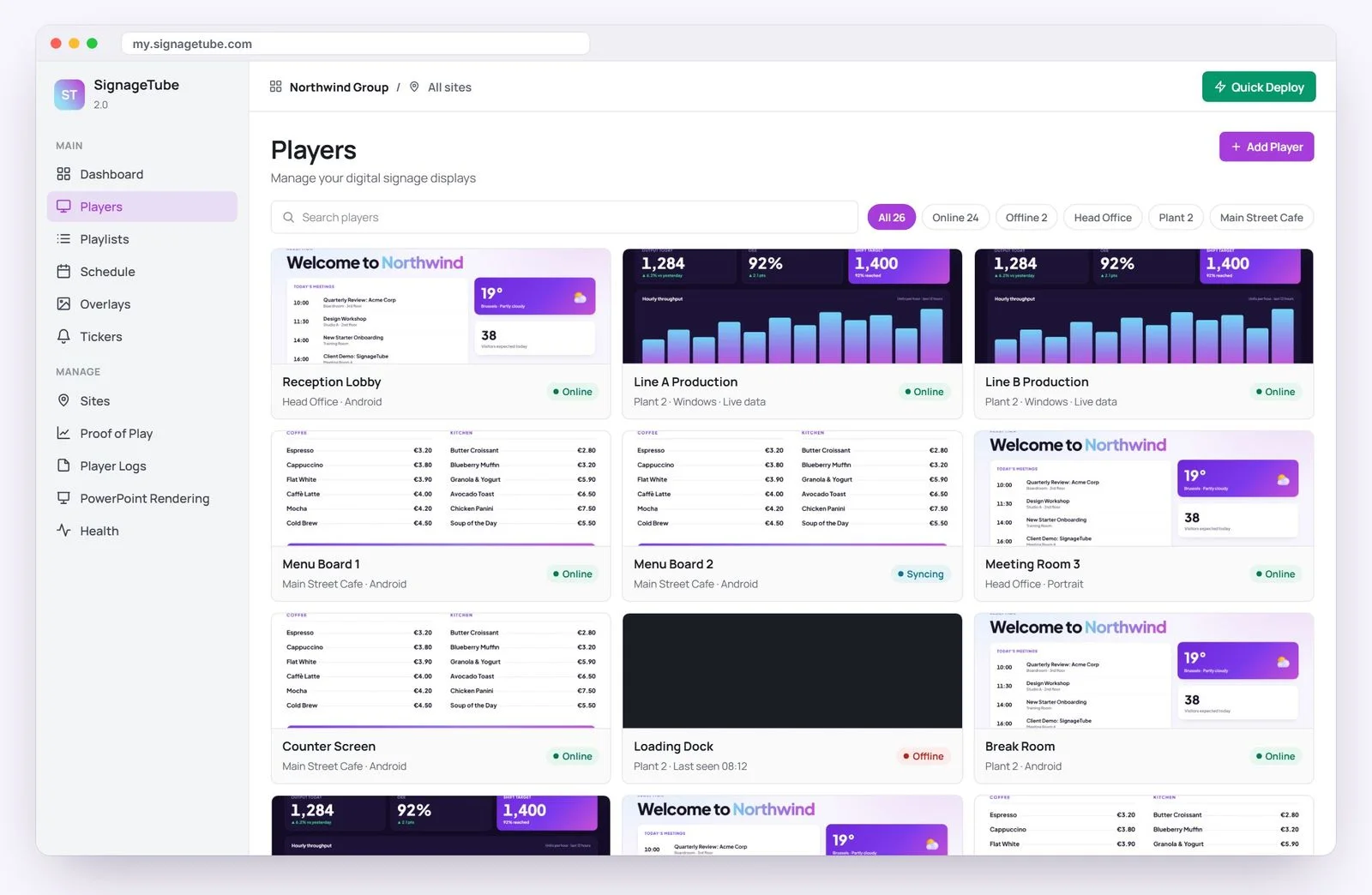
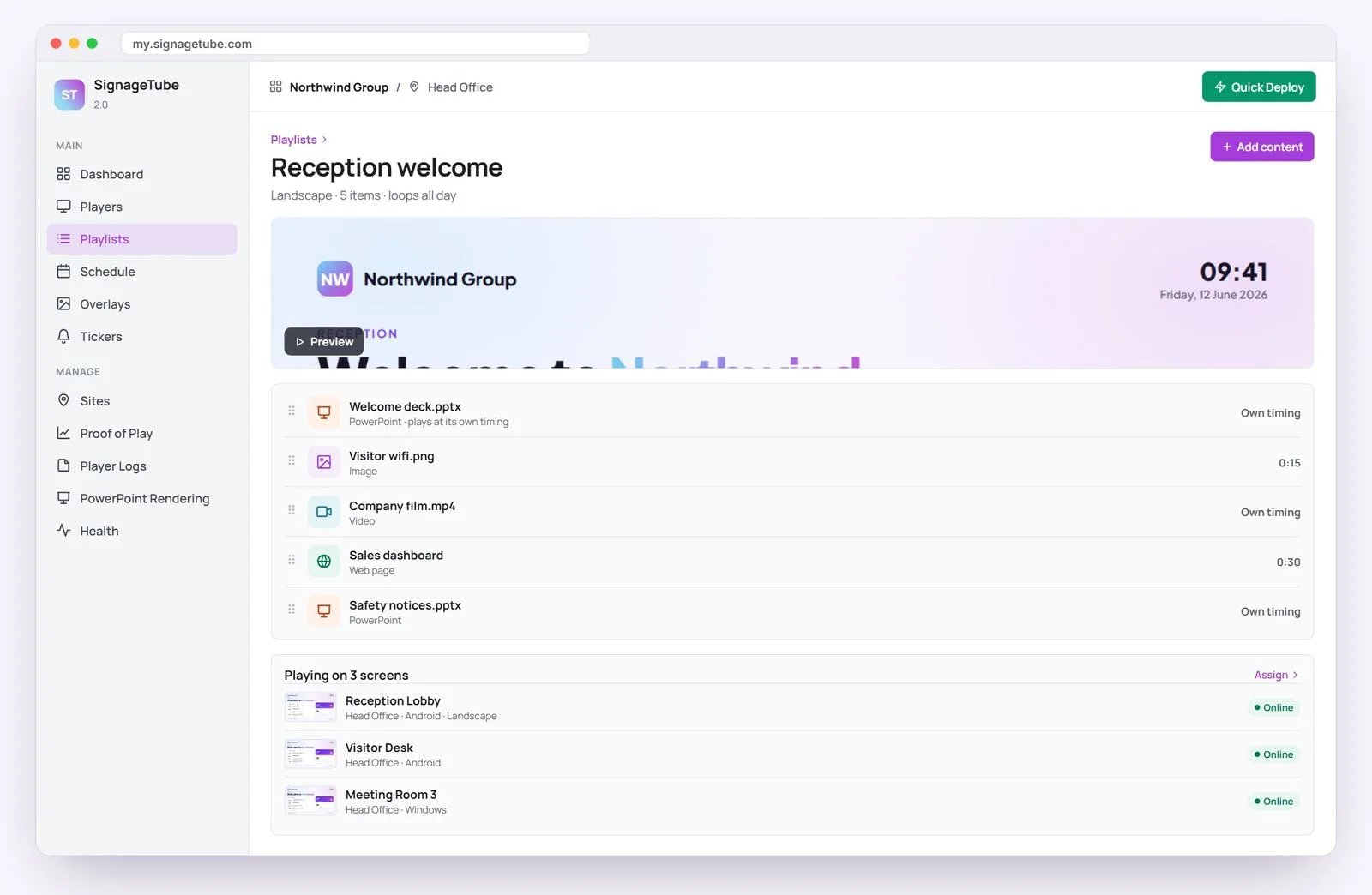
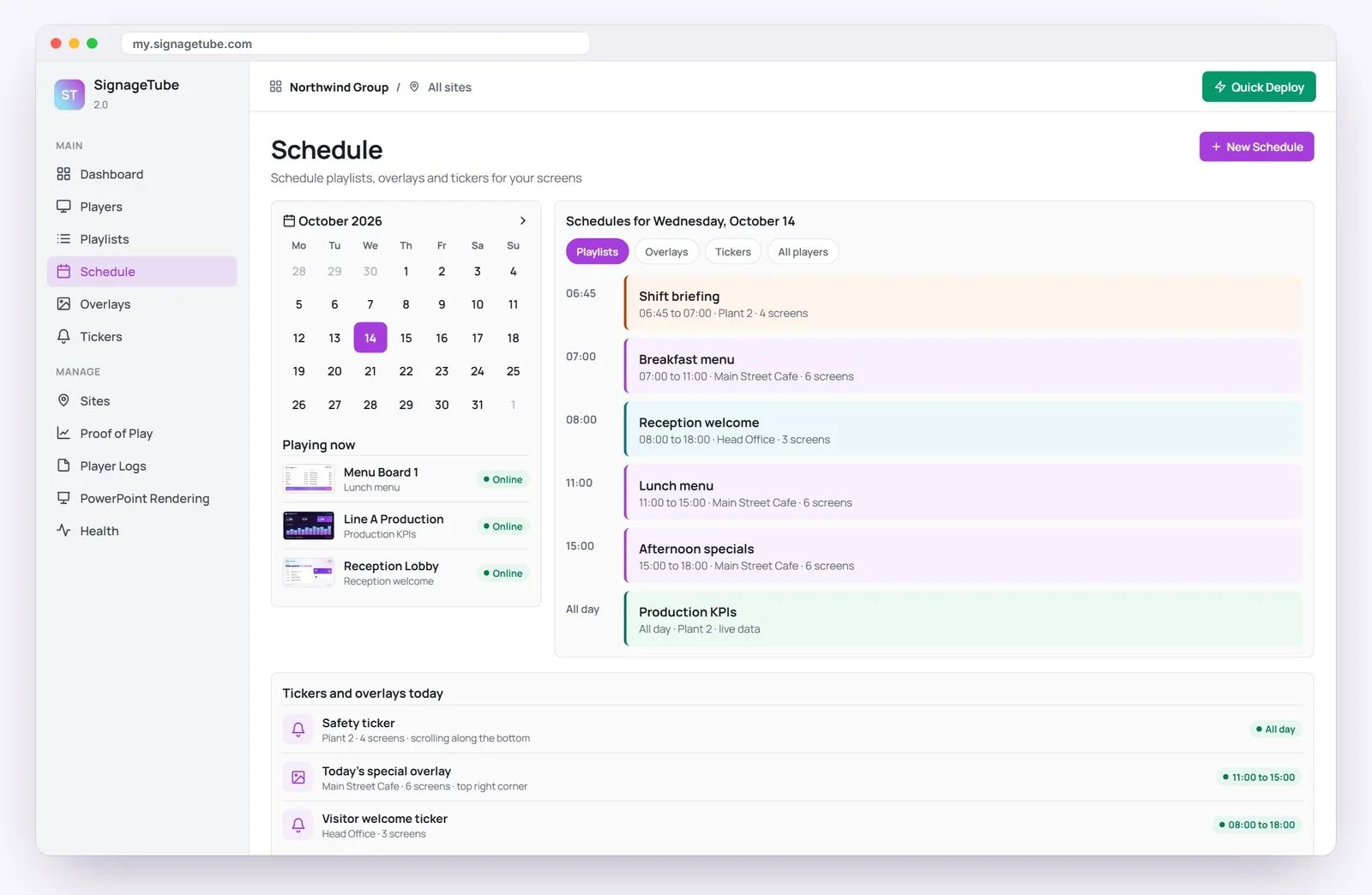
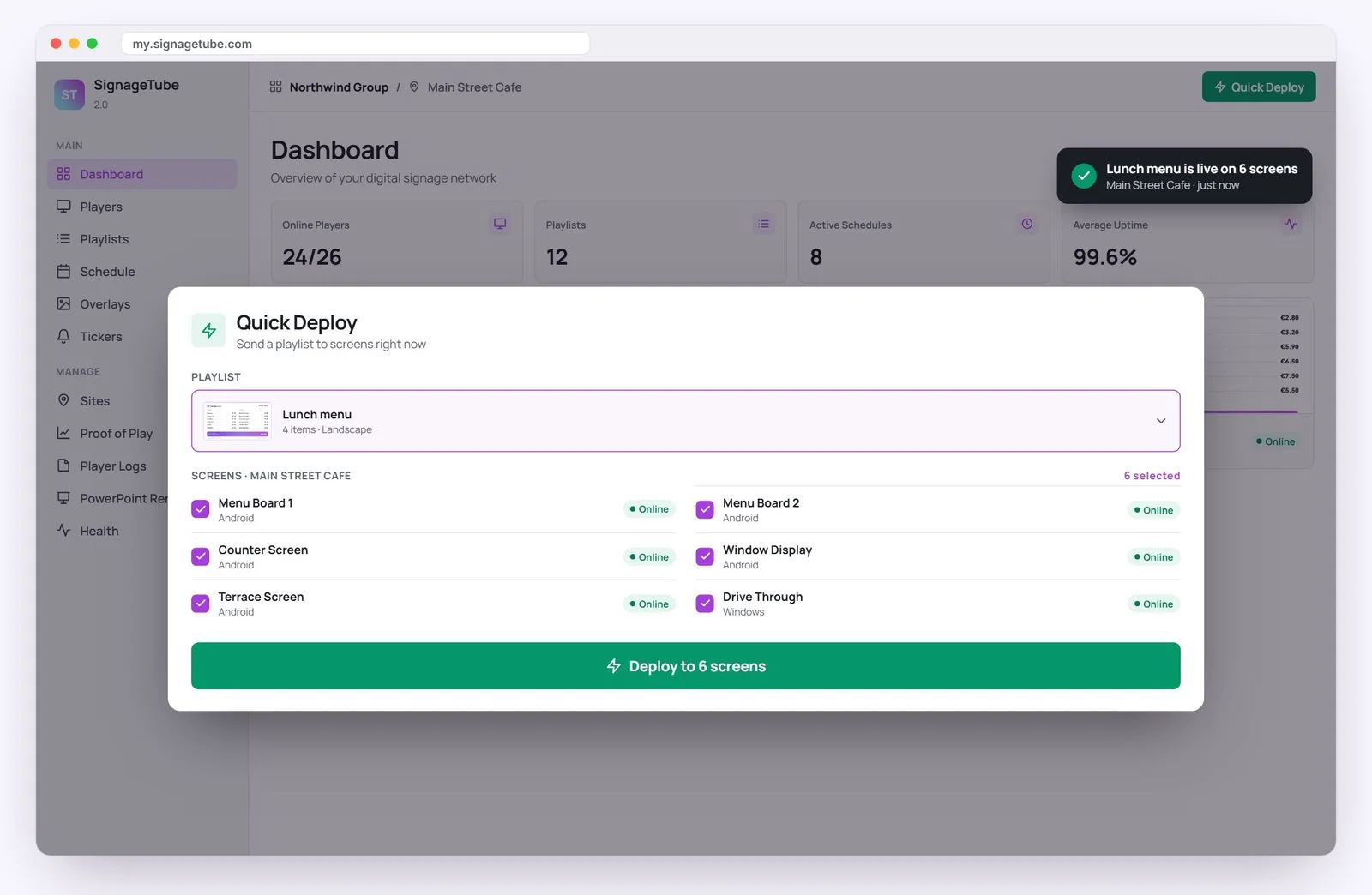
Content, playlists, schedules and screens, all in one place.
Images, MP4 video, web pages and ready made Live Pages. No PowerPoint needed.
Use an Android TV or Google TV device, or a Windows PC you already have.
Your own slides, played natively and fed with live data from Excel and 20+ sources.*
Need it on your own servers? Any edition can run on premises with Custom, from 5 screens.
* PowerPoint playback needs a Windows player with Microsoft PowerPoint installed.
Pick yours to see how it fits.
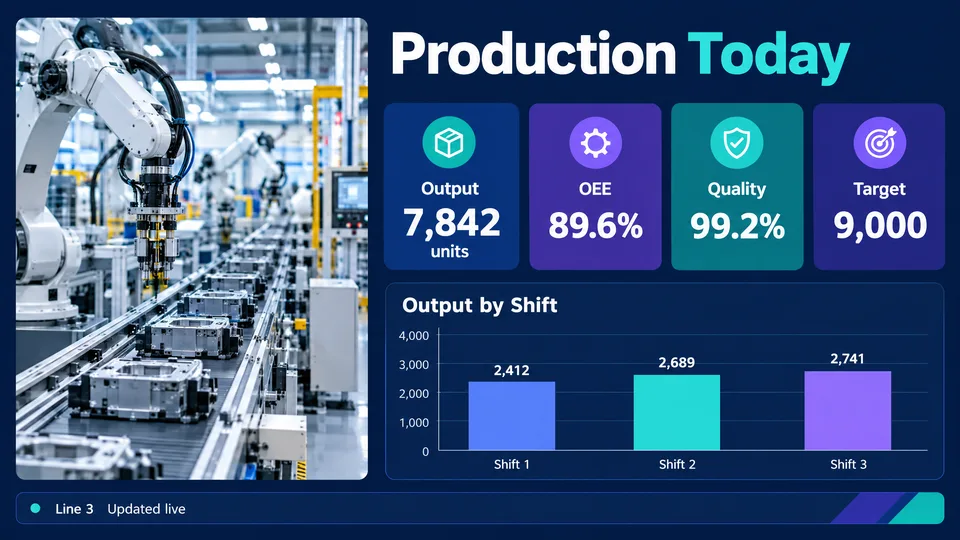
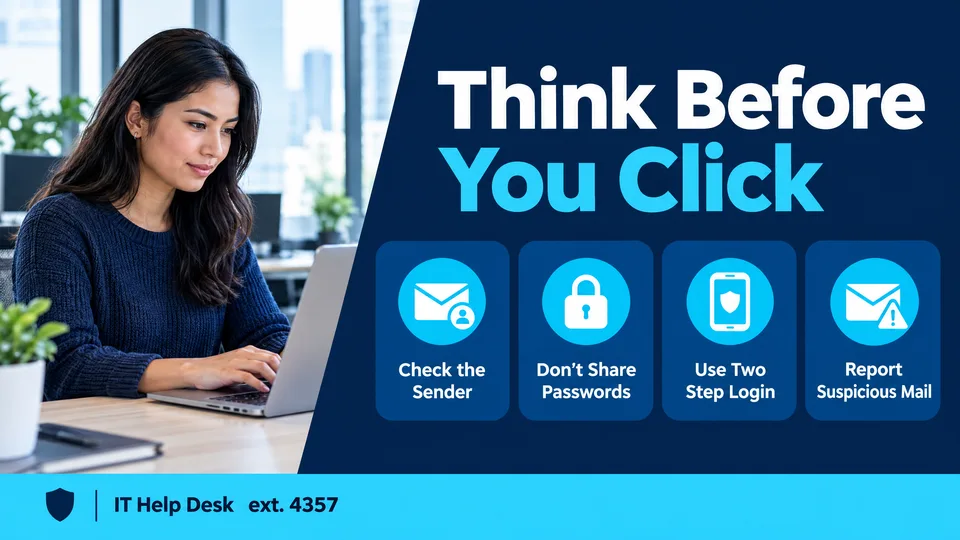
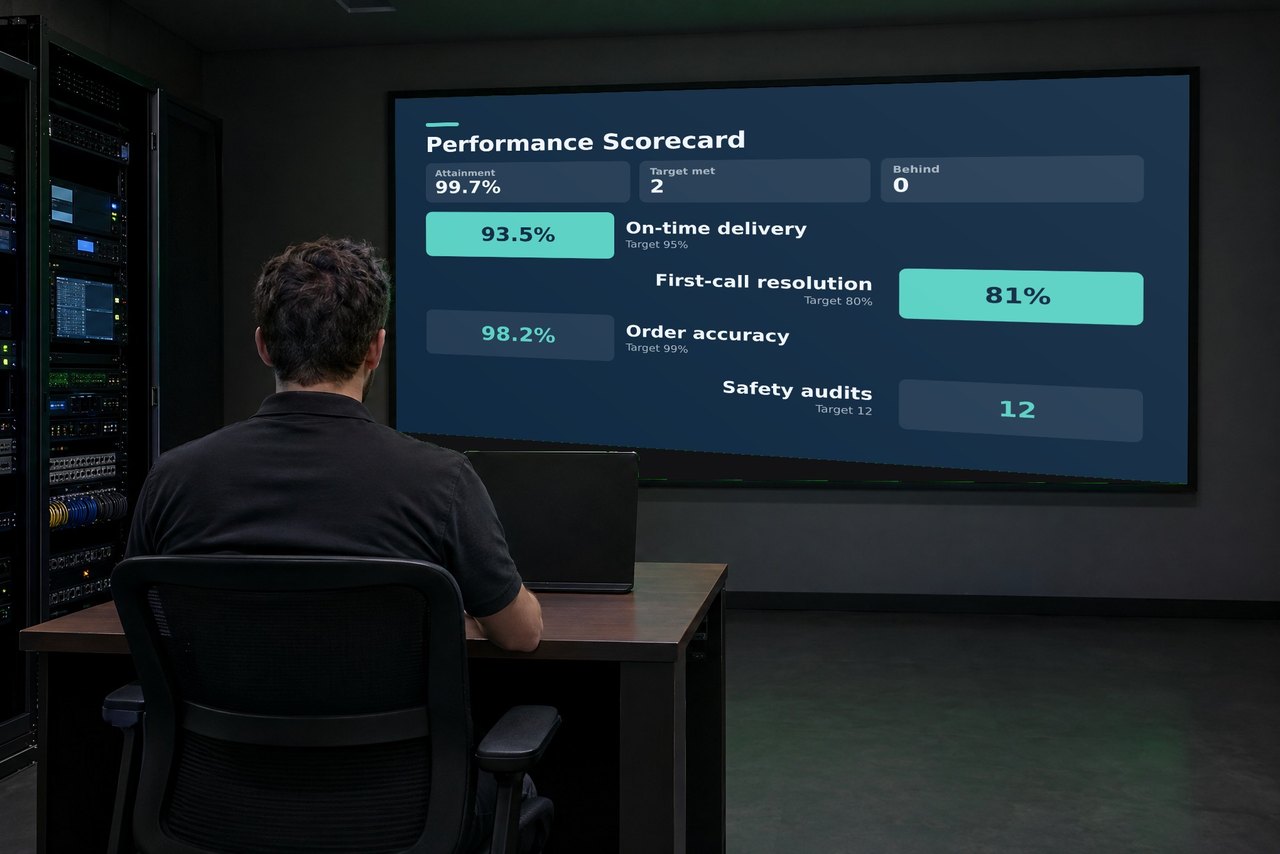
Everyone sees the same safety reminders, shift news and targets, right when it matters. Teams stay safe, stay informed and hit their goals. With Enterprise, production numbers update on their own.
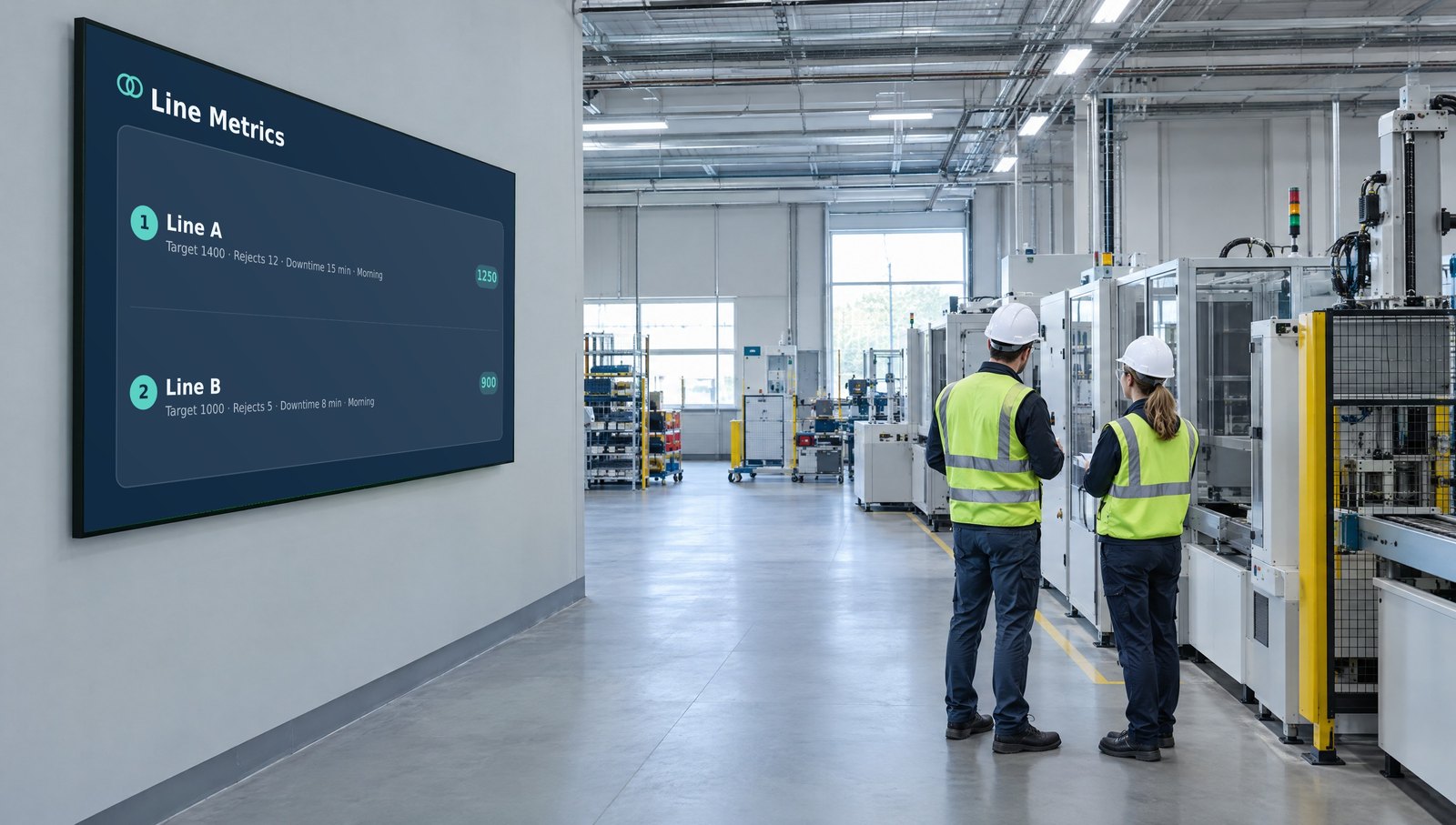 Enterprise from €36/mo per screen
Update a price once and every screen in every store follows. No designer and no special screens.
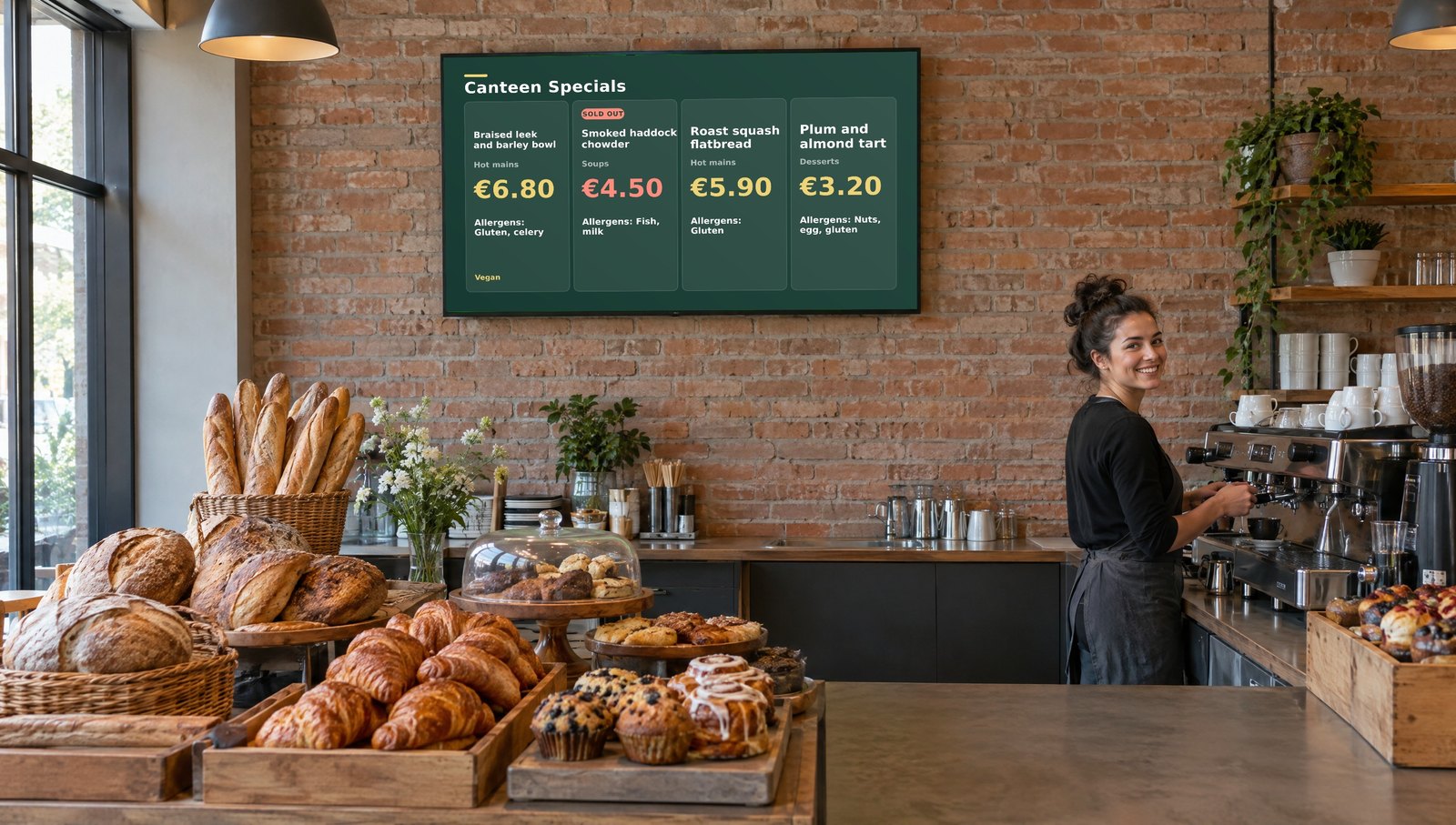 Starter from €10/mo per screen
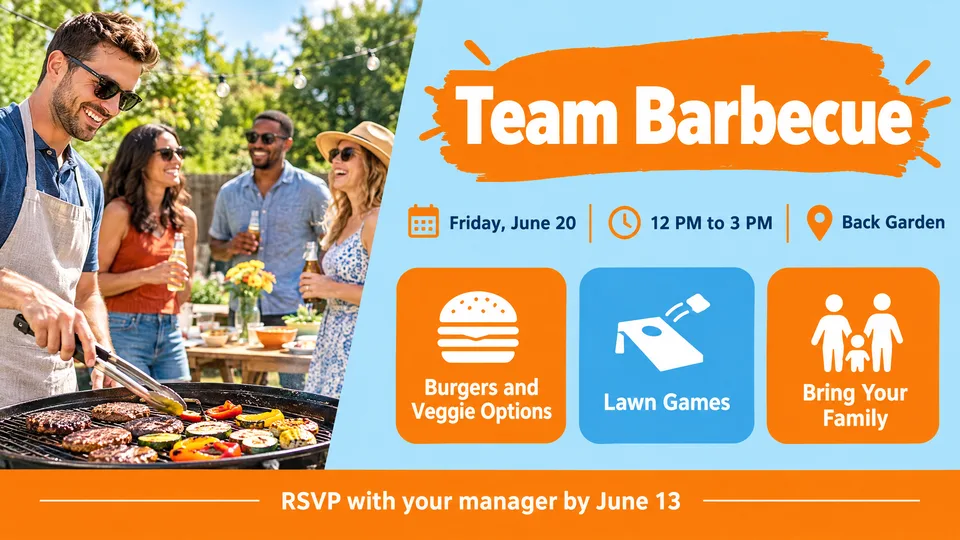
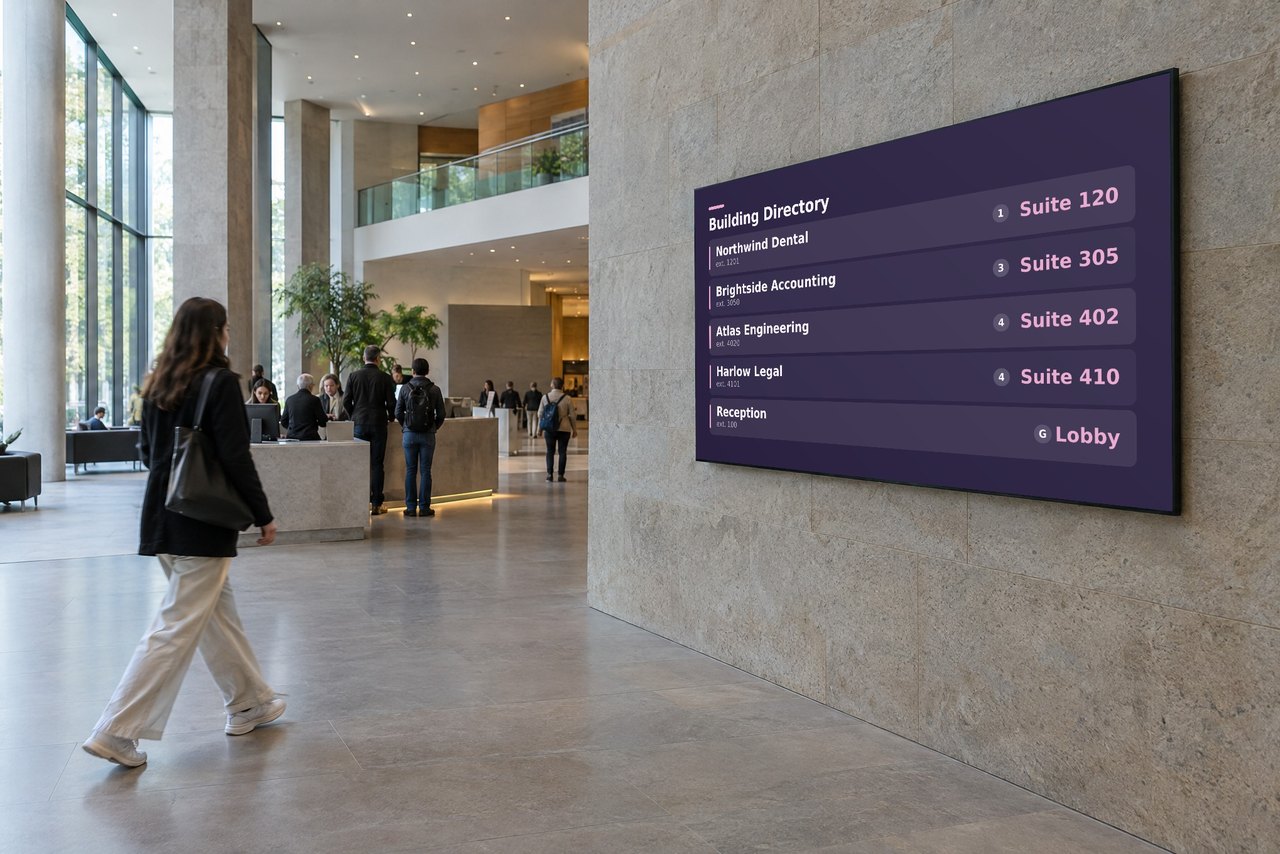
Welcome screens, staff news and events, scheduled for every site from one dashboard.
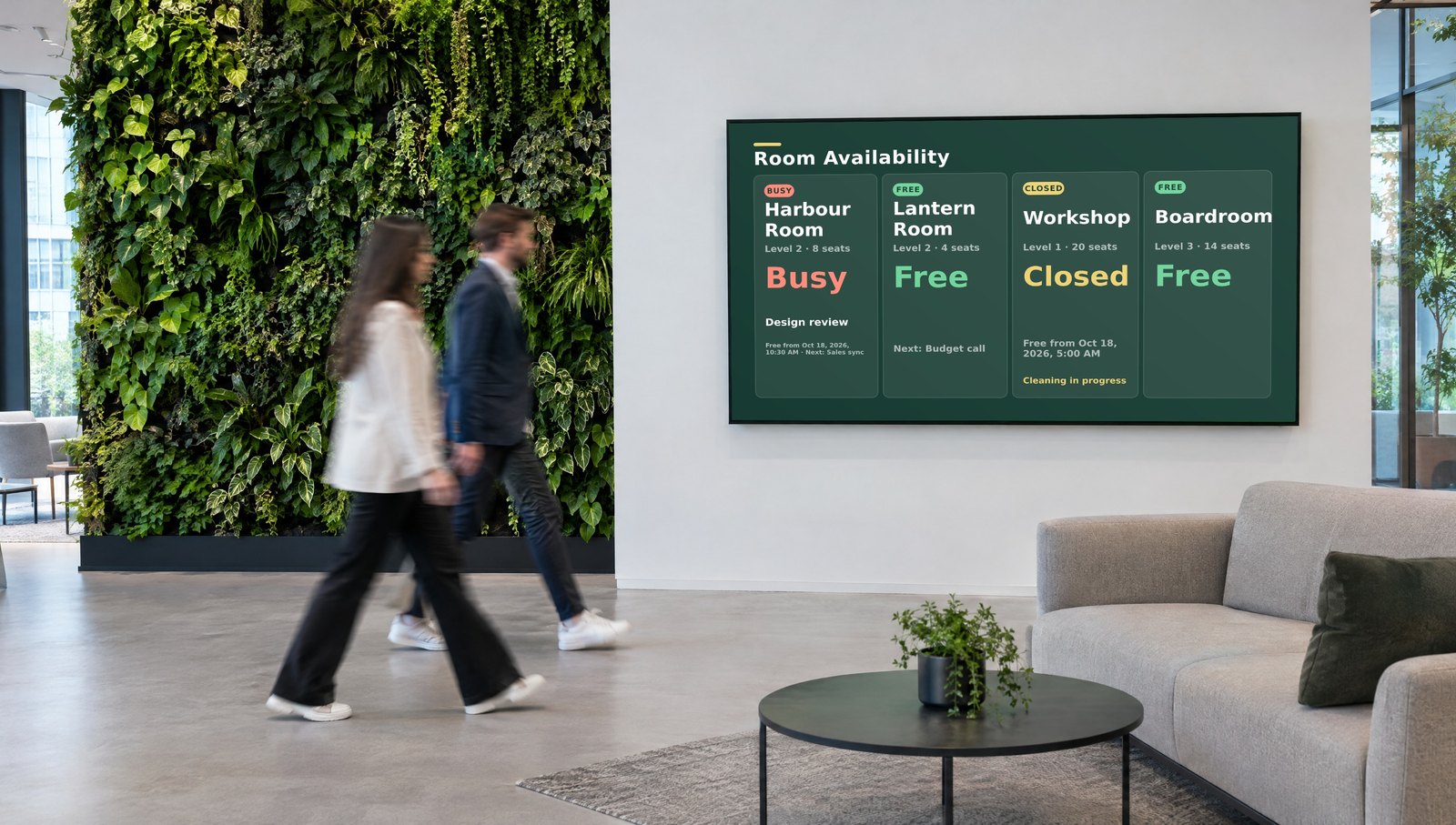 Starter from €10/mo per screen
Keep each client separate, buy screen licenses in volume, and keep your margin.
 Volume pricing for partners
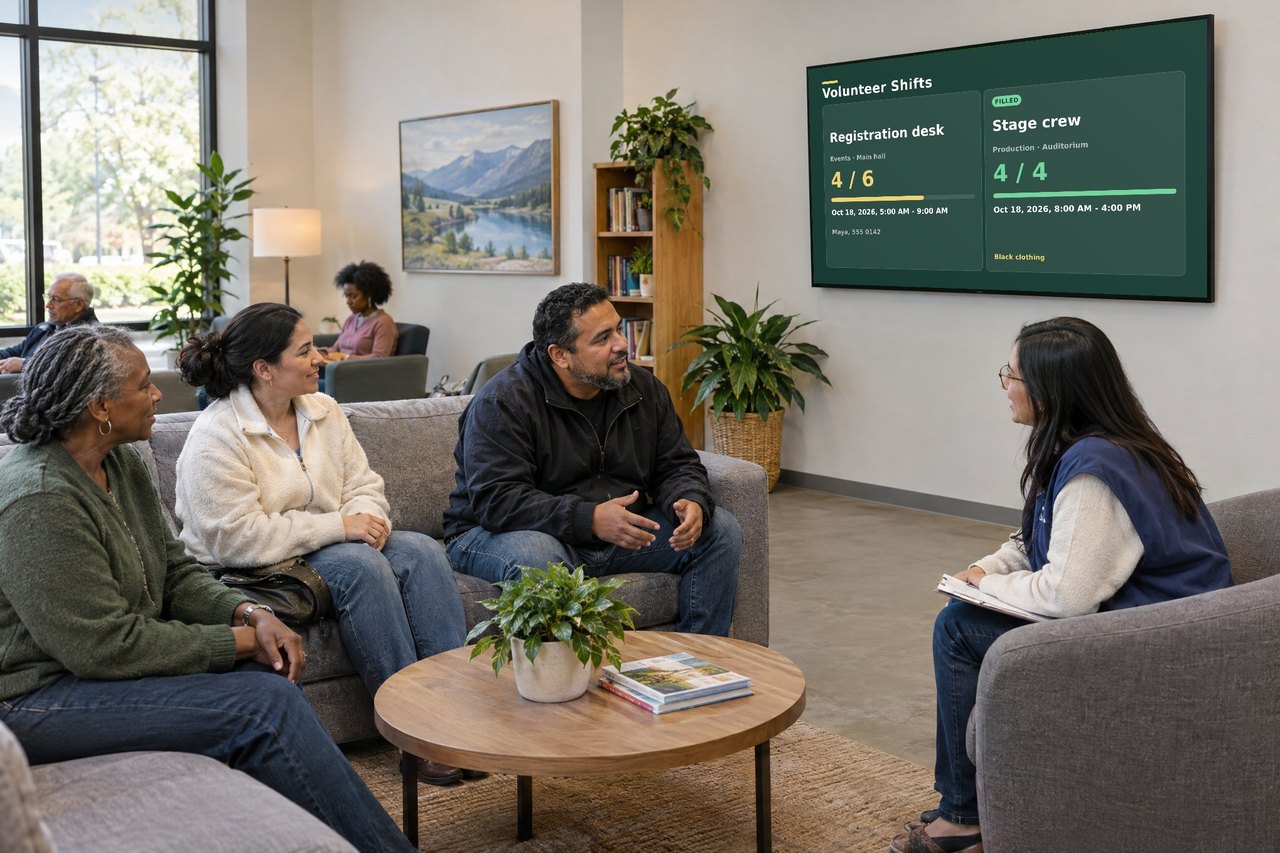
Welcome screens, event times and notices, simple enough for anyone to run.
 15 day free trial
Cities, libraries and public services share news and notices in several languages, from one dashboard.
 Trusted by city governments
Need your own servers? See Custom below.
Not sure which one? See which edition fits you →
Starter, Professional or Enterprise, set up for you, from 5 screens. Volume and reseller terms too.
If you can upload a photo, you can do this.
Add images, video, web pages or PowerPoint, or fill in a Live Page.
Set the order and the times. Breakfast menu in the morning, lunch at noon: it switches on its own.
Pick your screens, press Quick Deploy, and it is live. Change it later from anywhere.
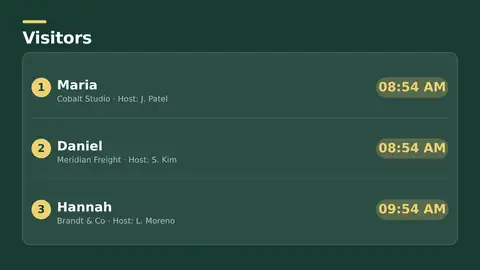
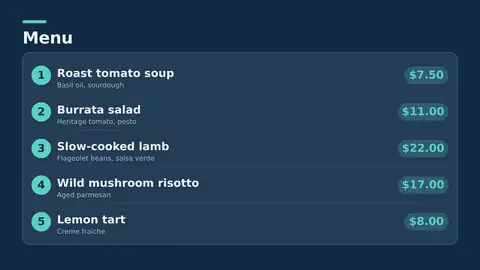
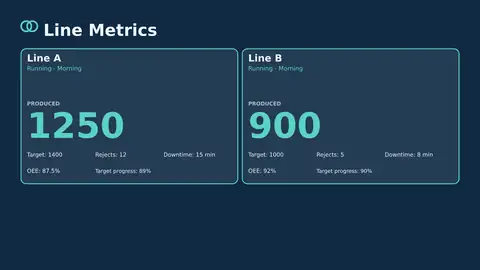
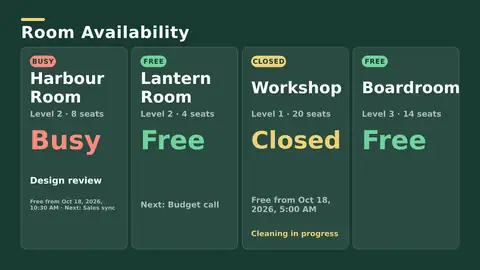
Want numbers that update themselves? Enterprise connects your screens to Excel, databases, Microsoft 365, Google Workspace, Salesforce and Oracle.
Show your first menu, notice or welcome screen today.
Pick the edition you want to try for 15 days. No credit card, just your name and email.
Images, video, web pages, PowerPoint and Live Pages on any TV. The easiest place to start.
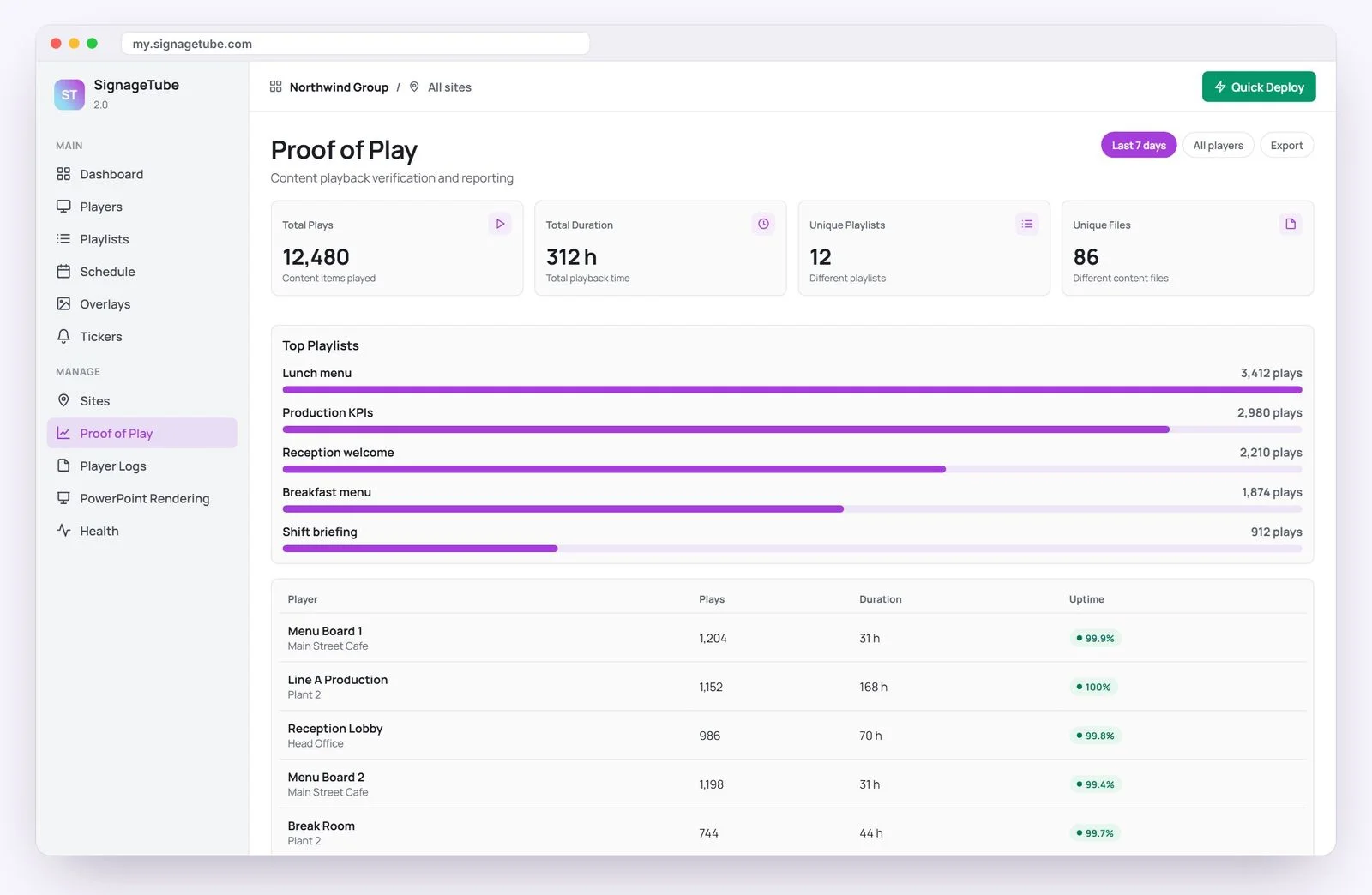
Start Starter trial →Real PowerPoint on Windows, a report of what played (Proof of Play) and a Control Room for all your screens.
Start Professional trial →Live data from Excel, databases and 20+ sources, screen health alerts and switching screens on and off.
Start Enterprise trial →Not sure? Start with Starter. You can move up any time.
Both come with a 15 day free trial. No credit card, just your name and email.