 SignageTube
Practical how-tos, tips and inspiration for getting more from your screens.
 Cloud Digital Signage
Digital signage is one of the most effective tools for increasing sales in retail, hospitality, and service environments. This article explains how...
 Cloud Digital Signage
Starting with SignageTube is simple, and most organizations can use the hardware they already have. This article explains the essential requirements, including...
 Cloud Digital Signage
Restaurants depend on clear, attractive communication to guide guests, promote specials, and keep operations running smoothly. This article explores how digital signage...
 Cloud Digital Signage
Print advertising is losing ground as businesses move toward faster, more flexible communication tools. This article explains why digital signage is making...
 Cloud Digital Signage
Hotels rely on clear, attractive communication to welcome guests, promote services, and streamline daily operations. This article explores how digital signage enhances...
 Cloud Digital Signage
PowerPoint is one of the most accessible tools for creating digital‑signage content, but designing slides for screens requires a few important adjustments....
 Cloud Digital Signage
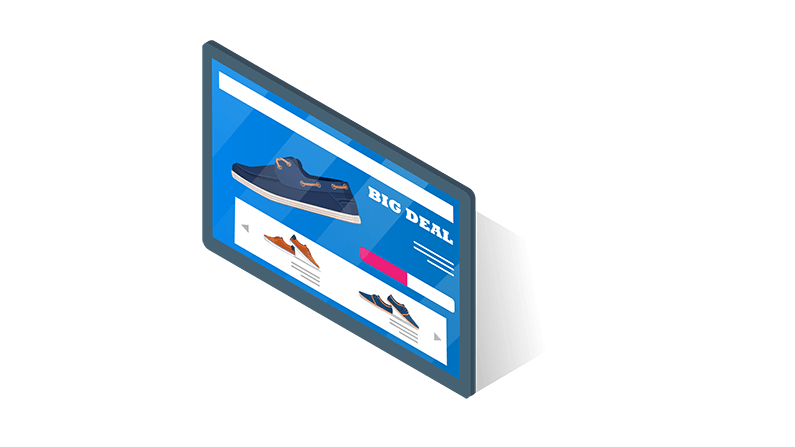
Retailers depend on eye‑catching, timely communication to influence buying decisions and guide customers through the store. This article explores how digital signage...
 Cloud Digital Signage
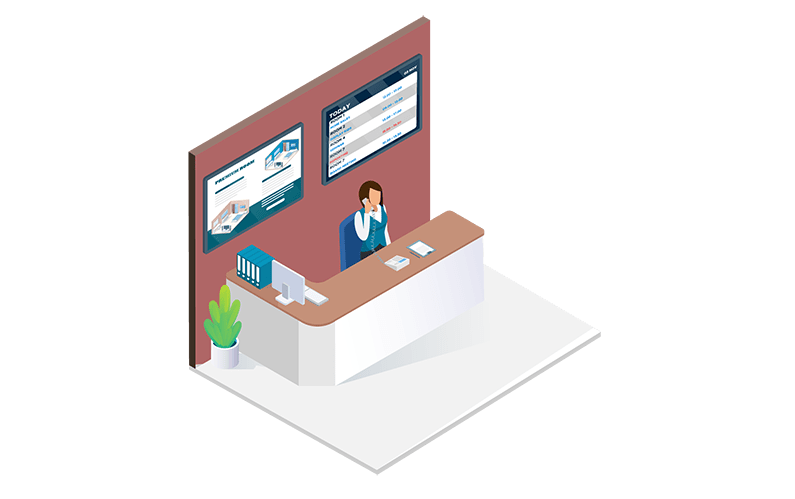
A well‑designed office welcome screen sets the tone the moment someone enters your building. This article explores how digital welcome displays help...
 Cloud Digital Signage
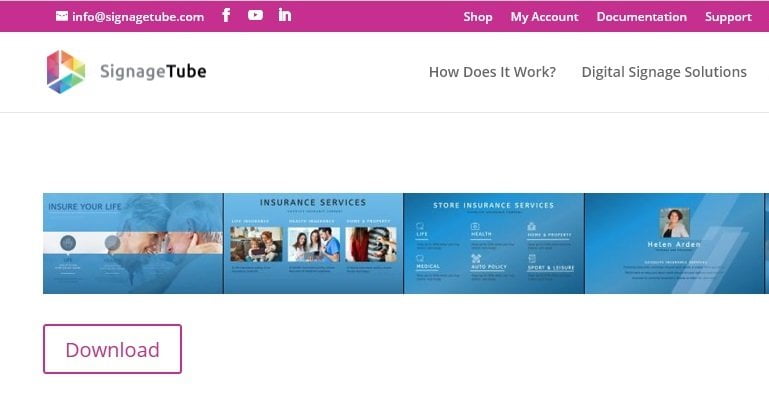
Templates make it easy to create professional digital‑signage content without starting from scratch. This article explains how SignageTube’s template library helps you...
 Cloud Digital Signage
Many businesses are tempted to sell advertising space on their screens, but the downsides often outweigh the revenue. This article explains why...
 Cloud Digital Signage
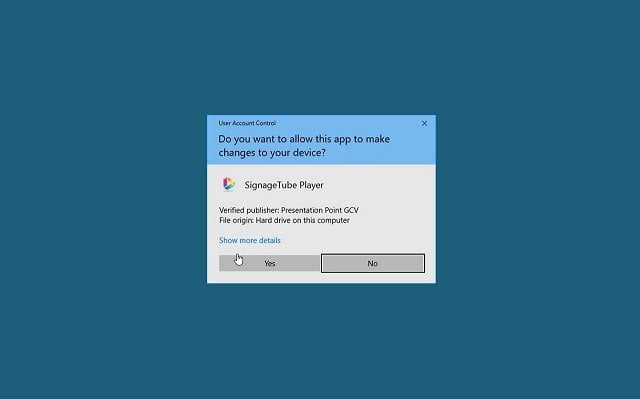
Installing the SignageTube Player is the first step toward displaying your digital‑signage content on any screen. This article explains how to download...
 Cloud Digital Signage
The SignageTube web application gives you full control over your digital‑signage network from any browser. This article explains the difference between the...
Pick the edition you want to try for 15 days. No credit card, just your name and email.
Images, video, web pages, PowerPoint and Live Pages on any TV. The easiest place to start.
Start Starter trial →Real PowerPoint on Windows, a report of what played (Proof of Play) and a Control Room for all your screens.
Start Professional trial →Live data from Excel, databases and 20+ sources, screen health alerts and switching screens on and off.
Start Enterprise trial →Not sure? Start with Starter. You can move up any time.
Both come with a 15 day free trial. No credit card, just your name and email.