 SignageTube
Every edition shows images, video, PDF, web pages, PowerPoint and Live Pages (see every file type). Try any of them free for 15 days, no credit card.
Starter, Professional or Enterprise on your own servers, set up with your IT team, from 5 screens. Volume and reseller prices too.
Pick the one that sounds like you. You can switch at any time.

You want menus, offers and news on a few TVs, and to change them yourself in a minute.
See Starter →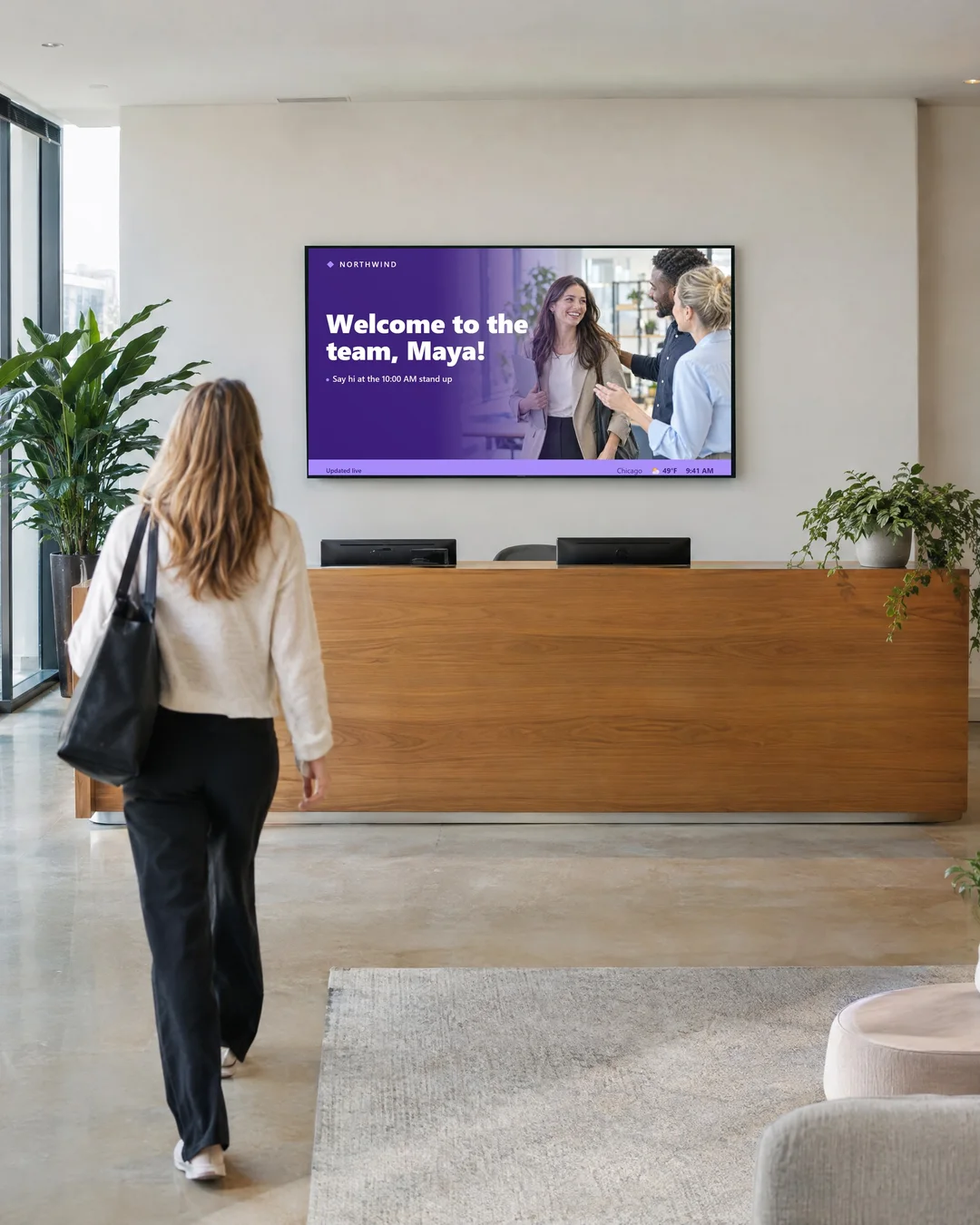
Your team already makes its updates in PowerPoint and wants them on screen exactly as built.
See Professional →
Your screens should show today's numbers, updating on their own from Excel or your systems.
See Enterprise →Every feature side by side, so you can see what each edition adds.
| Feature | Starter€10 /screen/mo | Professional€22 /screen/mo | Enterprise€36 /screen/mo |
|---|---|---|---|
| Price per screen, per month | €10billed annually | €22billed annually | €36billed annually |
| 15 day free trial | ✓ | ✓ | ✓ |
| Show your content | |||
| Images, video, PDFs and web pages All file types | ✓ | ✓ | ✓ |
| Playlists that mix any content | ✓ | ✓ | ✓ |
| Set how long each item shows, with transitions | ✓ | ✓ | ✓ |
| Schedule by date and time | ✓ | ✓ | ✓ |
| Scrolling text, and a logo or image on top | ✓ | ✓ | ✓ |
| Reuse one page in many playlists | ✓ | ✓ | ✓ |
| Your own colors and backgrounds | ✓ | ✓ | ✓ |
| Preview a playlist and download it as a video (MP4)See note 1 | ✓ | ✓ | ✓ |
| Live Pages: 1,300+ ready made layouts, in many languages See them all | |||
| Weather and news headlines | ✓ | ✓ | ✓ |
| Announcements, opening hours and appointments | ✓ | ✓ | ✓ |
| World clocks and countdowns | ✓ | ✓ | ✓ |
| Birthdays, anniversaries and staff recognition | ✓ | ✓ | ✓ |
| Patient queues and doctor rosters | ✓ | ✓ | ✓ |
| Production numbers you enter | ✓ | ✓ | ✓ |
| Scoreboards, results and rankings | ✓ | ✓ | ✓ |
| Fundraising totals | ✓ | ✓ | ✓ |
| PowerPoint | |||
| PowerPoint, played as a videoSee note 1 | ✓ | ✓ | ✓ |
| Real PowerPoint on Windows, animations includedSee note 2 | × | ✓ | ✓ |
| Slides change at the same moment on every screenSee note 2 | × | ✓ | ✓ |
| Files your slides need, copied to each Windows PCSee note 2 | × | ✓ | ✓ |
| Live data in your slides from Excel, databases and 20+ sourcesSee note 2 | × | × | ✓ |
| Data Pages: your own data as screen layouts | × | × | ✓ |
| Manage your screens | |||
| Group screens by site | ✓ | ✓ | ✓ |
| Add users and choose which screens they manage | ✓ | ✓ | ✓ |
| See what each screen shows and if it is online | ✓ | ✓ | ✓ |
| One overview of all your screens | ✓ | ✓ | ✓ |
| Keeps playing if the internet dropsSee note 3 | ✓ | ✓ | ✓ |
| Screen and system logs | ✓ | ✓ | ✓ |
| Choose who can edit what | × | ✓ | ✓ |
| Screen access set automatically by site and group | × | × | ✓ |
| Reports and control | |||
| A report of what played (Proof of Play) | × | ✓ | ✓ |
| Control Room: one view of all your screens | × | ✓ | ✓ |
| Switch screens on and off (RS232)See note 4 | × | × | ✓ |
| Screen health alerts and a playback history | × | × | ✓ |
| Signage mode for screens that run unattendedSee note 2 | × | × | ✓ |
| Try it on your own screens | Start free trial | Start free trial | Start free trial |
Custom runs any of these editions on your own servers, tailored to you, from 5 screens. How Custom works.
1. To play on a screen without PowerPoint, your slides are turned into a video first. The same step makes the MP4 preview. On Custom, this needs the Render setup on your own servers.
2. Real PowerPoint needs a Windows PC with a compatible version of Microsoft PowerPoint. Live data needs the SignageTube PowerPoint plugin. Copied files work with real PowerPoint, not with slides played as a video.
3. Offline playback covers content already downloaded. Websites and online services still need the internet.
4. Needs a serial cable and a screen that accepts RS232.
Live Pages like queues, production numbers, scores and fundraising use data you type in or import. They do not connect to hospital, factory, sports or fundraising systems on their own.
Yes. Move up or down between Starter, Professional and Enterprise at any time, and add or remove screens whenever you need. Your screens, playlists and content stay where they are. Tell us what you want to change and we adjust your licenses.
Yes, on annual plans. Councils, schools and companies often work this way: ask us for a quote with your number of screens, send us your purchase order, and we send an invoice to pay by bank transfer. Card payment stays available for everyone.
No. Prices are shown without VAT. At checkout, VAT is added at the rate of your country where it applies, for example 21% in Belgium or 19% in Germany. Outside the EU no VAT is added. Need a VAT exempt or reverse charge invoice for your business? Contact us before you order.
Images, video, PDF, web pages, PowerPoint and Live Pages on any TV. Pay per screen, only for what you use.
Pick the edition you want to try for 15 days. No credit card, just your name and email.
Images, video, web pages, PowerPoint and Live Pages on any TV. The easiest place to start.
Start Starter trial →Real PowerPoint on Windows, a report of what played (Proof of Play) and a Control Room for all your screens.
Start Professional trial →Live data from Excel, databases and 20+ sources, screen health alerts and switching screens on and off.
Start Enterprise trial →Not sure? Start with Starter. You can move up any time.
Both come with a 15 day free trial. No credit card, just your name and email.