Home/Editions/SignageTube Starter
SignageTube Starter

Simple, effective digital signage for any screen

Everything you need to get your screens working. Build playlists from images, video, web pages and PowerPoint, add ready to use Pages for the weather, news, opening hours or a queue, and manage every screen from one browser dashboard.

Best for: waiting rooms, receptions, shop windows, menu boards and notice screens, from one screen to a few dozen.

7 day free trial, no credit card Android TV and Windows players
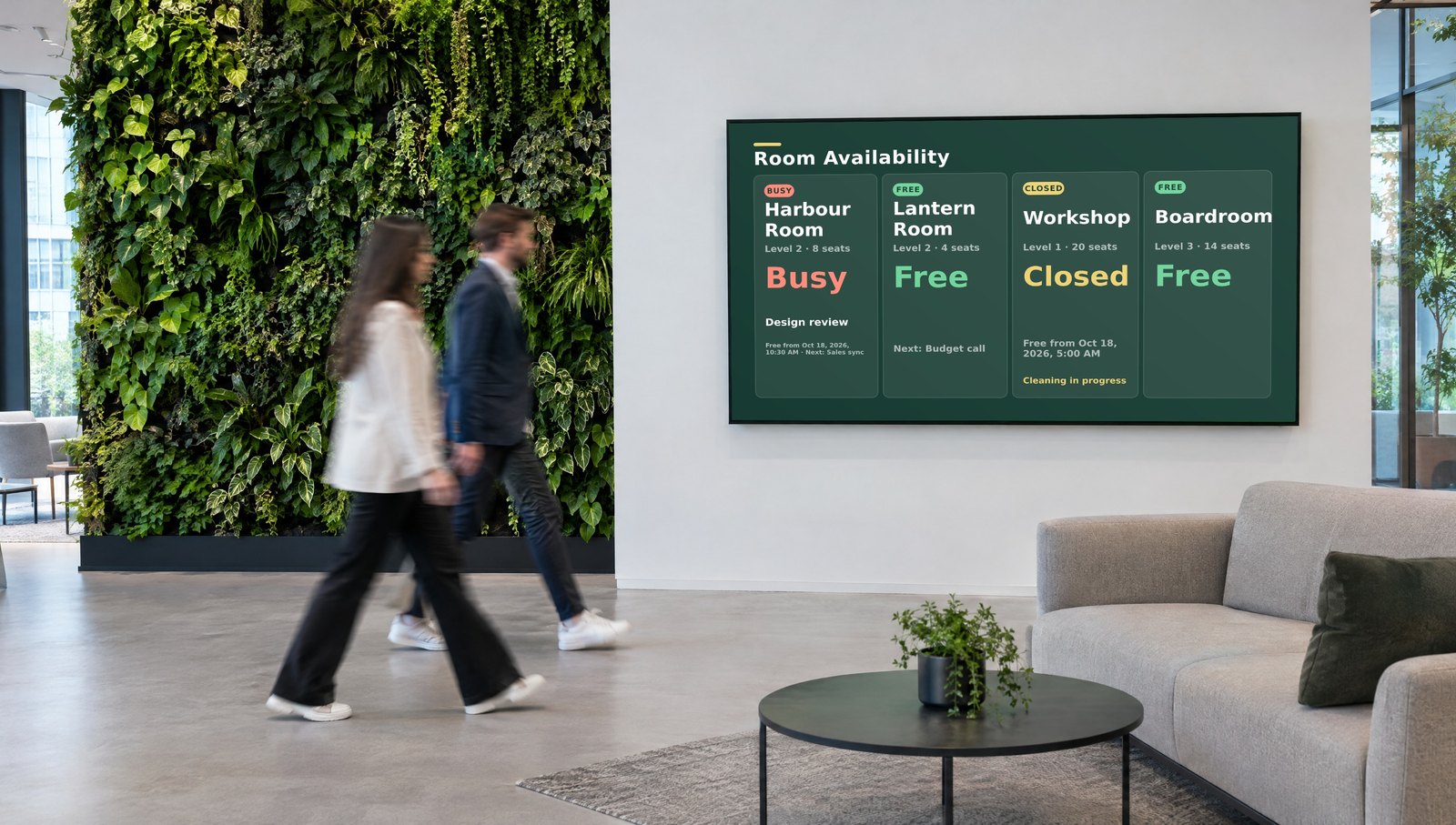
SignageTube Starter welcome screen in an office reception

Trusted by teams at world-class organizations

Who it is for

Built for teams that want good screens without the fuss

Most Starter customers have no IT department and no designer. The person who owns the message runs the screen.

Owner operators

Clinics, practices, gyms and salons

A waiting room or counter screen that looks professional, updated from a laptop by whoever is at the desk. The owner is the user and the payer.

Typical screens: opening hours, a patient queue, team birthdays, promotions

Shops and hospitality

Shops, cafes and restaurants

Menu boards and storefront screens that change with the day: today's specials in the morning, a promotion in the afternoon, closing time at night.

Typical screens: menus, daily specials, promotions, social media pictures

Community and offices

Churches, schools, clubs and receptions

Notices, events and welcome messages that any volunteer or office manager can schedule in minutes, on one screen or every building.

Typical screens: event schedules, welcome screens, countdowns, news

Is it the right edition?

Starter fits when the content is yours and you update it yourself

Choose Starter if
  • You want images, videos, web pages or PowerPoint on a TV
  • Someone on the team updates the content by hand
  • You run one screen or a few dozen, in one site or several
  • You want ready made Pages for weather, news, clocks or queues
  • You want to start today on hardware you already own
Look at another edition if
  • Numbers from Excel or your systems should update on screen by themselvesEnterprise
  • You design in PowerPoint and want it played natively, with animationsProfessional
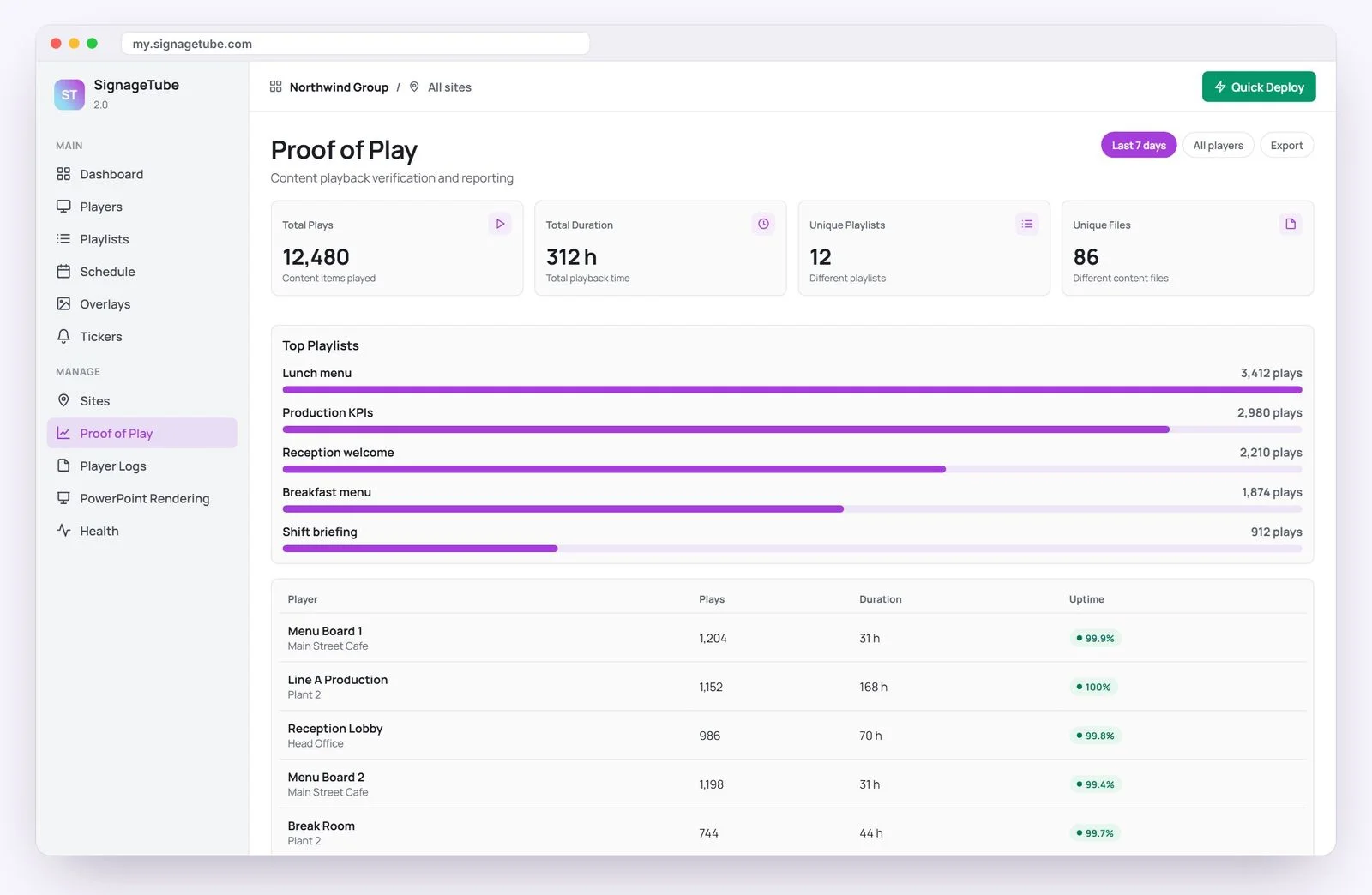
  • You need Proof of Play, or several teams sharing the screensProfessional
  • Your screens must run on your own servers, without the cloudCustom
On your screens

Everything a busy front desk needs on screen

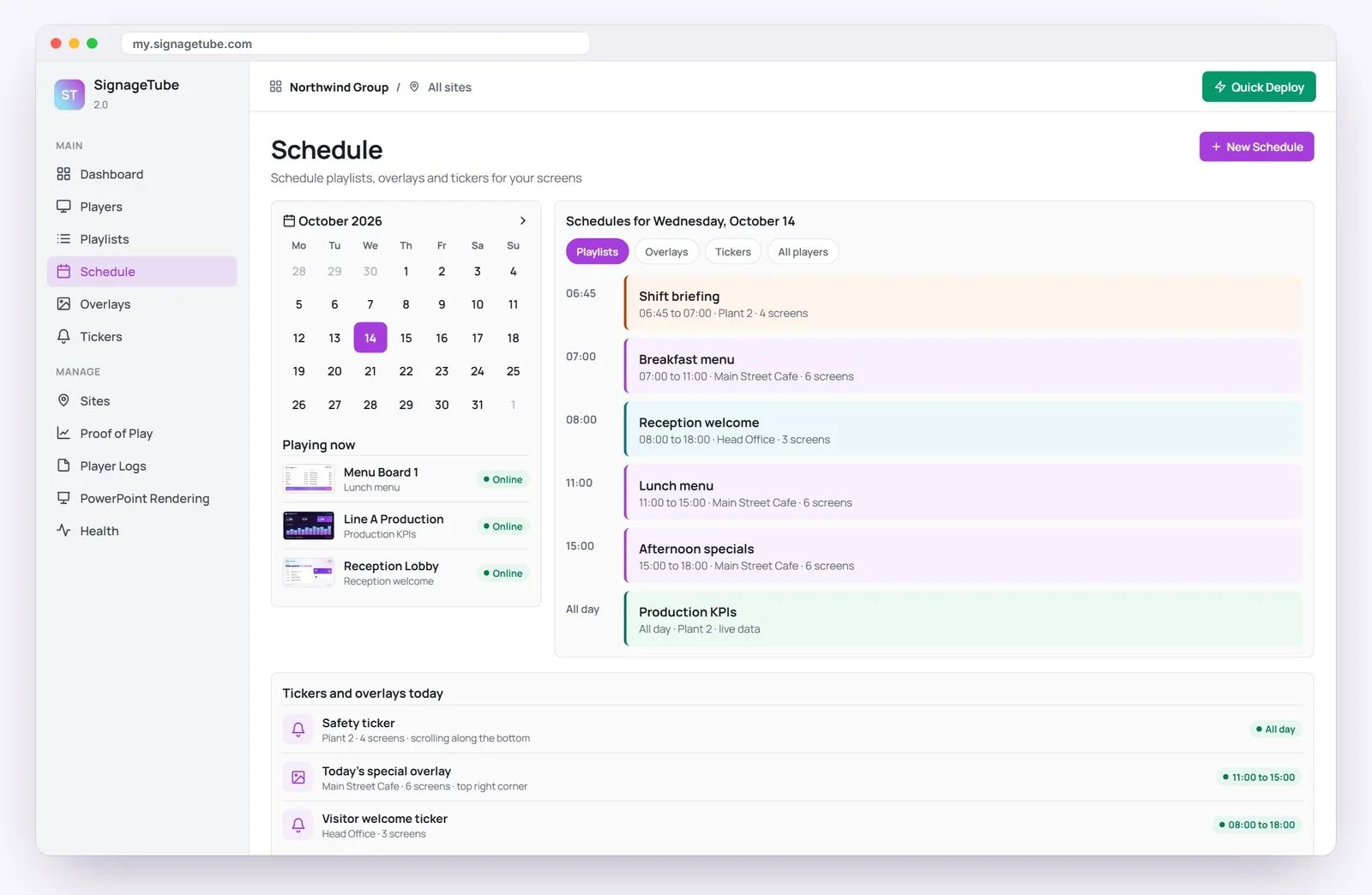
Mix your own content with ready to use Pages in one playlist, and let the schedule do the rest.

  • Your photos, videos and PowerPoint, in one playlist
  • A live weather forecast and RSS news ticker
  • Opening hours, appointments and a patient queue
  • Birthdays, anniversaries and employee recognition
  • Countdowns to an event, a sale or a deadline
Digital menu board running on SignageTube Starter
Everything included

What Starter includes

Starter is the foundation of every edition. Everything below is also in Professional, Enterprise and Custom.

Content and playlists

  • Images, videos and web pages
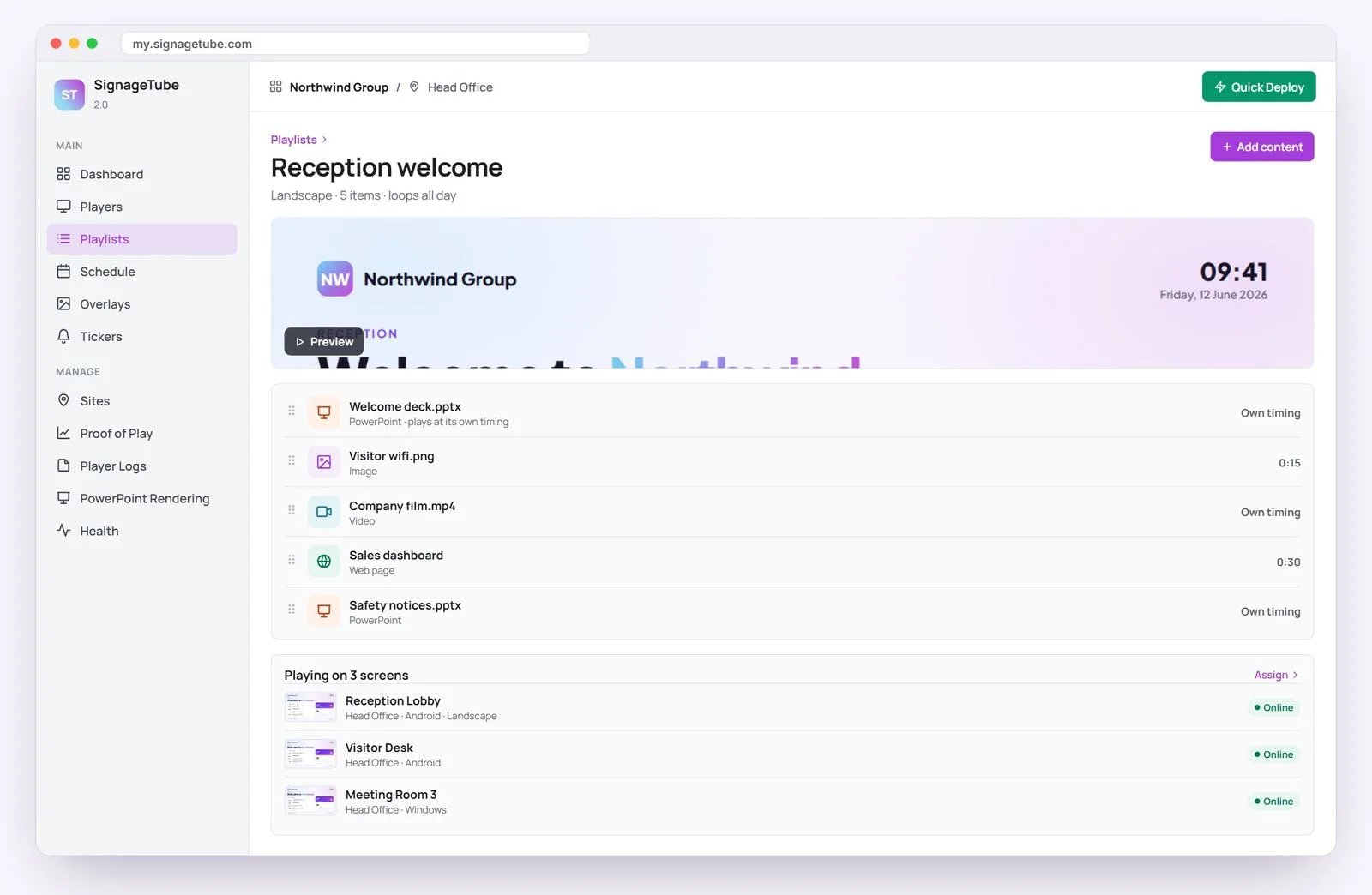
  • Mixed content playlists
  • Durations and transitions per item
  • Scheduling by date and time
  • Text tickers and image overlays
  • Preview playlists and download them as MP4 video

Ready to use Pages

  • Weather forecasts and RSS news
  • Announcements, opening hours and appointments
  • World clocks and countdowns
  • Employee recognition, birthdays and anniversaries
  • Patient queues and doctor or specialist rosters
  • Manufacturing metrics, live match scores, fundraising progress
  • Saved Pages reused across playlists, with your own layouts and colors

Screens and people

  • PowerPoint converted into signage videos
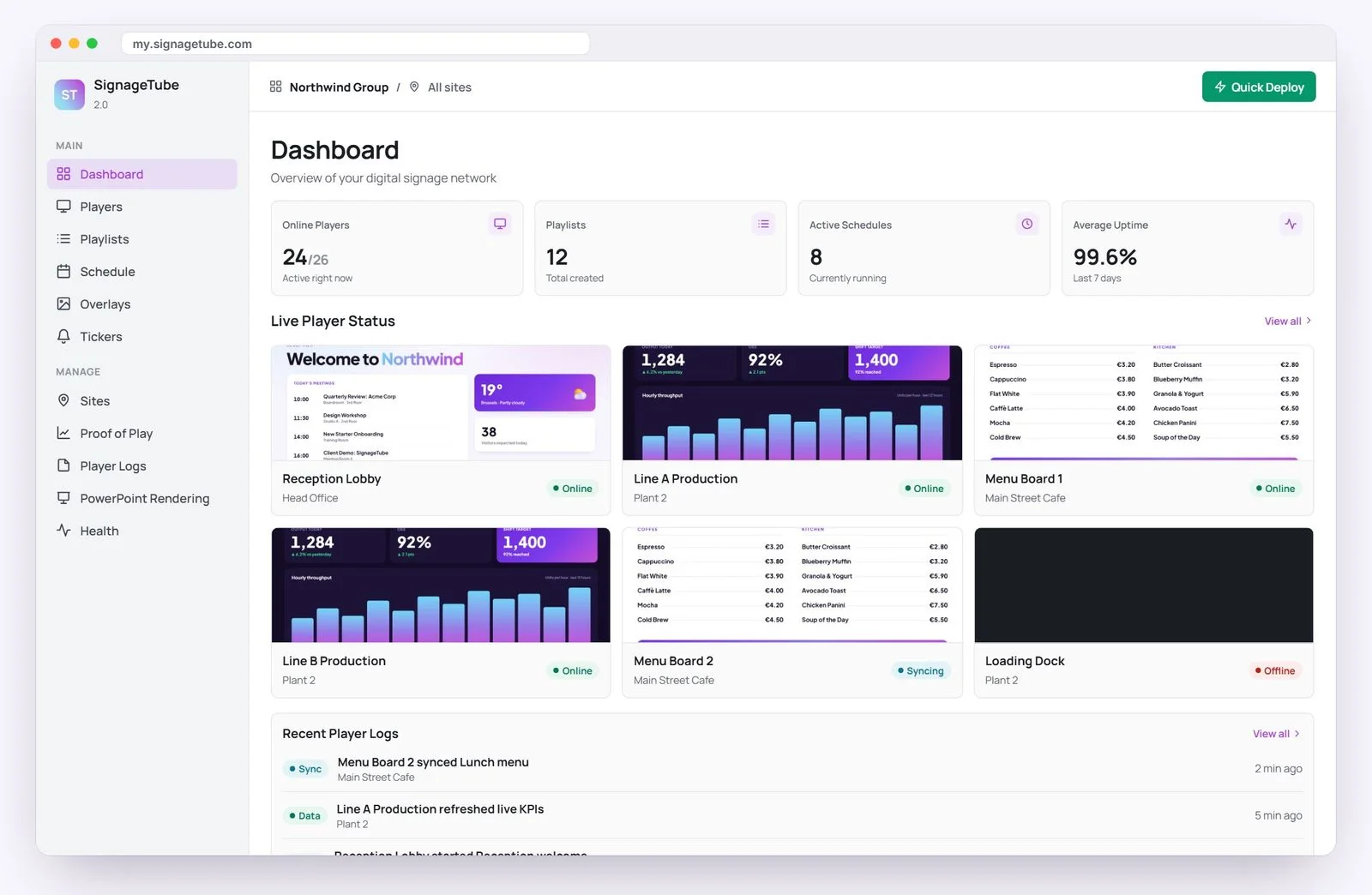
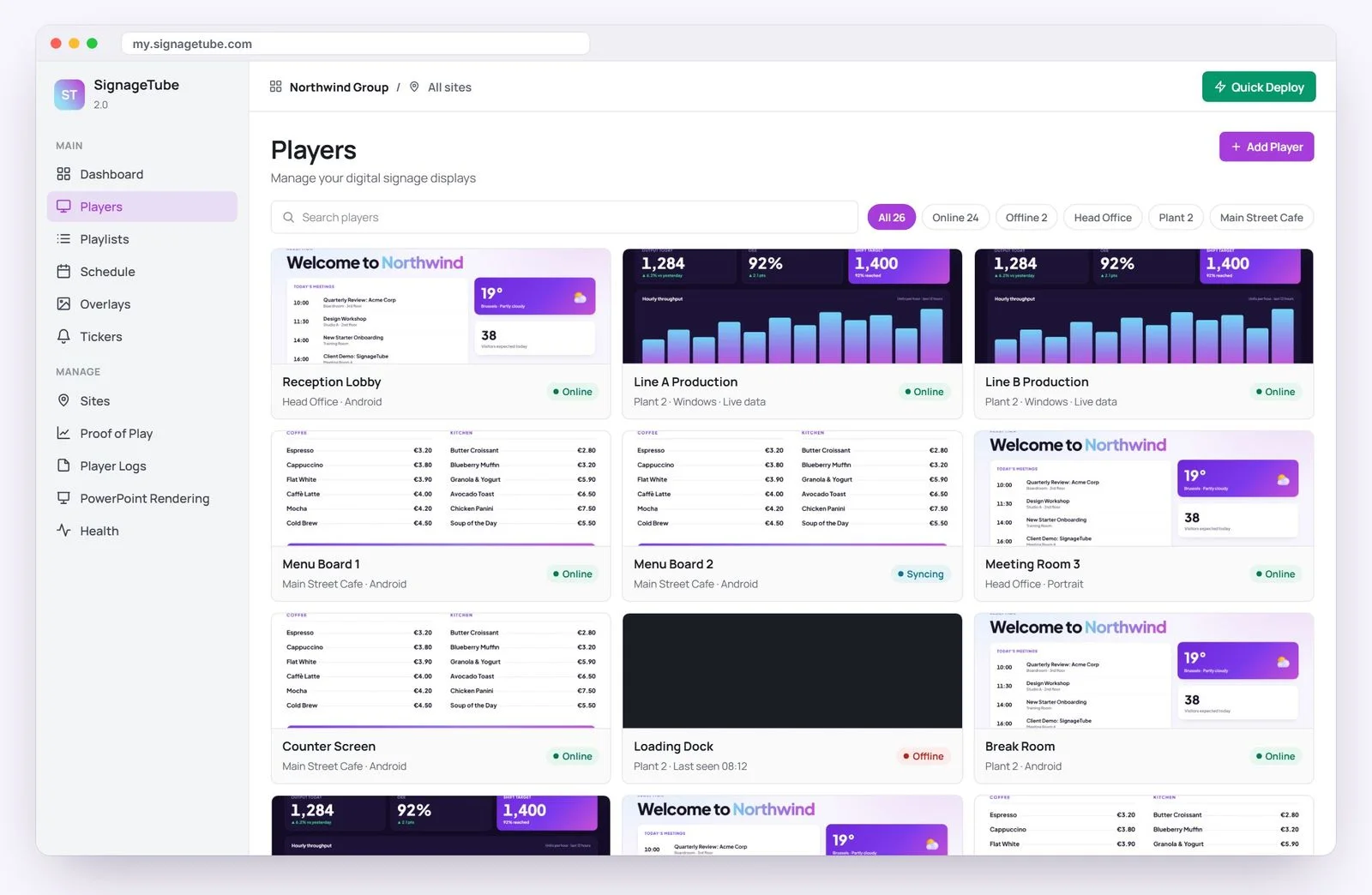
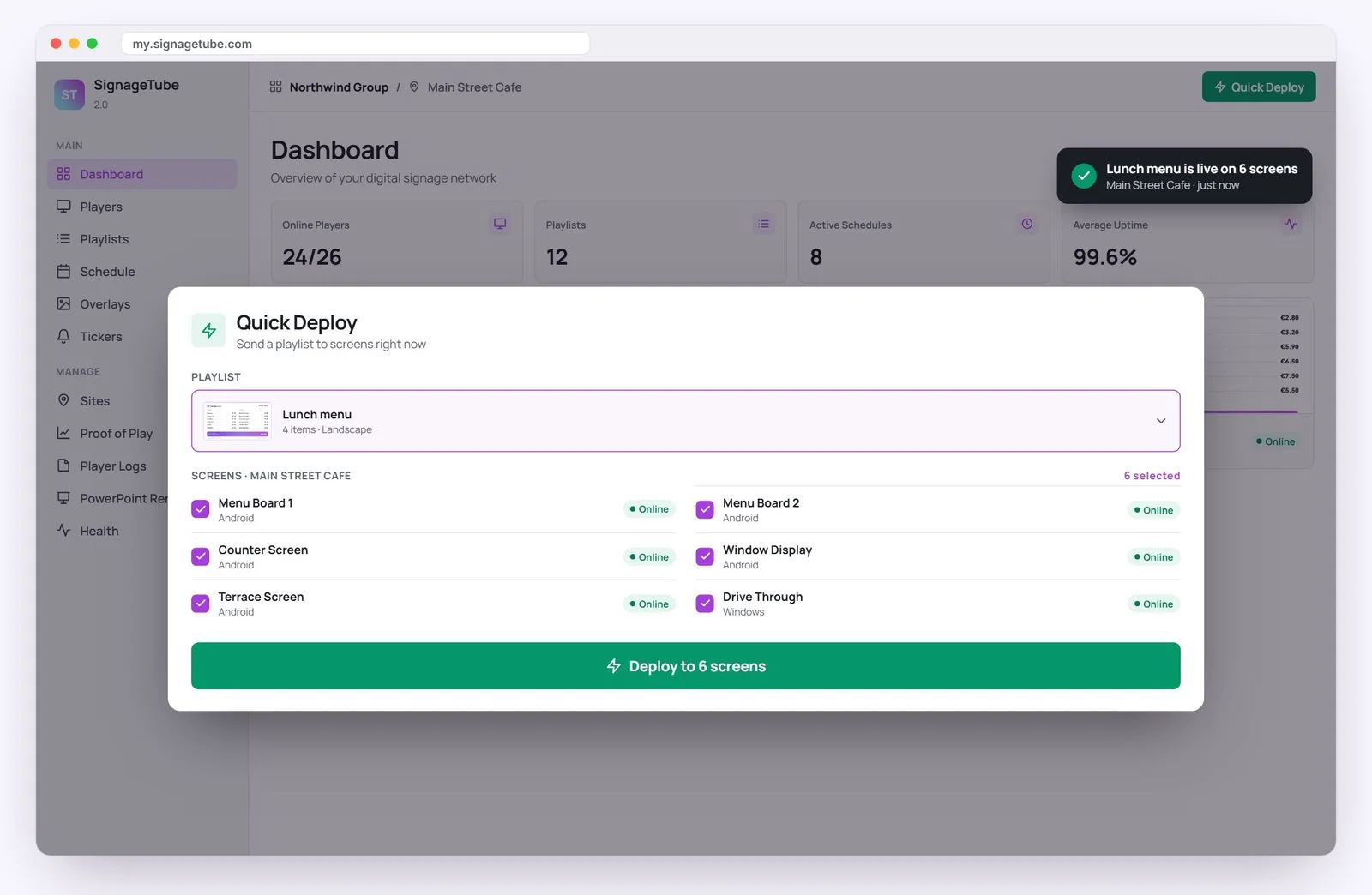
  • Players organized into sites and groups
  • Users with access to individual displays
  • Player screenshots and connection status
  • Organization wide player overview
  • Player logs and system logs
  • Keeps playing downloaded content when the connection drops

Every feature, edition by edition: compare all editions →

How it works

From sign up to a live screen in minutes

1

Start your free trial

Sign up with your name and email, no card. Your dashboard is ready straight away.

2

Build a playlist

Upload images, videos or PowerPoint, add web pages or ready to use Pages, and set when each item plays.

3

Connect a player

Install the free player on an Android TV device or a Windows PC behind the TV, sign in, and the playlist starts.

Already on SignageTube

Teams that run their screens on SignageTube

From a single waiting room to a chain of stores. A few of the organizations running this kind of signage with us today.

Connect MinistriesChurch, USStore 974Retail, QatarFysiotherapie BaatPhysiotherapy practiceCastle House Nursing HomeCare homeBarrett Dixon BellProfessional services, UKFahrschule ButterflyDriving school

Paying SignageTube accounts, listed by name only. Plans and editions vary by account.

What you need

A TV, a small player and a browser

Nothing proprietary to buy and no server to install.

  • Any TV or monitor with an HDMI input
  • An Android TV or Google TV device, or a Windows PC, as the player
  • An internet connection for the player
  • A web browser to manage everything from the dashboard
What it costs, worked out

€50 a month for 5 screens

5 screens on Starter at €10 per screen per month, billed yearly: €600 a year. On monthly billing it is €12 per screen, so €60 a month.

One screen is one active player. Add or remove screens any time.

Pricing

Starter pricing, per screen

Start free for 7 days, then pay per screen, monthly or yearly.

SignageTube Starter
Show your content

Images, video, web pages, PowerPoint movies and ready to use Pages, managed from the cloud dashboard.

  • Mixed content playlists and scheduling
  • Ready to use Pages and tickers
  • Sites, groups, screenshots and logs
€10 per month, per screenbilled annually, €120 a year

Other editions: Professional · Enterprise · Custom

FAQ

Questions about Starter

What can I show with Starter?
Images, videos, web pages and PowerPoint presentations, which are converted into signage videos, plus ready to use Pages such as weather, news, clocks, countdowns, announcements, opening hours and queues.
Who is Starter for?
Teams that update their screens themselves and do not need live data: clinics and practices, shops and restaurants, receptions, churches, schools and clubs.
What hardware do I need?
Any TV plus an inexpensive player: an Android TV or Google TV device, or a Windows PC connected to the display.
Can Starter show live Excel data?
Starter shows the content you schedule. For PowerPoint slides with live data, from Excel or any other source, choose Enterprise.
What happens if the internet drops?
Players keep playing the content they have already downloaded. Web pages and online services need the connection back to update.
Can I manage several locations?
Yes. Organize players into sites and groups, give people access to the displays they look after, and see screenshots and connection status for every screen.
Is there a free trial?
Yes. Starter comes with a 7 day free trial, no credit card needed.
Can I upgrade later?
Yes. Move to Professional for native PowerPoint and Proof of Play, or to Enterprise for live data. Your playlists and screens stay as they are.

Get your first screen live today

Start your free Starter trial and have content on a screen in minutes. No credit card needed.

SignageTube

Privacy Overview

This website uses cookies so that we can provide you with the best user experience possible. Cookie information is stored in your browser and performs functions such as recognising you when you return to our website and helping our team to understand which sections of the website you find most interesting and useful.