 SignageTube
Check your inbox: "Your SignageTube account has been created!" has the link to set your password, and your trial confirmation has the player downloads. Then follow the three steps below.
No tech skills and no credit card. Here is everything you need, start to finish.
That is the whole list. Nothing to install on a server, nothing to buy from us.
Pick your edition and install the player on the device behind your TV.
Plays images, video, PDF, web pages, Live Pages and PowerPoint turned into video. A small Android TV or Google TV device is the easiest. Use Launch on Boot so the player opens by itself after every reboot.
Your PowerPoint plays natively, animations included. Android players still work for everything else.
Live data from Excel, databases and 20+ sources on screen. The Enterprise player includes the live data plugin.
All installers and older versions: Downloads.
If you can upload a photo, you can do this.
Add images, video, PDF, web pages or PowerPoint, or fill in a Live Page.
Set the order and the times. Breakfast menu in the morning, lunch at noon: it switches on its own.
Pick your screens, press Quick Deploy, and it is live. Change it later from anywhere.
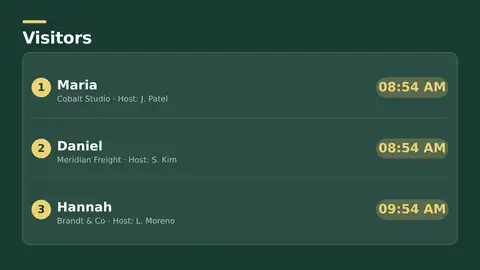
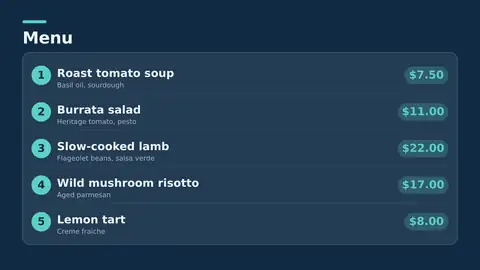
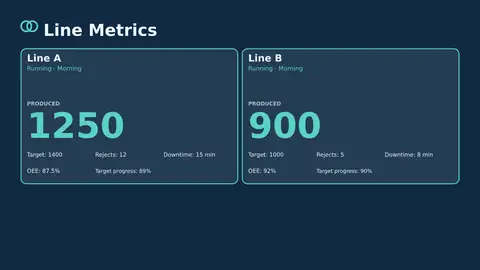
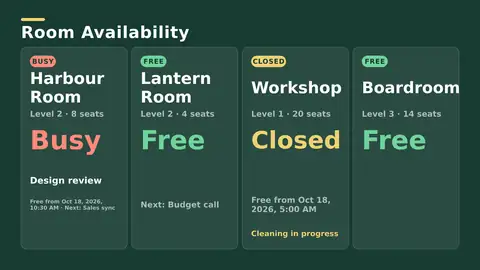
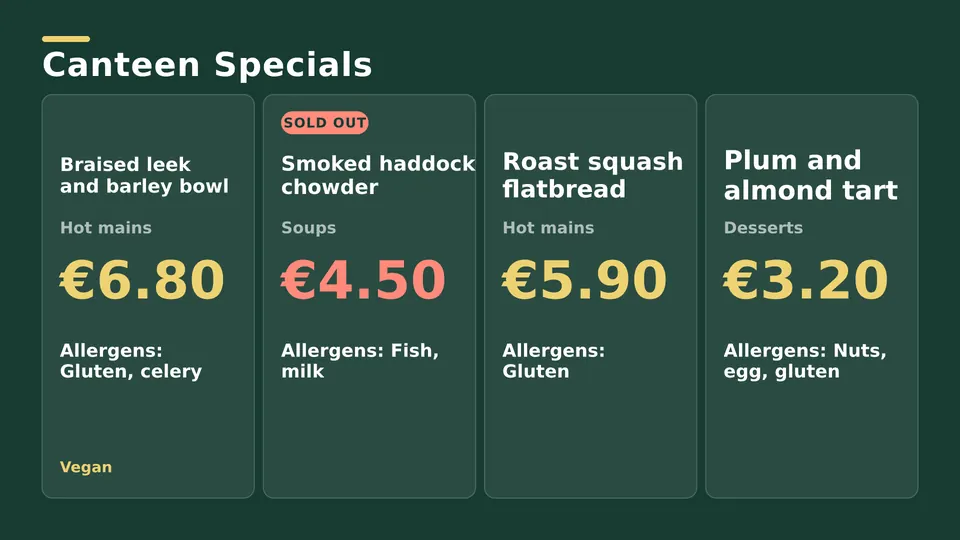
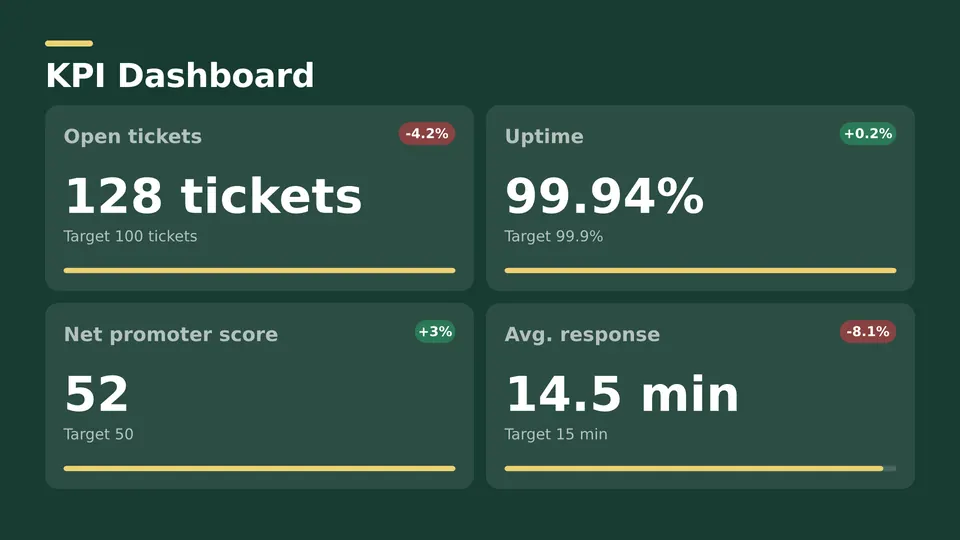
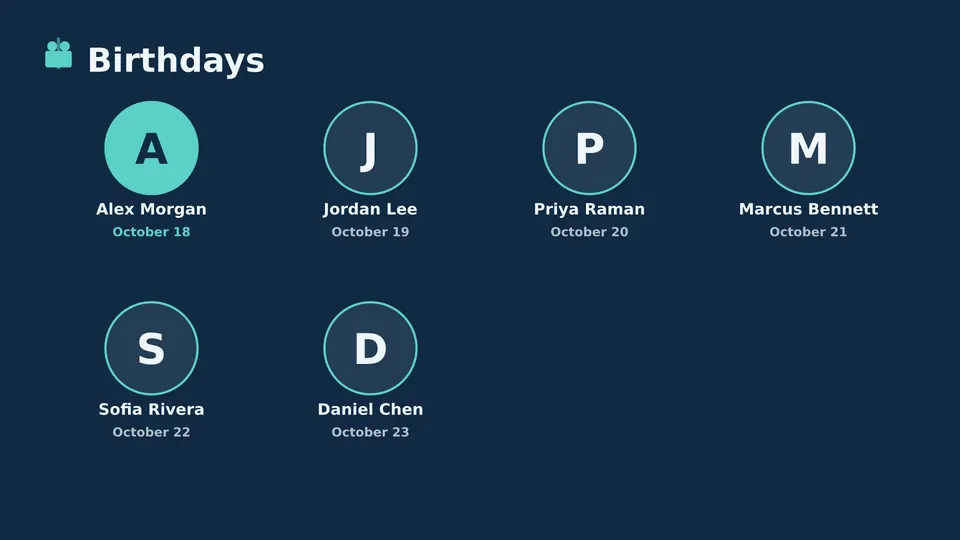
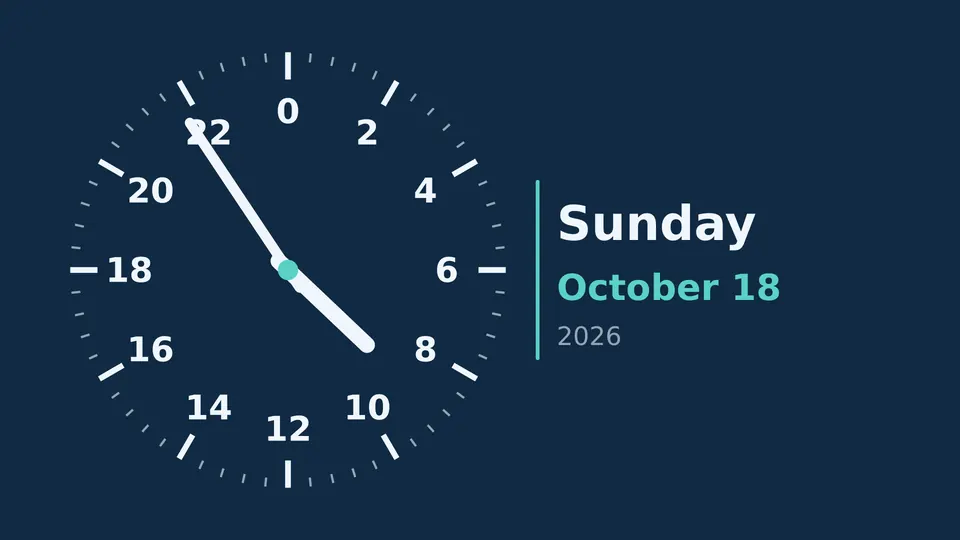
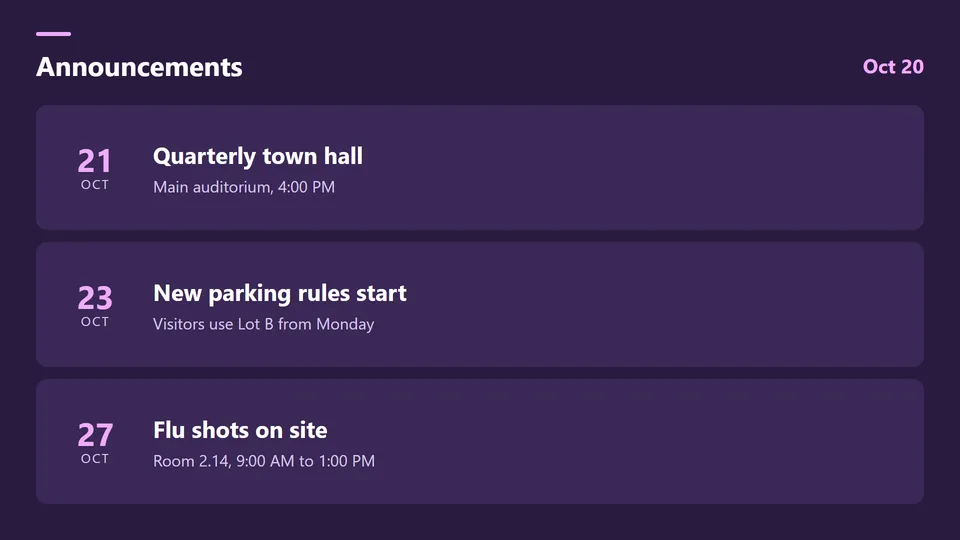
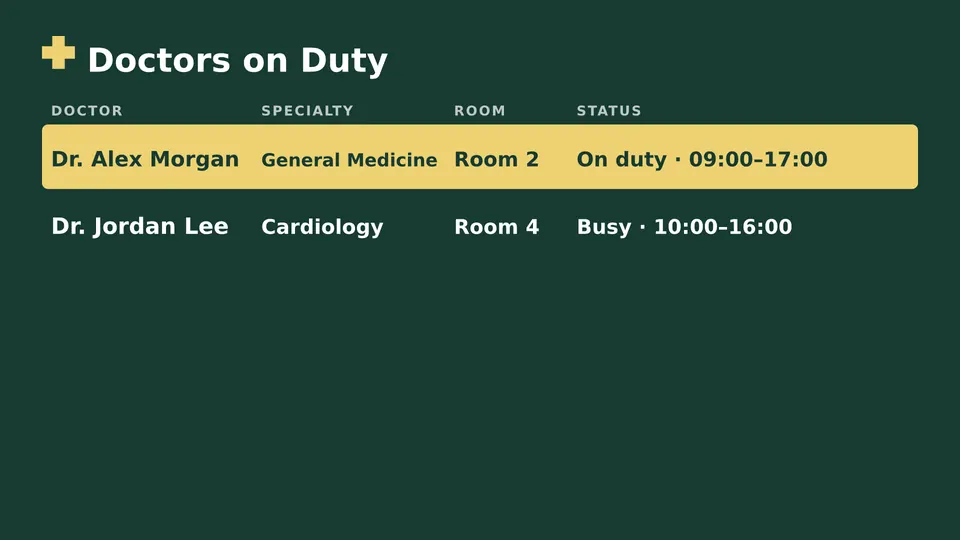
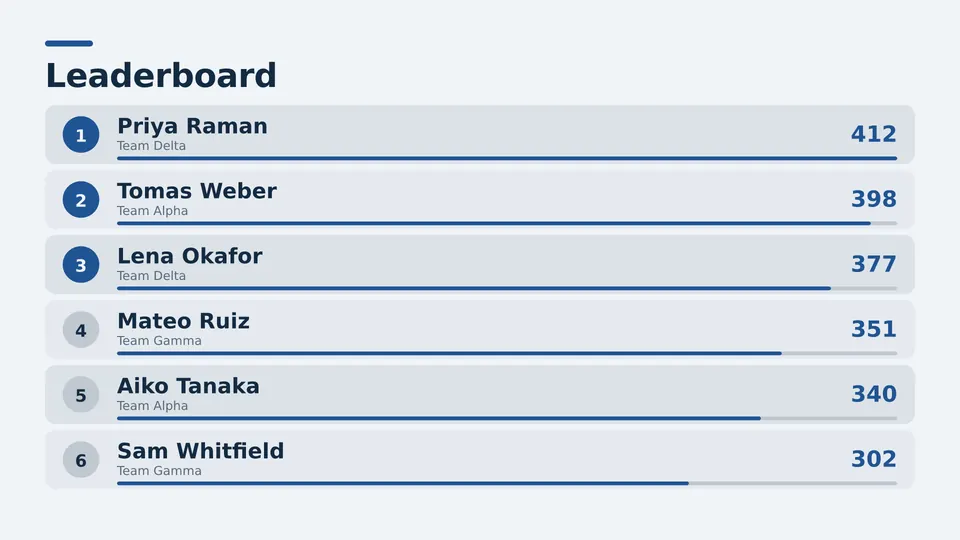
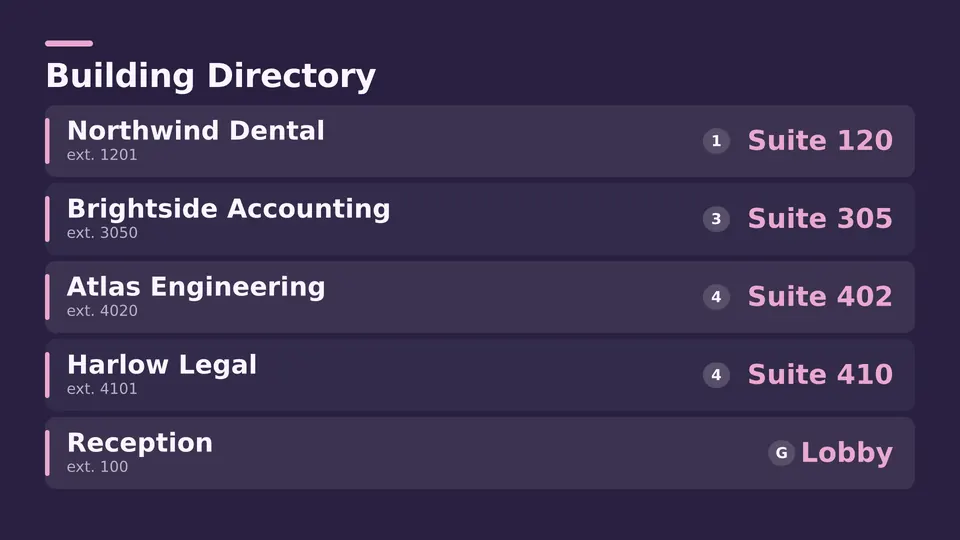
Menus, KPIs, birthdays, clocks, queues and more. Pick one, change the text, publish.


Moving from a USB stick, PowerPoint on a laptop or another signage tool? Show us your screens in a short call and we help you set up your first one.
No. Every edition starts with a 15 day free trial, no credit card. You only pay if you keep it.
Nothing is charged, because we never asked for a card. Your screens stop playing until you choose an edition. Your playlists and content stay in your account.
If your TV runs Android TV or Google TV, install the player straight on it. Any other TV works with a small Android TV or Google TV device, or a Windows PC, plugged into HDMI.
Starter turns PowerPoint into video, so any player works. Professional and Enterprise play PowerPoint natively and need a Windows PC with Microsoft PowerPoint.
Yes. Invite colleagues from your dashboard and give each one access to the sites or screens they look after.
Yes, up or down at any time. Your screens, playlists and content stay where they are.
Yes. Upload images, video, PDF or web pages, or pick a Live Page, then publish. PowerPoint works too. See every supported file type.
Pick the edition you want to try for 15 days. No credit card, just your name and email.
Images, video, web pages, PowerPoint and Live Pages on any TV. The easiest place to start.
Start Starter trial →Real PowerPoint on Windows, a report of what played (Proof of Play) and a Control Room for all your screens.
Start Professional trial →Live data from Excel, databases and 20+ sources, screen health alerts and switching screens on and off.
Start Enterprise trial →Not sure? Start with Starter. You can move up any time.
Both come with a 15 day free trial. No credit card, just your name and email.