SignageTube
Show images, video, web pages, PowerPoint and ready made Live Pages on any TV. Schedule what plays where and manage every site from your browser. With Enterprise, numbers from Excel and your systems update on screen by themselves.
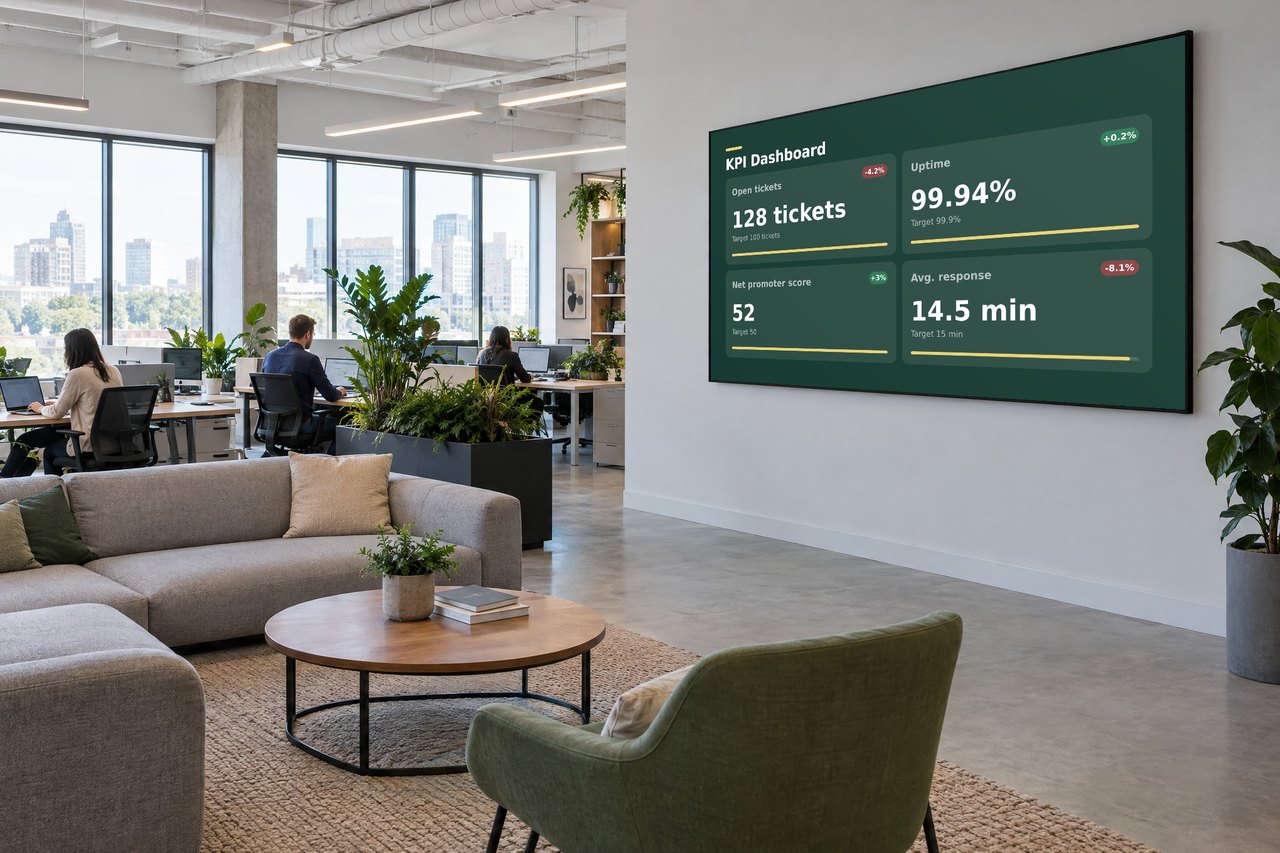
One dashboard for content, schedules and every screen.
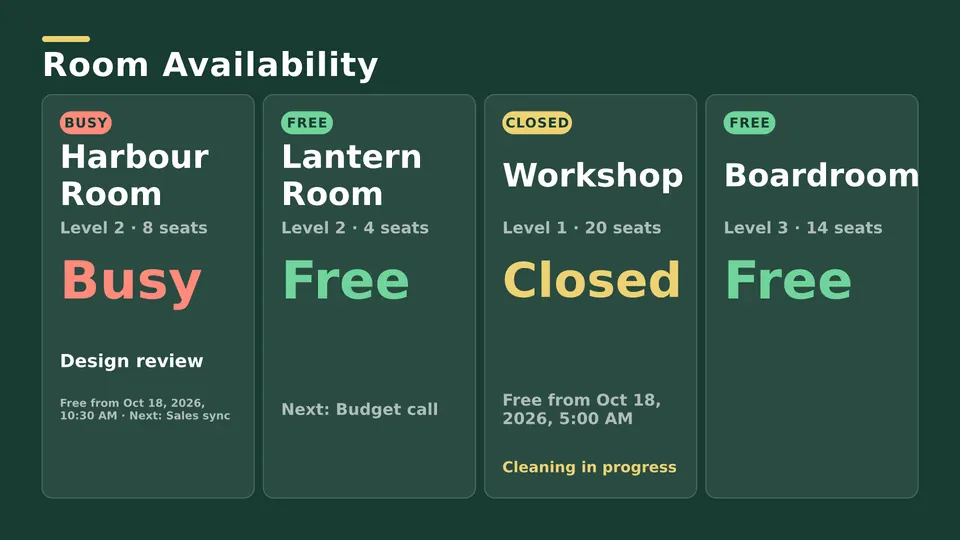
Every screen at a glance, with status and one click deploy.
Images, videos and PowerPoint in one library.
Sequence content and assign it to any screens.
The right message by day, hour, store or timezone.
One press pushes content live everywhere.
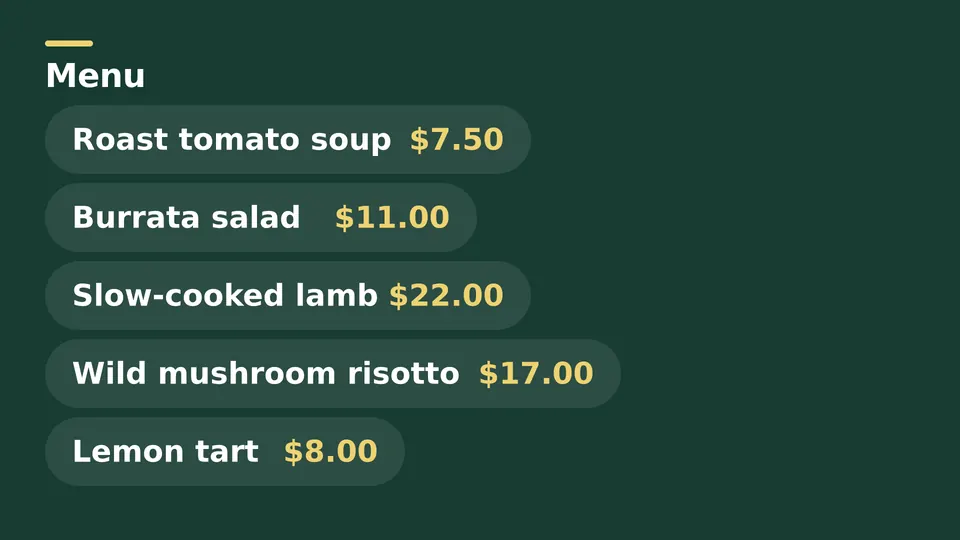
Upload what you already have: images, video, web pages or PowerPoint. Or fill in a ready made Live Page. No training needed.
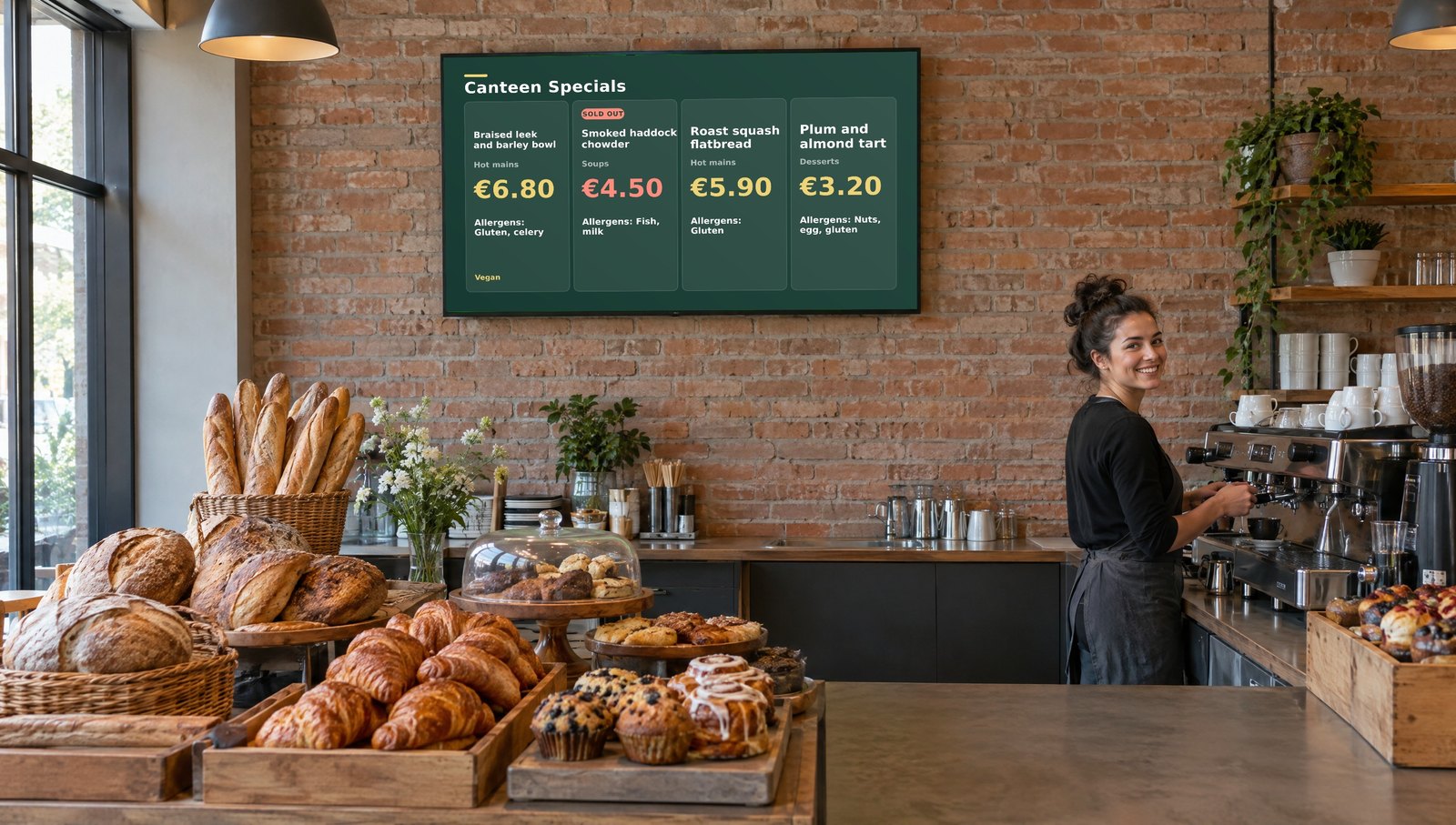
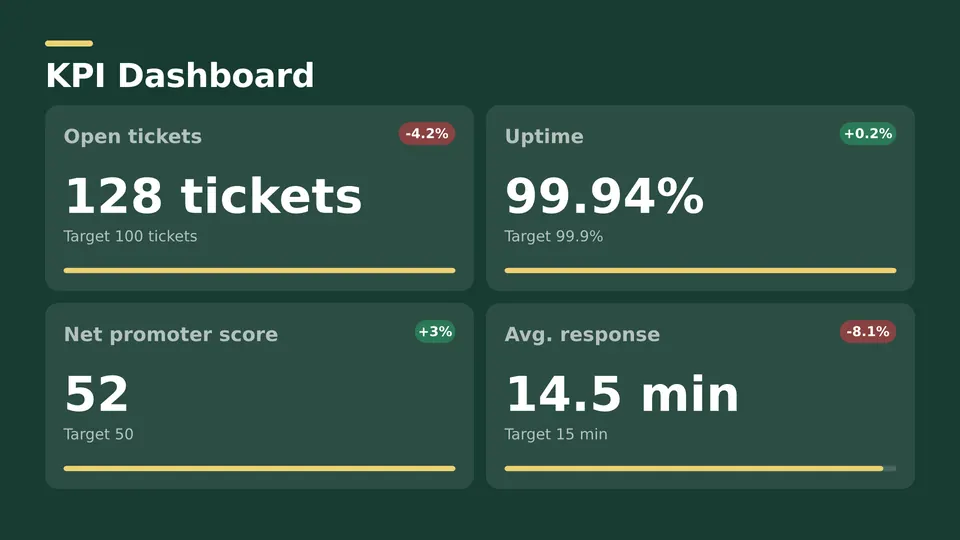
With Enterprise, link your screens to Excel, databases and 20+ sources. Prices and targets refresh on their own.
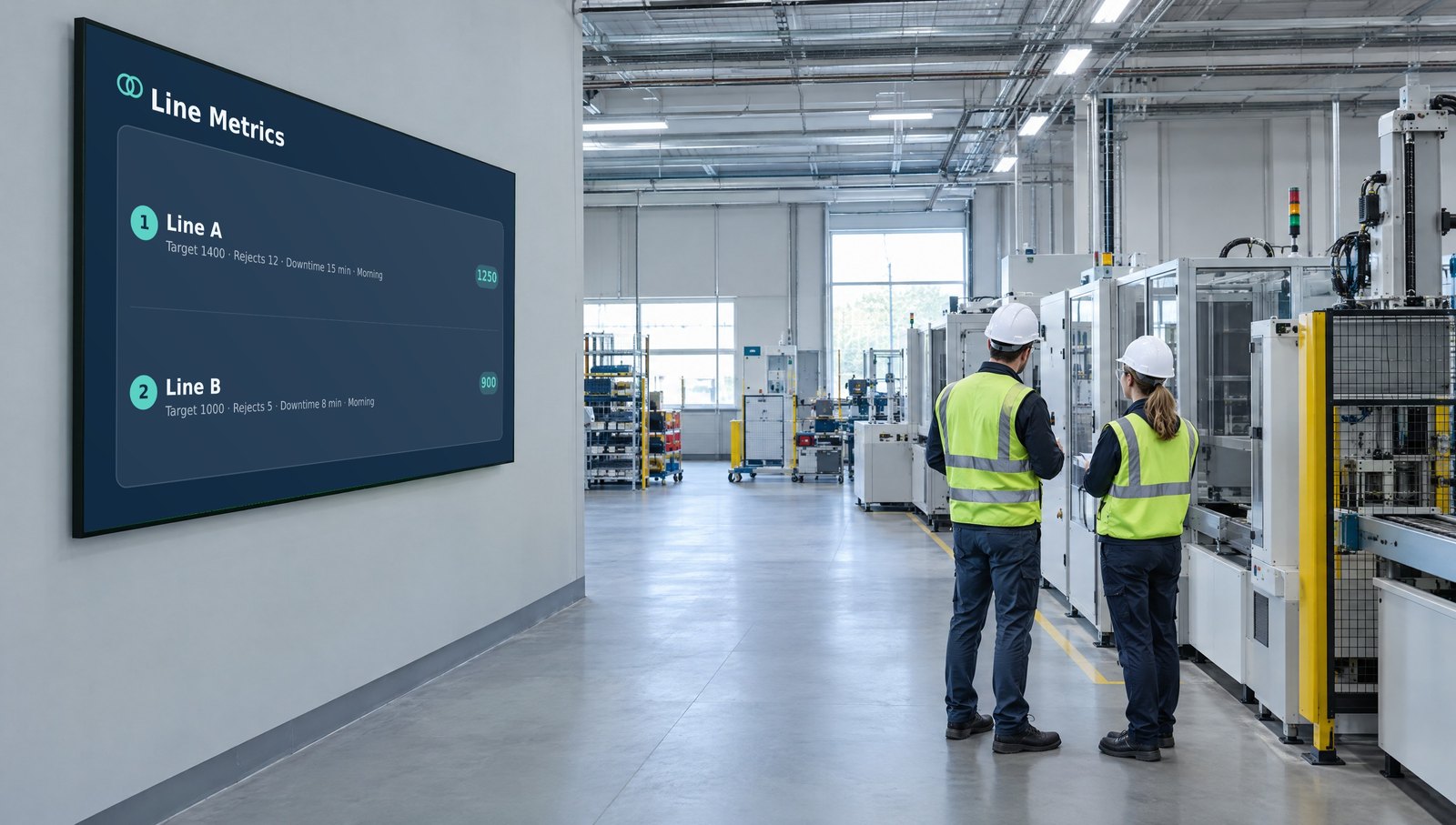
The same software works wherever your screens are.
Screens rarely fail at installation. They fail a week later, when nobody has time to make fresh content for every location.
Most organizations don't have a signage designer. They have office managers, HR teams, store managers and operations leads. If they can use tools they already know, the screens stay current.
PowerPoint is great for making slides, but it can't schedule screens or update them remotely. Emailing files or walking a USB stick to the TV stops working after one screen.
Signage software adds what is missing: remote publishing, scheduling, central control and reliable playback.
When every team starts from scratch, screens drift off brand within a month. Shared templates and Live Pages keep logos, colors and layouts the same everywhere.
Good software does four jobs well: making content, scheduling it, managing every screen from one place, and playing it reliably.
Cloud software is quick to set up and needs no server, which suits most teams. Your own servers are the right choice when data can't leave the building. SignageTube does both: every edition runs in our cloud, and Custom runs any edition on your own servers.
Few signage tools can put a live number on a wall. If your prices, stock or targets live in Excel, Microsoft 365 or a database like SQL Server, MySQL, Postgres or Oracle, SignageTube Enterprise links the screen to that source. The wall always matches the system.
Some platforms make you learn their own editor. SignageTube lets you use the images, video and PowerPoint you already have, so your team starts on day one.
Five yeses means you have found the right tool. See the plans or start a free trial.
A comms or marketing team makes screens from a branded template: promotions, announcements, directions, event reminders and internal news. Once approved, they publish to one screen, a group or every screen.
Then they schedule. Some messages run all day, others only at lunch, in opening hours or for a campaign. Changes are made once, centrally, not at every location.
With several departments, each team makes its own content while a central admin keeps control of templates and who publishes where.
Office staff need simple steps, familiar tools and scheduling that doesn't feel like programming. IT needs device management, user rights and a setup that fits the network.
A restaurant group with a few sites can update menus from one dashboard instead of relying on staff at each one. The same goes for clinics, banks and small offices.
The right tool is rarely the one with the most features. It is the one that removes work, from idea to screen.
Pick a layout, fill it in and it keeps itself current. 1,308 ready made layouts in 50 categories, in many languages, in every edition.
Manage every screen from one dashboard, in your browser. 15 day free trial, no credit card.
Pick the edition you want to try for 15 days. No credit card, just your name and email.
Images, video, web pages, PowerPoint and Live Pages on any TV. The easiest place to start.
Start Starter trial →Real PowerPoint on Windows, a report of what played (Proof of Play) and a Control Room for all your screens.
Start Professional trial →Live data from Excel, databases and 20+ sources, screen health alerts and switching screens on and off.
Start Enterprise trial →Not sure? Start with Starter. You can move up any time.
Both come with a 15 day free trial. No credit card, just your name and email.