 SignageTube
Practical how-tos, tips and inspiration for getting more from your screens.
 Cloud Digital Signage
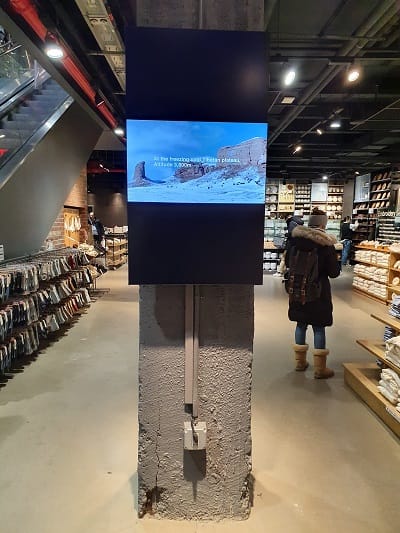
Selecting the right screen is one of the most important decisions in any digital signage setup. This article explains how factors like...
 Cloud Digital Signage
Cloud‑managed digital signage makes it easier than ever to control screens, update content, and keep communication consistent across your organization. This article...
 Cloud Digital Signage
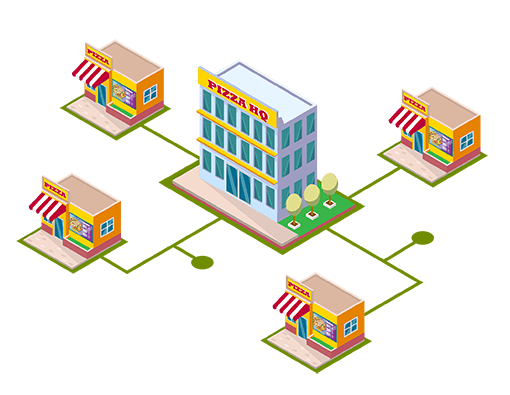
Managing digital signage across multiple sites can be challenging without the right tools. This article explains how SignageTube simplifies multi‑location screen management...
 Cloud Digital Signage
Automatic startup is essential for reliable digital signage, especially when screens need to run all day without manual intervention. This article explains...
 Cloud Digital Signage
Android TV has become one of the most accessible ways to run digital signage, and SignageTube is designed to make the experience...
 Cloud Digital Signage
SignageTube Player 1.2 for Android delivers faster, smoother, and more reliable digital‑signage playback across all your screens. This article highlights the latest...
 Cloud Digital Signage
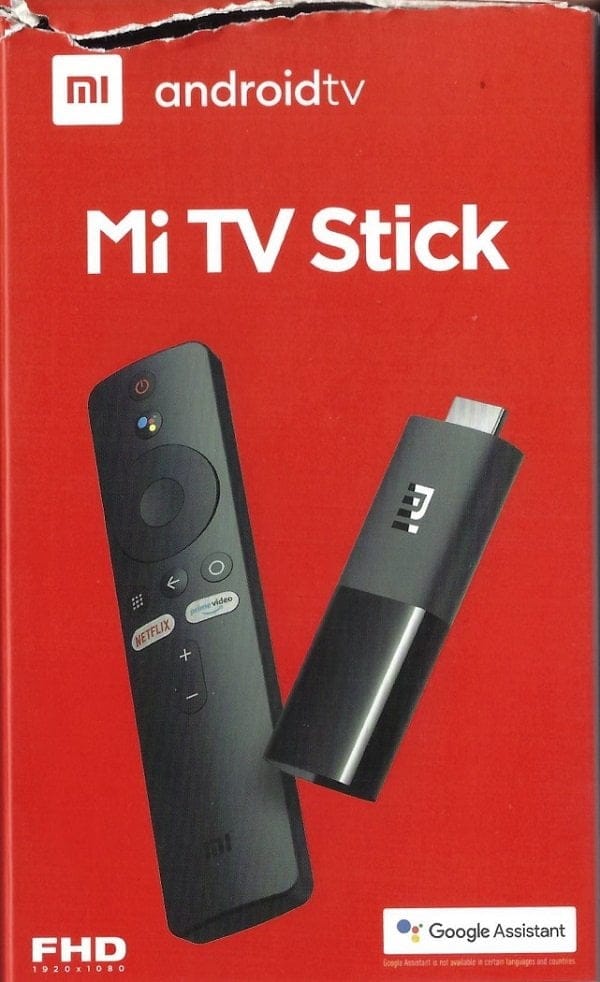
A TV stick is one of the easiest and most affordable ways to run digital signage on any television. This article explains...
 Cloud Digital Signage
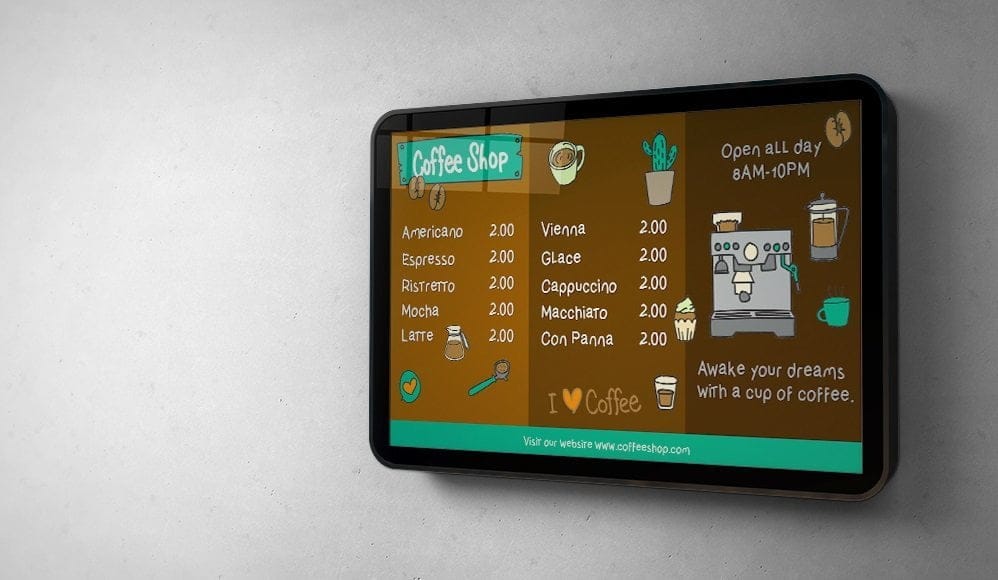
Effective advertising depends on delivering the right message at the right moment, and digital signage makes that easier than ever. This article...
 Cloud Digital Signage
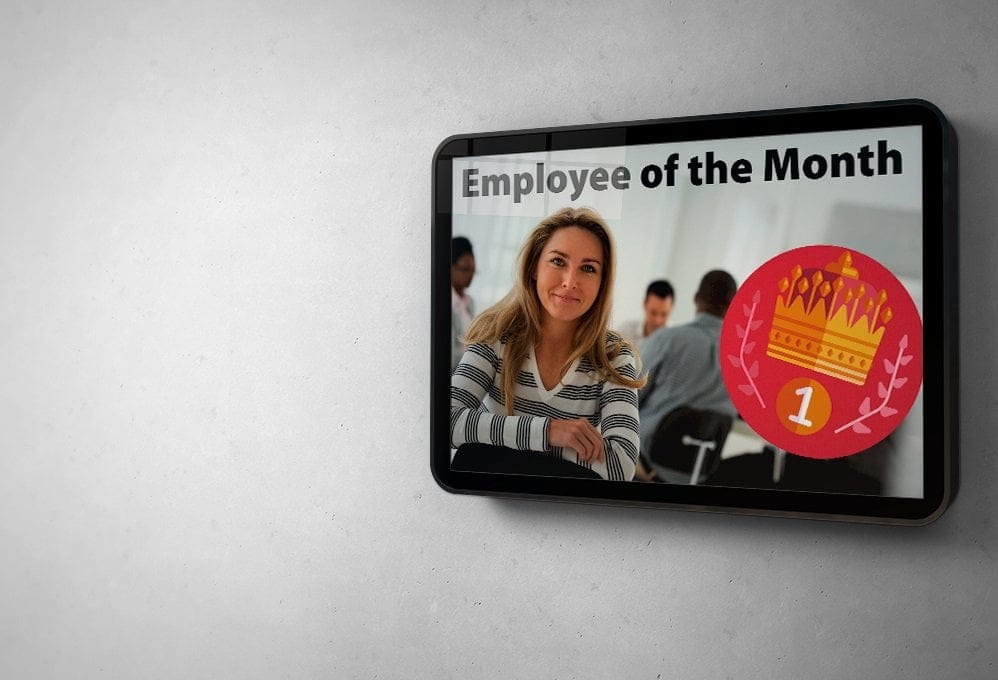
Clear internal communication is essential for any growing organization, and digital signage can make those messages faster, more visible, and more consistent....
 Cloud Digital Signage
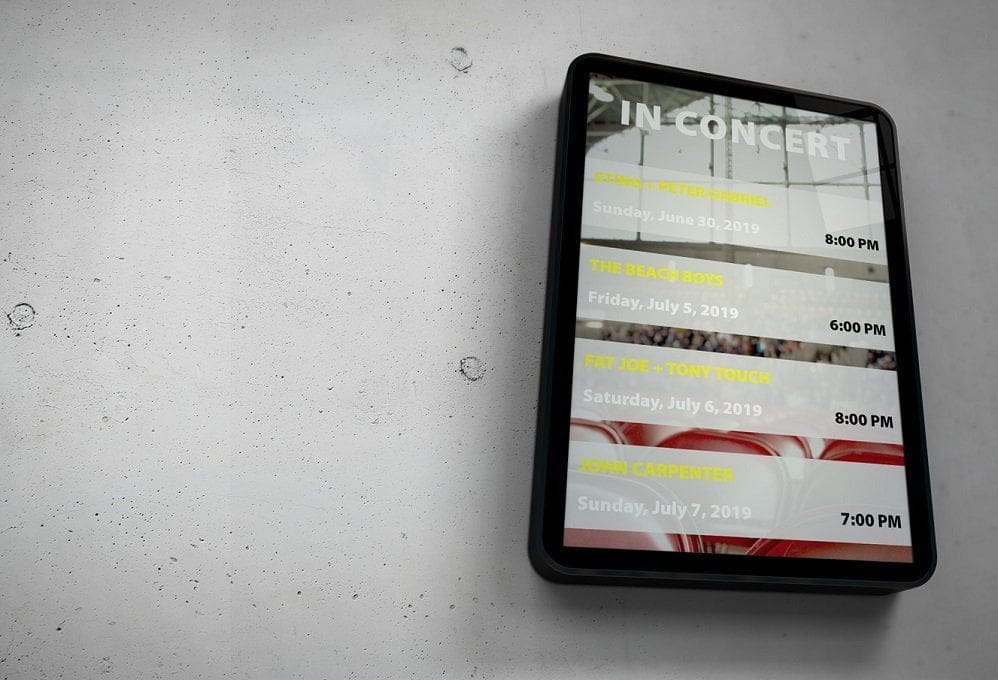
Scheduled screens make digital signage far more effective by ensuring your content appears exactly when your audience needs it. This page explains...
 Cloud Digital Signage
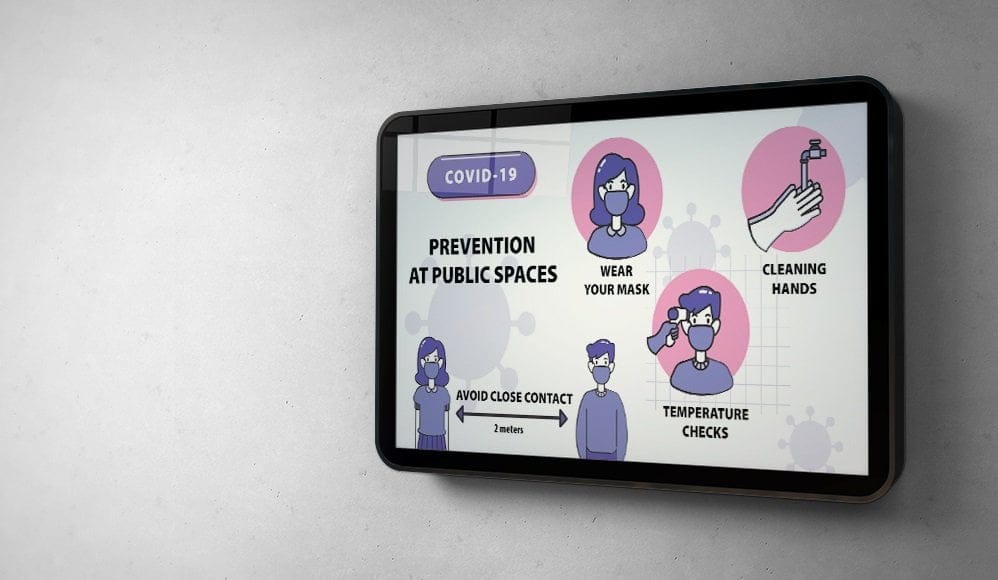
Safety screens play a crucial role in keeping people informed during both everyday operations and emergency situations. This article explores how digital...
 Cloud Digital Signage
Digital signage has become one of the most powerful tools for modern communication, helping businesses and organizations share information quickly, visually, and...
Pick the edition you want to try for 15 days. No credit card, just your name and email.
Images, video, web pages, PowerPoint and Live Pages on any TV. The easiest place to start.
Start Starter trial →Real PowerPoint on Windows, a report of what played (Proof of Play) and a Control Room for all your screens.
Start Professional trial →Live data from Excel, databases and 20+ sources, screen health alerts and switching screens on and off.
Start Enterprise trial →Not sure? Start with Starter. You can move up any time.
Both come with a 15 day free trial. No credit card, just your name and email.