 SignageTube
Practical how-tos, tips and inspiration for getting more from your screens.
 Cloud Digital Signage
Outdoor digital signage requires more than just a bright screen. You need software that can handle remote updates, unstable network conditions, and...
 Cloud Digital Signage
Cloud management removes the need for on‑site updates, USB sticks, or manual interventions. This article explains how SignageTube centralizes your entire signage...
 Cloud Digital Signage
PowerPoint remains one of the most popular tools for creating presentations, menus, announcements, and information screens. This article explains how to display...
 Cloud Digital Signage
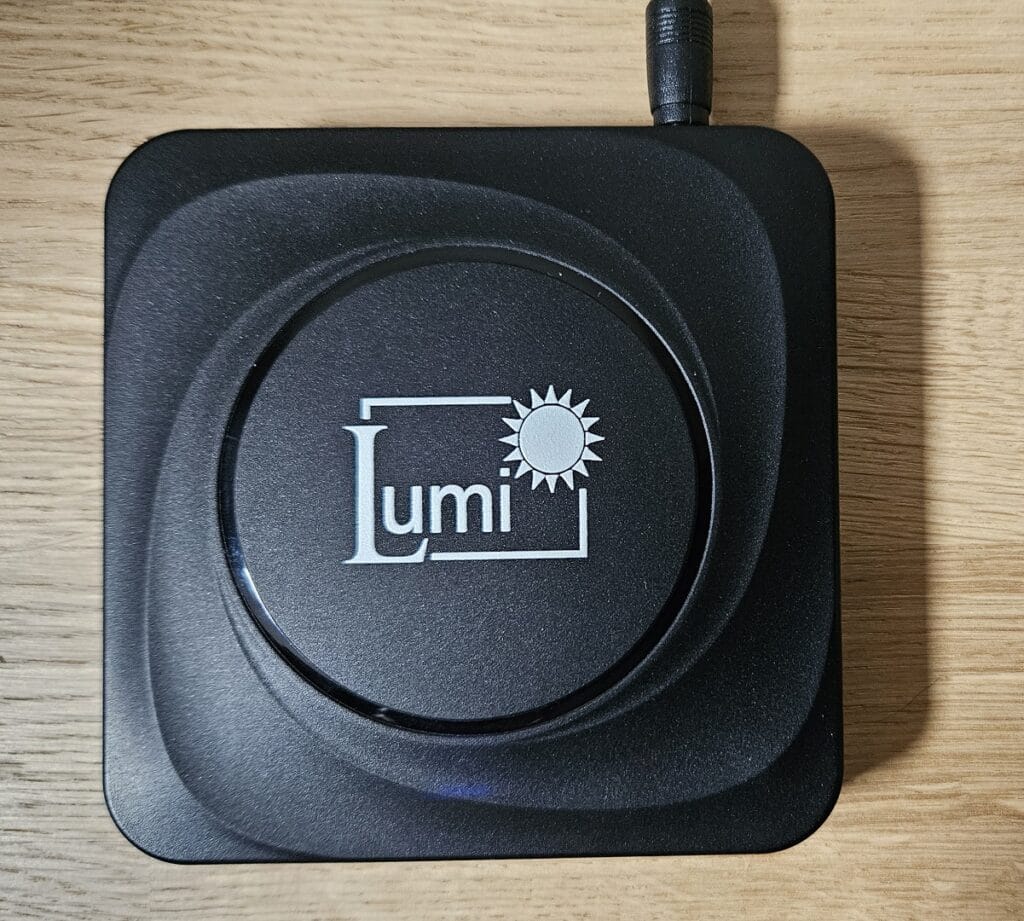
The Lumi TV digital signage player offers a compact, reliable way to run professional screen content without complex installation or expensive hardware....
 Cloud Digital Signage
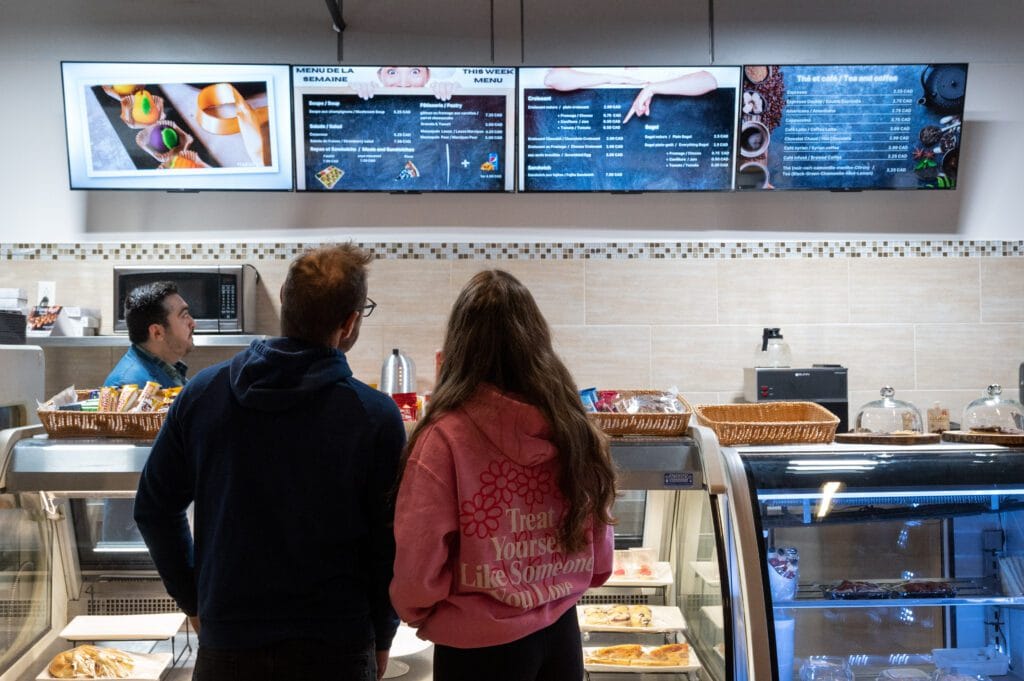
Restaurants rely on clear, flexible communication to keep guests informed and engaged, and digital signage can make that process dramatically easier. This...
 Cloud Digital Signage
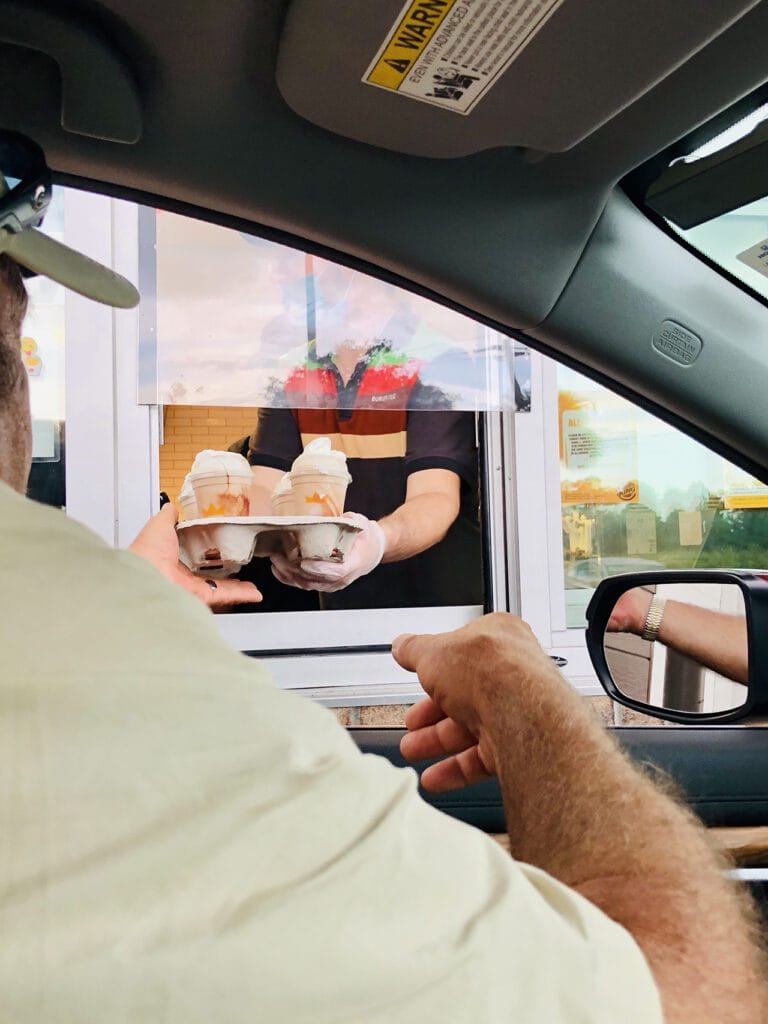
Drive‑thru lanes are one of the most profitable touchpoints for restaurants, and digital signage can significantly increase sales by improving visibility, speeding...
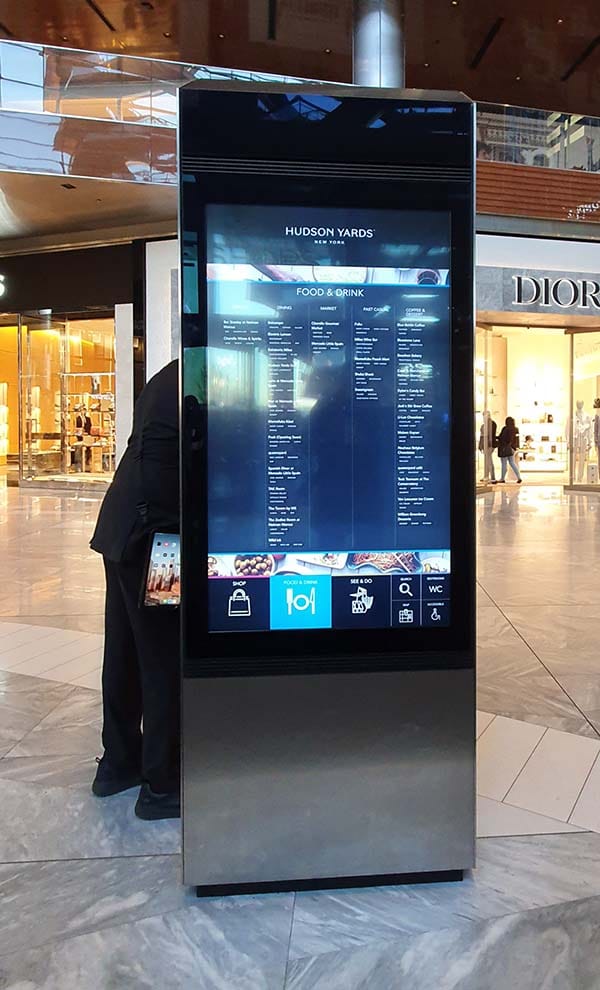 Cloud Digital Signage
Wayfinding is one of the most valuable uses of digital signage, helping visitors navigate buildings, campuses, and public spaces with clarity and...
 Cloud Digital Signage
Television screens are one of the most accessible ways to start digital signage advertising, whether in a shop, waiting room, lobby, or...
 Real-Time Digital Signage
Touch‑screen kiosks don’t have to be complex or expensive. This article shows how you can build interactive kiosks simply by using PowerPoint...
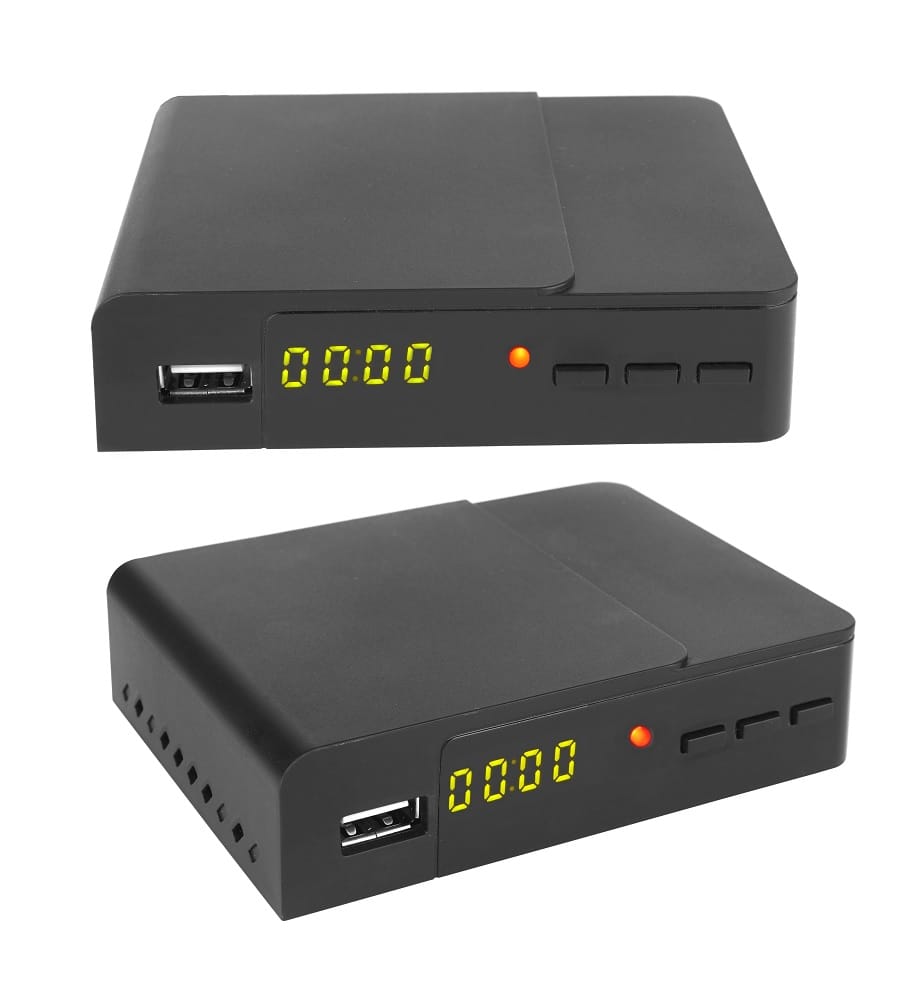 Cloud Digital Signage
A digital signage player is only as good as the features behind it. This article breaks down the essential capabilities that make...
 Cloud Digital Signage
Android devices have become a powerful foundation for digital signage, offering far more benefits than just affordability. This article explores the hidden...
 Cloud Digital Signage
Hospitals are rapidly moving from printed signs to digital displays because they offer clearer communication, faster updates, and a better experience for...
Pick the edition you want to try for 15 days. No credit card, just your name and email.
Images, video, web pages, PowerPoint and Live Pages on any TV. The easiest place to start.
Start Starter trial →Real PowerPoint on Windows, a report of what played (Proof of Play) and a Control Room for all your screens.
Start Professional trial →Live data from Excel, databases and 20+ sources, screen health alerts and switching screens on and off.
Start Enterprise trial →Not sure? Start with Starter. You can move up any time.
Both come with a 15 day free trial. No credit card, just your name and email.