 SignageTube
Practical how-tos, tips and inspiration for getting more from your screens.
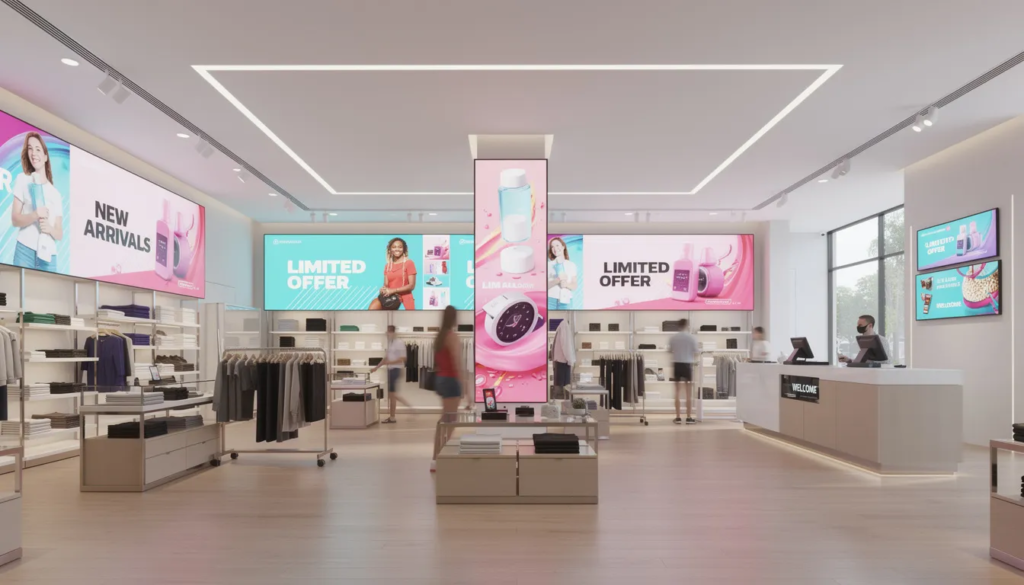 Cloud Digital Signage
A digital display is an electronic screen used to present dynamic content such as images, video, live data, or interactive interfaces, and...
 SignageTube Digital Signage
Compare cloud vs local signage for control, speed, security, and scale. See which setup fits your screens, workflows, and IT needs best.
 SignageTube Digital Signage
Learn what screens need cloud management, when remote control matters most, and how to decide if your displays should be managed centrally.
 SignageTube Digital Signage
Introduction Libraries have evolved far beyond quiet rooms filled with books. Today, they function as hybrid physical-digital hubs where citizens access information,...
 SignageTube Digital Signage
Build a screen communication approval process that speeds reviews, reduces errors, and keeps digital signage accurate, timely, and on brand.
 SignageTube Digital Signage
Learn how to manage office display networks with clear workflows for content, scheduling, governance, and scaling across screens.
 SignageTube Digital Signage
Learn how to schedule PowerPoint playlists for digital signage, organize content by time and screen, and keep updates consistent across locations.
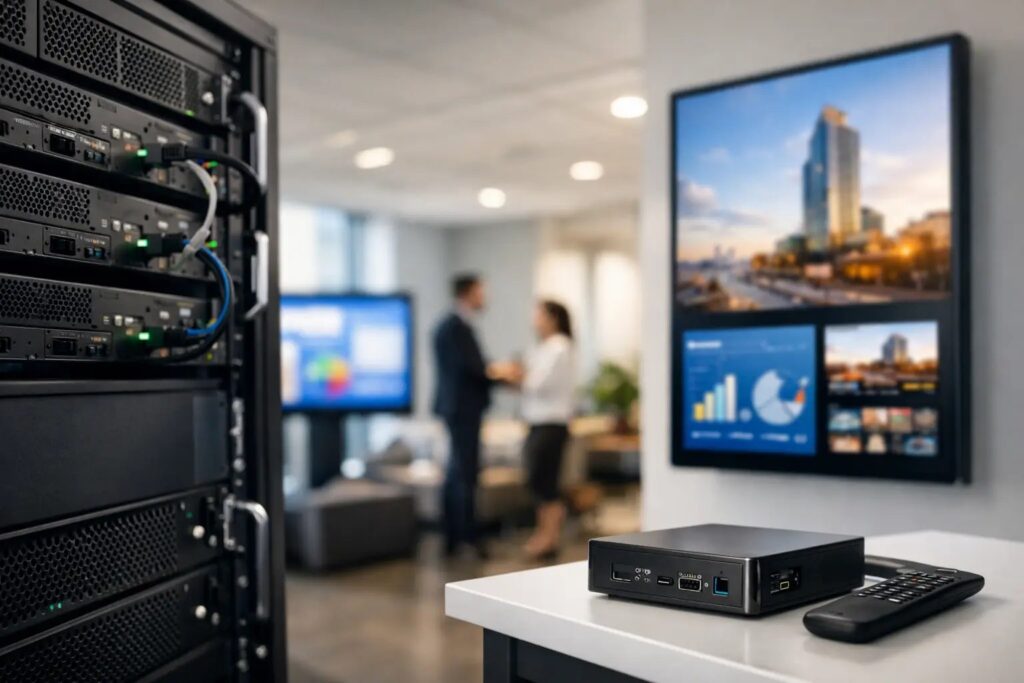 SignageTube Digital Signage
Learn how an on premises digital signage system works, where it fits best, and how to deploy, manage, and scale screens with...
 Real-Time Digital Signage
Managing voter flow on election day is one of the most demanding communication challenges in public services. When thousands of people converge...
 SignageTube Digital Signage
Explore the best employee screen communication ideas to improve updates, morale, safety, and consistency across office, retail, healthcare, and more.
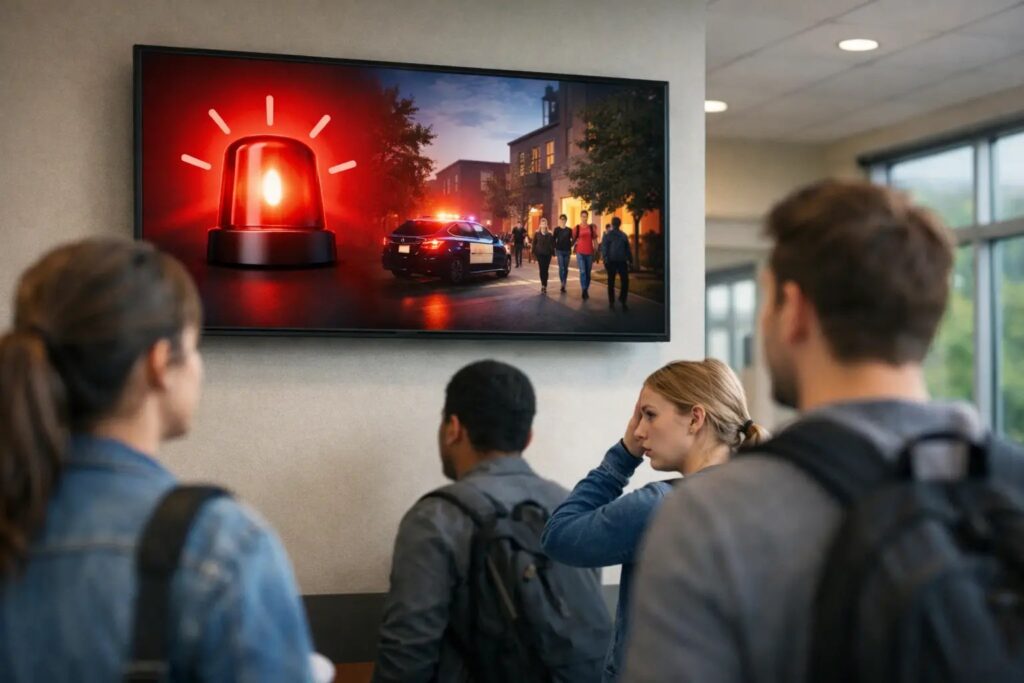 SignageTube Digital Signage
Campus emergency alert screens help schools deliver clear, fast instructions across buildings, improving response times and day-to-day readiness.
 SignageTube Digital Signage
Find the best screen content templates for retail, offices, healthcare, schools, and hospitality to create polished signage faster.
Pick the edition you want to try for 15 days. No credit card, just your name and email.
Images, video, web pages, PowerPoint and Live Pages on any TV. The easiest place to start.
Start Starter trial →Real PowerPoint on Windows, a report of what played (Proof of Play) and a Control Room for all your screens.
Start Professional trial →Live data from Excel, databases and 20+ sources, screen health alerts and switching screens on and off.
Start Enterprise trial →Not sure? Start with Starter. You can move up any time.
Both come with a 15 day free trial. No credit card, just your name and email.