 SignageTube
On Premises Digital Signage System Guide
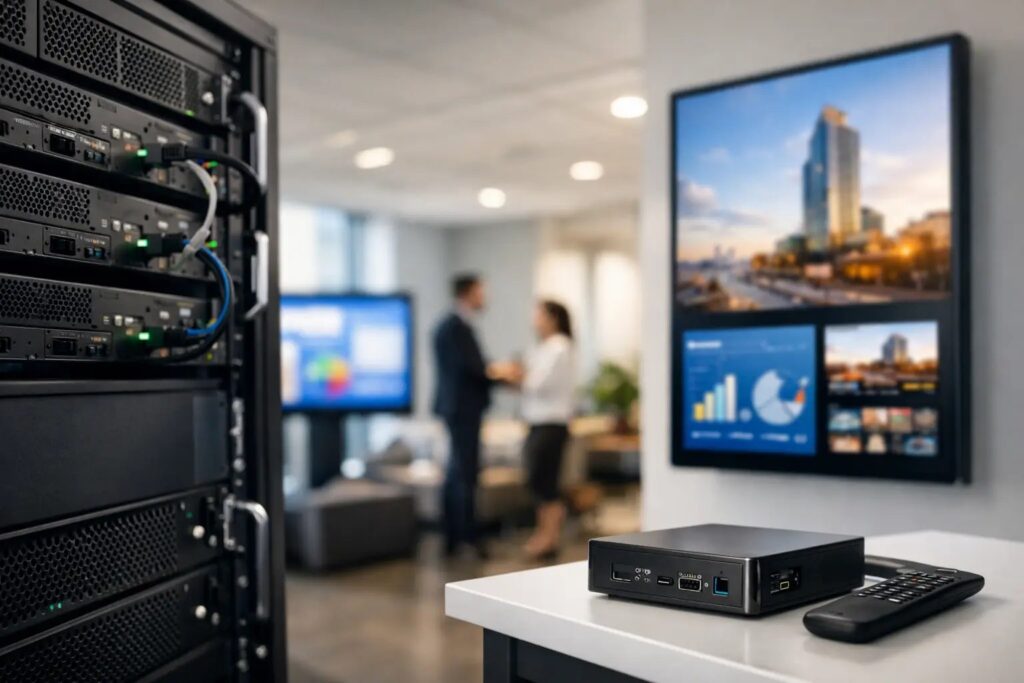
When a screen in a hospital lobby, factory floor, or corporate campus needs to update from internal data in real time, waiting on outside networks is not always acceptable. That is where an on premises digital signage system makes sense. It keeps control close to your infrastructure, gives IT teams tighter governance, and supports screen programs that need speed, reliability, and predictable handling of sensitive information.
For many organizations, the real question is not whether digital signage works. It is whether cloud, on-premises, or a mix of both fits the way teams actually operate. If your screens depend on internal dashboards, production data, room status, patient flow, or secured network content, on-premises deployment often moves from a preference to a requirement.
What an on premises digital signage system actually means
An on premises digital signage system is a setup where the core software, content management components, or data integrations run inside your own network environment rather than relying fully on a public cloud service. Your organization controls the hosting, security policies, access rules, and network path between content sources and the displays.
That matters because digital signage is rarely just a playlist of marketing slides. In many environments, it becomes an operational communication channel. A retail chain may want location-specific promotions and local announcements. A manufacturer may need production metrics on large displays. A school may need emergency messages, event schedules, and cafeteria updates. In those cases, the signage platform has to fit existing systems, not ask teams to rebuild workflows around it.
On-premises does not always mean harder to use. The best systems reduce complexity for everyday users while still giving IT the control it needs. That balance is usually what separates a workable deployment from one that stalls after the pilot.
Why organizations choose an on premises digital signage system
The strongest reason is control. IT and operations teams can keep screen management inside the corporate network, define exactly how data moves, and limit exposure to outside services. That can be useful in regulated environments, high-security facilities, or any organization with strict internal policies.
The second reason is access to local or protected data. Many screen programs are only valuable when they show live information from internal sources. Think production KPIs, queue metrics, building notices, SharePoint content, shift schedules, meeting room status, or internal dashboards. Pulling that data directly from local systems is often simpler and faster when the signage platform lives on premises.
The third reason is reliability in environments where internet dependency is a problem. Not every site has stable connectivity. Not every team wants external access to be a single point of failure. With on-premises architecture, local operations can continue even if outside connectivity changes.
There is also a practical point that gets overlooked. Some organizations already have internal server standards, virtualization environments, and governance processes in place. For them, adding signage to existing infrastructure can be easier to approve than introducing another external service.
Where on-premises is the better fit
Not every deployment needs it. If your goal is simple screen publishing across many locations with minimal IT involvement, cloud may be the cleaner option. But on-premises usually wins when the screens are closely tied to internal operations.
Healthcare organizations often need waiting room messaging, staff communication, and department-specific information while working within tight security requirements. Corporate campuses may want executive communications, meeting room displays, and office-wide alerts connected to internal systems. Manufacturers often need real-time production visibility on the floor. Schools and universities may need campus messaging that pulls from internal schedules or emergency systems.
In hospitality, it depends. Public-facing promotional screens across distributed properties may be easier to manage in the cloud. But back-of-house operational displays tied to local property systems may be better managed on premises. That is a good example of why deployment decisions are rarely all-or-nothing.
The trade-offs you should plan for
On-premises gives you more control, but it also gives you more responsibility. Your team may need to handle server provisioning, updates, backups, access control, and long-term maintenance. That is not necessarily a drawback if you already have the resources. It is a drawback if the signage project is expected to run with no IT support at all.
Implementation speed can vary as well. A cloud rollout may be faster when you only need to publish content to remote screens. An on-premises rollout can take longer because security reviews, network rules, and integration planning usually come first. For some organizations, that extra setup is worth it. For others, it slows momentum.
User adoption is another factor. If content creation depends on specialist design tools or complicated admin workflows, teams will struggle to keep screens current. That is why ease of use matters just as much as architecture. A platform that lets business users create content in familiar tools such as PowerPoint can remove a lot of friction, especially when multiple departments need to contribute.
What to look for in an on premises digital signage system
Start with the content workflow. If every update requires a designer or a technical admin, the system will become a bottleneck. Look for a platform that lets teams build polished screen content quickly using tools they already know, then upload, schedule, and distribute it without unnecessary steps.
Next, look at centralized management. Even on premises, you want one place to control what plays, where it plays, and when it changes. That includes playlists, scheduling, screen grouping, and role-based permissions. If different departments or locations share the same platform, governance matters.
Playback flexibility is also important. Screen networks often include different hardware environments over time. A system that supports cross-platform playback gives you more room to standardize operations without locking the project to one narrow device path.
Then consider data-driven updates. This is where many on-premises deployments earn their value. If the platform can connect to internal data sources and automate screen updates, your signage becomes part of day-to-day operations rather than a manual publishing task. For example, a cafeteria menu, warehouse metric board, or internal dashboard can update continuously without someone rebuilding slides all day.
Finally, check how the system handles templates. Reusable layouts save time, keep branding consistent, and make it easier for non-technical teams to publish confidently. That matters more than many buyers expect, especially when the screen network expands beyond one department.
A practical deployment approach
The best rollouts usually start small but structured. Pick one clear use case first, such as employee communication screens, lobby displays, or operational dashboards. Define who owns content, who approves it, and how updates will be scheduled. If those roles are unclear at the start, the screens tend to drift into inconsistent use.
From there, map the infrastructure. Decide where the signage server or management components will live, what internal data sources the platform needs, and which screens or media players are part of phase one. IT should be involved early, but the project should not become IT-only. Operations, communications, or marketing teams need a workflow they can manage without filing a ticket for every change.
Content should be standardized early as well. This is where a PowerPoint-first model can save a lot of time. Teams already know how to build slides, update messaging, and maintain branded layouts. Instead of introducing complex design software, you let staff work in a familiar format and push those presentations to one or many displays through a controlled scheduling system.
That mix of simplicity for users and control for IT is often what makes deployments sustainable. SignageTube Live is built for exactly that kind of on-premises scenario, especially when organizations need real-time automated updates from local data sources without turning digital signage into a heavy technical project.
On-premises does not have to mean isolated
One common mistake is thinking on-premises means rigid. In practice, many organizations benefit from a blended model. They may keep sensitive, live, or locally integrated screen programs on premises while using cloud-based management for other locations or less sensitive content streams.
That flexibility matters as networks grow. A corporate headquarters might run internal operational displays on premises, while branch offices use cloud-managed screens for general communications. The right platform should support that kind of deployment logic without forcing teams into one model everywhere.
Choosing the right architecture comes down to how your organization communicates, what your screens need to display, and who is responsible for keeping them current. If your priority is security, local integrations, and direct control, an on premises digital signage system is often the right foundation. The smartest choice is the one your teams can actually manage well, because a screen that is easy to update will always outperform one that is technically impressive but rarely used.
- SignageTube Starter – content signage on any TV
- SignageTube Enterprise – live data on your screens
- Digital signage software – how to choose, and what matters
- Templates – 120+ ready-made designs
- Pricing – simple per-screen plans