 SignageTube
Practical how-tos, tips and inspiration for getting more from your screens.
 SignageTube Digital Signage
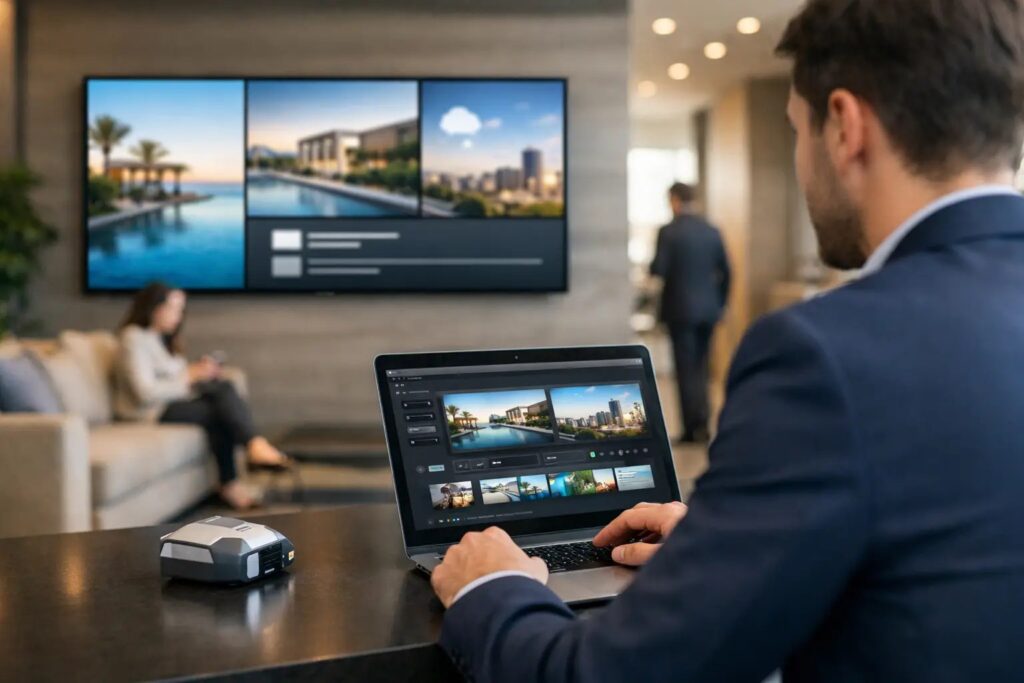
Use this digital signage rollout planning guide to launch faster, align teams, choose the right setup, and manage screens with less effort.
 SignageTube Digital Signage
Learn how to automate lobby screen updates with simple workflows, scheduling, live data, and centralized control for faster, more reliable signage.
 Real-Time Digital Signage
This article explores how real-time information systems benefit police air support operations, what data should appear on heliport displays, and how your...
 SignageTube Digital Signage
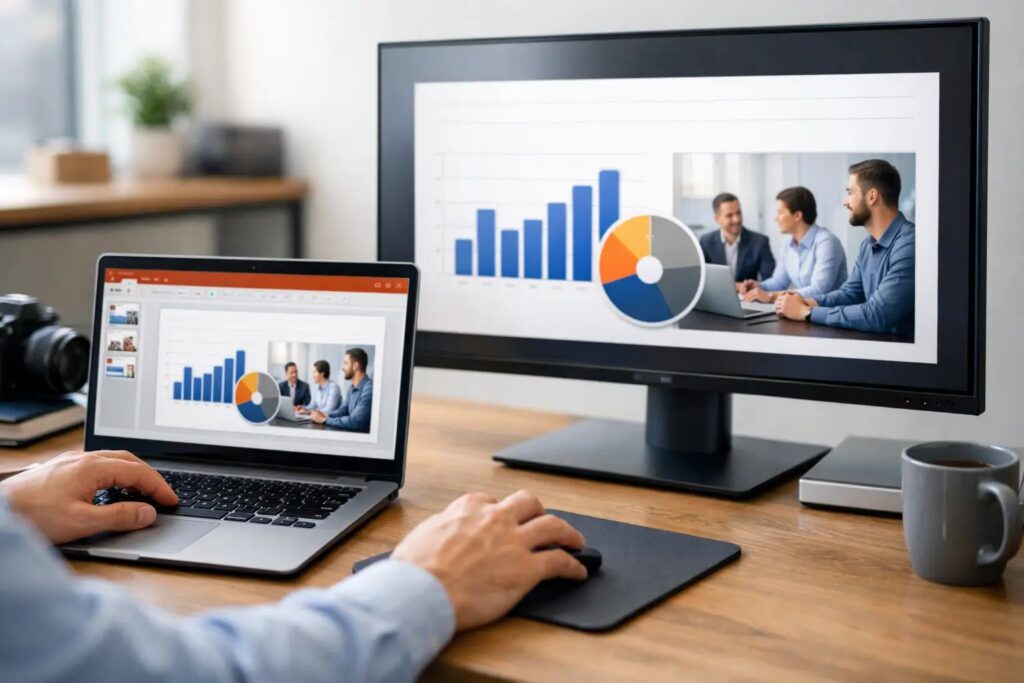
Learn how to publish PowerPoint screens fast for digital signage, with practical steps for setup, scheduling, playback, and multi-screen control.
 Learning
Having trouble with your SignageTube Live plugin not showing up in PowerPoint? You’re not alone. COM add-ins can be tricky — PowerPoint...
 Cloud Digital Signage
Key Takeaways What Is a Digital Signage TV? A digital signage TV is a commercial-grade display specifically designed to show scheduled, remotely...
 SignageTube Digital Signage
Find the best digital signage for corporate offices with practical guidance on software, screens, scheduling, governance, and rollout.
 SignageTube Digital Signage
Enterprise screen management software review for teams that need simple, scalable control, scheduling, and governance across many business displays.
 SignageTube Digital Signage
Digital signage for franchises helps brands update screens fast, keep messaging consistent, and manage promotions across every location with less effort.
 Cloud Digital Signage
Getting messages to employees has never been more challenging. Email inboxes overflow, intranets go unvisited, and printed posters fade into the background....
 SignageTube Digital Signage
Compare PowerPoint signage vs graphic design tools for faster content creation, easier updates, and scalable screen management across teams.
 SignageTube Digital Signage
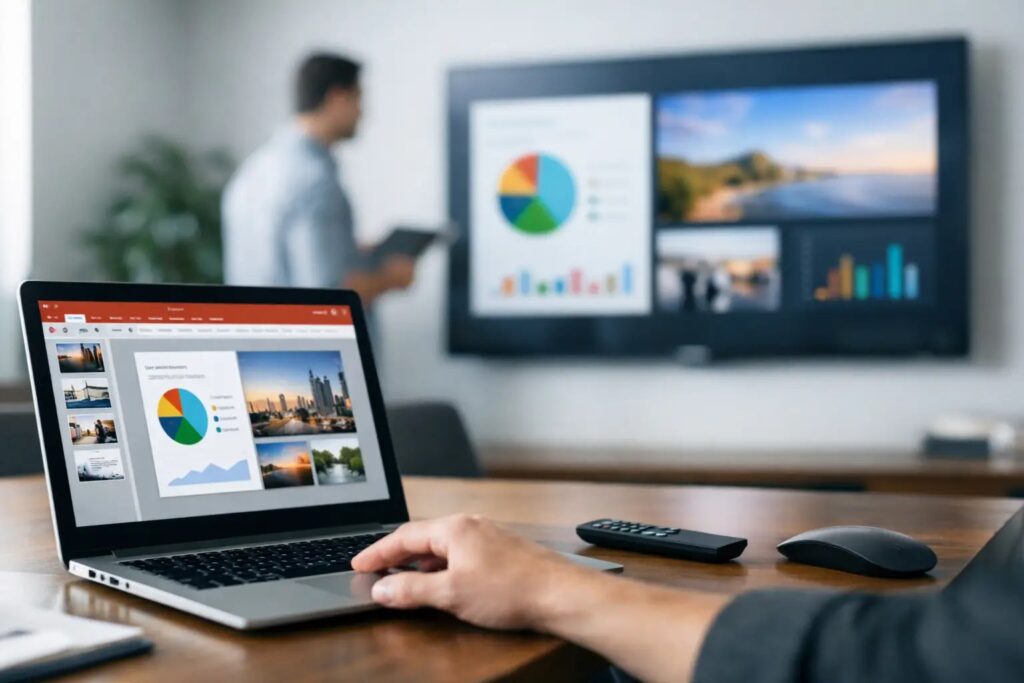
PowerPoint signage software review for teams that need fast content creation, easy scheduling, and reliable screen management at scale.
Pick the edition you want to try for 15 days. No credit card, just your name and email.
Images, video, web pages, PowerPoint and Live Pages on any TV. The easiest place to start.
Start Starter trial →Real PowerPoint on Windows, a report of what played (Proof of Play) and a Control Room for all your screens.
Start Professional trial →Live data from Excel, databases and 20+ sources, screen health alerts and switching screens on and off.
Start Enterprise trial →Not sure? Start with Starter. You can move up any time.
Both come with a 15 day free trial. No credit card, just your name and email.