 SignageTube
Fire Departments: Real-Time Digital Signage for Government and Public Services
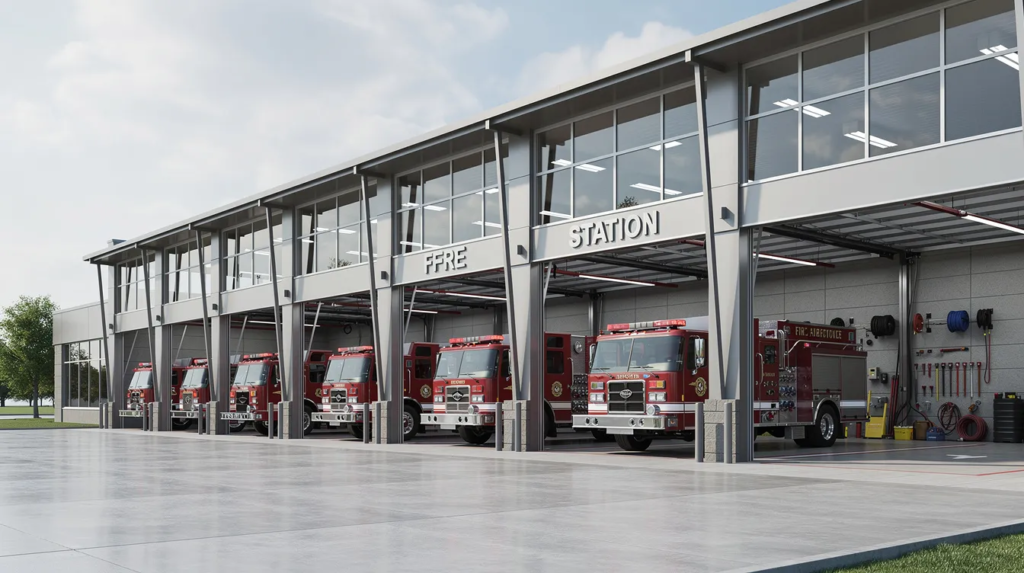
Fire stations operate around the clock, coordinating dispatch, apparatus status, training schedules, and safety briefings across shifts that never fully overlap. This article looks at how real-time digital signage helps fire departments keep watch rooms, apparatus bays, and public-facing spaces informed the instant something changes — cutting briefing time, reducing miscommunication, and supporting public safety education.
Public Education and Community Outreach
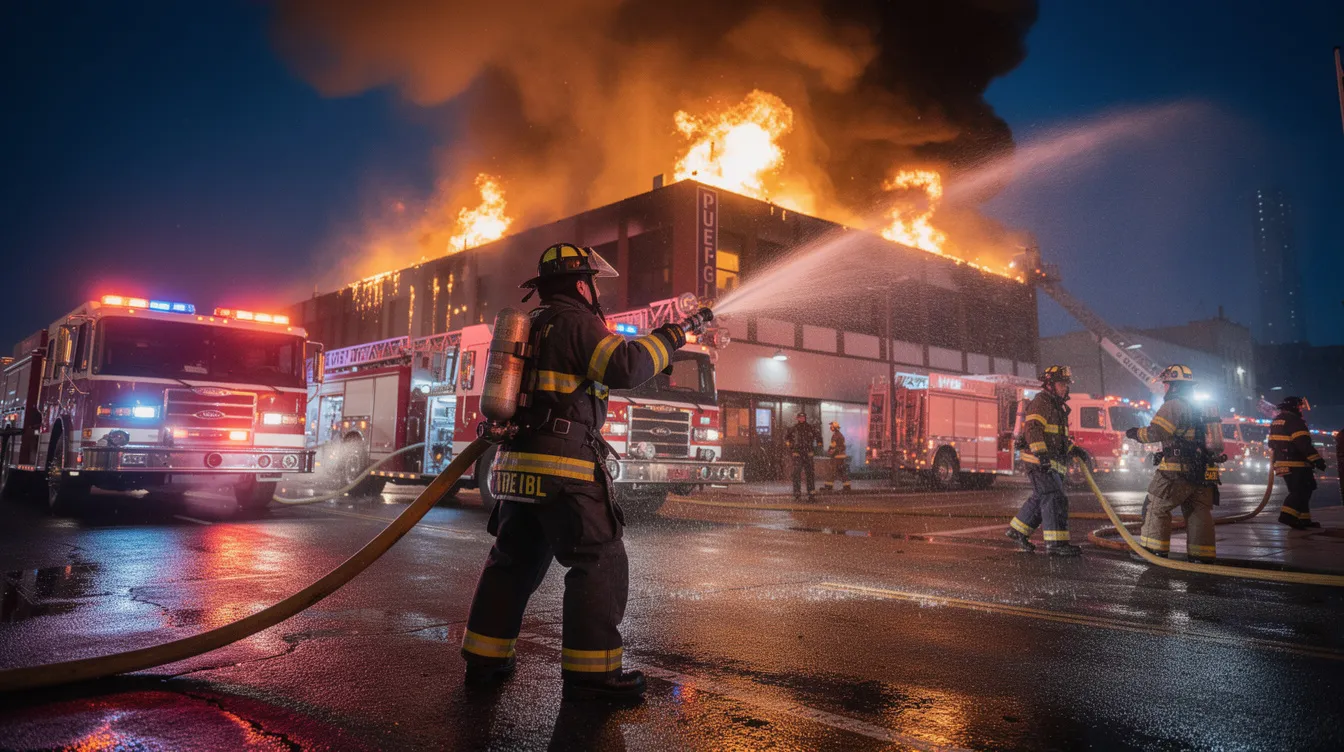
Public education and community outreach are core fire department functions—school visits, safety workshops, and smoke-alarm campaigns that teach residents how to prevent emergencies before they happen. Collaboration with local organizations and businesses extends the reach of these campaigns, from smoke alarm installations to fire drills.
Role of Digital Signage
Digital signage plays a key role in these efforts, allowing departments to deliver dynamic, up-to-date safety messages and training reminders across multiple locations, especially when built from PowerPoint-based digital signage content and best practices. With the ability to display important information on screens in public buildings, schools, and even local businesses, digital signage helps ensure that safety tips and emergency procedures are always accessible.
Through the use of modern tools like digital signage and ongoing education initiatives, fire departments empower the public to take an active role in preventing fires and other emergencies, ultimately supporting the department’s mission to protect and serve the community.
Government and Public Services: Digital Signage for Fire Departments (Real-Time, On-Prem)
Fire departments exemplify government services where real-time information access directly impacts outcomes. Digital signage allows fire departments to engage with the community by displaying educational content and safety tips, helping to increase public awareness and safety. Fire departments can also manage digital signage content remotely, allowing for quick updates during emergencies. Shaving 30–60 seconds off response times through visual dispatch feeds can save lives during medical emergencies.
Real-time on-premises digital signage refers to locally controlled screen networks within fire stations and command centers displaying live content without relying solely on cloud connectivity. This includes incident alerts, weather radar, crew assignments, and internal messages—all controlled on your own network.
Specific use cases for fire departments:
- Live call queues from CAD systems displayed in watch rooms
- Apparatus availability boards in bays
- ICS role assignments during major incidents
- Training schedules and equipment maintenance deadlines
- Weather warnings correlating to increased call volumes
Tips for planning deployment:
- Assess critical information needs: Identify KPIs like turnout times under 1:20
- Choose durable hardware: Select IP5X-rated screens for apparatus bays
- Define content control: Establish who manages updates (training chiefs, admin staff)
- Integrate with existing systems: Connect to CAD, scheduling software, and weather feeds
Deployment timeline for a medium department (5-10 stations):
|
Phase |
Duration |
Tasks |
|---|---|---|
|
Planning |
1-2 weeks |
Stakeholder workshops, requirements gathering |
|
Installation |
1-3 days/site |
Cabling, mounting, network connection |
|
Content design |
3-5 days |
Templates aligned with SOGs and branding |
|
Training |
4 hours/shift |
Staff orientation on content updates |
Why alternatives fall short:
- Printed notices: Obsolete within hours during busy shifts
- Email/messaging apps: 40% ignored during active operations
- Custom in-house systems: Require dedicated IT staff ($150k+ annually)
- Free digital signage software: Often lacks reliability for mission-critical environments
SignageTube Live for fire services
SignageTube Live is purpose-built for secure, on-prem deployments in government and public services. It maintains content within your infrastructure while providing central management across as many screens as needed. The platform supports a digital signage network designed for mission-critical uptime.
Watch room dashboards can display live dispatch feeds, weather alerts, and staffing rosters simultaneously. Bay-area screens show apparatus status, inspection checklists, and scheduled drills—all without depending on external web connectivity.
PowerPoint integration
Many training officers already create PowerPoint digital signage presentations for education and briefings. SignageTube Live’s intuitive interface allows you to convert existing slides into stunning PowerPoint-based digital signage content without new tools.
Content design tips:
- Use 100pt sans-serif fonts readable from 50 feet across the bay
- Color-code incident types (red for fire, blue for EMS)
- Create separate playlists for day versus night shifts using PowerPoint digital signage workflows across multiple screens
- Apply department branding through slide master templates and incorporate PowerPoint animations for dynamic digital signage
Real-world scenario
Consider a 300-person department equipping 8 stations with SignageTube Live. After deployment, shift briefings dropped from 15 minutes to 5 minutes through visual rostering. Safety check compliance reached 98% with timed reminder loops. EMS transport coordination improved by integrating arrival data on screens—demonstrating how the right platform delivers measurable operational benefits.
Fire agencies seeking to explore on-prem digital signage should consider how this technology fits their broader communication strategy. While SignageTube offers cloud-based options, SignageTube Live addresses the specific needs of services where data control, uptime, and local operation matter most.
Ready to see how real-time digital signage can improve shift communication and public safety education at your department? Explore SignageTube Live, or contact the SignageTube team to discuss your deployment.
- SignageTube Starter – content signage on any TV
- SignageTube Enterprise – live data on your screens
- Digital signage software – how to choose, and what matters
- Templates – 120+ ready-made designs
- Pricing – simple per-screen plans
- Post Offices: Modern Services, Queues, and Real-Time Digital Signage
- Courthouses: Real-Time Digital Signage for Government and Public Services
- Community Centers: Real-Time Digital Signage for Government and Public Services
- Military Bases: A Complete Guide to Operations, Services, and Real-Time Communications