 SignageTube
 SignageTube Digital Signage
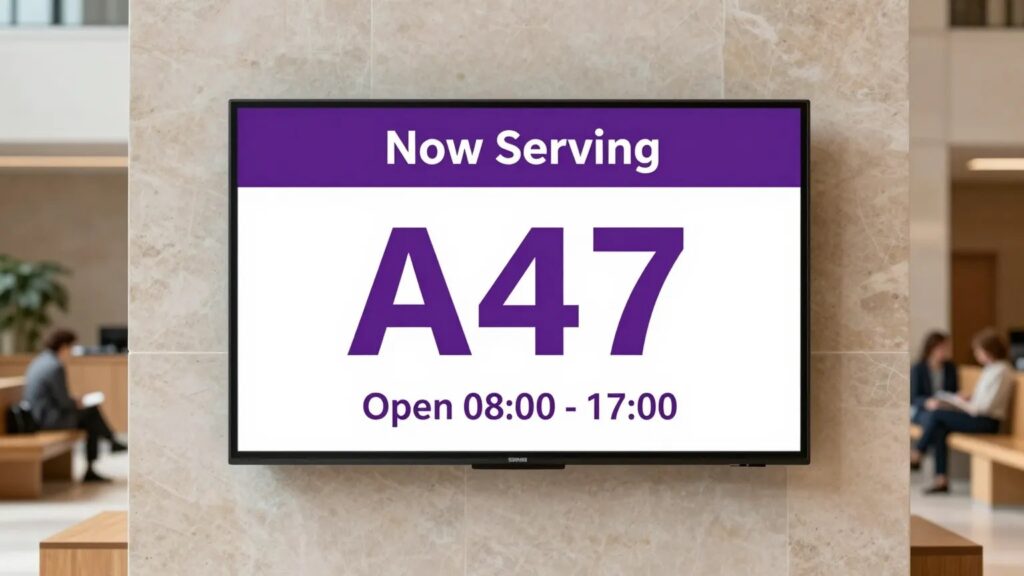
How government and public sector buildings use digital signage for service information, accessibility, and clear public communication.
 SignageTube Digital Signage
Step by step: connect SQL Server to a factory floor display, write the query, set the refresh interval, and keep IT happy.
 SignageTube Digital Signage
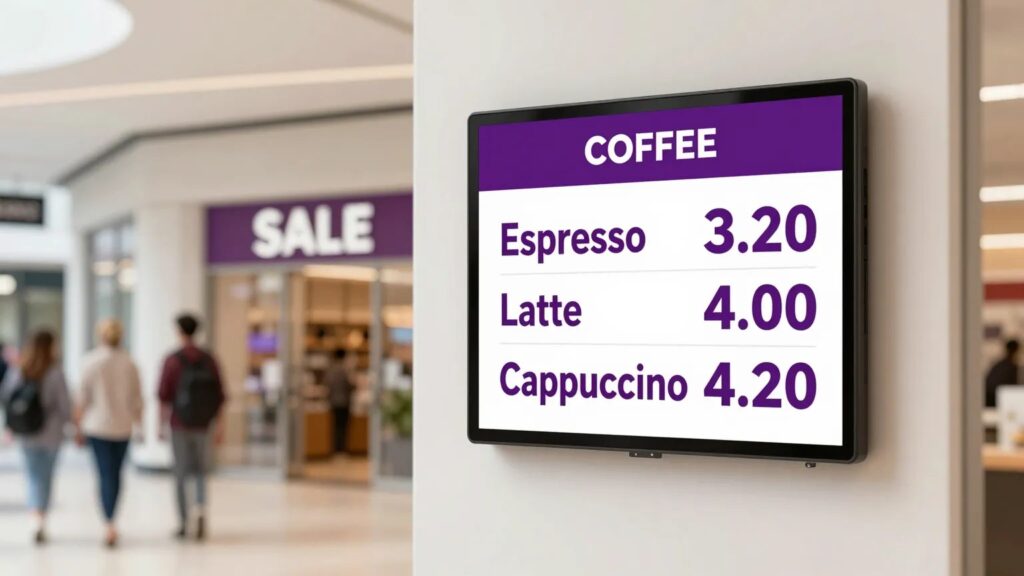
From hospitals to factories, here are 12 industries using digital signage every day, with real examples of what they put on screen...
 SignageTube Digital Signage
Find the best employee communication screens for your workplace, with practical guidance on content, placement, management, and rollout at scale, daily.
 Real-Time Digital Signage
Introduction to Digital Signage for Managers, IT Professionals, and Business Owners Are you a digital signage manager, IT professional, or business owner...
 SignageTube Digital Signage
Live dashboard screens for business turn changing data into clear, timely action. Learn how to plan, deploy, and manage screens that people...
 Cloud Digital Signage
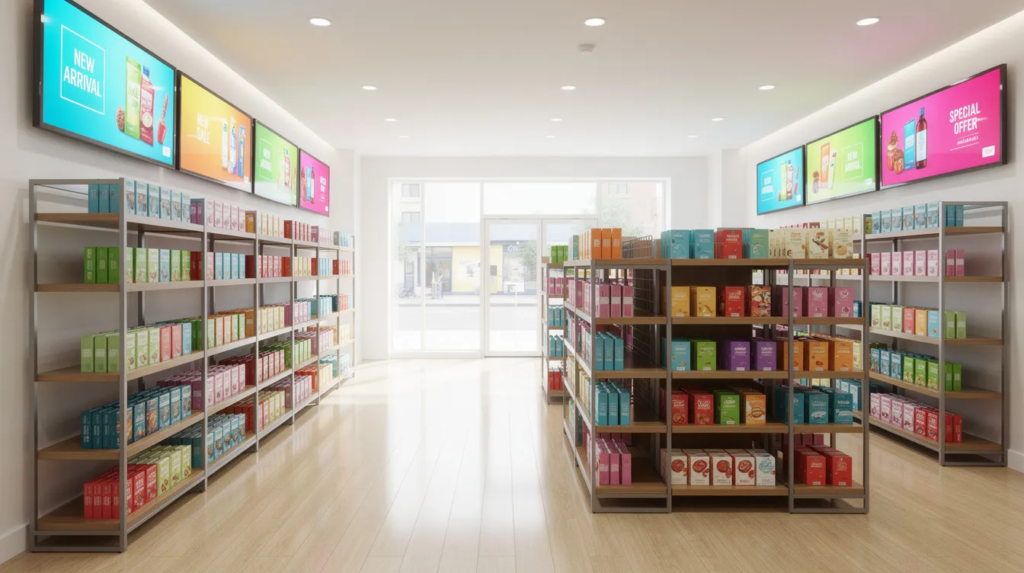
Screens with ROI are not just an expense—they’re a source of measurable return on investment. This guide is for business owners, marketers,...
 SignageTube Digital Signage
A practical digital signage platform review for teams comparing content creation, scheduling, screen management, deployment, and governance needs at scale.
 SignageTube Digital Signage
This enterprise digital display software review explains how to assess creation, control, scheduling, deployment, and scale for business screens well.
 Real-Time Digital Signage
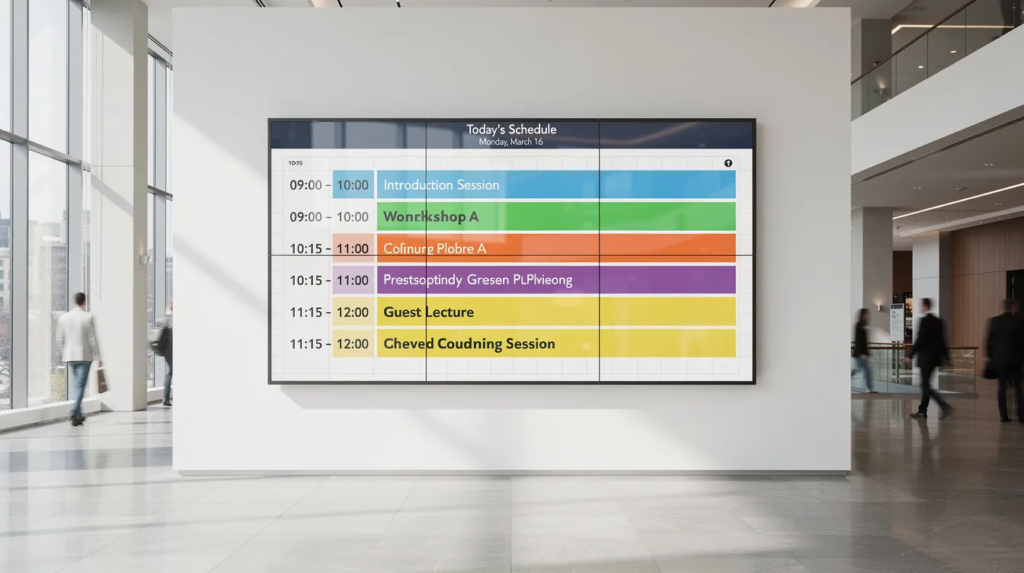
Community centers serve as the beating heart of neighborhoods across the world, often described as a community’s ‘shared living room.’ Each location...
 SignageTube Digital Signage
See the best ways to update tv menus fast, from editable templates and scheduling to centralized screen control for every location and...
 SignageTube Digital Signage
Learn when screens should use live dashboards, which data belongs on display, and how to keep real-time signage clear, useful, and reliable...
Pick what you want to try. No credit card needed, just your name and email.
Show your content, menus, welcome screens and promotions. The easiest place to start.
Start Cloud trial →Show live data that updates itself, prices, KPIs and dashboards from Excel and 20+ live sources. All features included.
Start Live trial →Not sure? Start with Cloud, you can switch anytime.
Both include a 7-day free trial. No credit card needed, just your name and email.