 SignageTube
Community Centers: Real-Time Digital Signage for Government and Public Services
Community centers serve as the beating heart of neighborhoods across the world, often described as a community’s ‘shared living room.’ Each location provides an accessible, communal space for social activities, support, and gatherings within a specific geographic area. Community centers are public or non-profit neighborhood-based facilities that serve as focal points for social, recreational, and educational activities. Community centers serve as public locations where members of a community gather for group activities and social support. As some of the world’s most recognized and valued public venues, community centers play a vital role in fostering connection and engagement.
Community centers are committed to creating an equitable, diverse, and inclusive culture across all public spaces and programs, ensuring everyone feels welcome and represented.
This guide explores how real-time on-premise digital signage transforms communication in public spaces—and why tools like SignageTube Live make implementation straightforward.
Early forms of community centers in the United States were based in schools, providing facilities to inner city communities outside of school hours. The first community center in the United States was Public School 63, located on the Lower East Side of New York City. By 1918, there were community centers in 107 US cities, and by 1924, this number had increased to 240 cities.
What Is a Community Center in Public Spaces Today?
A community center is a publicly accessible space where local residents gather for activities, support, and information sharing. These facilities function as multipurpose hubs that foster interaction and deliver vital services to diverse audiences. Community centers provide a safe, neutral ground for people of all ages, backgrounds, and socioeconomic statuses to gather. An online community centre can be defined as a web-based interactive platform that replicates these functions virtually, offering features such as discussion forums, event calendars, and resource sharing.
Centers can be secular—city-run recreation centers, youth clubs, or senior facilities—or religious, including church halls, mosque centers, synagogues, and temples. Community centers are often operated by local governments, nonprofits, or faith-based groups. Despite their differences, all share a common purpose: serving local people through programs, meetings, and cultural events.
Modern community centers increasingly rely on dynamic content displayed on screens throughout their buildings. Here are notable examples:
- Thringstone Community Centre in Leicestershire, UK (founded 1901): One of the world’s oldest continuously operating centers, originally serving miners’ families
- Hilltop Community Center in Columbus, Ohio (opened 2005): Serves 25,000–100,000 residents with sports facilities and event spaces
- Delridge Community Center in Seattle (completed 2007): Features gyms, theaters, and tech-equipped rooms
Community centers offer a wide range of services, including educational programs such as after-school tutoring, vocational training, and language classes. They frequently provide tailored services for seniors, including nutritious meal programs and social activities. Many centers also offer on-site childcare or specialized services like primary care and mental health support.
Many 21st-century facilities now use digital screens in lobbies, gyms, and classrooms to share real-time information, where platforms like SignageTube help manage and update content easily across as many screens as needed.
Organization and Ownership
Community centers operate under several ownership models, each influencing how services are delivered and funded.
Municipal or county governments run the majority of public centers through parks and recreation departments. In cities like Los Angeles, these facilities serve as identifiable focal points for residential neighborhoods. UK community hubs are often co-located with schools, utilizing assembly halls after hours for activities. Singapore takes a centralized approach with over 100 government-designated Community Clubs managed by the People’s Association.
Humanitarian organizations also play a significant role. National Red Cross and Red Crescent societies operate centers providing psychosocial support, language classes, legal referrals, and safe spaces for refugees. During the 2015–2016 European migrant crisis, these organizations hosted over 500 facilities in Germany and Sweden alone.
The history of community centers traces back to early 20th-century “settlement houses” like New York’s Henry Street Settlement (1893) and Chicago’s Hull House (1889). By the 1920s, these evolved into multipurpose centers combining recreation, education, and health programs—models that continue influencing non-profit organizations today.
Grassroots Functions and Daily Activities
Multigenerational Programs
Community centers support grassroots democracy and local identity by hosting neighborhood meetings, tenant associations, and volunteer groups. Incorporating diverse opinions in decision-making processes at community centers is essential, as it helps reduce bias, enhances objective analysis, and fosters a holistic understanding within the organization. These spaces give residents direct access to civic participation and social connection. Community centers also strengthen family relationships and facilitate connections between generations through multigenerational programs.
Civic Engagement Activities
Parks and recreation centers function as informal community hubs where sport leagues, summer camps, and cultural festivals build social ties. After-school tutoring programs in US recreation centers reach over 1 million youth annually through organizations like the YMCA. In Canada, seniors’ exercise classes help combat isolation—with Toronto operating 100+ centers offering low-impact fitness programs. European civic centers host cultural nights by diaspora groups, with events drawing thousands yearly for music and food.

Virtual Community Connections
The rise of “online community centers” mirrors physical spaces through web platforms offering discussion areas, event listings, and resource directories. Tools like Nextdoor and Facebook Groups connect residents virtually while coordinating in-person activities. Community centers also host events like town hall meetings and voter registration drives to promote civic engagement.
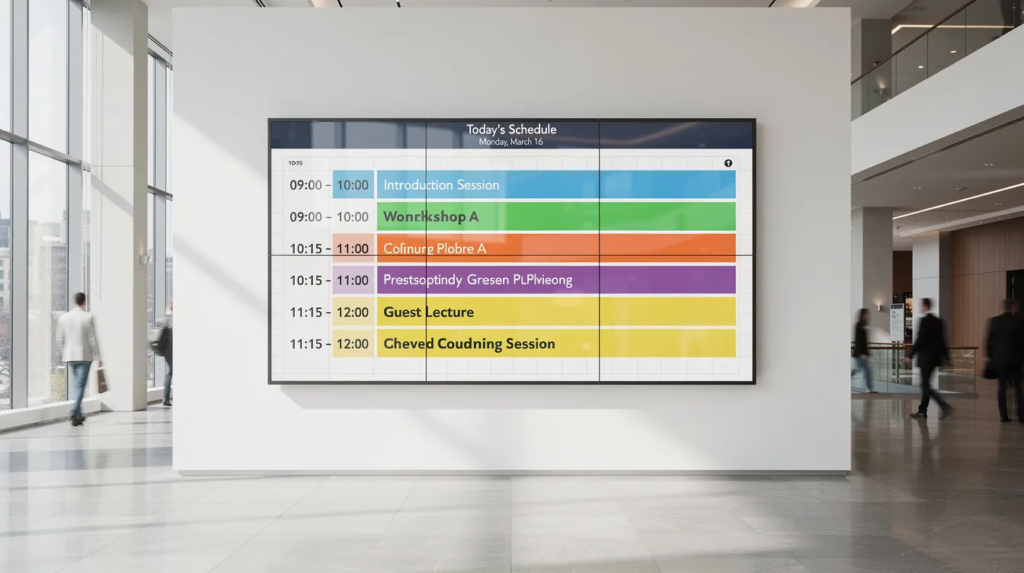
Digital displays in lobbies and common areas can show daily schedules, room usage, and volunteer needs. Using SignageTube keeps that information accurate and updated in real time, ensuring visitors always see current details rather than outdated posters.
Government and Public Services
Municipal governments use community centers as “front doors” for public services: recreation, public health outreach, voter registration, job fairs, and emergency notifications. These facilities transform into essential service delivery points when residents need them most.
Concrete examples demonstrate this role:
- Cooling shelters during European heatwaves (2019, 2022): Centers in France and Spain served over 3,000 vulnerable individuals daily.
- UK facilities: Accommodated 10,000+ when temperatures exceeded 40°C.
- US polling stations: Over 100,000 community centers served as voting locations during the 2020 midterms.
- COVID-19 response (2021): Gyms and multipurpose rooms converted to vaccination and testing sites, with 15,000+ US centers administering 50 million doses.
Real-time information is critical in these contexts. Room changes, service hours, queue lengths, and urgent public safety notices must reach visitors instantly. Cloud-based digital signage software complements on-premise screens by enabling remote updates and scalable management across multiple facilities, addressing this need effectively.
Real-Time On-Prem Digital Signage in Community Centers
Real-time on-premise digital signage consists of screens installed inside your facility, connected to local players or PCs, displaying content that changes immediately from within the building. This approach ensures reliable communication even when external internet connections fail.
Typical use cases include:
- Live announcements about class cancellations.
- Emergency closures.
- Weather alerts.
- Up-to-the-minute room schedules for fitness classes.
- Council meetings.
- Youth programs.
- Queue management for licensing.
- Service counter numbers for benefits assistance.
- Vaccination lines.
Work and time required without specialized software:
- Choose and purchase screens and media players (1–2 weeks).
- Configure local networks and copy slideshows via USB or shared folders (several days).
- Manually update schedules whenever changes occur.
- Staff may spend several hours weekly on updates.
Disadvantages of alternative options:
|
Option |
Problems |
|---|---|
|
Paper posters |
Slow to update. Costly over time ($500–2,000 yearly). Outdated information left on walls. |
|
Consumer tools (USB slides, TV apps) |
No central control. High risk of forgotten updates. No live monitoring or proof of play. |
|
In-house built systems |
Requires IT expertise. Ongoing security patches. Maintenance costing $10,000+ annually. |
|
Why SignageTube Live works for community centers: |
|
SignageTube Live provides an on-prem, real-time signage solution designed for these environments. Content controlled from a PC in the center appears on screens within seconds. The system works reliably offline—essential for emergencies or older municipal buildings with limited connectivity. Staff can deploy urgent alerts and last-minute schedule changes without reprinting anything. SignageTube Live can be accessed or run directly within a browser, allowing for browser-based deployment without the need for dedicated hardware or apps. Users can easily download and install the SignageTube Player app on various devices and operating systems to get started. It is simple to implement SignageTube Live within your existing environment, making setup and integration fast and straightforward.
PowerPoint plus SignageTube Live:
- Employees already know PowerPoint, reducing training needs.
- No expensive graphic designers required.
- Typical setup and first playlist completion takes just 2–4 hours.
- Staff create slides for daily classes, public health tips, or city campaigns using existing templates.
- Publish directly to SignageTube Live players.
- Duplicating and adapting slides for different rooms (lobby, gym, senior lounge) takes minutes.
SignageTube offers an extensive range of integrations with over 90 different apps and tools, streamlining content upload and customization, especially for organizations creating digital signage with PowerPoint and related software. The platform features an intuitive interface with drag-and-drop content creation, making it easy for anyone to use. Customizable templates provide enhanced design flexibility for any type of announcement or schedule. Staff can manage or control digital signage content remotely via phone, ensuring accessibility on the go. The platform supports data processing from multiple sources, enabling analytics and efficient content management. Users can watch content on digital signage screens, and viewing behavior can inform future content recommendations for better engagement.
A practical example: a city-run community center updates its digital schedule board every morning in under 10 minutes using PowerPoint and SignageTube Live, cutting administrative time by 70% while improving customer engagement.
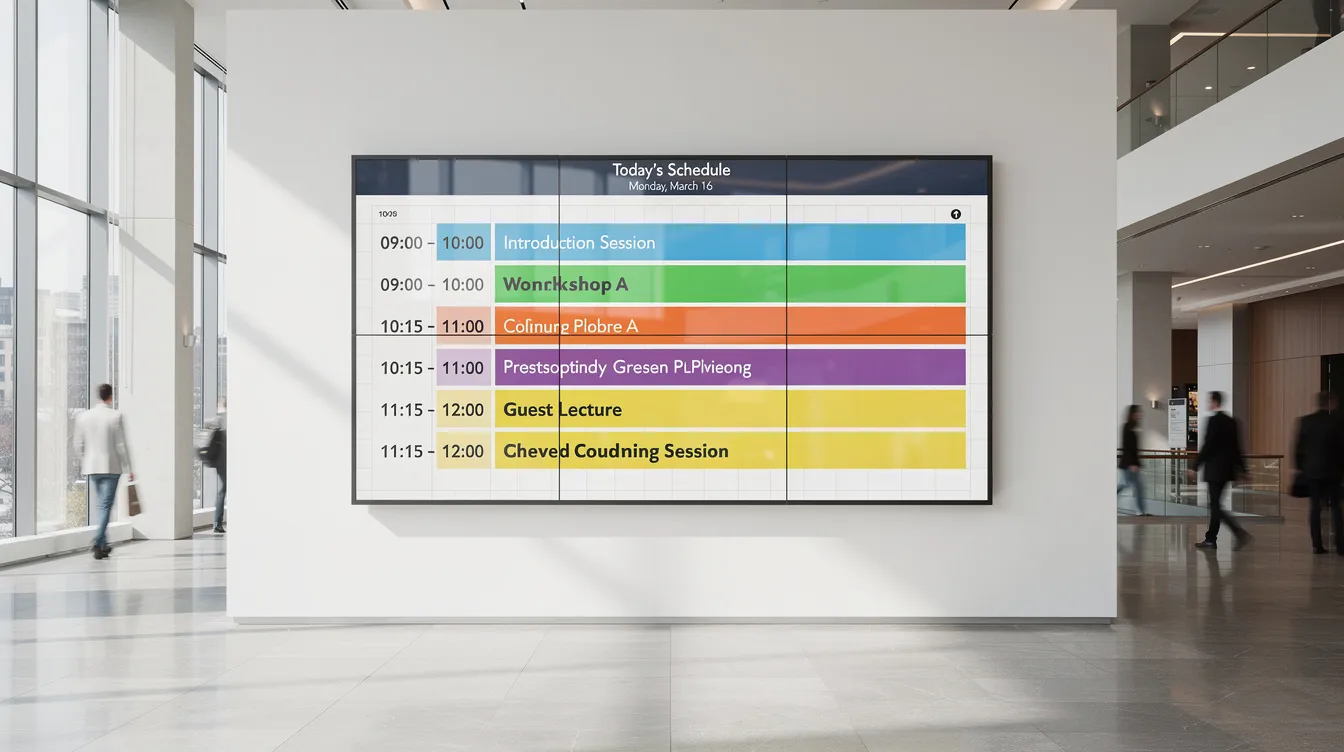
User-friendly digital signage software often includes drag-and-drop interfaces and customizable templates for easy content creation. Many digital signage solutions provide 24/7 support to assist users with their content management needs.
Digital Signage Network Solutions
A robust digital signage network empowers organizations and businesses to manage, schedule, and deploy content seamlessly across as many screens and locations as needed. By connecting screens, media players, and cloud-based content management software, a digital signage network enables centralized control and consistent messaging—whether you’re operating a single site or a nationwide chain.
With a digital signage network, businesses can create and deliver dynamic content that captures attention and drives customer engagement. For example, a retail chain can display synchronized promotional messages, product videos, and real-time updates across all stores, ensuring every customer receives the same compelling message. Community centers can use their network to display program schedules, event reminders, and public service announcements on screens throughout their facilities, keeping residents informed and engaged.
The ability to manage and update content remotely means organizations can react quickly to changing needs, deploy new campaigns instantly, and maintain brand consistency. This flexibility not only enhances the customer experience but also supports business goals such as increased sales, improved communication, and stronger community connections. By leveraging a digital signage network, organizations can create immersive media experiences that deliver the right message to the right audience, every time.
Data Security Measures
Data security is a top priority for organizations and businesses deploying digital signage solutions. Protecting sensitive information—such as user data, internal communications, and proprietary content—requires a combination of robust security features and best practices. Modern digital signage platforms, like SignageTube, are built with data security in mind, offering encrypted data transmission, secure storage, and strict access controls to ensure only authorized personnel can manage content.
Utilizing operating systems with built-in security features, such as secure boot and intrusion detection, further strengthens the protection of your digital signage network. Firewalls and regular software updates help defend against external threats, while user authentication and role-based permissions prevent unauthorized access to critical data and system controls.
By implementing these data security measures, companies can safeguard their digital signage infrastructure, maintain the integrity of their content, and comply with industry regulations. Prioritizing data security not only protects your organization’s reputation but also builds trust with customers, residents, and stakeholders who rely on your services and communications.
Business Intelligence and Data Analytics
Harnessing the power of business intelligence and data analytics is essential for organizations and businesses aiming to maximize the impact of their digital signage. By integrating analytics tools into your digital signage platform, you can collect and analyze data on content performance, audience engagement, and operational efficiency.
These insights enable companies to make informed decisions, refine messaging, and align digital signage strategies with broader business goals. For instance, analyzing which announcements or promotions generate the most interest allows organizations to create more targeted and effective content, boosting customer engagement and driving desired outcomes.
Business intelligence dashboards provide a clear view of key metrics, helping organizations identify trends, optimize scheduling, and allocate resources more effectively. By leveraging data analytics, businesses can continuously improve their digital signage initiatives, stay ahead of the competition, and deliver measurable results that support long-term growth and success.
Community Center Digital Signage Case Studies
Community centers around the world are transforming their communication strategies with digital signage, creating more vibrant and connected environments for residents. For example, a local recreation center might use digital signage to display up-to-date schedules for fitness classes, youth programs, and community events, ensuring visitors always have access to the latest information.
In another case, a community center partners with local businesses and organizations to promote services and special offers on their digital screens, supporting economic development and fostering a sense of community pride. During emergencies, digital signage becomes a vital tool for displaying real-time alerts, weather updates, and safety instructions, helping keep residents informed and safe.
By implementing digital signage solutions, community centers can create engaging displays that highlight programs, celebrate achievements, and connect residents with essential services. These case studies demonstrate how digital signage not only enhances communication but also strengthens the overall quality of life in the communities they serve.
Challenges, Modern Needs, and How Digital Signage Helps
Communication Challenges
- Frequent last-minute changes to room bookings.
- Frequent last-minute changes to programs.
- Need to share information in multiple languages.
- Reaching both regular visitors and occasional users who may see only one notice.
Accessibility Considerations
To ensure accessibility and support, community centers should provide clear contact information for individuals who need accommodations to access facilities or participate in programs.
Digital Signage Solutions
Digital signage addresses these challenges when combined with tools like SignageTube.
- A central dashboard updates all on-site screens in seconds.
- Time-based scheduling displays morning senior programs differently from evening sports leagues.
- Rotating content covers health campaigns, city events, transit alerts, and emergency messages.
- For multi-site organizations, a city managing 10+ community centers can use SignageTube’s cloud-based digital signage platform to push shared campaigns to all facilities.
- Each site can customize announcements as needed.
- Live monitoring and proof-of-play features support public-service accountability.
- Insights from digital signage help with data security compliance and grant reporting requirements.
Future of Community Centers in a Hybrid Physical–Digital World
Community centers are evolving into hybrid spaces in the 2020s, blending in-person activities with online services and communication. This transformation reshapes how facilities connect with audiences.
Near-future trends include more online booking for rooms and classes with confirmations mirrored on lobby digital signage. Integration of social media feeds and city news streams onto screens keeps visitors informed of both local and citywide updates. Attendance data helps managers decide which notices to promote most prominently.
A platform like SignageTube acts as the visual communication backbone—a central system for all screens whether in a single building or across dozens of centers. Support for varied device types and operating systems (Android players, Windows PCs, compatible Smart TVs) matches municipal procurement policies and existing equipment.
Relying on tools staff already know—PowerPoint combined with SignageTube Live—keeps training times low and adoption high. Explore starting with a pilot screen in your main lobby, test real-time updates for 30 days, and measure visitor feedback before scaling to more locations. The business goals are clear: better-informed residents, reduced staff workload, and facilities that meet community needs efficiently.
- SignageTube Starter – content signage on any TV
- SignageTube Enterprise – live data on your screens
- Digital signage software – how to choose, and what matters
- Templates – 120+ ready-made designs
- Pricing – simple per-screen plans