 SignageTube
Digital Signage for Government and Public Sector Buildings
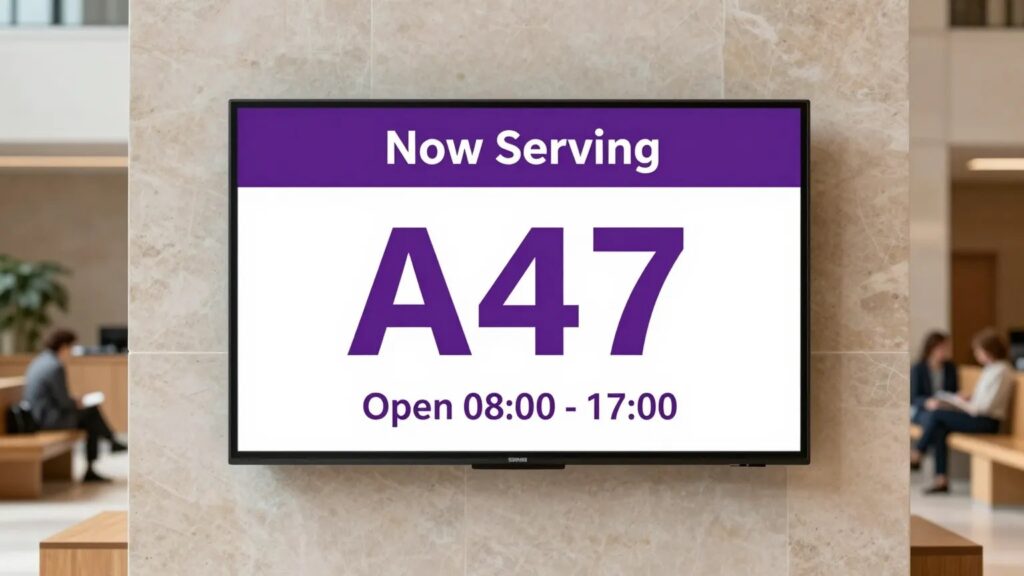
Public buildings serve everyone, which makes communication unusually demanding. The message has to be clear to people of every age and background, it has to meet accessibility standards, and it often has to be consistent across many sites. Government digital signage handles all of that well, which is why councils, agencies, and public services increasingly rely on it.
Here is what matters when screens carry public information.
What public sector screens do
In government and public buildings, screens commonly show:
- Service and department information, and where to go
- Queue numbers and current wait times
- Opening hours and appointment guidance
- Public health and safety messaging
- Accessibility information
- Multilingual content for diverse communities
What screens show, building by building
| Building | Typical screen content |
|---|---|
| City hall | Service desks, queue numbers, opening hours, council announcements |
| Library | Events, room bookings, new arrivals, community programmes |
| Courthouse | Hearing schedules, wayfinding, security notices |
| Police station | Public notices, safety campaigns, community information |
| Transit hub | Departures, disruptions, safety messaging |
Some of these deserve their own guide: see our posts on digital signage for law enforcement and real-time signage for public transportation.
Clarity above everything
A public information screen has a higher bar than a shop’s. Visitors may be stressed, unfamiliar with the building, or there for something important. The content has to be calm, plain, and easy to follow.
That means large text, simple language, generous spacing, and no clutter. It also often means multiple languages, cycling through so everyone is served. Build your layouts to be readable first and attractive second.
Accessibility is not optional
Public sector communication usually has to meet accessibility requirements, so design with that from the start:
- Strong colour contrast between text and background
- Large, clean fonts that read from a distance
- Enough time on each slide for slower readers
- Plain language, free of jargon and acronyms
Consistency across sites
Many public services run multiple offices, and the public expects the same information at each. Cloud-based signage solves this by letting a central team manage every screen and push consistent updates everywhere at once. When a policy or opening hour changes, it changes on every screen the same day.
With SignageTube, that central team builds content in PowerPoint, a tool government offices already have, and publishes it across all locations from one place. There is no specialist software to procure or train staff on, which keeps both cost and complexity down.
Reliability matters more here
A blank screen in a public building looks like neglect, and it leaves visitors without information they need. Choose a setup where screens recover automatically after a power cut or restart, so the information is always there. Unattended reliability is part of the job, not a nice-to-have.
Public sector signage is about serving everyone clearly, consistently, and reliably. Build for those three things and the screens do real work. See SignageTube for the public sector.
- SignageTube Starter – content signage on any TV
- SignageTube Enterprise – live data on your screens
- Digital signage software – how to choose, and what matters
- Templates – 120+ ready-made designs
- Pricing – simple per-screen plans