 SignageTube
Digital Signage TV: How to Choose, Use, and Get Results
Key Takeaways
- Digital signage TVs are purpose-built commercial displays engineered for continuous operation in business environments, not simply consumer TVs mounted on a wall.
- True digital signage offers significantly higher brightness (500–3,500 nits), 18/7 to 24/7 durability ratings, and robust remote content management capabilities.
- Using a cheap consumer TV for signage often leads to dim images in daylight, burn-in from static content, overheating, and higher long-term replacement costs.
- Digital signage TVs fit key use cases including retail, restaurants, corporate offices, education campuses, hospitality venues, and public spaces.
- This article will help you decide when to use a digital signage TV versus a standard TV, which specs actually matter for your environment, and how to deploy quickly and effectively.
What Is a Digital Signage TV?
A digital signage TV is a commercial-grade display specifically designed to show scheduled, remotely managed content—such as advertisements, menus, dashboards, or wayfinding information—in public or business spaces. Unlike consumer televisions optimized for intermittent home entertainment, these displays prioritize attributes like exceptional brightness, continuous operation capability, and integration with content management platforms.
The terminology can get confusing. A “digital signage TV” and a “commercial display” refer to purpose-built hardware for business use, while a “consumer TV used as signage” is simply a living-room television repurposed for commercial applications. The difference isn’t just marketing—it affects durability, brightness, warranty coverage, and long-term reliability. Commercial TVs are built to handle the demands that consumer devices simply cannot.
Typical screen sizes range from 32 inches for compact information kiosks up to 98 inches and beyond for video walls in large lobbies or outdoor installations. Common resolutions include Full HD (1920×1080) for cost-effective distant viewing and 4K UHD (3840×2160) for close-up applications where fine text and detailed graphics matter.
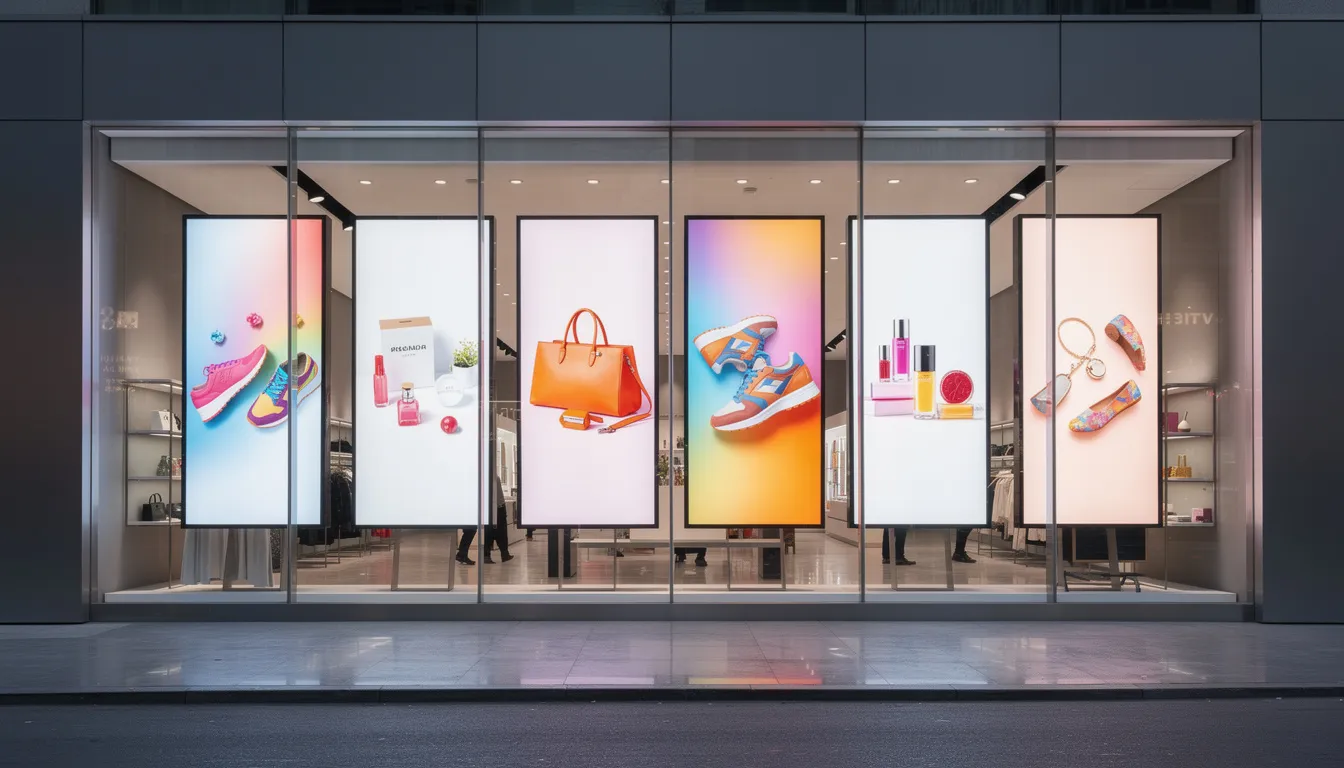
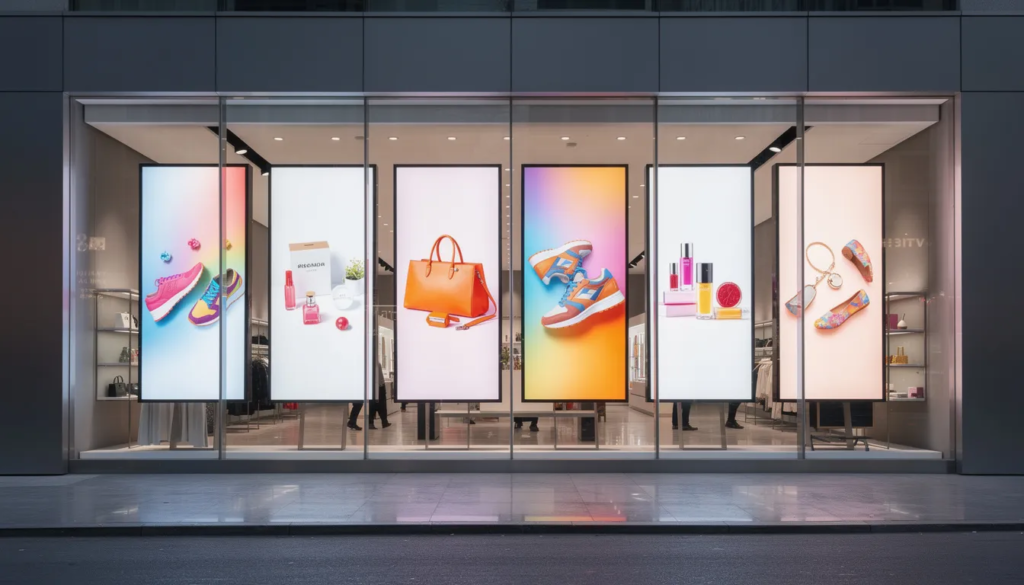
Consider a 2025 retail window display scenario: a fashion store uses three 65-inch portrait-mounted screens to showcase new arrivals, with content updated every morning via cloud software. The store manager logs into the platform from their phone, schedules the weekly promotions, and the screens across multiple locations update automatically. No USB sticks, no walking around with a laptop.
Modern digital signage TVs often include built-in media players running embedded operating systems like Android, Tizen, or webOS. They can connect to your network via wi fi or Ethernet and run content directly without requiring an external PC or media player. This simplifies installations and reduces potential points of failure.
Digital Signage TV vs. Regular TV
Many businesses in 2024–2025 are tempted to hang a cheap 55-inch TV from a big-box retailer and run a looping USB video. It seems like a smart way to save money. But over time, this approach often fails—sometimes spectacularly.
The core differences between digital signage TVs and consumer models come down to several critical factors:
- Brightness: Consumer TVs typically offer 250–400 nits; commercial signage starts at 500 nits and goes up to 3,500+ nits
- Duty cycle: Consumer TVs are designed for 4–6 hours daily; commercial displays handle 16/7 or 24/7 operation
- Orientation support: Consumer TVs are certified only for landscape; commercial displays support portrait mounting
- Connectivity: Consumer TVs have basic HDMI; commercial displays offer RS-232, LAN control, GPIO, and more
- Warranties: Consumer warranties often exclude commercial use entirely
- Management tools: Commercial displays integrate with centralized platforms for remote control
Commercial signage warranties typically provide 3-year on-site business coverage, while consumer TV warranties become void the moment you mount the screen in a public environment and run it for extended hours. This isn’t a technicality—it’s explicitly stated in most consumer TV documentation.
Here’s a practical comparison: imagine a digital menu board in a café. The consumer TV, rated at 350 nits, looks fine when the staff sets it up in the evening. But by noon the next day, with sunlight streaming through the windows, customers can barely read the lunch specials. The 700-nit commercial display next door at a competing café? Crystal clear, all day long.
Use consumer TVs sparingly—for back offices, break rooms, or low-traffic areas with controlled lighting. For any customer-facing or 24/7 content, choose a digital signage TV.
Brightness and Readability
Typical living-room TVs deliver about 250–400 nits of brightness, which works fine in a dim home with curtains drawn. But in a sunlit shop, transportation hub, or window display, that brightness level produces washed-out, barely readable images.
Indoor digital signage TVs usually start around 500 nits and can reach 700–1,000 nits for bright retail interiors. For semi-outdoor applications and storefront windows facing direct sunlight, displays rated at 2,000–3,500+ nits become necessary to maintain visibility.
Consider this concrete scenario: a retail store on a busy street in June 2025 installs a 75-inch signage display rated at 700 nits. Promotional content for summer sales remains crisp and visible throughout the day. Meanwhile, a competitor across the street using a 350-nit consumer TV finds their screen appears completely washed out by midday, directly impacting customer engagement.
Anti-glare coatings and optimized haze levels help scatter ambient light, ensuring text and graphics remain legible from several meters away. High-contrast panels further enhance readability for menus, flight information, and wayfinding content.
For restaurant menu boards, bank lobbies, and transportation hubs, brightness and anti-glare performance typically matter more than resolution alone. People need to read prices and information quickly from a distance—4K resolution doesn’t help if they can’t see the screen.
Durability and 24/7 Operation
Consumer TVs are typically designed for 4–6 hours of daily use in a climate-controlled living room. Commercial signage displays are rated for 16/7 or full 24/7 operation, often boasting lifespans up to 50,000 hours of continuous use before significant degradation.
Running a consumer TV as signage all day introduces serious risks:
- Panel burn-in from static content like logos and menu headers
- Color shift due to phosphor and LCD wear over time
- Overheating that triggers thermal throttling or unexpected shutdowns
- Power supply strain leading to premature failures
Consider a fast-food chain running digital menu boards 18 hours per day, 7 days per week. These displays need to perform reliably through 2028 and beyond. Commercial displays incorporate heat-dissipating designs, enhanced cooling systems with multiple fans, metal chassis, and panel stabilization algorithms specifically engineered for this scenario.
If your content must run more than 12 hours daily or your screens are in high-traffic public locations, a digital signage TV is the safer long-term choice. The warranty alone makes it worthwhile.
Orientation and Mounting Flexibility
Digital signage TVs are typically certified for both landscape and portrait orientation, including support for tilt angles up to 20–30 degrees for overhead mounting. Most consumer TVs are certified only for standard landscape use.
Portrait mode is critical for many applications, and understanding portrait vs landscape orientation for digital signage helps you choose layouts that best match your content and environment:
- Digital menu boards in quick-service restaurants
- Flight and train information displays in transportation hubs
- Vertical wayfinding kiosks in hotels and hospitals
- Fashion and product displays in retail stores
Rotating a consumer TV to portrait orientation can cause problems: uneven cooling due to gravity affecting internal components, fan and vent misalignment, lubricant migration in rotating mechanisms, and accelerated panel wear. These issues void warranties and shorten display lifespan.
Commercial signage lines offer VESA-compatible mounts, slimmer depths for tight installations, and more rugged mounting points designed for video walls and challenging environments. Before ordering any screen for vertical or overhead mounting, check the datasheet for explicit portrait and tilt support certification.
Connectivity, Control, and Security
Digital signage TVs typically include ports beyond standard HDMI that enable integration with enterprise systems:
|
Port Type |
Function |
|---|---|
|
RS-232 |
Serial control for automation systems |
|
GPIO |
Sensor integration and triggering |
|
LAN/RJ45 |
Network control and monitoring |
|
HDBaseT |
100-meter cable runs over single Cat6 |
|
USB 3.0 |
Local content and peripheral connection |
|
DisplayPort |
High-bandwidth video input |
|
LAN and RS-232 connections allow remote power control, input switching, and status monitoring from a central console. This is impossible with most consumer TVs, which rely on handheld remotes and manual updates. |
|
|
Security features designed for business environments include: |
|
- Admin-level settings locks preventing unauthorized changes
- IR remote lockout to prevent tampering by passersby
- USB port covers for physical access control
- Secure boot mechanisms to prevent malware
Imagine a corporate lobby in 2026 with 20 displays across multiple floors. IT staff can remotely schedule power cycles, push firmware updates, and monitor device health from a central dashboard—all without leaving their desks. Contrast this with the inconvenience of walking around with remotes or USB sticks to update each consumer TV by hand.
Core Use Cases for Digital Signage TVs
Digital signage TVs now support a wide range of verticals—retail, quick-service restaurants, corporate environments, education campuses, hospitality, healthcare, and public spaces. The global market exceeded $25 billion annually by 2024–2025, with projections reaching $40 billion by 2030.
The same underlying hardware can power vastly different experiences based on content and layout. A 55-inch commercial display might show dynamic menus in a café, KPI dashboards in an office, or emergency alerts on a campus—the flexibility comes from the software and content strategy.
Before shopping, identify your primary use case. Requirements like brightness, size, and durability depend heavily on your environment. Consider your typical viewing distance, ambient light conditions, and daily operating hours as you evaluate each vertical-specific application.
Retail and Showrooms
Retailers deploy digital signage TVs for window displays, in-aisle promotions, seasonal campaigns, and interactive product explainers. Industry studies suggest digital signage can boost foot traffic by 20–30% when implemented effectively.
A fashion store in 2025 might use a row of 65-inch 4K signage TVs mounted in portrait orientation to display new collection lookbooks and time-limited offers. The narrow bezels create a near-seamless visual impact, while high brightness (700+ nits) ensures visibility even in sunlit mall corridors.
Cross-promotion capabilities allow synchronizing content across multiple screens during weekend sales, holiday events, or product launches. The signage can connect to inventory systems, automatically highlighting items that need to move faster.
Mounting strategy matters: eye-level placement works best for promotional content designed to engage and convert, while higher placement suits navigational signage, queue information, or brand awareness in large spaces.
Restaurants, Cafés, and Bars
Quick-service restaurants use digital signage TVs as dynamic menu boards, enabling dayparting—showing breakfast menus in the morning, lunch options at midday, and late-night specials after 9 PM. This flexibility eliminates the need for multiple printed menus and allows instant price updates when you use cloud-based digital menu board software.
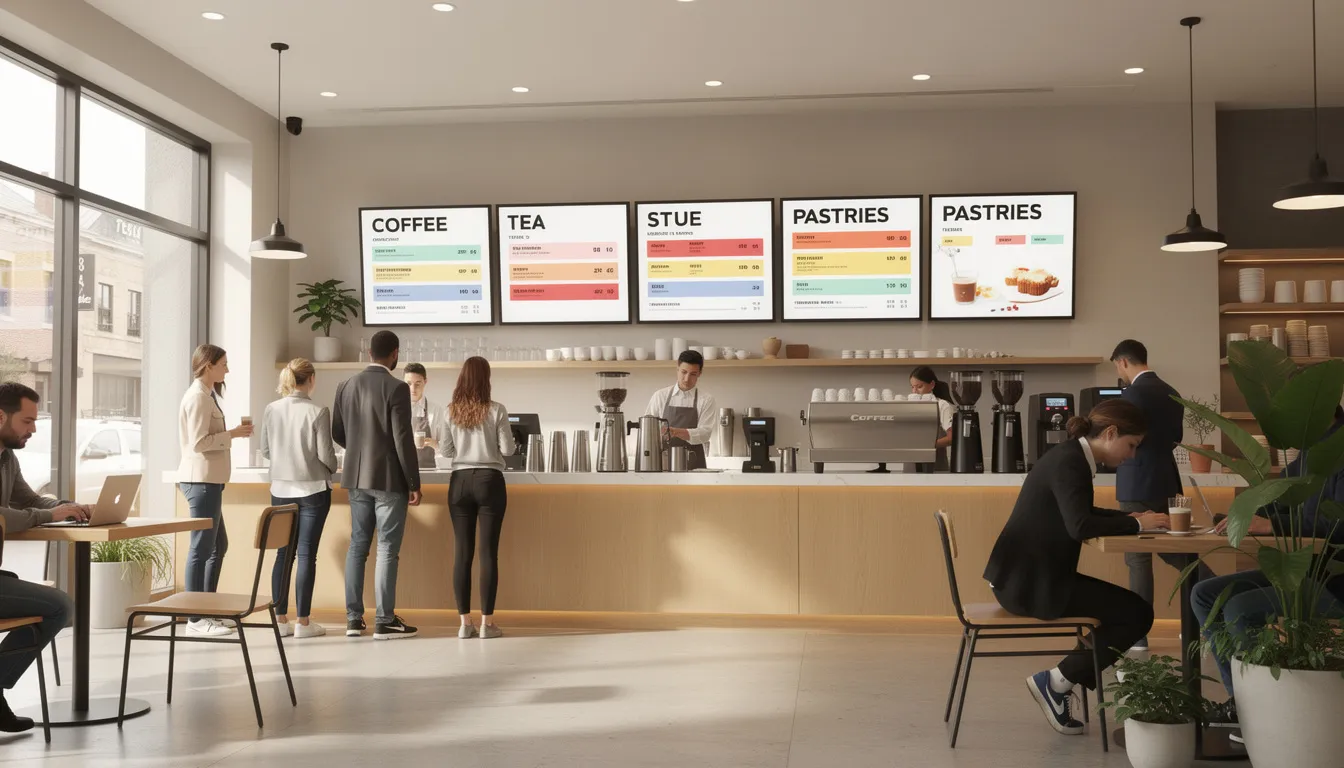
Consider this scenario: a café updates its drink specials every Monday morning through a cloud-based platform. Staff spend zero time reprinting and replacing paper menus, reducing print costs by 50–70% annually while keeping content fresh and relevant.
The benefits for restaurants include:
- Instant price and item updates without reprinting
- Calorie and allergen information displayed dynamically
- Upsell animations for combos and add-ons
- Time-based content switching for different meal periods
Displays mounted above cooking lines or near serving areas require higher heat and humidity tolerance. Look for models with enhanced cooling systems and environmental ratings appropriate for commercial kitchens.
Bars often combine digital signage content (promotions, events, sports schedules) with live TV feeds, while cafés increasingly rely on digital coffee shop menu boards to showcase drinks and promotions. This requires multiple HDMI inputs and easy source switching—features standard on commercial displays but often limited on consumer TVs.
Education and Campuses
Campus-wide digital signage networks provide class schedules, event announcements, emergency alerts, and wayfinding information in halls, lobbies, libraries, and administrative buildings.
A university during the 2024–2025 academic year might deploy 55-inch signage TVs outside each lecture hall showing real-time room allocations, schedule changes, and upcoming events. Students find information quickly without stopping to ask staff, improving productivity for everyone.
Libraries and labs benefit from interactive displays for room booking systems, digital noticeboards, and student services information. The platform can manage signage by campus, building, or department, giving IT granular control over what appears where.
Accessibility matters in education: clear typography, high-contrast color schemes, and captioned video content ensure compliance with campus communication guidelines and make information available to all students and employees.
Corporate, Hospitality, and Public Spaces
Common corporate deployments include prominent office welcome screens in lobby areas and other applications such as:
- Lobby branding walls showcasing company culture and achievements
- KPI dashboards in offices tracking real-time performance metrics
- Digital room booking panels outside meeting spaces
- Internal communications screens for company announcements
Hotels use digital signage TVs near elevators, in conference corridors, and in lobbies to display event directories, restaurant menus, local tourist information, and check-in instructions. A single platform can deliver immersive experiences across the entire property.
Public sector applications—city halls, transportation hubs, healthcare waiting rooms—benefit from displays where information changes frequently. These environments demand high uptime, redundancy protocols, and secure, remotely managed networks.
Planning for multi-lingual content and ADA-compliant visual design helps organizations reach diverse audiences. Many platforms offer templating features that make producing content in multiple languages easy.
Choosing the Right Digital Signage TV (Specs That Matter)
Don’t buy a digital signage TV based only on size and price. Prioritize brightness, duty cycle rating, and management features—these determine whether your investment will deliver value or cause headaches.
Primary decision factors include:
- Screen size: Match to viewing distance (55” for 2–3m, 75” for 3–5m, 98”+ for large lobbies)
- Resolution: 4K for close viewing and fine text; Full HD sufficient for distance viewing
- Brightness: 500+ nits minimum for indoor; 2,000+ nits for windows
- Duty cycle: 16/7 or 24/7 rating depending on operating hours
- Connectivity: HDMI, LAN, RS-232, USB as needed for your setup
- OS/Platform: Android, Tizen, webOS, or bring your own player
Download and compare spec sheets before deciding. Focus on brightness specifications, supported operating hours, and warranty terms. A $1,500–5,000 commercial display often delivers 30–50% lower total cost of ownership over 3–5 years compared to repeatedly replacing $500 consumer TVs.
Panel Technology and Image Quality
Digital signage TVs use several panel technologies, each with distinct characteristics:
|
Panel Type |
Viewing Angle |
Contrast |
Best For |
|---|---|---|---|
|
IPS |
178° wide |
Moderate |
Open spaces, corridors, retail |
|
VA |
Narrower |
Higher |
Dimmer venues, focused viewing |
|
OLED |
Wide |
Excellent |
Premium branding walls |
|
microLED |
Wide |
Excellent |
High-end installations |
|
IPS-style panels are preferred in approximately 70% of installations due to their wide viewing angles, making them ideal for corridors, lobbies, and retail environments where people approach from multiple directions. |
|
|
|
|
Color calibration features and factory presets tailored to signage—such as vivid mode for retail impact versus natural mode for corporate environments—help deliver appropriate visual experiences without extensive manual adjustment. |
|
|
|
For video walls, uniform brightness across the entire screen surface becomes critical. Seams and brightness variations between panels are noticeable and can distract from content. HDR support improves impact for premium branding walls but matters less for text-heavy informational content.
Smart Operating System and Built-In Media Player
Many 2024–2026 digital signage TVs ship with embedded operating systems—often Android 11–14, Tizen, or webOS—and native CMS apps. This built-in media player capability means displays can run content directly without external hardware.
Built-in players reduce complexity:
- Fewer devices to manage and maintain
- Cleaner installations with less cabling
- Lower power consumption (often 20–30% less draw)
- Simplified inventory and purchasing
Typical capabilities include scheduling, playlist management, content caching for offline playback, and automatic updates from cloud platforms. Many offer compatibility with major products like Rise Vision, NoviSign, and similar digital signage solutions.
Avoid relying on “consumer smart TV” apps for business signage. These may auto-update, display consumer pop-ups, or change behavior in ways inappropriate for professional environments.
Check the app ecosystem and compatibility with your preferred content management platform before purchase. Not all platforms support all embedded operating systems equally well.
Connectivity and Power Management
Common connectors on digital signage TVs include:
- HDMI 2.0/2.1: Primary video input from external sources
- DisplayPort: High-bandwidth option on some models
- USB 3.0: Local content playback and device charging
- LAN/RJ45: Network control and content delivery
- RS-232: Serial control for AV integration
- Audio out: External speaker connection
- OPS slot: Optional PC module integration
LAN-based control enables scheduling power on/off cycles, remote rebooting, and monitoring device status from a central dashboard. This eliminates site visits for routine maintenance and allows quick troubleshooting.
CEC and RS-232 integration connect displays with existing AV systems, control processors, or building automation platforms. Power consumption ratings and eco modes that dim screens during off-hours help manage energy costs—important when running dozens of displays across multiple locations.
Before installation day, plan for cable routing, power outlets, and network drops at every screen location. These infrastructure requirements often create hidden costs if not addressed during the planning phase.
Deploying Your Digital Signage TV Network
The deployment lifecycle follows a logical progression: plan content and locations, select displays, mount and connect, then manage content and monitor performance over time.
Start with a pilot deployment of 3–5 screens before rolling out to dozens of locations across a region or chain. Pilots reveal practical issues—content that doesn’t work at certain viewing distances, network configuration problems, or mounting challenges—before they multiply across your entire account.
For complex video walls or outdoor signage, work with experienced installers or AV integrators. They understand load-bearing requirements, cable management best practices, and compliance with local building codes. Safety matters: proper mounts, reinforced walls, and professional installation prevent accidents and liability issues.
Three main content deployment models exist, each with distinct advantages depending on your technical capabilities and requirements.
Software-Only and BYO Hardware
Software-only solutions run on existing PCs, small-form-factor devices, or systems like Intel NUCs connected via HDMI to commercial displays. This approach works well for organizations that already have reliable hardware and IT support.
Advantages include full control over hardware selection, operating system choice, and the ability to leverage existing devices. However, this model requires ongoing OS maintenance, security patching, and troubleshooting for each player device.
A corporate IT team in 2025 might standardize on mini-PC players running Windows or Linux with a consistent signage app across all locations. This provides flexibility but requires technical expertise to manage.
This route suits tech-savvy teams that want complete control over hardware and operating systems. It’s cost-effective but demands more hands-on support.
Note that external hardware can generate noise and heat, which may be problematic in quiet environments like libraries or executive areas.
Dedicated Media Players and Appliances
Plug-and-play digital signage media players with the right feature set are compact, fanless devices designed specifically for 24/7 digital signage. They connect via HDMI and handle content delivery, scheduling, and playback without requiring general-purpose computer maintenance.
Key characteristics include:
- 4K@60Hz output support
- Wi fi and Ethernet connectivity
- Remote management from cloud platforms
- Secure booting and encrypted content delivery
- Fanless, silent operation
This model suits multi-site retail and restaurant chains where simplicity and uniform deployment matter, especially when placing advertising content on television screens across many venues. IT staff manage players centrally, pushing updates and troubleshooting remotely without visiting each location.
Mount players securely behind the display or in a locked cabinet to prevent tampering. Many players include VESA mount compatibility for clean installations.
Fully Embedded Smart Signage
In embedded smart signage, the digital signage app runs directly on the display’s onboard operating system. No external player needed—content downloads and plays from the cloud through the display itself.
Benefits include:
- Fewer points of failure (no external devices)
- Cleaner installations with minimal cabling
- Reduced power consumption
- Simpler inventory management
Consider a hotel deploying 40 smart signage TVs across lobbies, conference floors, and restaurant areas. All displays run the same CMS app natively and are managed from a single web portal. Staff can change content for any screen from anywhere with internet access.
Limitations include less raw CPU/GPU power than some external players and dependence on the display vendor’s OS lifecycle. When the vendor stops updating the OS, options become limited.
Recommend this option when your chosen CMS has a well-supported native app for the display’s platform and you prioritize simplicity over maximum flexibility.
Content Strategy for Digital Signage TV
Even the best hardware fails if content is outdated, cluttered, or off-brand. The displays are just the medium—content drives results.
Define specific goals before creating content:
- Increase sales of specific menu items or products
- Reduce perceived wait times in queues
- Improve navigation and wayfinding
- Reinforce brand identity and values
- Communicate time-sensitive information
Maintain a content calendar aligned with real dates: summer sales, Black Friday, school term starts, major events in 2025–2026, and seasonal changes. Build a reusable library of branded templates for menus, promotions, and announcements to enable rapid content creation.
Always test content on actual screens in their real locations, not just on a desktop monitor. Viewing distance, ambient lighting, and screen position all affect how content appears to customers.
Design Best Practices
Readability comes first. Use large, legible fonts—at least 100-point type for viewers at 3–5 meter distances—and high-contrast color schemes, selecting from well-tested fonts for digital signage that remain clear at a glance. Dark text on light backgrounds or light text on dark backgrounds both work; low-contrast combinations fail.
Limit each screen to one main message at a time. Overcrowding with tiny text and too many elements confuses viewers and reduces impact. People glance at signage; they don’t study it.
Ideal dwell times vary by context:
|
Environment |
Recommended Loop |
|---|---|
|
High-traffic corridors |
10–30 seconds |
|
Waiting rooms |
1–3 minutes |
|
Menu boards |
15–45 seconds |
|
Information kiosks |
User-controlled |
|
Account for safe areas and potential overscan—ensure key text and logos aren’t cut off on certain displays or mounts. Test on actual hardware before finalizing designs. |
|
|
Maintain consistent brand use across all locations: same logo placement, color palette, and typefaces. This reinforces brand recognition and creates a professional appearance across your entire space. |
|
Dynamic and Real-Time Content
Static content gets stale. Use dynamic, real-time content on your displays and live data sources to keep screens fresh and relevant:
- Weather conditions and forecasts
- News headlines relevant to your industry
- Social media feeds and user-generated content
- Inventory and stock levels
- Queue and wait times
- Meeting room schedules
- Event countdowns
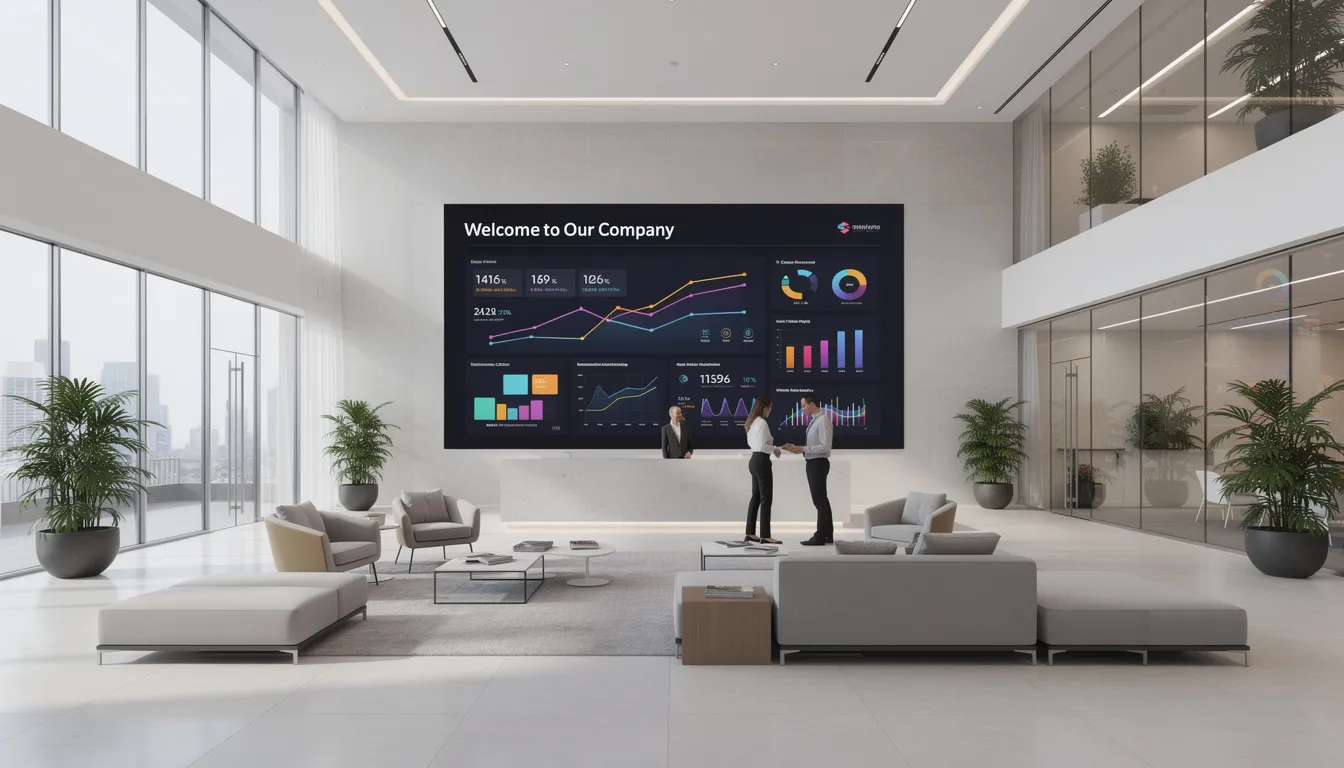
Integrating POS data and other real-time data feeds in digital signage allows retail and QSR environments to automatically highlight best-selling items, promote slow-moving inventory, or feature products with high margins.
Dayparting—showing different content for morning, afternoon, and evening audiences—matches messaging to behavior patterns. Coffee promotions work better at 7 AM; happy hour specials belong at 4 PM.
Set rules for data-driven content to prevent inappropriate or off-brand messages from appearing on public screens. Automated systems need guardrails to avoid embarrassing mistakes.
Measuring Performance and Optimizing
Modern digital signage platforms provide analytics that help demonstrate ROI:
- Playback logs: Confirming content actually displayed as scheduled
- Player uptime: Identifying reliability issues before they become problems
- Audience metrics: Camera-based analytics measuring viewer engagement
- Dwell time: How long people spend viewing content
Simple KPIs to track include uplift in sales of promoted items, reduction in print costs, increased event attendance, and faster wayfinding (fewer people asking staff for directions).
A/B testing works for signage just as it does for websites. Test different visuals, offers, or messages on different screens or time slots. Industry reports suggest well-optimized digital signage can deliver 15–25% sales uplifts in retail environments.
Schedule quarterly reviews to retire underperforming content and refresh creative assets. Document learnings so each new campaign builds on insights from previous deployments.
Buying and Budgeting for Digital Signage TV
Upfront costs for digital signage TVs run higher than consumer alternatives—typically $1,500–5,000 per 55-inch unit versus $500 for a consumer TV. But total cost of ownership over 3–5 years often proves 30–50% lower due to reduced failures, energy efficiency, and extended warranties.
Digital signage TVs can be conveniently purchased through platforms like Amazon, allowing for quick setup and immediate deployment after ordering.
Main cost categories include:
|
Category |
Typical Range |
|---|---|
|
Displays |
$1,500–5,000+ per unit |
|
Mounts |
$100–500 per screen |
|
Media players (if needed) |
$200–800 per unit |
|
Installation labor |
$200–500 per screen |
|
Cabling/infrastructure |
Variable |
|
Software licensing |
$10–50 per screen/month |
|
Content creation |
Project-dependent |
Calculate ROI by combining revenue uplift (upsells, increased traffic) and cost savings (eliminated printing, reduced staff time). Plan for a 3–5 year refresh cycle depending on environment, usage hours, and evolving brand standards.
When outfitting multiple locations, seek volume pricing, extended warranties, and bundle offers from manufacturers or integrators. Leading vendors such as Samsung Electronics America, Inc. are recognized for their authoritative digital signage solutions, and many companies use their HQ as a hub for innovation and collaboration with technology partners. The money saved on bulk purchases can fund better content or additional screens.
For personalized assistance or to discuss your digital signage TV needs, contact or talk to a sales expert who can help guide your selection and deployment.
Avoiding Hidden Costs
Common hidden expenses catch businesses off guard:
- Wall reinforcement: Installing proper backing for secure mounting ($100–300 per location)
- Power outlets: Adding circuits where screens are positioned ($200–500 per location)
- Network cabling: Running Ethernet drops to each screen location
- Content creation: Ongoing design and production time
Content creation and management represent significant recurring costs that need budgeting. Someone needs to create, schedule, and update content regularly—whether internal staff or external agencies.
Don’t ignore licensing fees for commercial use of stock images, fonts, and video clips. Rights for digital signage often cost more than standard web usage licenses.
Factor in staff training on the chosen CMS and remote management tools. A platform is only valuable if people know how to use it effectively.
Maintain a small annual contingency budget (5–10% of hardware costs) for replacements and upgrades in high-wear environments like restaurants and outdoor locations.
Financing and Phased Rollouts
Many AV partners and manufacturers offer financing options including leasing and subscription models that spread costs over time. This can make enterprise-grade deployments accessible without large upfront capital expenditures.
Phasing deployment strategically makes sense:
- Phase 1: Flagship locations or high-impact areas (main lobby, flagship store)
- Phase 2: Secondary locations based on Phase 1 learnings
- Phase 3: Full rollout across remaining locations
Phased rollouts allow refining templates, playlists, and operational procedures before scaling. Mistakes are easier to fix when you’re managing 5 screens rather than 50.
Align deployment phases with real business milestones: store remodels, new product launches, seasonal campaigns, or budget cycles. This makes the business case stronger and ensures resources are available.
Track early results carefully—sales uplift, customer feedback, operational improvements—to strengthen the case for continued investment. Hard numbers make it easier to reach the next level of executive approval.
FAQ
Can I use any consumer TV as a digital signage TV if I just add a media player?
Technically, adding a media player to a consumer TV works for very light use—a screen in a back-of-house staff room running 4–6 hours daily with occasional content changes. But it doesn’t solve the core issues: lower brightness that washes out in daylight, limited duty cycles that lead to premature failure, no portrait orientation support, and consumer-grade warranties that specifically exclude commercial use. For any customer-facing display running 12+ hours daily, a commercial digital signage TV prevents early failures and delivers better long-term value.
How long should a digital signage TV last in a business environment?
Most commercial signage displays are rated for up to 50,000 hours of operation, which translates to approximately 5–7 years at 18/7 runtime. Actual lifespan depends on brightness settings (higher brightness accelerates wear), ambient temperature, dust accumulation, and how often the display powers down overnight. Schedule periodic health checks and firmware updates to maximize longevity. Many commercial displays include diagnostic tools that report component health over time.
Do I need 4K resolution for my digital signage TVs?
4K resolution provides clear advantages for close-up viewing (less than 2–3 meters), fine text display, and premium branding walls where visual impact matters. However, for simple menus, basic information displays, or situations where viewers are at longer distances, Full HD (1080p) often looks perfectly sharp and can reduce hardware costs significantly. Match resolution to content type and typical viewing distance rather than defaulting to 4K everywhere. A 55-inch Full HD display viewed from 4 meters away appears just as crisp as 4K at that distance.
What internet speed do I need for digital signage?
Bandwidth requirements depend primarily on how often content updates and whether 4K video is used. For most small networks updating content once daily with occasional video clips, even modest broadband (10–20 Mbps) is sufficient. Most digital signage players cache content locally after download, so playback continues normally even if the internet connection is temporarily lost. For networks with frequent 4K video updates across many screens, faster connections improve sync times but aren’t critical for playback reliability.
Can I control multiple locations from one central office?
Modern digital signage platforms are designed specifically for centralized management across many sites and geographic regions. From a single dashboard, administrators can create device groups (by region, store type, or brand), push playlists and schedules, launch campaigns simultaneously, and monitor device status in real time. Before rollout, verify that both your chosen hardware and software support secure, multi-site remote management. Most enterprise-grade platforms include role-based access controls, allowing headquarters to maintain oversight while giving local managers limited permissions for location-specific content.
Security Considerations for Digital Signage TV
As digital signage becomes a core part of how businesses deliver immersive experiences and connect with customers, security must be a top priority. A well-designed digital signage network not only enhances your brand and engages your audience, but also safeguards your business from potential threats. Security breaches can disrupt signage operations, expose sensitive information, and damage customer trust—making robust security measures essential for any organization deploying digital signage TVs.
Protecting Your Network and Content
Securing your digital signage network starts with a strong foundation. Always use secure Wi-Fi connections and encrypt any sensitive data transmitted between your signage devices and content management systems. Regularly update both software and hardware to patch vulnerabilities and stay ahead of emerging threats. Firewalls and antivirus solutions should be standard for all connected devices, ensuring that only authorized traffic can access your signage network.
It’s also important to configure access controls on every device in your digital signage ecosystem. Limit who can manage and update content, and ensure that all hardware is compliant with your organization’s security policies. By taking these steps, you protect your signage from unauthorized changes, malware, and other risks that could compromise your brand’s ability to deliver consistent, high-quality content to customers.
Managing Access and Permissions
Effective security for digital signage goes beyond technology—it’s also about managing who has access to your system. Implement a role-based access control system, assigning permissions based on each employee’s responsibilities. This ensures that only authorized team members can update content, manage devices, or access sensitive signage data.
Regularly review and update access permissions, especially when employees change roles or leave the company. This proactive approach helps prevent accidental or malicious changes to your signage network. By carefully managing access, you maintain control over your digital signage, protect your brand, and ensure that your displays continue to deliver the right message to your customers.
Advanced Features and Capabilities
Today’s digital signage solutions offer a wealth of advanced features designed to provide richer experiences for customers and make management easier for businesses. These capabilities go far beyond simple content playback, enabling organizations to deliver more engaging, interactive, and personalized signage that stands out in any environment.
Interactive Digital Signage
Interactive digital signage is transforming how businesses engage with their audiences. By enabling customers to interact directly with interactive advertising screens—whether through touchscreens, gesture controls, or mobile apps—businesses can create truly immersive experiences that capture attention and drive action. In restaurants, interactive menus let customers browse options, customize orders, or access nutritional information with a simple touch. Retailers can use interactive signage to provide product recommendations, offer virtual try-ons, or deliver personalized promotions based on customer preferences.
These interactive features not only enhance the customer experience but also strengthen your brand by making every interaction memorable and relevant. The data collected from customer interactions can provide valuable insights into preferences and behaviors, helping you refine your marketing strategies and deliver content that resonates. Whether you’re looking to boost engagement, streamline ordering, or provide wayfinding in large spaces, interactive digital signage offers the flexibility and power to meet your business goals and provide exceptional value to your customers.
- SignageTube Cloud – cloud-managed signage on any TV
- SignageTube Live – real-time data on your screens
- Digital signage software – how to choose, and what matters
- Templates – 120+ ready-made designs
- Pricing – simple per-screen plans