 SignageTube
Digital Signboards: A Complete Guide for Businesses in 2026
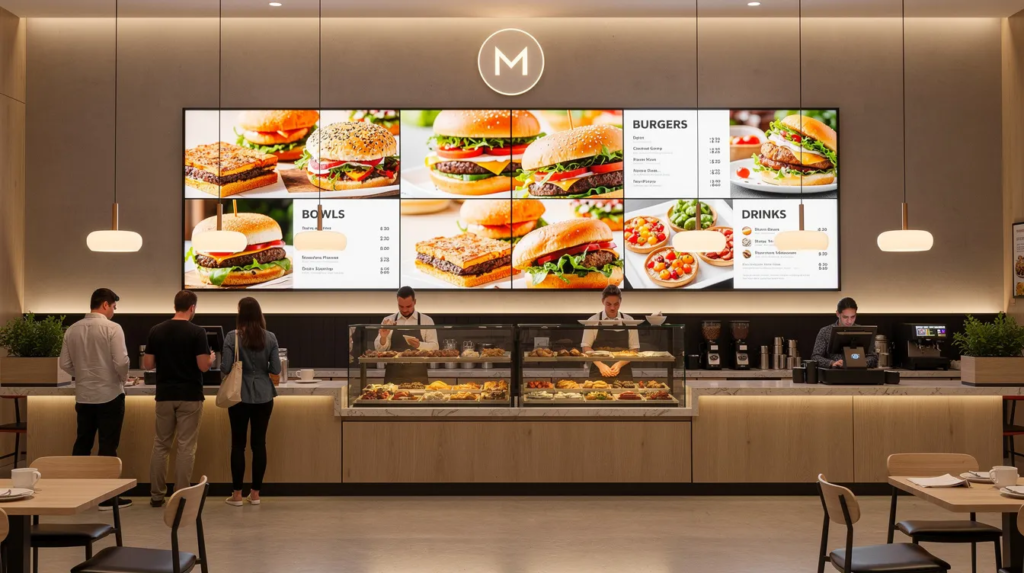
Digital signboards have transformed how businesses communicate with customers and employees in physical spaces. This guide is designed for business owners, managers, and marketing professionals looking to modernize their communication strategies. With digital experiences shaping customer expectations, adopting digital signboards is essential for staying competitive in 2026. Whether you’re running a retail store, managing a corporate office, or operating a restaurant, understanding this technology can help you create more engaging environments and streamline your messaging. This guide covers everything from basic definitions to practical implementation using our SignageTube platform.
What are digital signboards?
Digital signboards are networked, electronic displays used to showcase dynamic content such as videos, images, and interactive messages. Digital signboards are networked electronic displays that show dynamic content like videos, images, announcements, and live data. Unlike traditional printed signs that stay static until physically replaced, digital signage allows instant updates, motion graphics, intelligent scheduling, and interactive experiences—all controlled remotely from a central platform.
The technology has been in use since the early 2000s, starting in malls, airports, and transportation hubs. Today, concrete formats include LCD and LED screens (ranging from 18.5 inches to over 110 inches), video walls created by merging multiple displays into seamless canvases, digital kiosks for self-service, and LED ticker boards for real-time information.
Typical use cases span across industries:
- Retail stores displaying promotions and wayfinding
- Corporate offices sharing internal communication and meeting schedules
- Restaurants showcasing digital menu boards
- Schools and universities broadcasting announcements and emergency alerts
- Hospitals providing queue management and visitor instructions
- Transport hubs showing arrival and departure information
Why digital signboards matter for businesses in 2026
Your customers spend their days surrounded by smartphones, social media feeds, and personalized digital experiences. When they walk into your physical space, they expect similar engagement. Static printed posters can feel outdated compared to the dynamic content people consume on their devices.
Digital signboards bring that mobile-like experience into stores, lobbies, and venues—capturing attention with motion, delivering real-time information, and adapting messaging based on time of day or audience.
Consider a retail chain that upgraded from printed posters to networked displays in 2025. They immediately gained the ability to run different promotions for breakfast, lunch, and evening hours without staff manually changing materials. Seasonal campaigns could deploy across 50 locations simultaneously with guaranteed consistency.
Key reasons digital signboards matter now:
- They help you compete with the constant digital stimulation customers experience on personal devices
- Modern displays signal innovation and trustworthiness to visitors
- Real-time updates enable agile marketing responses to market conditions
- Centralized control ensures brand compliance across multiple locations
- Data-driven personalization is creating measurable improvements in engagement and conversion
Key benefits of digital signboards
This section provides a quick overview of benefits you can skim through when evaluating digital signage for your business.
- Improved engagement: Moving visuals, video loops at 1080p or 4K resolution, and animations capture attention far more effectively than static posters
- Real-time updates: Change prices, menus, schedules, and announcements instantly from a central dashboard—even across dozens of locations
- Cost efficiency over time: Eliminate recurring printing costs and distribution logistics, especially valuable for businesses running frequent promotions
- Consistency and compliance: Ensure every branch displays correct, approved content—critical for franchises and regulated industries like healthcare or finance
- Data-driven messaging: Schedule content by time of day, day of week, or local events, and test different creatives to optimize performance
- Accessibility: Use clear typography, high contrast colors, and multi-language content to inform and reach broader audiences
Popular applications of digital signboards
Here are concrete, vertical-specific applications to inspire your project:
- Retail: Product promotions at store entrances, in-aisle screens near product categories, digital endcaps for seasonal items, window displays that transform during peak hours or holidays
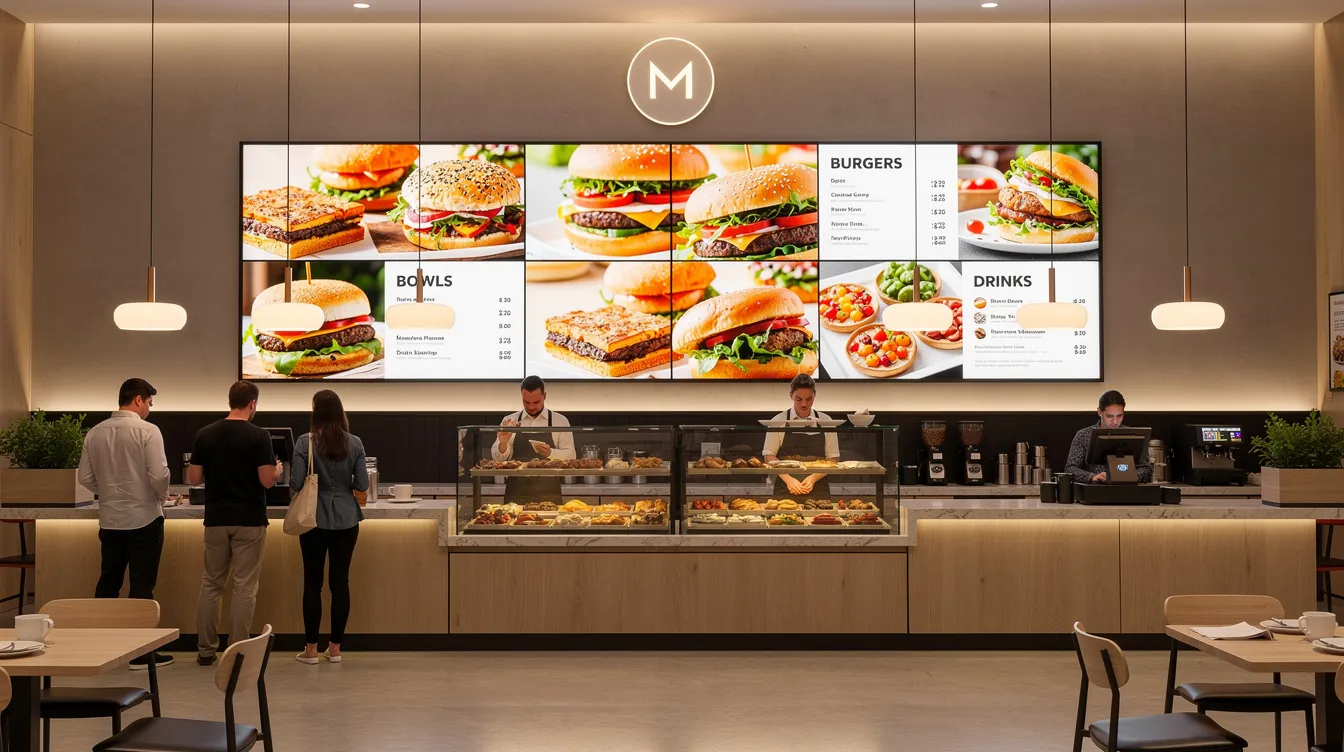
- Restaurants and cafés: Digital menu boards behind counters, drive-thru screens with time-based layouts (breakfast, lunch, dinner), and upsell panels encouraging higher-value orders
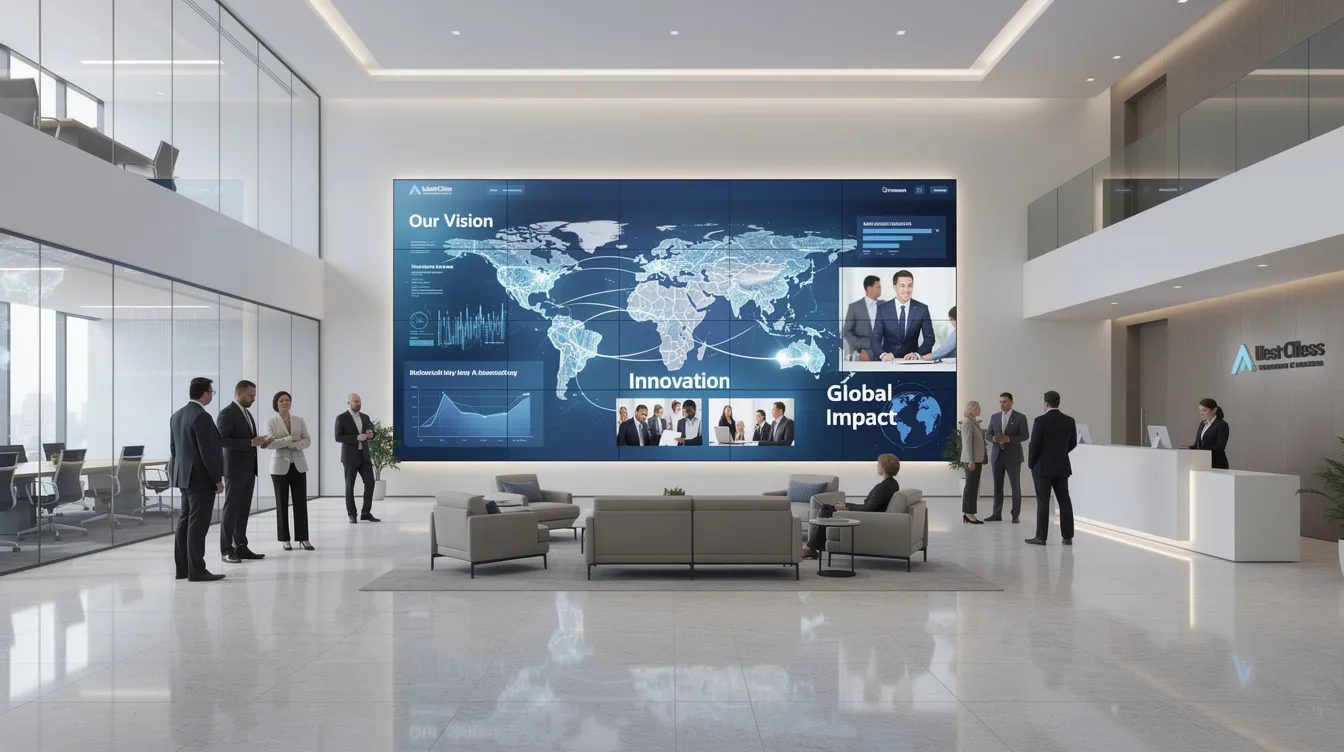
- Corporate and offices: Lobby welcome screens for guests, meeting room schedule displays, hallway communication boards, and KPI dashboards on production floors for employees
- Education: Campus wayfinding for visitors, canteen menus, event schedules, and emergency alert systems in universities and K-12 schools
- Healthcare: Waiting room entertainment to reduce perceived wait times, queue management systems, visitor instructions, and digital door signs showing specialist availability
- Transportation: Arrival and departure boards, gate information screens, platform displays, and roadside LED boards with live traffic or weather data
- Events and venues: Stage backdrops at conferences, sponsor walls, directional signage, and live social media feeds at arenas and entertainment spaces
Types of digital signboards and technologies
Not all digital signboards are the same. Your hardware choice should match your environment, budget, and intended use.
- Indoor LCD/LED screens: Commercial-grade displays typically ranging from 43” to 98”, designed for 16/7 or 24/7 operation in shops, offices, schools, and hospitality environments
- Outdoor LED billboards: High-brightness, weather-resistant systems for roadsides, building façades, and stadiums—visible even in direct sunlight with cutting edge technology
- Video walls: Multiple tiled displays or LED modules forming large, seamless canvases for control rooms, auditoriums, and flagship retail locations that need impressive visual impact
- Interactive displays and kiosks: Freestanding or wall-mounted touchscreen units for wayfinding, self-service check-in, and product configurators
- System components: Media players (integrated or external), mounting solutions, network connectivity (Wi-Fi, LAN, or cellular failover), and digital signage software for content management
How digital signboards improve customer experience
Digital signage directly impacts how visitors navigate and feel within your physical space.
- Orientation and wayfinding: Help customers quickly locate products, departments, rooms, and exits—reducing frustration and support requests
- Reduced perceived waiting times: Display news, health tips, promotions, or queue information in waiting areas to make time feel shorter
- Personalization: Deliver targeted content based on time of day, demographics, or location—like family-focused messaging on weekends
- Service support: Show FAQs, how-to videos, and self-service instructions to reduce repetitive questions from staff
- Trust and transparency: Digital menus and tariff boards that clearly display prices, ingredients, allergen warnings, and regulatory notices build confidence with viewers
Planning a digital signboard project
Before purchasing screens, invest time in planning to ensure your deployment addresses real business objectives and delivers measurable results.
- Define objectives: Identify goals like increasing sales of promoted products, improving wayfinding, standardizing internal communication, or enhancing brand perception in your market
- Map locations: Choose screen placements based on foot traffic, viewing distance, and line of sight—typically entrances, checkout areas, reception desks, and main corridors
- Content strategy: Determine content formats (video, static slides, live feeds) and update frequency (daily for promotions, weekly for announcements, real-time for schedules)
- Technical checklist: Assess power availability, data cabling or Wi-Fi coverage, mounting structures, and screen brightness appropriate for ambient light in each location
- Budgeting: Balance hardware costs ($300-$5,000 per screen), software subscriptions, installation, and content development—a small retail pilot might run $5,000-$10,000 initially
- Rollout plan: Pilot with 2-3 screens, measure performance and gather feedback, then scale to additional branches based on proven results
Best practices for content on digital signboards
Content quality matters as much as hardware quality. Captivating content drives engagement; poor content wastes your investment.
- Clarity first: Use large fonts, high contrast colors, and minimal text for viewers at typical distances of 3-10 meters
- Short, looping messages: Design 6-10 second loops for busy areas with key messages visible at a glance
- Consistent branding: Include logo placement, brand colors, and typography that match other marketing materials
- Context-aware content: Adjust messages based on time (morning coffee offers vs. evening meals), weekday vs. weekend, or local events
- Use motion wisely: Subtle animations attract attention without causing distraction—avoid rapid flashing that may affect sensitive viewers
- Compliance and accessibility: Ensure readable language, include subtitles for videos, and maintain standards that suit diverse audience needs
From hardware to software: why the platform matters
The visible screens get most of the attention, but the cloud-based digital signage software platform running them is equally critical to your success.
- Central management: Control playlists, scheduling, and device status from one cloud dashboard—no more walking to each screen to make updates
- Scalability: A quality platform supports everything from a single display to hundreds of screens across multiple cities
- Reliability and uptime: Remote monitoring, automatic restarts, and alerts when screens go offline protect your network from downtime
- Security: Secure connections, role-based user permissions, and regular software updates protect against unauthorized access
- Integration: Pull in external data like social media feeds, weather, calendar information, or POS systems for dynamic, always-current content
Case studies and industry trends in digital signboards
Digital signboards are rapidly redefining how businesses connect with their audience, offering a powerful platform for communication, branding, and engagement. Across industries, the adoption of digital signage software and cutting edge technology is enabling organizations to deliver captivating content that not only informs but also inspires and elevates the customer experience.
One of the most significant trends in the market is the seamless integration of digital signage with interactive displays and video walls. These technologies are transforming traditional environments into immersive spaces where customers can engage directly with content, explore products, and access real-time information. For example, in the retail sector, digital menu boards have become a staple, allowing stores to manage and update menus instantly while providing a visually engaging and user friendly experience that drives purchase decisions.
The hospitality industry is also leveraging digital signboards to elevate guest experiences. Hotels and restaurants are using custom content and dynamic messaging to welcome guests, highlight special offers, and create a memorable ambiance. A notable case study comes from a leading retail chain that implemented a network of digital signboards across multiple locations. By utilizing high-quality visuals and targeted advertisements, the business saw a measurable increase in sales and customer engagement, demonstrating the effectiveness of digital signage as a marketing and communication solution.
Custom content development is another key trend, empowering businesses to tailor their messaging to specific audiences, locations, and times of day. This level of personalization not only enhances brand identity but also ensures that content remains relevant and impactful. Whether it’s a retail store updating promotions in real time, a healthcare provider sharing important information, or an entertainment venue creating an engaging environment, digital signage enables businesses to manage and deliver content that resonates with viewers.
Beyond retail and hospitality, digital signboards are making a difference in education, healthcare, entertainment, and corporate environments. Schools use digital signage to inform students and staff about events and schedules, while hospitals rely on displays for wayfinding and patient communication. Entertainment venues deploy video walls and interactive displays to create unforgettable experiences that captivate audiences and reinforce brand connections.
Looking ahead, the future of digital signboards is bright. As technology continues to evolve, businesses are embracing new possibilities—from AI-driven content scheduling to advanced analytics that measure engagement and optimize messaging. The demand for high-quality, engaging, and effective digital signage solutions is only set to grow, with businesses investing in platforms that offer flexibility, security, and scalability.
By harnessing the power of digital signage, businesses can transform their space, enhance communication, and create a unique environment that sets them apart in a competitive market. Whether your goal is to promote products, inform customers, or simply elevate the mood of your environment, digital signboards provide the tools to connect, engage, and inspire your audience—delivering a lasting impression and driving measurable results.
Introducing SignageTube: our cloud-based digital signboard solution
SignageTube is our online platform for managing digital signboards without complex on-site servers or specialized IT teams. Everything runs in the cloud-based digital signage environment, accessible via a standard web browser from anywhere.
Whether you’re operating a single location or managing a multi-site network across different cities, SignageTube provides the tools you need to create, schedule, and deploy content quickly, especially when you compare different digital signage solutions on the market. The platform is designed for non-technical users in retail, hospitality, education, and corporate environments who need to update screens without waiting for IT support.
SignageTube works with common Windows-based and Android-based media players and commercial displays installed from 2020 onwards—meaning you may be able to connect existing hardware without purchasing entirely new systems.
What you can do with SignageTube
This section turns the general tips above into concrete SignageTube capabilities, which you can further explore through our SignageTube Enterprise video guides.
- Easy content creation: Access ready-made templates for menus, welcome screens, promotions, and announcements—customize them in minutes without design skills
- Scheduling and playlists: Set different playlists for mornings, afternoons, evenings, weekdays, and weekends using a user friendly calendar-style interface
- Remote updates: Update screens in different branches or cities instantly via the internet, with changes going live within minutes
- Live and dynamic content: Support for live news tickers, weather feeds, YouTube videos, social media integration, and internal dashboards
- Multi-user access: Marketing, HR, and local managers can have their own logins with appropriate roles and permissions
- Monitoring: See which content is playing where and whether each player is online—all from the SignageTube dashboard
Advantages of SignageTube for your digital signboards
SignageTube simplifies digital signboard projects and reduces risk for businesses of all sizes by leveraging a cloud-based digital signage platform.
- No complex infrastructure: No need for on-premise servers or specialist IT teams—just internet-connected players and screens
- Fast deployment: A small business can go from signup to first screen running content in a single day
- Scales with your growth: Start with one or two screens and expand to dozens as your needs grow without platform limitations
- Regular improvements: Ongoing feature updates and security enhancements roll out centrally without disrupting your operations
- Cost transparency: Subscription-based pricing per screen per month or year helps with budgeting and avoids large upfront software costs
Getting started with digital signboards using SignageTube
If you’re new to digital signboards, setup can be more straightforward than you might expect. Here’s a simple path from purchase to live screens, which you can complement with our digital signage tutorials for SignageTube.
- Step 1 – Choose screens and players: Select commercial-grade displays and compatible media players. Our team can provide guidance on specifications that suit your environment and budget.
- Step 2 – Create a SignageTube account: Sign up online and configure your organization structure, adding locations and assigning displays. The process typically takes less than an hour.
- Step 3 – Install the player app: Download and install the SignageTube player on each media device, then link it to your account using a simple authorization process.
- Step 4 – Design your first playlist: Start with a welcome slide, a promotion, and an informational slide using built-in templates. Creative content creation becomes faster as you learn the interface.
- Step 5 – Schedule and publish: Choose active times, assign the playlist to specific screens or groups, and publish. Content deploys within minutes.
- Step 6 – Monitor and refine: Check how screens look in real environments, adjust content duration and messages based on feedback, and continuously optimize for engagement.
Conclusion: bringing your spaces to life
Digital signboards transform static environments into dynamic, engaging, and effective communication platforms. They power better customer experience, streamline operations, and elevate your brand perception in competitive markets.
This guide has taken you from understanding what digital signboards are, through their benefits and applications, into planning best practices, and finally to our SignageTube solution that makes deployment accessible for any business.
Take a moment to review your current signage. Identify one or two high-traffic areas—your entrance, checkout counter, or reception desk—where a digital signboard would have immediate impact.
Ready to see your own content live on screen? Contact our partners or start a SignageTube trial to connect with your audience in a whole new way.
- SignageTube Starter – content signage on any TV
- SignageTube Enterprise – live data on your screens
- Digital signage software – how to choose, and what matters
- Templates – 120+ ready-made designs
- Pricing – simple per-screen plans