 SignageTube
Display Digital Signage: Definition, Tips & Why SignageTube Stands Out
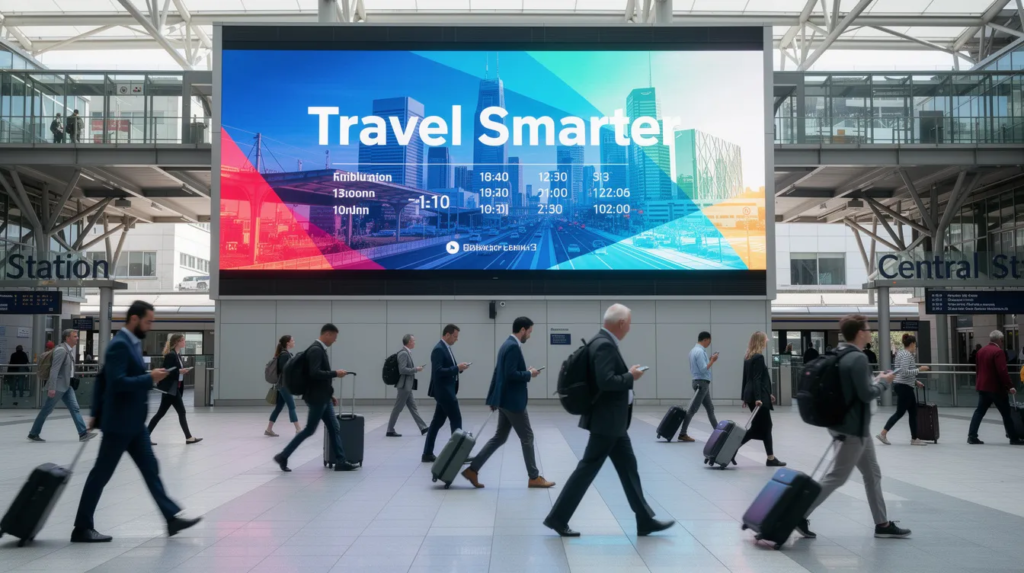
Digital screens are everywhere—restaurants, banks, retail stores, and office lobbies. For business owners, IT managers, and marketers, understanding display digital signage is crucial for maximizing customer engagement, streamlining communication, and driving measurable results. Knowing how to leverage digital signage technology empowers you to deliver dynamic, targeted content that stands out in today’s competitive environments.
Digital signage showcases dynamic content like images, videos, web pages, and social media feeds using electronic display technologies such as LCD and LED. These displays are categorized by technology, form factor, and interactivity based on their intended environment, and choosing the right type ensures your message is delivered effectively—whether indoors or outdoors, on a single screen or across a network.
SignageTube is one of the world’s most popular digital signage platforms, trusted by businesses and organizations globally. This guide covers the definition, practical deployment tips, and why SignageTube offers out-of-the-box functionality with an easy setup, making it simple to get started powering your screens.
Main Types of Digital Signage Displays
Digital signage displays come in several main types, each suited to specific use cases and environments. The most common technologies include:
- LCD Displays: Widely used for indoor applications such as retail, offices, and restaurants. LCDs offer sharp image quality and are cost-effective for menu boards, directories, and information screens.
- LED Displays: Known for high brightness and durability, LED displays excel in both indoor and outdoor environments. They are ideal for large-format displays, outdoor advertising, and areas with high ambient light.
- OLED Displays: Offer superior contrast and color accuracy, making them suitable for premium retail, high-end corporate lobbies, and creative installations.
- Interactive Kiosks: Touch-enabled displays designed for wayfinding, self-service check-ins, and interactive product catalogs in malls, airports, and hotels.
- Video Walls: Composed of multiple screens tiled together to create a seamless large display, video walls are used in control rooms, stadiums, and event venues for impactful visual experiences.
Digital signage showcases dynamic content using these electronic display technologies, and displays are categorized by technology, form factor, and interactivity. LCD and LED displays differ in brightness, durability, and engagement, adapting to indoor or outdoor environments to meet your business needs.
What is a Digital Signage Display?
A digital signage display is any screen—TV, monitor, LED wall, or tablet—used to show centrally managed digital content rather than traditional broadcast television. These displays form the visible part of a complete digital signage system.
Digital signage showcases dynamic content like images, videos, web pages, and social media feeds using electronic display technologies such as LCD and LED. Displays are categorized by technology (LCD, LED, OLED), form factor (single screens, video walls, kiosks), and interactivity (touch-enabled or passive) based on their intended environment. LCD and LED displays differ in brightness, durability, and engagement, adapting to indoor or outdoor environments for optimal performance.
Typical setups combine three components: the display itself, a media player (or a smart TV with built-in capability), and cloud-based digital signage software like SignageTube, all connected via the internet. This combination lets you create, schedule, and manage content remotely.
Concrete use cases include menu boards in quick-service restaurants that cycle promotions in real time, queue information screens in banks, promotional displays in retail stores, and welcome screens in corporate lobbies showing wayfinding and company announcements.
A quick clarification on terminology: “display digital signage” refers to the practice of using screens for dynamic communication, while “digital signage display” isolates the hardware itself. Understanding both concepts helps you evaluate digital signage solutions and make smarter purchasing decisions.
How Digital Signage Displays Work (From Screen to Viewer)
The process is straightforward: create content, send it via software, show it on screen, and update in real time. No complex IT knowledge required.
Content management software (CMS) like SignageTube handles the heavy lifting. You upload images and videos, build playlists, schedule when content appears, and target specific screens by location—all from your browser.
Media players or smart TVs (Android TV, Windows mini PCs, Raspberry Pi devices, or dedicated hardware) receive content over the internet or local network. The media player decodes and renders your content on the display.
Example flow: A café in London updates a breakfast offer at 7:30 AM, pushes it via SignageTube, and it appears instantly on their 5 menu boards—no staff member needs to touch the screens.
The cycle works like this:
- Create content in the CMS using images, videos, or templates
- Schedule playlists by time, date, or location
- Display content automatically on connected screens
- Measure engagement and adjust based on analytics
Benefits of Displaying Digital Signage for Your Business
Digital signage outperforms static posters in attention, flexibility, and measurability. Studies show dynamic content captures 2-5x more viewer attention than printed materials, and with cloud-based digital signage you can update messages instantly without reprinting costs.
Customer Engagement Benefits
- Higher customer engagement: Motion and relevance boost recall by up to 83%
- Faster content updates: Change promotions same-day instead of waiting weeks for print
- Reduced printing costs: Businesses report 70-90% savings on materials like posters and vinyls
- Consistent branding: Control messaging across all locations from one platform
- Data-driven improvements: Track what content performs and optimize accordingly
Retailers often see double-digit uplift on promoted items when using dynamic shelf displays.
Internal Communication Benefits
- Internal communication: Deliver HR announcements, safety messages, and KPI dashboards to employees in offices or warehouses
Types of Digital Signage Displays (Indoor, Outdoor & More)
Not all displays are equal. Different environments—indoor mall versus sunny shop window versus factory floor—demand different hardware.
- Indoor commercial displays: Built for 24/7 duty cycles with narrow bezels, anti-glare coatings, and 300-500 nits brightness. Common sizes: 43-98 inches at 4K resolution for offices, lobbies, and retail interiors.
- High-brightness window displays: 700-2,500 nits with fanless cooling for storefronts battling direct sunlight. Typically 55-75 inches, visible from up to 10 meters.
- Outdoor weatherproof screens: 3,000-5,000+ nits with IP65+ ratings against dust, moisture, and vandalism. Ideal for petrol stations, transport hubs, and outdoor advertising. Sizes range 55-103 inches.
- LED walls and video walls: Modular panels that form seamless large-scale canvases for stadiums, atriums, and control rooms. Supports 8K+ visuals for 100-500+ meter viewing distances.
- Small-format displays: 10-32 inch tablets, shelf-edge screens, and meeting-room panels. Often 1080p with PoE power for point-of-sale interactivity.
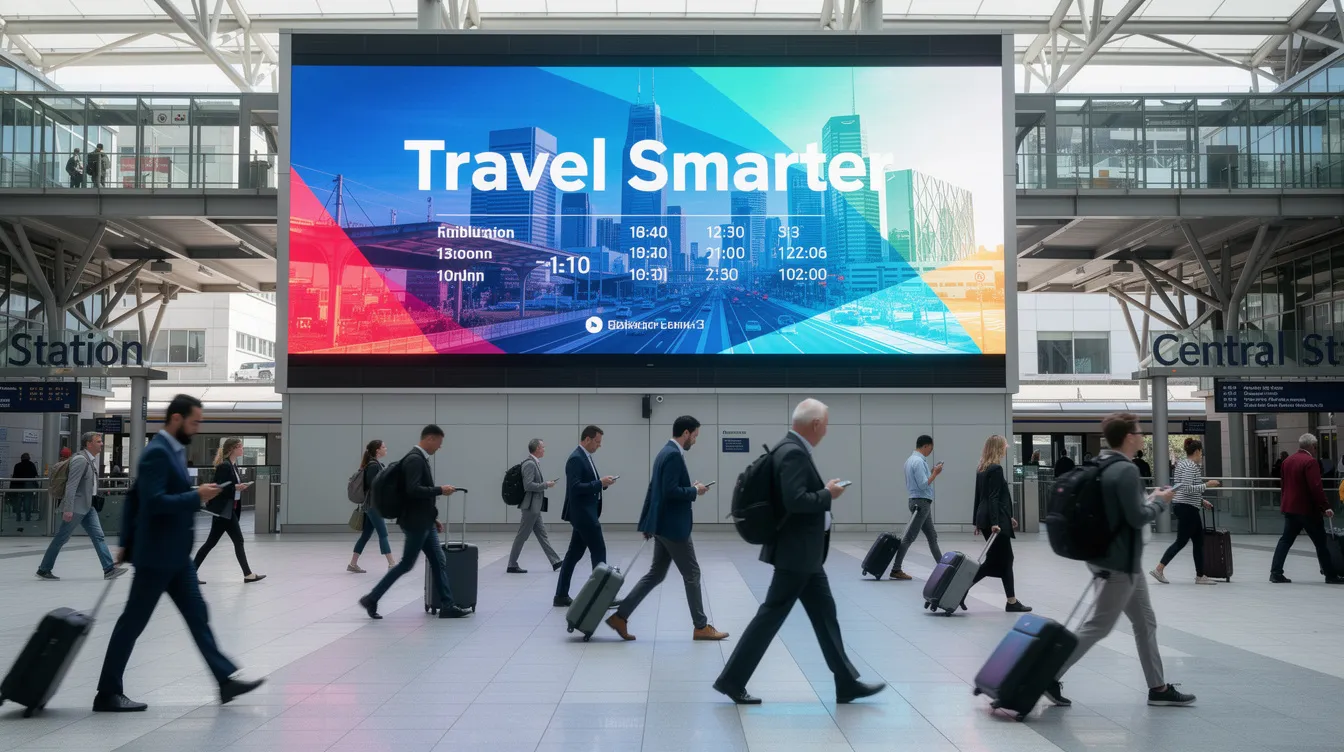
Practical Tips for Choosing and Deploying Digital Signage Displays
This checklist helps you avoid costly mistakes when buying displays for your business and when comparing digital signage solutions to find the right platform for your needs.
- Brightness (measured in nits): 300-500 nits for indoor offices, 700-2,500 nits for storefront windows, 3,000+ nits for outdoor sunlight
- Use commercial-grade screens: Consumer TVs risk burnout within 1-2 years; commercial monitors support 16/7 or 24/7 operation with 3-5 year warranties
- Viewing distance guidance: Hotel lobbies benefit from 75-98” screens; small meeting rooms work well with 43-55” monitors
- Mounting and orientation: Choose landscape or portrait based on content; use VESA-compliant mounts (200×200 to 800×400); plan cable management for a clean look
- Network and power planning: Ensure stable Wi Fi or Ethernet near each screen; install sufficient power outlets with surge protection, and consider how a cloud digital signage solution will connect and update content across locations
- Compatibility: Choose displays and players that support modern browsers or standard HDMI inputs for cloud platforms like SignageTube
Content Tips: Designing Messages that Work on Digital Signage
Even the best display fails without clear, well-designed content. These practical tips help your message connect with your audience.
Font and Color Tips
- Large, legible fonts: Use sans-serif fonts at roughly 1/10th screen height; text should be readable from 3-5 meters in retail aisles
- High contrast colors: White on black or yellow on black delivers 70-90% contrast ratios
Content Scheduling Tips
- Short, action-focused messages: “Order at the bar”, “Scan to join Wi-Fi”, “Today only: 20% off lunch specials”
- Use motion sparingly: Subtle animations and transitions attract attention without overwhelming—2-5 second transitions work best
- Content mix: Promotions (50%), brand stories (25%), helpful information like weather or wayfinding (25%)
- Scheduling: Adapt menus for breakfast versus dinner, weekday versus weekend offers, and seasonal campaigns
- Media specs: 4K screens benefit from 4K assets (under 100MB per clip), but high-quality Full HD 1080p is sufficient for most menus and lighter to download
Free Digital Signage Software Options: What to Know
For businesses eager to elevate their marketing and communication without a hefty investment, cloud-based digital signage platforms and free digital signage software can be an excellent starting point. These solutions often provide essential features such as the ability to create, manage, and publish dynamic content across as many screens as your setup allows. Look for platforms that support a wide range of operating systems—including Windows, Android, Linux, Mac, and Chrome OS—to ensure seamless integration with your existing hardware.
A user-friendly, intuitive interface is crucial, especially if employees from different departments will be managing and customizing content. The best free digital signage software lets you easily create and schedule content, update screens in real time, and adapt to your business’s evolving needs. However, be mindful of potential limitations: some free versions may only support one screen, restrict certain features, or require a credit card to unlock full access. Always review the terms before signing up to ensure the software aligns with your goals and infrastructure.
By choosing the right free digital signage software and digital signage plan, you can empower your team to manage content efficiently, maximize the value of your hardware, and start delivering engaging messages to your audience—without upfront costs.
Building a Digital Signage Network: Essentials for Success
Creating a successful digital signage network starts with a clear vision of what you want to achieve—whether it’s boosting customer engagement, streamlining communication, or driving revenue. Begin by selecting digital signage software that’s scalable, easy to use, and offers robust integrations with the apps and systems your business already relies on. This ensures your network can grow alongside your needs and adapt to new opportunities.
Next, choose hardware that’s compatible with your chosen software and capable of delivering high-quality displays, such as 4K monitors or commercial-grade screens. Reliable internet connectivity is essential; decide whether Wi-Fi or wired connections best suit your locations and ensure all devices can connect smoothly.
A strong content strategy is the backbone of any digital signage network. Mix dynamic content—videos, images, and real-time updates—to keep your audience engaged and your message fresh. Leverage integrations to automate content updates and streamline management across multiple devices and locations.
By focusing on these essentials—purpose, software, hardware, connectivity, and content—you’ll build a digital signage network that not only delivers your message but also supports your business goals and enhances your audience’s experience.
Digital Signage Players: The Hardware Behind the Screens
At the heart of every digital signage system is the digital signage player—the hardware responsible for powering your displays and running your digital signage software. These players come in various forms, from compact media players and mini PCs to versatile single-board computers like the Raspberry Pi. The right player ensures your content is delivered smoothly and reliably to your audience.
When evaluating digital signage players, consider their processing power, memory, and storage capacity to match the demands of your content. Compatibility with your preferred operating system—whether Windows, Android, Linux, or others—is also key for seamless integration with your software. For businesses running displays around the clock, opt for players designed for 24/7 operation, ideally with a fanless design to minimize noise and heat.
Additional features such as built-in Wi-Fi, multiple USB ports, and remote management capabilities can further enhance your digital signage network’s flexibility and performance. By investing in robust digital signage players, you ensure your system delivers high-quality content to every display, keeping your audience engaged and your message on point.
Case Studies and Examples: Digital Signage in Action
Digital signage is transforming the way businesses communicate, engage, and drive results across a variety of industries. In restaurants, digital signage solutions are used to display dynamic menus, highlight daily specials, and promote limited-time offers—helping to increase revenue and streamline the customer experience. Retailers leverage digital signage to showcase new products, announce flash sales, and provide wayfinding, creating a more interactive and engaging environment that encourages repeat visits.
Educational institutions are also embracing digital signage to keep students and staff informed with real-time announcements, event schedules, and emergency alerts. These examples demonstrate how digital signage can elevate communication, transform business operations, and deliver measurable benefits—no matter the industry.
By exploring these real-world case studies, it’s clear that digital signage is more than just a display; it’s a powerful tool to connect with your audience, boost engagement, and achieve your business objectives.
SignageTube: Cloud Platform to Power Your Digital Signage Displays
SignageTube is a cloud-based digital signage platform designed to control displays in stores, offices, schools, restaurants, and more—from any browser, anywhere in the world.
Key capabilities:
- Upload images and videos, create playlists, and schedule content by date and time
- Target specific screens or groups across multiple locations from one account
- Compatible with common hardware: Windows PCs, Android media players, smart TVs with Chromecast or Fire TV, and standard HDMI-connected screens
- Remote management: publish content globally, monitor playback status, and push urgent messages instantly for event changes or safety alerts. Digital signage players enable remote management and content updates without requiring technical expertise.
- User friendly interface requiring no complex IT setup—works with existing TVs so you can transform devices you already own
Once you claim your initial free screen, it is yours for life, with no recurring charges.
SignageTube offers transparent and affordable price options, and many digital signage platforms provide flexible pricing plans for businesses of all sizes.
Start with one screen to explore SignageTube’s features, then scale to as many screens as your business needs. No credit card required to begin.
Why Pair Your Displays with SignageTube?
- Central control: Manage your entire digital signage network from a single platform, whether you have one location or hundreds
- Reliable cloud hosting: Connect your screens to infrastructure with 99.9% uptime via global CDNs
- Regular feature updates: Benefit from quarterly improvements including AI templates and new integrations
- Scalable solution: Works for small single-location setups and multi-site enterprise deployments
- Investment protection: Keep content fresh and coordinated, avoiding black screens or outdated ads that cost you revenue
Unlike complex, IT-heavy deployments, SignageTube focuses on simplicity and business outcomes. Your teams can collaborate without technical support, and you maintain full control over what your customers and employees see.

Take the Next Step
Whether you need to elevate customer experience in retail, deliver dynamic content in restaurants, or install wayfinding screens in corporate lobbies, the right platform makes all the difference. Digital signage displays combined with intuitive software like SignageTube let you customize messaging, measure results, and grow revenue—no matter your industry.
Visit SignageTube to create your free account and test the platform on a single screen. Plug in your existing TV, download the app, and experience how easy it is to play professional content in minutes. You can conveniently manage and control your display digital signage content via your phone using dedicated apps, and follow step-by-step digital signage tutorials if you need guidance during setup. For personalized assistance or inquiries, feel free to contact the company directly or use the contact form on their website. Your digital signage journey starts now.
- SignageTube Starter – content signage on any TV
- SignageTube Enterprise – live data on your screens
- Digital signage software – how to choose, and what matters
- Templates – 120+ ready-made designs
- Pricing – simple per-screen plans