 SignageTube
In Store TV Advertising Software: Complete Guide for Retailers
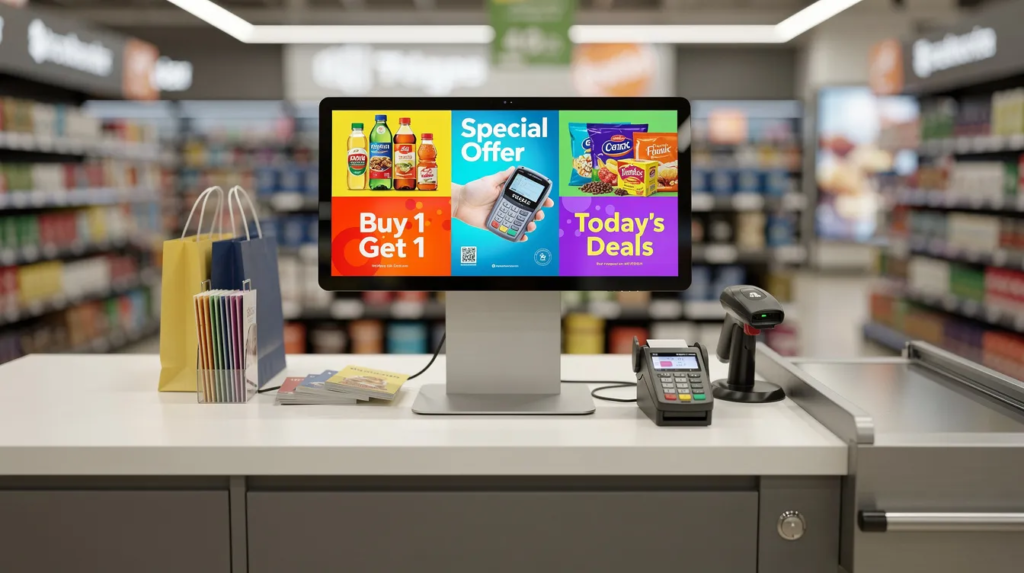
Managing promotional content across dozens or hundreds of retail locations has traditionally meant printing posters, shipping USB drives, and hoping store staff update displays on time. In store tv advertising software changes this entirely by giving retailers a centralized, cloud-based platform to control what plays on every TV screen in their stores. Digital signage solutions can be set up quickly, often in under five minutes, and help retailers save money by reducing reliance on expensive printed marketing materials.
This guide is designed for retail business owners, marketing managers, and IT professionals looking to modernize their in-store advertising. With the retail landscape becoming increasingly competitive, leveraging in-store TV advertising software can drive sales, improve operational efficiency, and enhance the customer experience.
This guide covers what in store tv advertising software actually does, practical tips for running effective campaigns, and how our SignageTube platform can help you deploy professional retail digital signage across your locations while saving money compared to traditional printed materials.
What Is In Store TV Advertising Software?
In store tv advertising software is cloud-based technology that lets retailers manage promotional content displayed on televisions and digital signage displays inside physical retail stores. Digital signage software allows retailers to broadcast dynamic video and images across a network of in-store screens. Instead of manually updating screens with USB sticks or relying on printed signs, you upload videos, images, and promotional slides to a central dashboard and push them to screens across all your locations simultaneously.
Effective in-store TV advertising software enables centralized management of screen content, scheduling, and remote updates. This software serves supermarkets, fashion chains, pharmacies, quick-service restaurants, and department stores by enabling targeted promotions at shelf level, checkout areas, entrance displays, and throughout sales floors.
Here’s a practical example: A grocery chain planning Easter promotions across 200 stores would traditionally print signage, coordinate shipments, and instruct staff on installation timing. With in store tv advertising software, the marketing team uploads content once, schedules it to activate on a specific date, and displays automatically switch to Easter-themed content at the designated moment across every location.
Key definition points:
- Cloud-based software controlling TVs and digital displays in physical retail environments
- Replaces USB drives, manual updates, and printed posters with centralized management
- Enables instant content updates across single or thousands of screens
- Focused specifically on point-of-purchase marketing and shopper engagement
- Supports scheduling, templates, and multi-location deployment
Unlike generic digital signage solutions, in store tv advertising software focuses on in-aisle promotions, POS ads, and shopper marketing inside brick-and-mortar locations where customers make purchasing decisions.
How In Store TV Advertising Works in Practice
The workflow is straightforward: create content, upload it to the cloud platform, schedule when and where it plays, and your store TVs automatically display it. No store visits required.
The three main components:
- Cloud software: Browser-based dashboard where you upload content, build playlists, and set schedules
- Digital signage player: A digital signage player is a physical media player device (such as an Android stick, mini PC, or smart TV app) that connects to the internet and to your digital signage screen via HDMI
- Display hardware: Standard TVs or commercial digital displays already in your stores
Step-by-step flow:
- Upload promotional videos, images, or animations to your content library
- Create playlists by arranging assets and setting display duration for each
- Schedule content for specific dates, times, and days of the week
- Assign playlists to specific stores, regions, or screen groups
- TVs automatically play scheduled content without manual intervention
A fashion retailer could schedule “Spring 2026 Collection” lookbook loops to appear at window screens and fitting rooms starting May 1st, while checkout screens display different loyalty program content. The same software can control 1 or 1,000+ screens across multiple cities.
Most platforms cache content locally on media players, so screens keep playing even if internet connectivity drops temporarily.
Digital signage allows for real-time updates and changes to content without the need for physical replacements.
Key Components of an In Store TV Advertising Setup
Successful deployments combine three elements: software, hardware, and display screens. The in-store TV advertising system typically includes a management dashboard, media player, and software. Understanding each helps you plan infrastructure and budget.
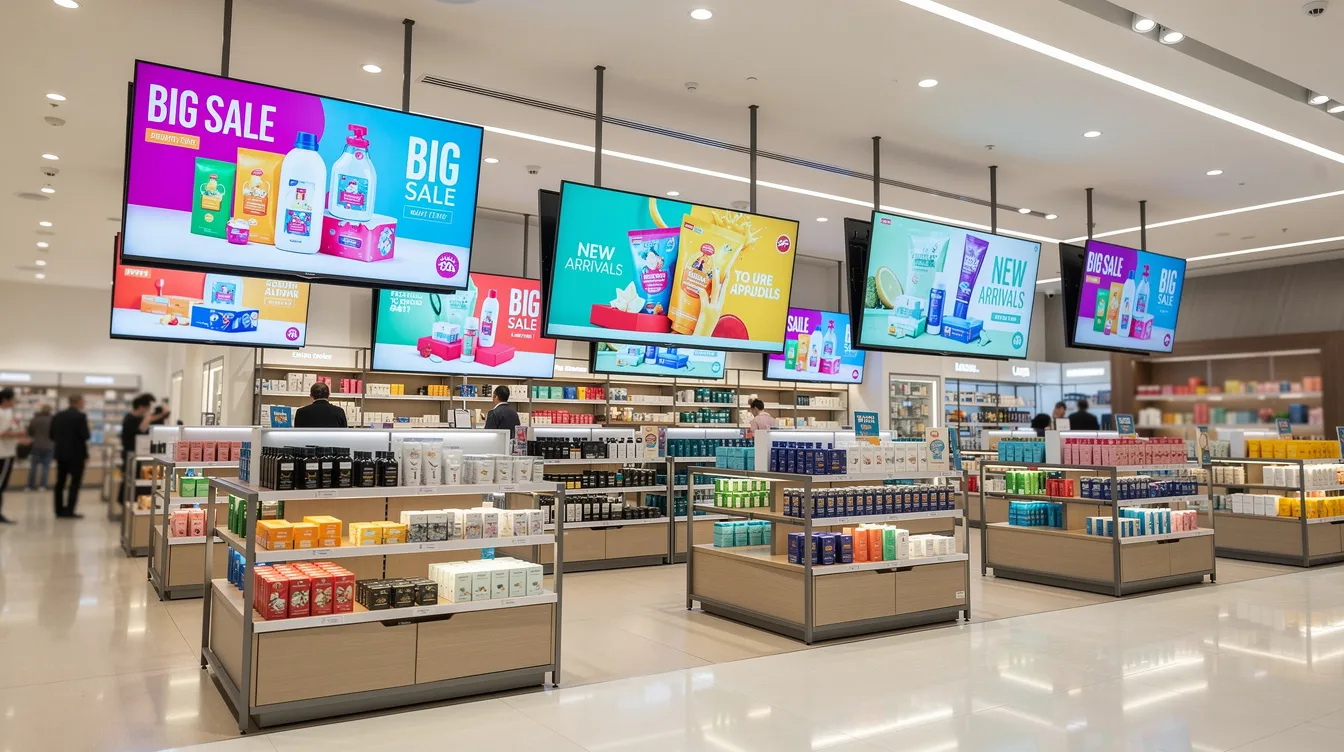
Software (Cloud Dashboard):
- Web-based access from any browser or phone
- User roles and permissions for HQ, regional managers, and store staff
- Campaign scheduling, playlist management, and content library
- Remote monitoring and proof-of-play reporting
Display Screens:
- Standard consumer TVs (32”–75”) work for most retail applications
- Commercial-grade displays for 24/7 operation and higher brightness
- Support for 1080p and 4K resolution depending on viewing distance
- Common placements: window displays, checkout counters, aisle endcaps, service desks
Media Players:
- Android sticks (economical option for most retailers)
- Windows mini PCs (more processing power for complex content)
- Smart TV apps (eliminates separate hardware)
- Raspberry Pi or dedicated signage players for enterprise deployments
Core hardware features to look for in 2026:
- 24/7 operation support without thermal throttling
- Offline playback capability
- Remote reboot and diagnostics
- Automatic software updates
SignageTube works with common hardware, so retailers can often reuse existing TVs and simply plug in a compatible digital signage player with the right features.
Benefits of In Store TV Advertising for Retailers
Switching from printed signs to digital displays delivers measurable improvements across sales, operations, and customer engagement.
Revenue and Sales Benefits:
- Increased impulse buys through dynamic promotions at point of purchase
- Better visibility for high margin items and featured products
- Cross-selling opportunities (e.g., beverage pairings when customers view snacks)
- Ability to promote offers for overstocked inventory without deep discounts
Operational Benefits:
- Instant updates vs. waiting days for printed materials to arrive
- No more USB swapping or coordinating with individual store managers
- Fewer manual tasks for store employees
- Centralized control from one account at headquarters
Financial Impact:
A retail chain cutting annual printing and shipping costs can save thousands of dollars by transitioning to digital screens. Content that once took weeks to distribute now deploys in seconds.
Brand and Customer Experience:
- Brand consistency across all locations through locked templates
- Shorter perceived wait times at checkout when customers have engaging content
- Dynamic wayfinding for larger stores
- Up to date information about upcoming events, promotions, and services
Essential Features to Look For in In Store TV Advertising Software
Not all platforms offer the same tools. Use this as a buying checklist when evaluating cloud-based digital signage software options.
Scheduling & Dayparting:
- Set content by date, time of day, and day of week
- Support for seasonal campaigns (Black Friday 2026, holiday promotions)
- Automatic activation and end dates so content doesn’t go stale
Playlist Management: For more detailed guidance, see our best practices for creating engaging digital signage playlists.
- Drag-and-drop interface to arrange signage content
- Start and end dates for individual assets
- Easy duplication across locations
Screen Grouping:
- Create groups by store, region, or department (bakery, electronics, cosmetics)
- Target specific content to specific screen types
Templates and Branding:
- Ready-made layouts for promotions, price callouts, and menus
- Lock brand colors, logos, and fonts for consistency
- Allow marketing teams to create content without design expertise
Integrations:
- POS system connection for real-time pricing
- Social media feeds for branded content
- Weather and RSS news for dynamic, context-aware screens
User Roles & Permissions:
- Different access levels for HQ marketing, regional managers, and store staff
- Approval workflows to maintain quality control
Reporting & Proof-of-Play:
- Logs showing which campaign played when and where
- Compliance documentation for advertiser reporting
Reliability & Security:
- SSL encryption for data in transit
- Automatic player updates
- Stable playback even with unstable internet connections
Best Practices and Tips for Running In Store TV Advertising
These practical tips come from real-world retail deployments and help maximize your digital signage applications.
Content Strategy:
- Keep messages short and readable from 3–5 meters
- Focus on one main call-to-action per slide
- Avoid cluttered designs that overwhelm customers
Design Guidelines:
- Use high-contrast colors for visibility under store lighting
- Minimum 40–60 pt fonts for key text
- Maintain brand-consistent visuals across all modern displays
Timing Optimization:
- Set 8–12 seconds for promotion slides
- Use 15–30 seconds for product highlight videos
- Match content length to shopper dwell time in each area
Strategic Placement:
- Prioritize screens near entrances, promo aisles, and checkout areas
- Place digital signs where customers naturally pause or wait
- Use queue areas for loyalty program and last-minute add-on messaging
Localization Strategy:
- Combine chain-wide campaigns with local offers
- Allow store managers to add city-specific events or store-only clearance within guardrails
- Use screen grouping to target regional promotions
Testing and Measurement:
- A/B test different creatives over specific weeks
- Review sales data from your POS system to identify winning messages
- Track lift in featured product sales during promotional periods
Maintenance Routine:
- Monthly audit: check brightness, orientation, mute state, and content freshness
- Verify all screens display correctly and stop displaying outdated content
- Build a content calendar aligned with retail seasons (New Year, back-to-school, holidays)
Common Retail Use Cases for In Store TV Advertising
The same digital signage system can power numerous areas within a single store, each serving different business objectives.
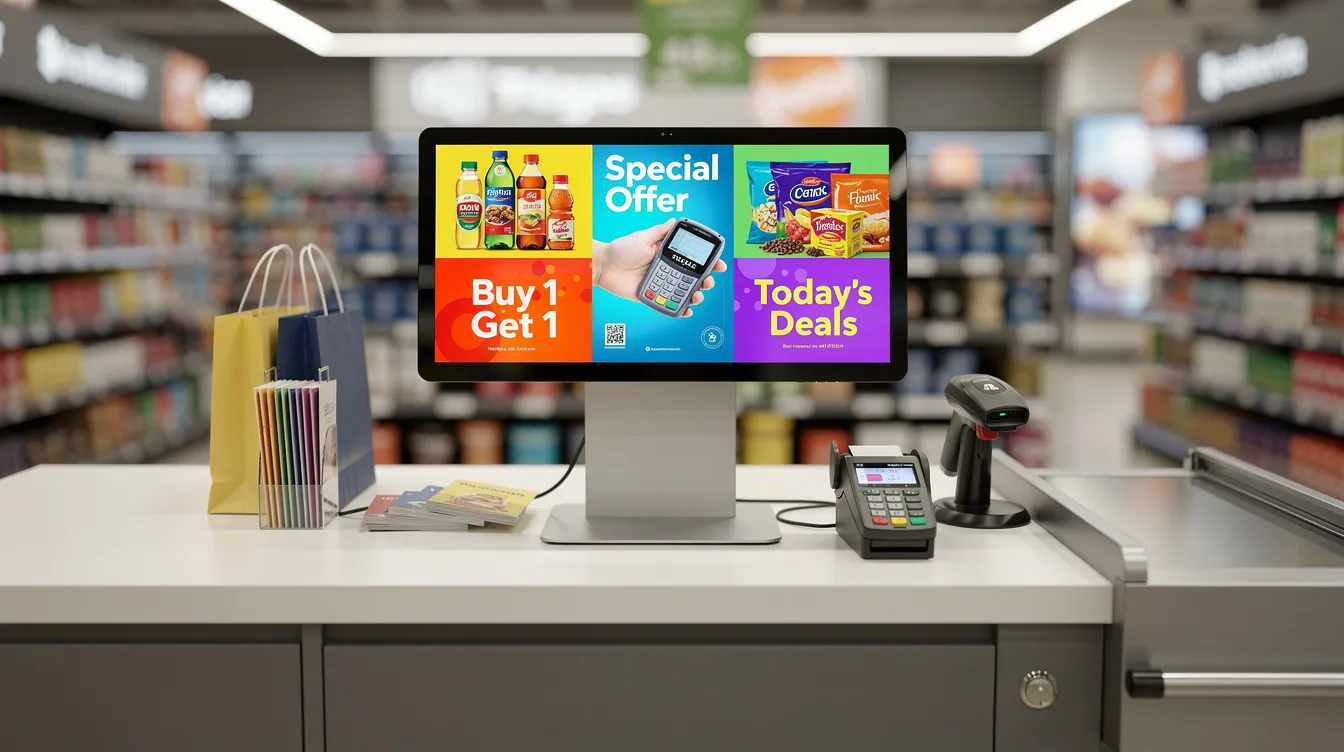
Entrance & Window Displays:
- Seasonal campaigns and brand films to draw passersby inside
- Limited-time offers and upcoming events announcements
Sales Floor and Aisles:
- Product spotlights and price drops on endcaps
- Cross-sell suggestions helping customers make informed decisions
Checkout & Queue Areas:
- Loyalty program promotions and app download prompts
- Last-minute add-on suggestions to enhance the shopping experience
In-Store Cafés & Food Counters:
- Digital menu boards with dayparting (breakfast, lunch, dinner menus)
- High margin items highlighted through visual prominence
Service and Information Desks:
- Queue information and wait time estimates
- Service packages, warranty options, and FAQs
Wayfinding and Directories:
- Maps and directional arrows in larger stores
- Real-time announcements for shop events and sales
Employee Communications:
- Training videos before opening or after closing
- Internal announcements using the same screens
POS System Integration
POS System Integration for In Store TV Advertising
Integrating your POS system with retail digital signage software unlocks powerful possibilities for in-store TV advertising. By connecting your digital signage directly to your point-of-sale system, you can ensure that pricing, inventory, and promotions displayed on your screens are always accurate and up to date. This real-time synchronization means that when a product sells out, your digital signage software can automatically stop displaying ads for that item, preventing customer disappointment and maintaining trust.
Retailers benefit from the ability to instantly update promotions across all stores, ensuring customers always see the latest offers and pricing. This seamless connection between your POS system and digital signage not only streamlines operations but also enhances the shopping experience by delivering relevant, timely information at the point of decision. With retail digital signage, you can create dynamic ads that reflect current inventory, highlight high-margin items, and promote offers that drive sales—all managed from a single software platform.
By leveraging POS system integration, retailers can maximize the impact of their in-store TV advertising, boost customer engagement, and make informed decisions that directly influence sales and customer satisfaction.
Team Management and Content Approval
Team Management and Content Approval in In Store TV Advertising
Managing who can create, edit, and publish signage content is essential for maintaining brand consistency and message quality across all your stores. Retail digital signage software should offer robust team management features, including role-based access and content approval workflows. This allows retailers to assign specific permissions to marketing teams, regional managers, and store staff, ensuring that only authorized users can make changes to digital signage content.
With content approval workflows, every piece of signage content goes through a review process before it appears on your in-store TVs. This reduces the risk of errors, off-brand messaging, or outdated promotions being displayed. Retailers can maintain a unified brand voice and ensure that all messaging aligns with corporate standards, regardless of who creates the content.
These features not only streamline collaboration but also empower teams to create engaging, on-brand content efficiently. By implementing effective team management and content approval processes within your digital signage software, you can confidently deliver consistent, high-quality messaging that enhances your in-store advertising campaigns.
Security and Trust
Security and Trust in In Store TV Advertising Software
Security is a top priority when deploying digital signage systems in retail environments. Retailers must ensure that their digital signage software includes advanced security features such as data encryption, secure authentication, and regular software updates to protect both business and customer information. Look for solutions that comply with industry standards like SOC 2 Type II and PCI DSS, which demonstrate a commitment to safeguarding sensitive data.
A secure digital signage system not only protects your store’s operations but also builds trust with your customers. With robust security measures in place, you can confidently run in-store TV advertising campaigns without worrying about data breaches or unauthorized access. Reliable software ensures that your screens display only approved content, maintaining the integrity of your brand and the safety of your customers’ information.
By choosing a trustworthy digital signage solution, retailers can focus on enhancing customer engagement and driving sales, knowing that their in-store advertising is supported by a secure and dependable platform.
Multi-Location Management
Multi-Location Management for Retail Chains
For retail chains, managing in-store TV advertising across multiple locations can be complex—but the right digital signage software makes it simple. Multi-location management features allow retailers to control content, scheduling, and campaigns for every store from a single account. With location-based targeting, you can tailor promotions to specific regions, cities, or even individual stores, ensuring that each location receives the most relevant messaging.
Retail digital signage software enables you to schedule content in advance, monitor screen performance in real time, and maintain brand consistency across all stores. Whether you’re launching a nationwide campaign or targeting a local event, multi-location management tools help you create, manage, and deploy content efficiently.
This centralized approach streamlines operations, reduces manual work, and ensures that your in-store TV advertising is always aligned with your business goals. By leveraging these features, retail chains can drive sales, enhance the customer experience, and maintain a cohesive brand presence across every location.
Advanced Features for Retailers
Advanced Digital Signage Features for Retailers
Modern cloud digital signage solutions offer advanced features that can transform the in-store shopping experience and set your retail business apart. AI-powered content creation tools enable retailers to generate personalized ads and promotions based on customer demographics, shopping patterns, and preferences, making every message more relevant and engaging.
Social media integration allows you to display live customer reviews, ratings, and user-generated content directly on your in-store TVs, building trust and encouraging new purchases. Interactive digital displays invite customers to explore products, access additional information, or even place orders right from the screen, creating a more immersive and memorable shopping experience.
By adopting these advanced digital signage features, retailers can boost customer engagement, increase sales, and deliver a dynamic in-store environment that keeps customers coming back. Staying ahead with innovative digital signage applications ensures your store remains competitive and continues to delight customers at every touchpoint.
How to Choose the Right In Store TV Advertising Platform
Platform choice in 2026 should balance useful features, cost, scalability, and ease of use for your retail business.
Infrastructure Assessment:
- Map your current setup: number of stores, existing TVs, network reliability
- Evaluate staff technical skills and support needs
- Identify connectivity options (WiFi, Ethernet) at each location
Platform Requirements:
- Prioritize cloud-based digital signage solutions for remote management
- Ensure multi-location support if you manage retail chains
- Look for compatibility with hardware you already own
Cost Evaluation:
- Calculate total cost: licenses, media players, installation
- Factor in savings from eliminated printing and distribution
- Compare pricing models (per-screen, per-location, enterprise)
Validation Steps:
- Request a live demo to see the interface in action
- Run a 14–30 day trial testing scheduling and playback
- Check support quality: documentation, onboarding help, response times
|
Evaluation Criteria |
Questions to Ask |
|---|---|
|
Ease of Use |
Can marketing teams manage it without IT? |
|
Hardware Support |
Does it work with existing TVs and players? |
|
Scalability |
Can it grow from 5 to 500 stores? |
|
Reliability |
Does it support offline playback? |
|
Support |
Is help available during evenings/weekends? |
Why Use SignageTube for Your In Store TV Advertising?
We built SignageTube as a cloud-based retail store digital signage platform specifically for easy, scalable in store tv advertising across single or multiple locations.
SignageTube prioritizes user-friendliness with a browser-based interface requiring no complex IT setup. Marketing teams and store managers can access, upload, and manage campaigns from any device with internet connectivity.
Why retailers choose SignageTube:
- Works with common hardware: Windows mini PCs, Android players, standard HDMI TVs
- No proprietary device requirements—reuse what you already have
- Intuitive drag-and-drop playlist builder
- Centralized control for consistent brand presence across all stores
Key capabilities:
- Playlist management with precise timing controls
- Dayparting for morning, afternoon, and evening content variations
- Screen grouping by location, region, or store type
- Ready-made templates following brand guidelines
- Remote monitoring and diagnostics
A retail chain could roll out SignageTube to 50 stores in under a week, managing all campaigns from headquarters while allowing local managers to add store-specific promotions. SignageTube helps replace printed posters, reduces manual work, and ensures professional, consistent branded content across your entire retail network.
SignageTube Features Tailored to In Store TV Advertising
Here’s a deeper look at how SignageTube supports day-to-day retail operations for users who need to manage dynamic content across multiple retail environments.
Scheduling and Playlists:
- Set start and end dates for campaigns (e.g., May 1, 2026 to May 31, 2026)
- Automate seasonal content changes without manual intervention
- Dayparting ensures different content plays during different hours
Template Support:
- Pre-built layouts for promotions, pricing displays, and announcements
- Locked branding elements maintain consistency
- Non-designers can create professional content quickly
Multi-Location Management:
- Single dashboard controlling hundreds of screens
- Group screens by city, region, or store type
- Deploy chain-wide campaigns or target specific locations
Reliability Features:
- Offline playback and content caching keep screens running during connectivity issues
- Automatic software updates ensure security and feature improvements
- Remote reboot capabilities eliminate store visits for troubleshooting
User Roles:
- HQ controls branding and corporate campaigns
- Regional managers customize for local markets
- Store staff update location-specific content within guardrails
Integration Potential:
- Connect with data feeds, social media, or POS systems
- Keep pricing and promotions automatically up to date
- Display real-time information without manual updates
Getting Started with SignageTube in Your Stores
Onboarding should be quick and non-technical. Here’s how to get SignageTube running in your retail locations, supported by step-by-step digital signage tutorials.
Simple Setup Path:
- Sign up for a free account at SignageTube
- Connect a media player to your store TV via HDMI
- Install the SignageTube player app on the device
- Link the player to your account through the dashboard
First Playlist Recommendations:
- Brand introduction video (30–60 seconds)
- 2–3 promotional slides highlighting current offers
- One loyalty program or app download slide
Pilot Program Approach:
- Start with 3–5 stores for 30 days
- Gather feedback from store managers and customers
- Track sales data for featured products
Pilot KPIs to Measure:
- Lift in featured product sales during promotional periods
- Reduced time to update and deploy promotions
- Fewer printing and distribution tasks
Our team guides new users through setup, best practices, and scaling to dozens or hundreds of stores. Whether you’re replacing printed signs in a single shop or deploying across a national retail chain, SignageTube makes in store tv advertising accessible and effective.
Ready to see how SignageTube works for your business? Start a free trial or book a live walkthrough to enhance your retail digital signage strategy today.
- SignageTube Starter – content signage on any TV
- SignageTube Enterprise – live data on your screens
- Digital signage software – how to choose, and what matters
- Templates – 120+ ready-made designs
- Pricing – simple per-screen plans