 SignageTube
Queue status, who is on duty, health information and opening hours on the waiting room TV. Less asking at the desk, calmer waiting.
See pricing per screen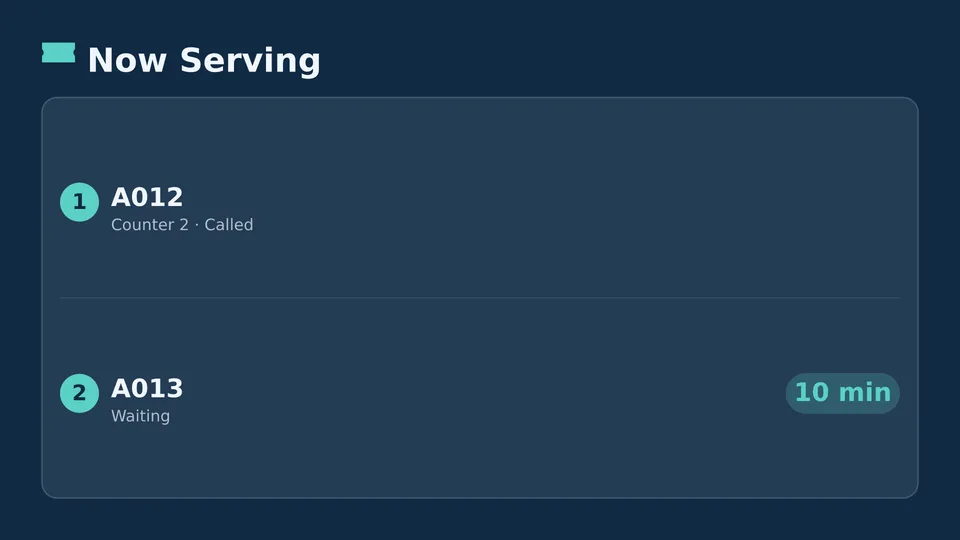
Start from a ready made Live Page, change the text, publish.
Who is next, without calling names.
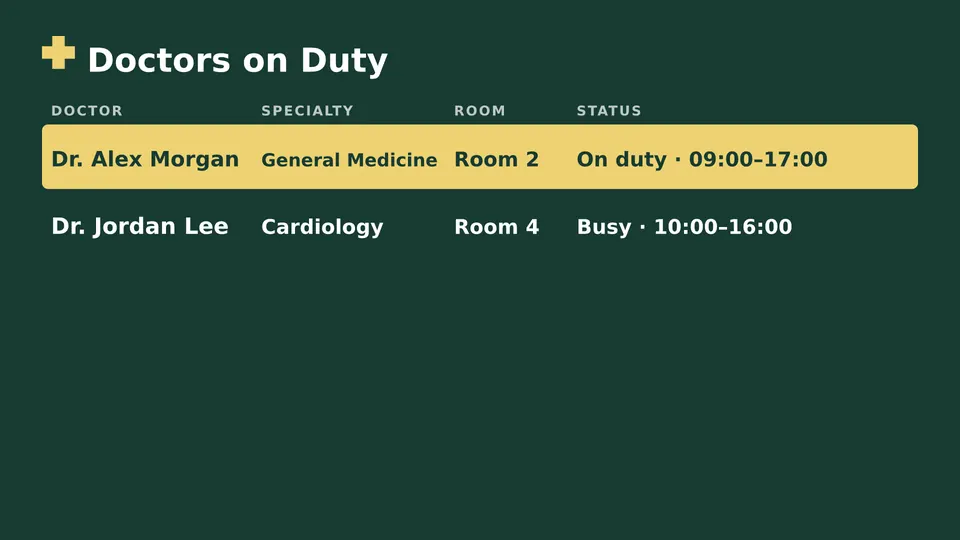
Who is on duty today.
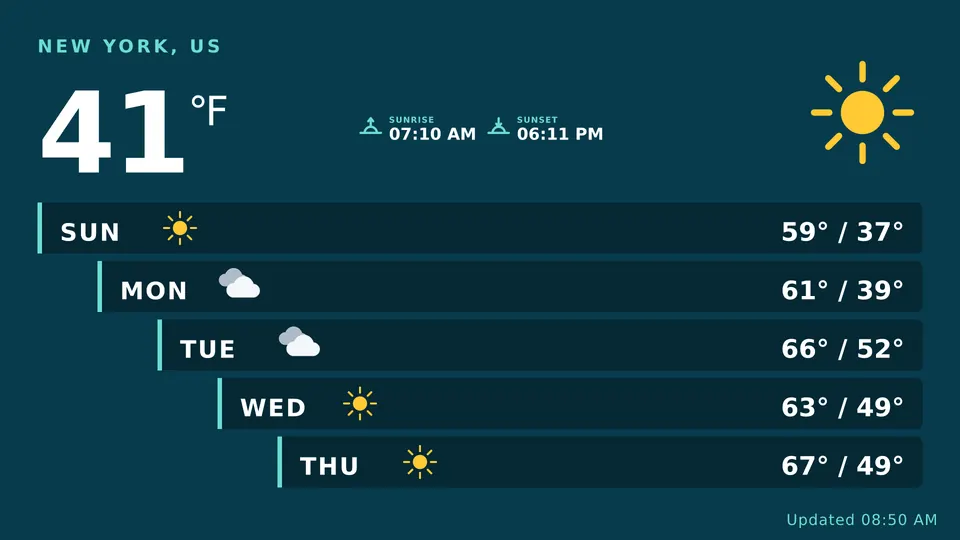
Seasonal advice, vaccinations and practice news.
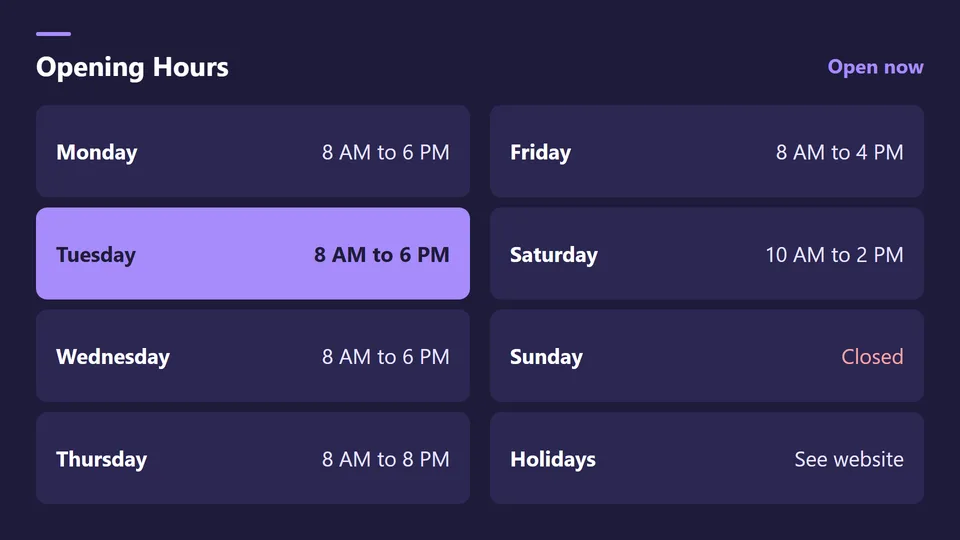
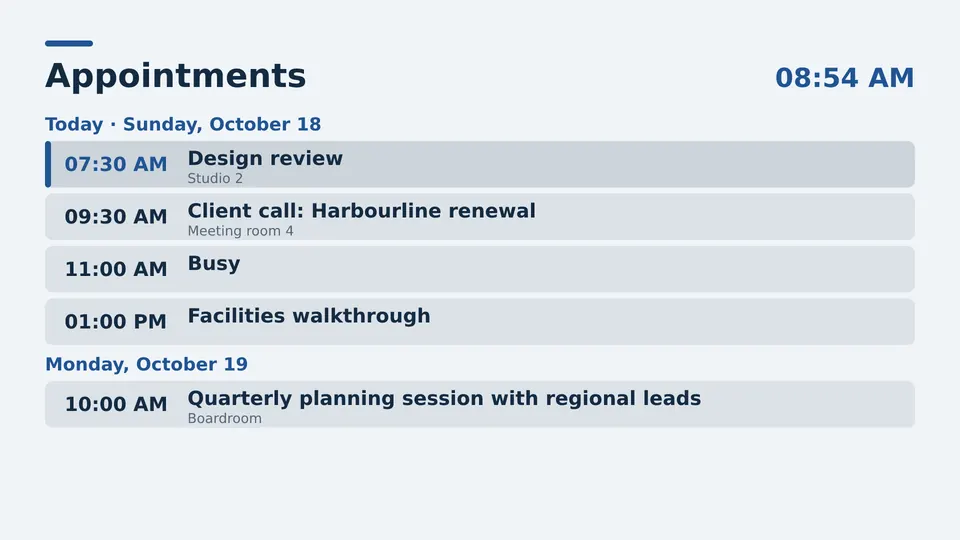
Including holidays and closures.
A waiting room TV that shows useful information shortens the line at the desk and makes the wait feel shorter.
Starter runs waiting room screens. Healthcare organizations that must keep data on site use Custom on their own servers.
Queue status, staff on duty, health information and opening hours.
Yes. Clinics and care homes are among our Starter customers.
Yes, with Custom, from 5 screens.
Yes, from any browser in a minute.
Pick the edition you want to try for 15 days. No credit card, just your name and email.
Images, video, web pages, PowerPoint and Live Pages on any TV. The easiest place to start.
Start Starter trial →Real PowerPoint on Windows, a report of what played (Proof of Play) and a Control Room for all your screens.
Start Professional trial →Live data from Excel, databases and 20+ sources, screen health alerts and switching screens on and off.
Start Enterprise trial →Not sure? Start with Starter. You can move up any time.
Both come with a 15 day free trial. No credit card, just your name and email.