 SignageTube
Show now serving numbers, wait times and which counters are open on screens in the waiting area, so people know where they stand.
See pricing per screen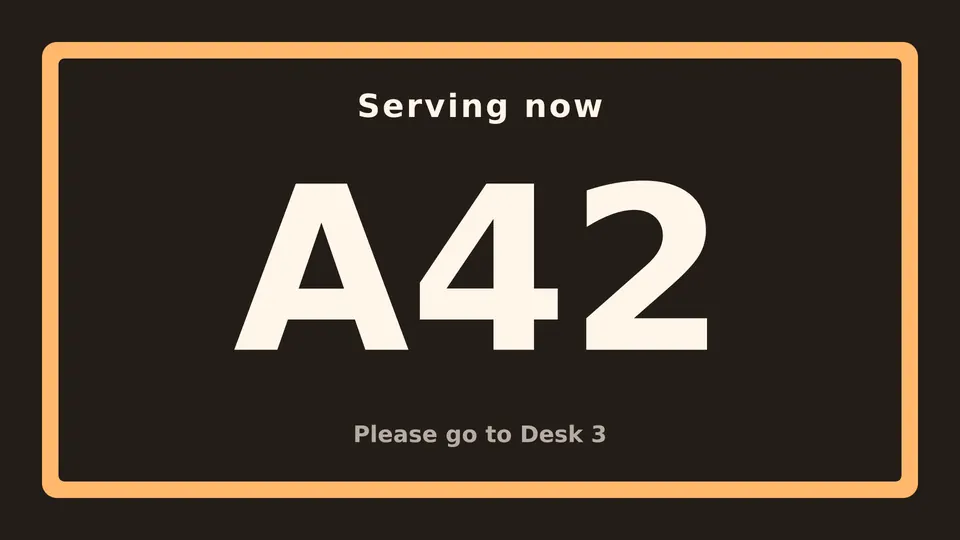
Start from a ready made Live Page, change the text, publish.
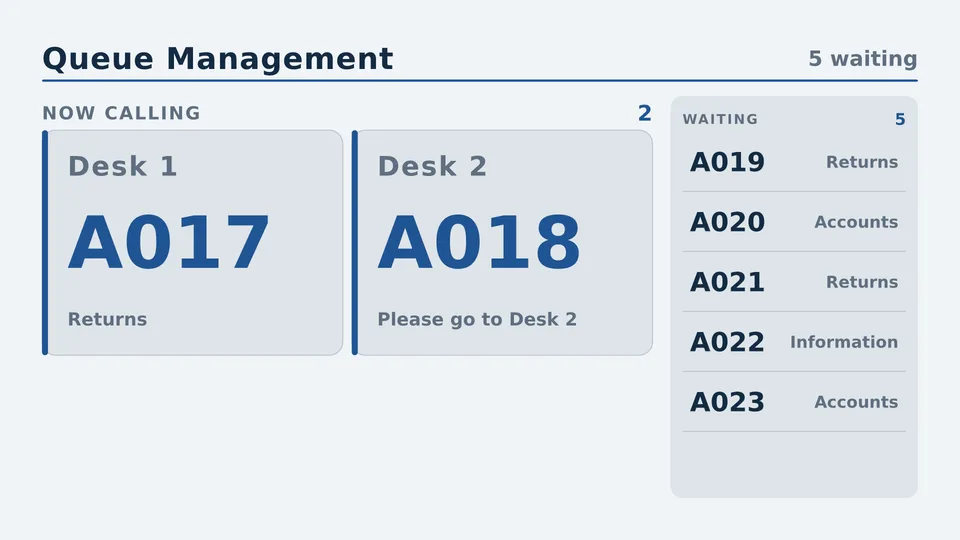
Which number is next, at which counter.
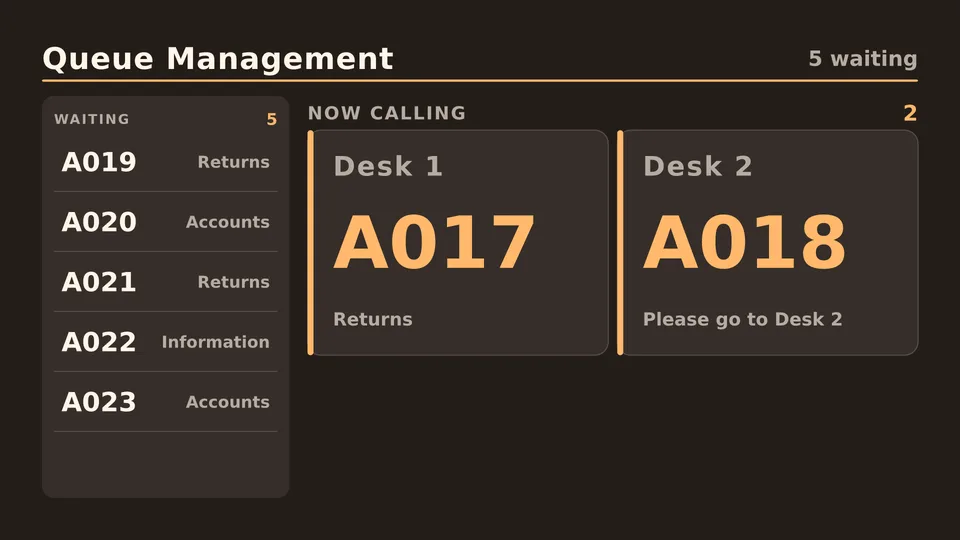
How long the wait is right now.
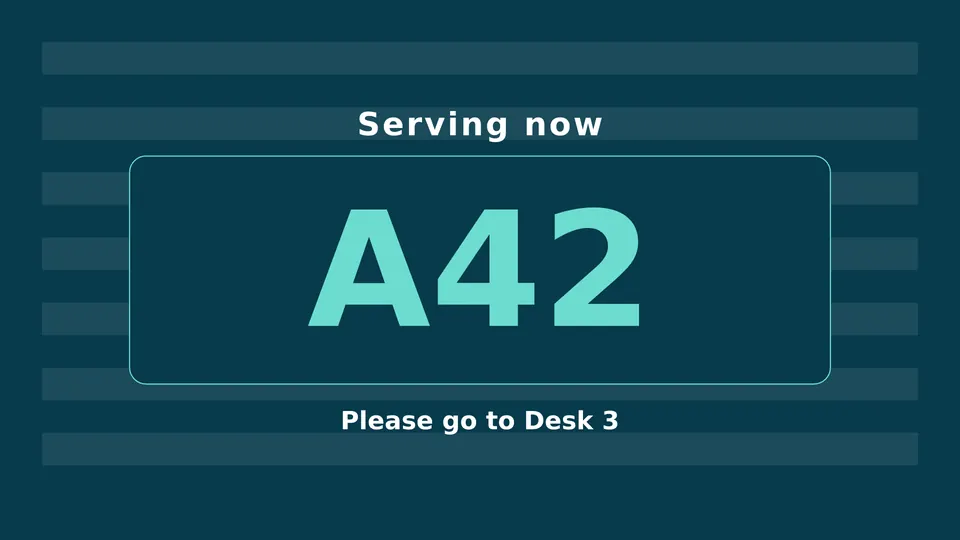
Which services are open or closed.
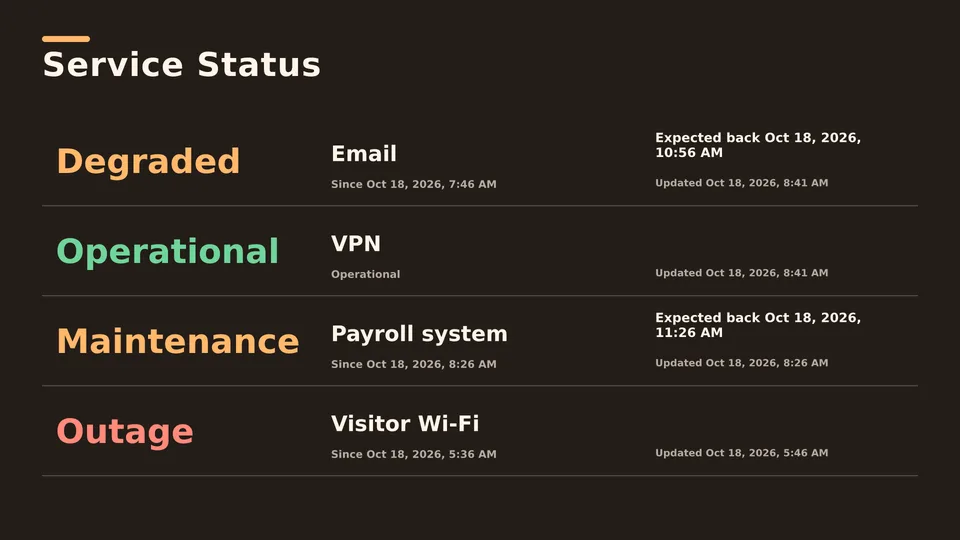
Forms, documents and opening hours while people wait.
People wait more calmly when they can see the queue moving. A queue display answers the question before anyone asks the counter.
Starter shows queue information you update. With Enterprise, the display reads numbers and wait times from your queue system's data or database.
A screen in a waiting area that shows now serving numbers, wait times and service status.
With Enterprise, SignageTube can read from databases and 20+ data sources; ask us about your system.
Yes. Manage screens in every building from one dashboard.
Yes, with Custom, from 5 screens.
Pick the edition you want to try for 15 days. No credit card, just your name and email.
Images, video, web pages, PowerPoint and Live Pages on any TV. The easiest place to start.
Start Starter trial →Real PowerPoint on Windows, a report of what played (Proof of Play) and a Control Room for all your screens.
Start Professional trial →Live data from Excel, databases and 20+ sources, screen health alerts and switching screens on and off.
Start Enterprise trial →Not sure? Start with Starter. You can move up any time.
Both come with a 15 day free trial. No credit card, just your name and email.