 SignageTube
Opening hours, events, new arrivals and notices on screens at the entrance and between the shelves, managed for every branch from one place.
See pricing per screen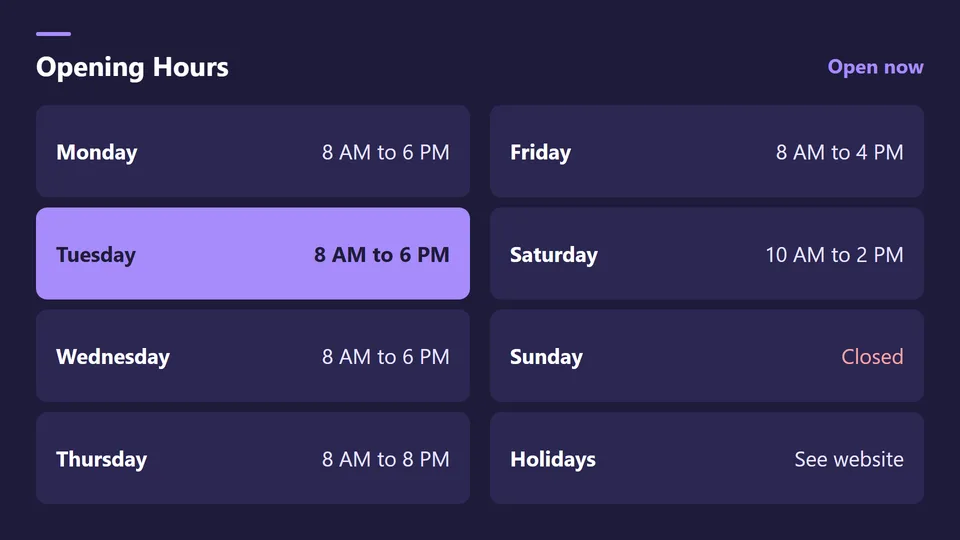
Start from a ready made Live Page, change the text, publish.
Per branch, including holidays.
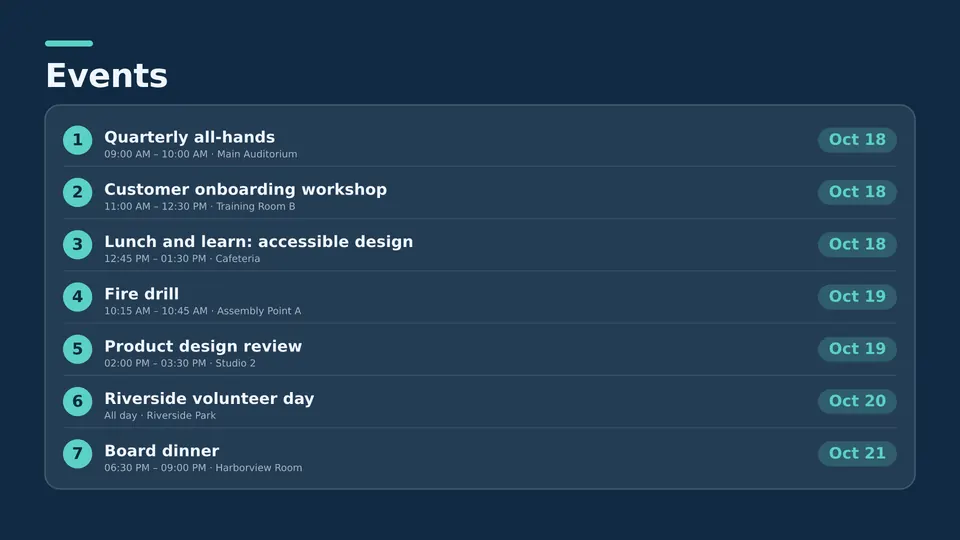
Readings, classes and story time.
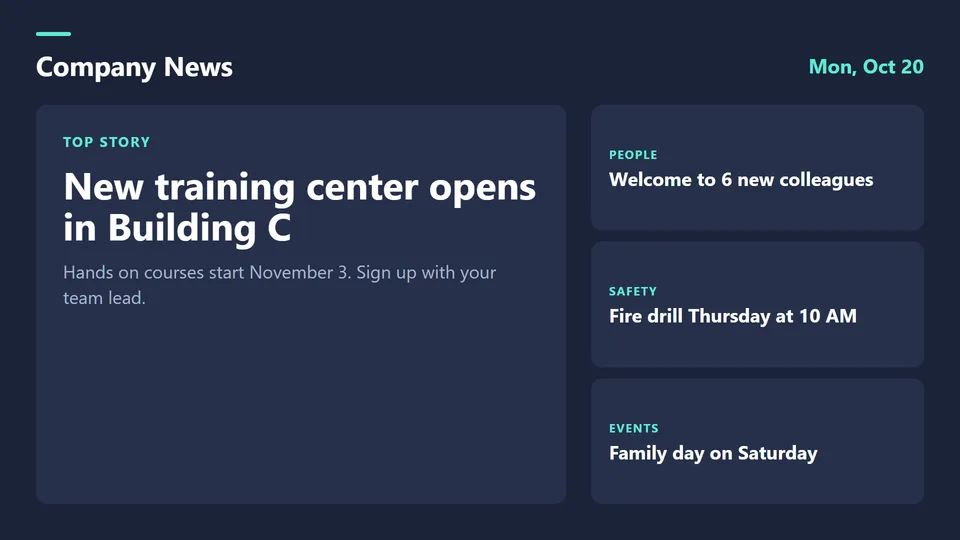
Closures and service changes.
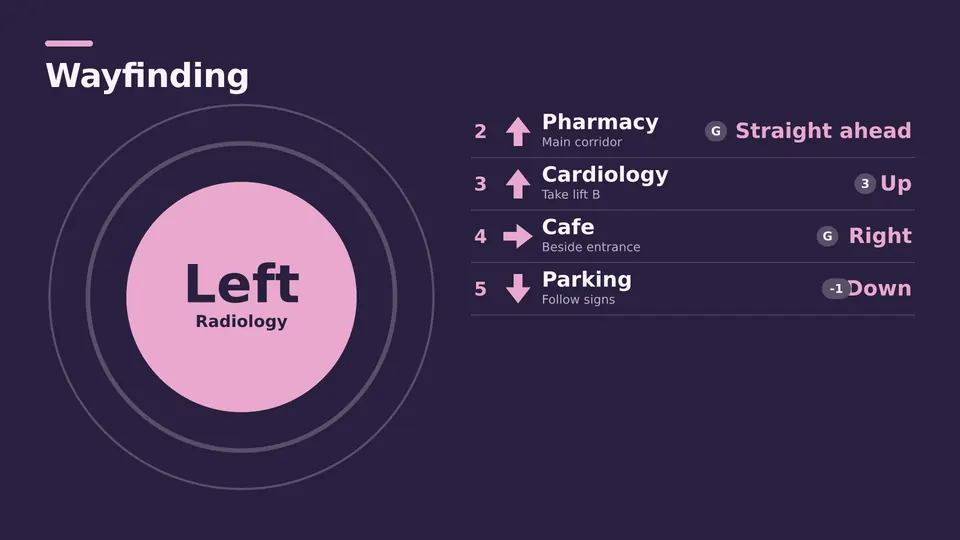
Where to find sections and services.
Library notices compete with thousands of books for attention. A screen near the entrance gets them seen.
Starter covers library screens. City IT that runs many buildings often chooses Enterprise for access per department.
Screens in a library that show opening hours, events, notices and directions.
Yes. Group screens by branch and schedule each one.
Yes, with sites, groups and access per department.
Yes, with Custom, from 5 screens.
Pick the edition you want to try for 15 days. No credit card, just your name and email.
Images, video, web pages, PowerPoint and Live Pages on any TV. The easiest place to start.
Start Starter trial →Real PowerPoint on Windows, a report of what played (Proof of Play) and a Control Room for all your screens.
Start Professional trial →Live data from Excel, databases and 20+ sources, screen health alerts and switching screens on and off.
Start Enterprise trial →Not sure? Start with Starter. You can move up any time.
Both come with a 15 day free trial. No credit card, just your name and email.