 SignageTube
Post Offices: Modern Services, Queues, and Real-Time Digital Signage
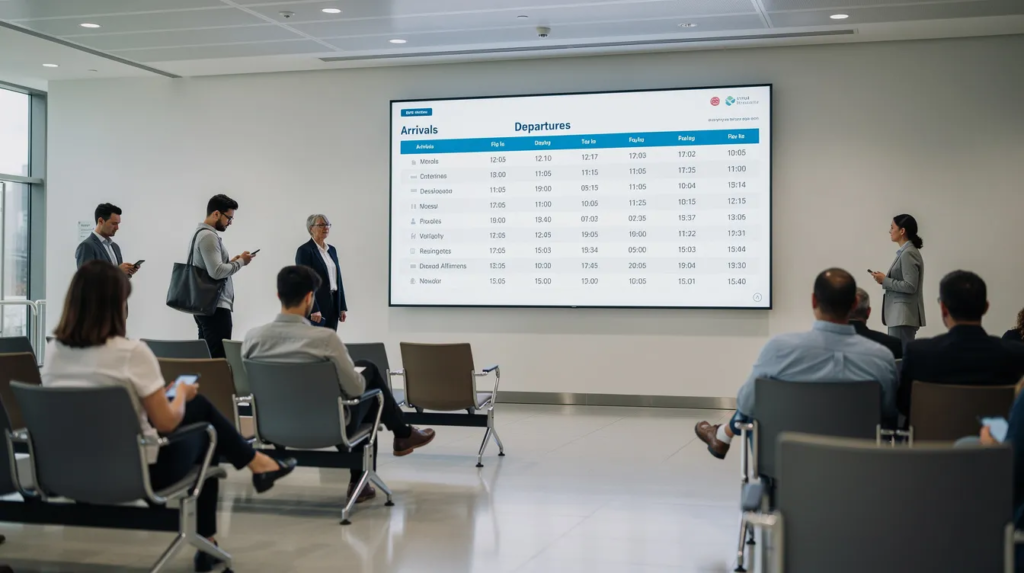
Post offices are high-traffic, high-anxiety environments: customers queue for passports, parcels, and government paperwork, often with no idea how long the wait will be or which counter to use. This article looks at how real-time digital signage solves that problem — cutting perceived wait times, reducing repetitive staff questions, and keeping customers informed the moment something changes.
In-Branch Queues, Customer Flow, and Real-Time Information
Queues at post offices peak during predictable periods: Monday mornings (post-weekend backlog), lunch hours, tax deadlines in April, and holiday seasons. USPS FY2026 Q1 data reveals significant performance variability—New York 1 district hit only 62.9 percent PO Box on-time delivery compared to Ar-Ok’s 91.1 percent, directly impacting customer experience and long wait times.
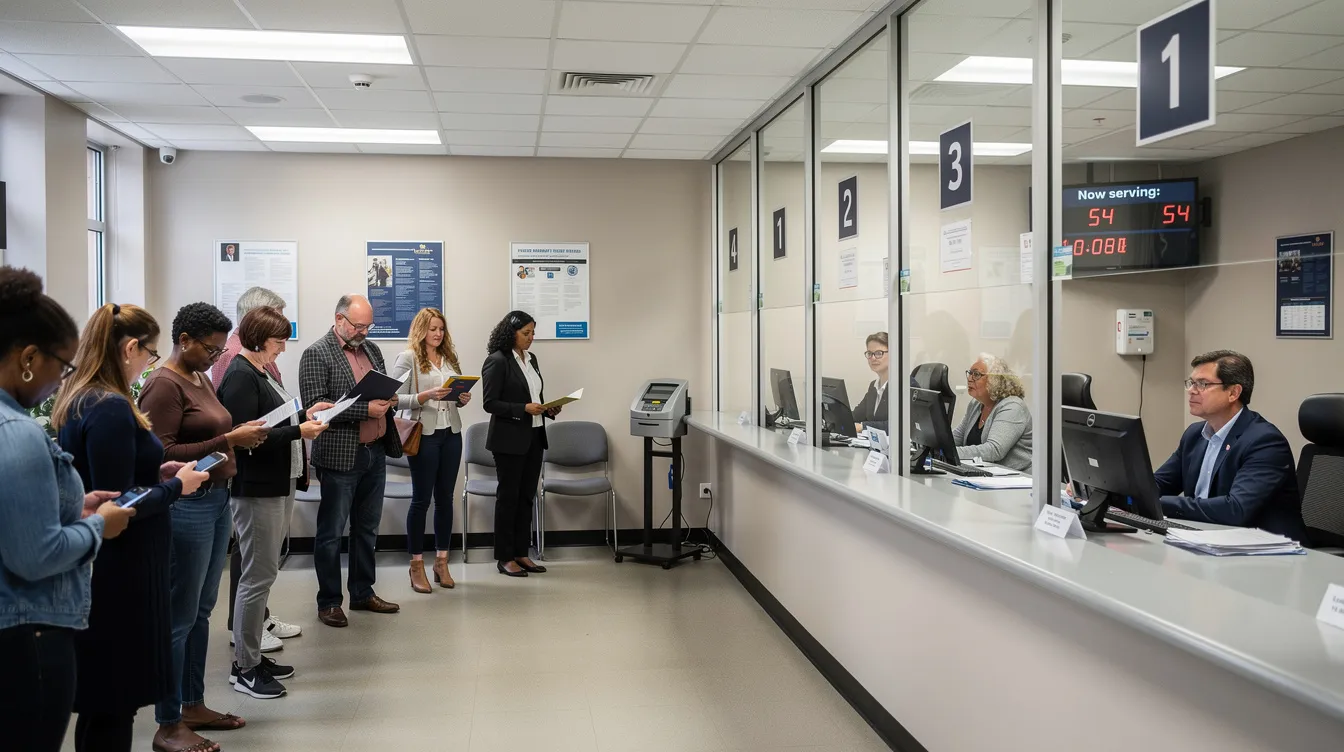
Common Queue Systems
- Take-a-ticket counters: Large USPS locations use systems like Qless displaying “Now Serving 45” on screens
- Numbered tickets with callbacks: Correos in Spain sends SMS notifications when your turn approaches
- Single physical lines: Small rural offices with one or two staff members
Customer Pain Points
- Uncertainty about waiting time without ETAs displayed
- Confusion about which counter handles passports vs. parcels
- Missed turns when customers step outside temporarily
Real-time information on in-branch screens addresses these issues by showing ticket numbers, estimated wait times, and counter assignments. Many postal operators piloting digital signage in 2024–2026 report 20–30 percent flow improvements when screens display live data from queue systems alongside announcements about service disruptions and last collection times.
A well-designed queue screen might feature:
- Top zone: Live ticket number and counter assignment with ETA
- Middle zone: Service tips and current processing status
- Bottom zone: Promotions and online service education
Beyond the queue itself, post offices also need to keep customers informed about the government services handled at the counter.
Government and Public Services in Post Offices
Post offices frequently serve as local government hubs where citizens complete passport applications, ID verifications, driving license renewals, and tax form submissions. USPS alone processes over 10 million passport applications annually at 7,000+ branches. Deutsche Post’s Postident system handles 40+ million ID verification transactions yearly. UK Post Office branches submit DVLA photo applications for 2+ million customers.
Challenges of Traditional Methods
- Static posters require manual printing and laminating ($500–$2,000 per branch annually)
- Staff spend 20–30 percent of their labor repeating explanations
- Seasonal surges (May–June passport rush) create 50 percent volume spikes and bottlenecks
- Printed materials often display incorrect fees or outdated requirements
Real-time on-prem digital signage provides a concrete solution. Screens in the lobby display step-by-step passport checklists, live queue status, and current document requirements. But building this system in-house requires custom CMS development (HTML5/JavaScript with backend infrastructure), local media players (Raspberry Pi or Intel NUC), queue system integrations via REST APIs, and 4–12 weeks of setup per branch. Scaling to 50 branches can cost $100,000+ in development time with high failure risks during peak periods.
Why SignageTube Live Streamlines This Process
- Connects to on-premise PCs or media players without complex integration
- Pulls real time data from queue systems and appointment APIs
- Enables instant browser-based updates by staff
- Reduces IT overhead by 70 percent compared to custom builds
Staff can use familiar PowerPoint to design visual guides showing passport photo requirements (35x45mm EU standard, white/blue backgrounds), ID document specifications, and fee breakdowns. These slides sync to SignageTube Live and push to lobby screens within minutes—not weeks. Digital signage can also display “Now serving appointment for 10:30” lists, directing walk-ins away from appointment-only counters and reducing confusion during busy periods.
Example screen layout:
- Top 30%: Live ticket number (Ticket 23 at Counter 2, ETA 8 min)
- Bottom 70%: PowerPoint slide: “Steps to Apply for a Passport in 2026” with icons
This combination of dynamic content and live data creates an intuitive interface that serves both walk-in customers and appointment holders. With government services covered, the next question is how these screens compare to the noticeboards they replace.
Real-Time Digital Signage vs. Traditional Noticeboards
Cork boards covered with A4 printed notices represent the old approach—and they come with significant limitations. Printing costs add up ($0.10–$0.50 per page, totaling $1,000+ yearly per branch), urgent updates like system outages face 1–2 day delays, layouts vary wildly between branches, and multilingual coverage remains limited.
Advantages of Real-Time Digital Signage
- Automated language switching based on time of day or customer preferences
- Instant rotation of campaigns (“Buy postage online and skip the line”)
- Emergency announcements deployed within seconds across as many screens as needed
- Consistent branding and message across all locations
Building an in-house digital signage network requires months of custom CMS development, integration with existing hardware and queue systems, manual testing at each branch, and budgets exceeding $50,000 for mid-sized deployments.
SignageTube Live reduces this workload dramatically. Cloud-based management with on-prem playback enables rollout to dozens of branches in days. The platform works across operating systems, and content creators can design in PowerPoint using existing corporate templates—no specialized software needed. Organizations report 80 percent budget savings compared to custom development.
Digital signage screens in post offices can also educate walk-in customers about online tools like label printing and delivery tracking, reducing future queues. Screens displaying “Skip the paper form—use online customs declarations” messages drive customer engagement with digital options. SignageTube (cloud) and SignageTube Live (real-time on-prem) work together effectively here: the central team schedules educational content while each branch displays local live information—pickup deadlines, system outages, and location-specific announcements.
As digital and physical services blend, designing effective in-branch screens becomes even more important for customer engagement.
Designing Effective In-Branch Screens with PowerPoint & SignageTube Live
Many postal organizations already rely heavily on PowerPoint for internal communication and training. These existing files represent valuable assets that can transform into customer-facing digital signage with minimal effort.
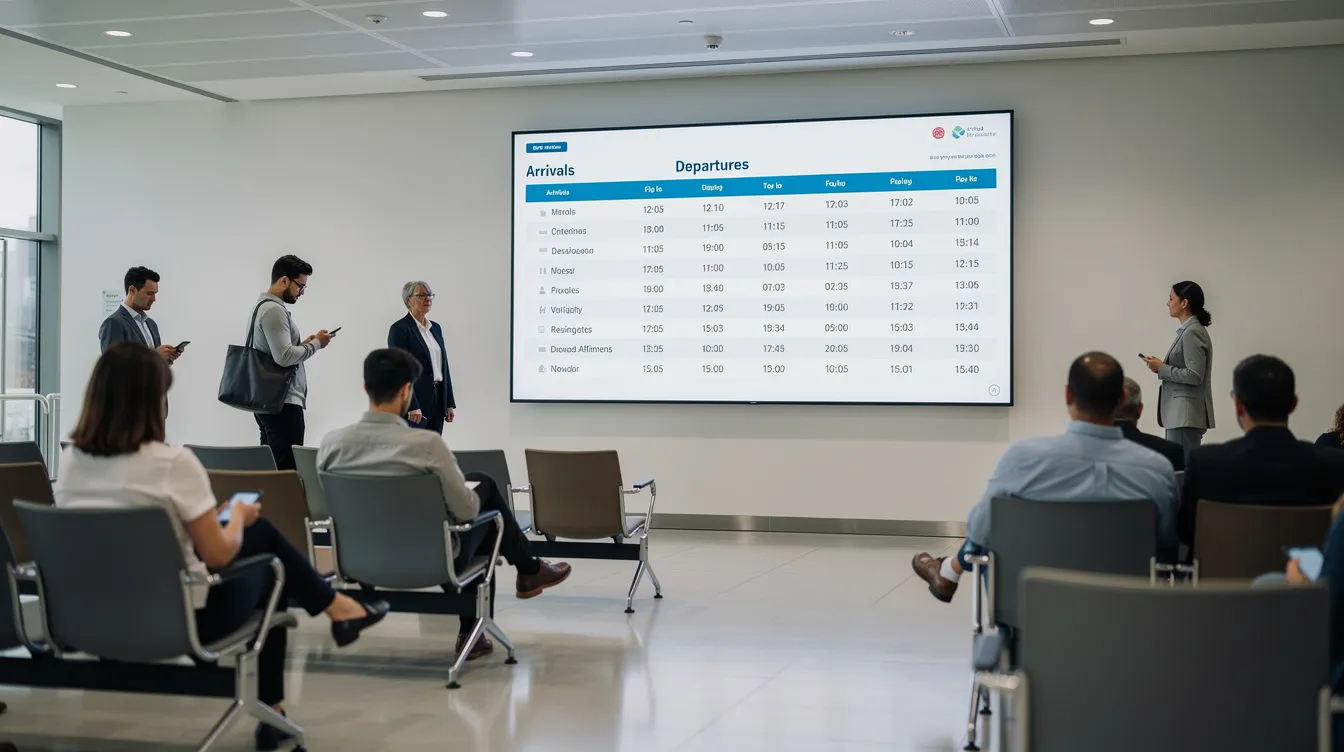
How to Repurpose PowerPoint Content
- Convert training decks into digital signage playlists.
- Split lengthy presentations into concise 7–10 second slide loops.
- Update pricing tables after rate changes.
- Create “How to pack a parcel” visual guides.
Example Screen Programs
- Information loop: Letter/postage pricing tables (updated for current rates)
- Educational content: “How to prepare customs declarations” slideshow
- Status display: “Today’s collection times” with last pickup countdown
Workflow with PowerPoint Digital Signage Using SignageTube
- Staff edit slides in PowerPoint—a tool 80 percent of employees already know.
- Upload or sync files to SignageTube platform.
- Schedule playlists by branch, time, and screen zone.
- Publish via SignageTube Live players in lobbies and back office areas.
Recommended playlist structure:
- Welcome message (10 sec): Brand greeting
- Queue status (Live feed): Real-time updates
- Service promotion (20 sec): Drive online adoption
- Packing guide (15 sec): Reduce counter questions
This approach requires minimal training, enables rapid reaction to policy changes, and maintains consistent branding across 10, 50, or 500 branches.
The Future: From Mail Counters to Smart Service Hubs
Post offices are increasingly functioning as smart multi-service hubs offering financial, governmental, and digital identity services under one roof, with self-service kiosks and digital ID verification expanding steadily. Real-time communication becomes essential as services grow more complex: live screens handle emergency alerts, IT outage notifications, and customer guidance during crises.
SignageTube and SignageTube Live position themselves as enabling technologies for this evolution—a reliable, scalable digital signage network with central content management plus local live integrations, requiring no massive development projects. Post offices that invest in real-time digital signage and effective queue management deliver measurably shorter waits, clearer information access, and superior citizen experiences.
Ready to transform your post office or government service location? Explore SignageTube Live to see how PowerPoint-based design combined with real-time on-prem display can reduce waiting times and boost customer loyalty—without the complexity of custom development, or contact the SignageTube team to discuss your specific deployment needs.
- SignageTube Starter – content signage on any TV
- SignageTube Enterprise – live data on your screens
- Digital signage software – how to choose, and what matters
- Templates – 120+ ready-made designs
- Pricing – simple per-screen plans
- Courthouses: Real-Time Digital Signage for Government and Public Services
- Community Centers: Real-Time Digital Signage for Government and Public Services
- Military Bases: A Complete Guide to Operations, Services, and Real-Time Communications
- Voting Centers: Real-Time Digital Signage for Government and Public Services