 SignageTube
Digital Signs: Definition, Options, and Why PowerPoint + SignageTube Is a Smart Combo
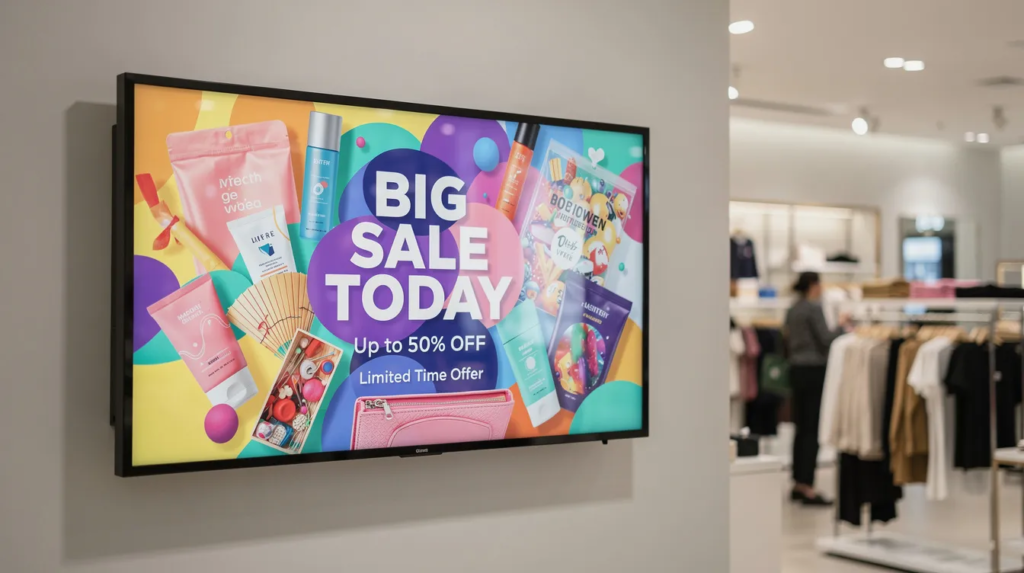
If you’ve ever glanced at a digital sign, such as a flight information board at an airport, watched a menu change automatically at a quick-service restaurant, or followed directions on an interactive map in a hospital, you’ve experienced digital signs in action. These screens have quietly become essential infrastructure for businesses, schools, and public spaces worldwide. Digital signs are also increasingly popular in bars and entertainment venues, where they attract patrons and enhance the customer experience. Digital signs are used in a wide range of environments, including schools, businesses, and churches, making them a versatile solution for many organizations.
This guide is for business owners, facility managers, and anyone interested in deploying digital signs for communication or promotion. With digital signs becoming essential for modern communication and marketing, understanding their benefits and deployment is crucial for staying competitive. This guide breaks down what digital signs actually are and how they work. Comprehensive digital signage solutions often include installation, design, and ongoing customer support, ensuring all aspects are covered for a smooth purchase and ownership experience. The purchase process is streamlined and supported by expert teams.
Digital signs for business deliver real-time messaging, branding, and promotions that help organizations connect with customers and employees.
What Is Digital Signage?
Digital signs are electronic displays—typically LED, LCD screens, or projections—used to show dynamic content such as promotions, menus, wayfinding directions, and real-time information. You’ll find them in retail stores, corporate lobbies, schools, hospitals, churches, sports venues, transportation hubs, bars, nightclubs, and more. Unlike simple programmable LED tickers that scroll basic text messages, full digital signage screens can display high-resolution videos, images, animation, and live data feeds in vibrant colors. Digital signs can include displays on LCD screens mounted on walls or standalone directories in parking lots or lobbies.
Digital signs can be customized to match your branding and location needs, and are built for high performance in demanding conditions, delivering crisp, clear messaging day and night.
Common formats include indoor lobby displays for welcome messages, outdoor LED billboards designed for maximum visibility and weather resistance, retail window displays that capture traffic from passersby, room signs showing meeting availability linked to calendars, and video walls built from grids of monitors for immersive presentations. Digital signs can be customized to match your interior branding, with options for integrated touchscreens and interactive features to enhance customer engagement. These signs are built for high performance in demanding conditions, delivering crisp, clear messaging day and night. The defining feature of modern digital signage is that content is usually managed remotely via scheduling software, not by manually updating each screen with a USB stick.
This article focuses on digital signs you control with software—specifically the PowerPoint + SignageTube combination—rather than static printed signs or standalone gadgets, giving you a practical introduction to PowerPoint digital signage for beginners.
Typical real-world examples:
- Airport flight information displays showing live delays and gate changes
- QSR digital menus that switch from breakfast to dinner offerings automatically
- Hospital wayfinding systems with interactive touchscreens
- Supermarket promotional screens driving impulse purchases
- Corporate lobby displays showing company announcements and KPIs
- Bar and nightclub digital signs promoting specials and engaging customers
Now that you understand what digital signage is, let’s look at how these systems work in practice.
How Digital Signs Work in Practice
The basic digital signage chain follows a straightforward process: content creation → scheduling → media player → screen. Understanding this workflow helps you estimate the effort involved and choose the right tools for your organization.
Most businesses create content using familiar tools like Microsoft PowerPoint, Canva, or Photoshop. PowerPoint remains the most common starting point because over a billion users worldwide already know how to build slides with images, text, and animation, and it can easily be turned into a complete PowerPoint digital signage solution with the right workflow. Once content is ready, it moves to a scheduling platform—either cloud based software like SignageTube for online remote management, or on-premise servers for local network control. The platform sends content to a media player (a Windows mini-PC, Android box, or smart display) connected to the physical screen via Wi-Fi or LAN.
The basic workflow:
- Create slides or graphics in PowerPoint, Canva, or similar tools.
- Upload to SignageTube (cloud or on-prem) and configure playlists.
- Assign content to screens and set schedules (time of day, days of week).
- Media player downloads playlist and displays content automatically. The entire process is covered, from content creation to installation and ongoing support, ensuring reliable performance in any environment.
- Push updates remotely; players refresh without manual intervention. Ongoing customer support is available to assist with any technical or operational issues.
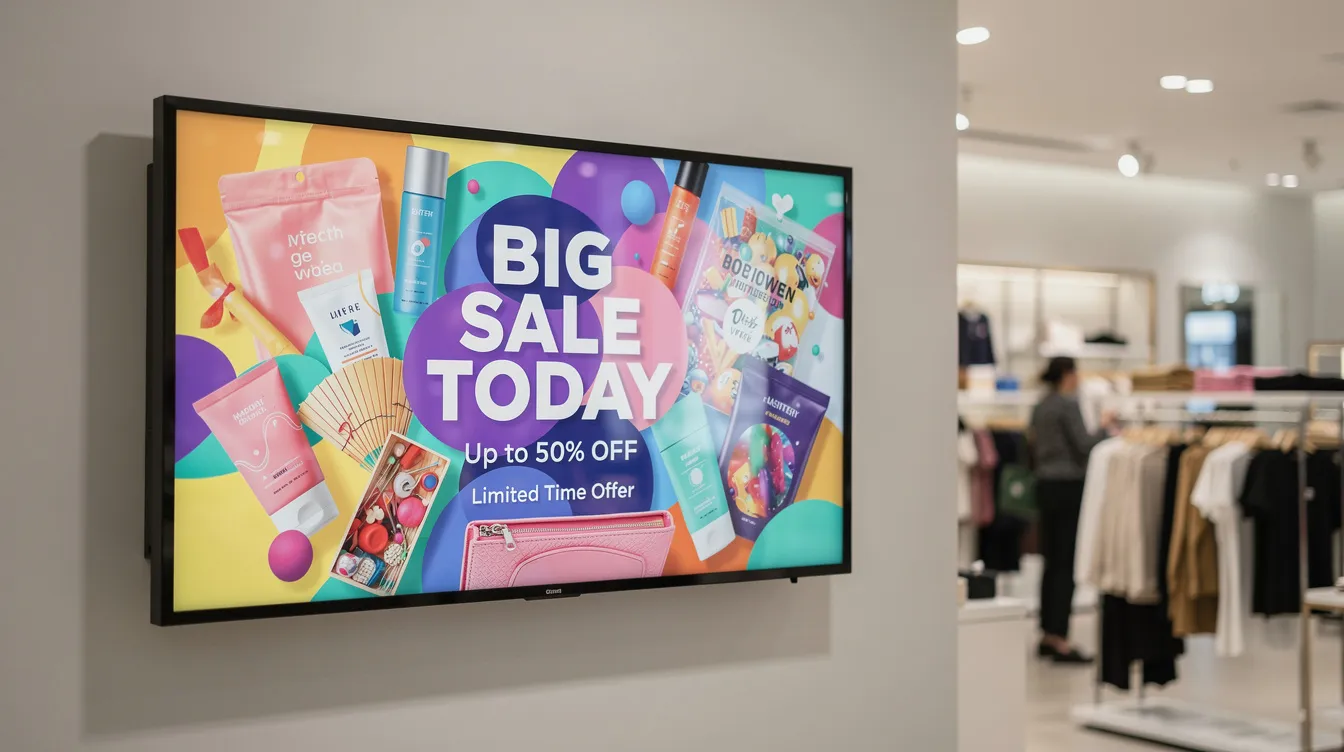
With the workflow in mind, let’s explore the different types of digital signs you can deploy.
Types of Digital Signs You Can Deploy
This section provides a scannable overview of the main categories, helping you identify which types fit your needs and which are easiest to start with.
Indoor informational displays
Lobby welcome screens, corporate communication boards, and school announcement displays in corridors. These typically show static or looping messages like safety updates, event schedules, or visitor information. Indoor digital signs offer unmatched customization for branding and visual impact in lobbies, conference rooms, and retail spaces.
Menu boards and retail promo screens
QSR digital menus, supermarket end-cap screens, pharmacy offer boards, and bar or nightclub promo screens. Dynamic pricing and high-quality dish images can increase order values by up to 30%. Bars and nightclubs use digital signs to attract patrons and enhance the nightlife experience.
Wayfinding and directories
Interactive or static maps in campuses, hospitals, shopping malls, and large offices. Touch interfaces help visitors navigate complex spaces and reduce navigation time by 20-40%.
Outdoor LED and window signs
Roadside outdoor digital signs, store window displays visible in daylight, and stadium scoreboards. These require high-brightness panels (up to 5000 nits) for visibility even at night. Outdoor digital signs are built for high performance in demanding conditions, ensuring crisp, clear messaging day and night. Customized outdoor signs can be tailored to match specific brands and locations for maximum effectiveness.
Room and desk signage
Meeting room availability screens tied to Outlook or Google Calendar, plus hot-desk indicators for flexible workspaces in conference rooms and open offices.
Event and conference signage
Digital agendas, directional arrows, and sponsor loops at special events. QR codes for interactive attendance tracking are increasingly common for events in 2024-2026.
PowerPoint + SignageTube works especially well for menus, announcements, and corporate communications—content that relies on text-heavy, template-driven layouts.
With an understanding of the types of digital signs available, let’s examine the benefits of digital signs compared to static signs.
Benefits of Digital Signs vs. Static Signs
Printed posters and letter boards served their purpose for decades, but digital signs offer clear advantages in speed, relevance, and impact for modern communication needs. Digital signs can be customized to match your brand and messaging needs, ensuring high performance in delivering dynamic content that attracts and engages customers across various industries.
Key benefits of digital signs:
- Dynamic, updatable content: Change offers, announcements, or room availability in minutes instead of waiting days for reprints. Digital signs can be updated instantly, allowing businesses to promote current offers and events in real-time. A franchise can update promotions across screens in multiple cities simultaneously from a single dashboard.
- Better attention and recall: Motion, video, and bright colors attract significantly more views than static boards. Studies show digital displays boost viewer recall rates by 47% compared to print—explaining why led signs dominate sports venues and highway advisories. Digital signage enhances brand recognition by up to 47.7% and increases audience engagement by delivering dynamic content that captures attention more effectively than static signs.
- Dayparting and targeting: Display breakfast menus in the morning and dinner deals at night automatically. Show different messages on weekdays versus weekends, or customize content for specific customer segments. Digital signage allows for targeted marketing, reaching specific demographics based on location and time.
- Centralized control: Manage screens across your entire business from one location. This eliminates the need for staff to physically visit each display and ensures consistency across your brand.
- Data integration: Pull live data such as weather, news feeds, production KPIs, or stock levels directly into screens for real-time relevance.
- Cost savings and ROI: Despite higher upfront investment than printed posters, digital signs typically deliver ROI within 1-3 years through reduced reprinting costs (70-80% savings on materials), less manual labor, and measurable sales uplifts. Most businesses see a full return on investment for digital signage within 18 to 36 months due to cost savings from eliminating traditional signage.
- Environmental benefits: Digital signage reduces environmental waste by eliminating the need for constant disposal of outdated printed materials and eliminates recurring printing, shipping, and installation costs, making it a cost-effective and sustainable solution.
- Analytics and measurement: Built-in analytics enable better tracking of marketing effectiveness, offering a more measurable return on investment.
- Flexibility: The flexibility of digital signage enables businesses to change their messaging frequently without incurring additional printing costs.

Now that you know the benefits, let’s discuss the work, time, and skills needed to roll out digital signs.
Work, Time, and Skills Needed to Roll Out Digital Signs
Understanding the realistic effort required helps you plan properly and set expectations with your team.
Planning (1-2 weeks)
Define measurable goals—for example, reduce perceived waiting time by 25% or increase promo uptake by 15%. Survey locations to determine optimal screen placement, and decide on screen sizes and quantities based on traffic patterns and viewing distances.
Hardware setup (a few hours to a few days)
Select commercial-grade displays rated for 24/7 operation rather than consumer TVs that fail faster under continuous use. Install media players, mounting brackets, and ensure power and network connectivity. A simple single-screen installation at a reception desk can be completed in half a day. Our digital signs are designed for easy installation and can be mounted on walls, posts, or poles, and installation services are often covered by the provider to ensure a smooth setup process.
Content creation
Non-designers can produce effective PowerPoint playlists in 1-2 hours, compared to days of work in professional video tools. Use brand templates to enforce consistent graphics, colors, and fonts across all content.
Scheduling and configuration
Initial setup of playlists, calendars, and device registration in SignageTube typically takes 2-4 hours. Configure dayparting rules and assign content to specific screens or groups using a cloud digital signage solution like SignageTube Cloud.
Ongoing work
Regular content refresh (weekly or monthly), basic monitoring of screen status, and occasional design updates. For a typical small business, expect 1-3 hours per week of overhead. Ongoing customer support is available for troubleshooting and maintenance, ensuring your digital signs continue to perform optimally.
Skill requirements
Comfort with PowerPoint, basic file management, and ability to navigate simple web or desktop app workflows. No coding or specialist video skills required when using SignageTube.
To get started, you can initiate the purchase process or request support by filling out an online form or calling by phone. Many digital signage companies offer free consultations to help you choose the right solution, ensuring all your needs are covered from planning to ongoing support.
With an understanding of the rollout process, let’s compare alternative ways to create and manage digital signs.
Alternative Ways to Create and Manage Digital Signs (and Their Drawbacks)
Multiple approaches exist for deploying signage, ranging from DIY hardware setups to purpose-built platforms like SignageTube. Each has tradeoffs worth considering, especially when comparing cloud-based digital signage platforms with more manual or on-premise approaches. Some digital signage solutions are fully covered, offering comprehensive services that include installation, design, and ongoing maintenance, ensuring clients are supported at every stage.
|
Approach |
Upfront Cost |
Effort Level |
Scheduling |
Scalability |
|---|---|---|---|---|
|
USB stick on TV |
Under $100 |
High (manual swaps) |
None |
Poor |
|
Consumer streaming devices |
$50-150 |
Medium |
Limited |
Poor |
|
Custom development |
$10,000+ |
Very high |
Full control |
Good but expensive |
|
Complex design software |
$500+ for tools |
High (specialist skills) |
None built-in |
Medium |
|
SignageTube + PowerPoint |
$$ (platform + hardware) |
Low |
Full automation |
Excellent |
|
USB stick on TV requires manually copying files and plugging into each screen—cheap but time-consuming, error-prone, and completely lacking scheduling or remote control. |
|
|
|
|
Consumer streaming devices like Chromecast offer basic playlists but suffer from unreliable auto-start, intrusive ads, and poor offline support—unsuitable for customer-facing reliability.
Custom solutions built by developers provide maximum flexibility but cost $10,000+ upfront, take months to implement, and burden small teams with ongoing maintenance.
Complex design software like Adobe After Effects produces stunning visuals but requires specialist skills and hours of work per minute of finished content.
All these alternatives either demand more technical skill, more manual effort, or sacrifice the scheduling and reliability that focused platforms provide.
SignageTube + PowerPoint stands out for its high performance, reliability, and robust scheduling features. The platform delivers consistent, bright, and durable digital signs, reinforcing your brand image with superior technical quality. Customer support is available throughout the purchase and ownership process, whether you prefer to fill out an online form or speak directly by phone. This ensures your needs are covered, from initial inquiry to ongoing support and maintenance.
With the right platform in mind, let’s focus on how to create engaging digital signage content.
Creating Engaging Digital Signage Content
Creating engaging digital signage content starts with understanding your audience and the specific goals you want to achieve. Whether you’re using outdoor digital signs to attract attention from passing traffic or indoor digital displays to inform and delight visitors, the right content can make all the difference in maximizing visibility and impact, and resources like our digital signage blog articles on PowerPoint and SignageTube can help shape your strategy.
Outdoor Digital Signage Content Tips
For outdoor digital signage, it’s essential to prioritize maximum visibility. Choose vibrant colors, bold graphics, and clear messages that stand out in any lighting condition—day or night. Outdoor digital signs are especially effective for promoting sales, special events, and new product launches, making them a cost effective way to reach a broad audience. Programmable features such as animation, scheduled messages, and dynamic patterns help keep your content fresh and engaging, ensuring your sign remains noticeable even in busy environments.
Proper installation is also key. Use sturdy mounting brackets to position your sign for optimal visibility, and consider the location carefully—whether it’s outside your store, at a busy intersection, or near sports venues where fans gather. High-quality outdoor LED signs are designed to withstand the elements while delivering bright, full color displays that capture attention and drive foot traffic to your business.
Indoor Digital Signage Content Tips
Indoor digital signage offers endless possibilities for enhancing the customer experience. In conference rooms, digital displays can streamline meetings and showcase important company updates. In restaurants and bars, digital menus with vivid images and animated specials can boost sales and improve service. Schools, churches, and community organizations can use digital signage to share announcements, event schedules, and important messages with students, visitors, and members.
Content Management Best Practices
The process of creating effective digital signage content involves more than just great graphics. With cloud based software, you can manage, schedule, and update your displays from anywhere, ensuring your messages are always current and relevant. This flexibility allows you to tailor content for different locations, times of day, or special events—giving your organization a powerful tool to connect with your audience.
When investing in digital signage, look for a company that offers not only high-quality products but also great service and comprehensive training. A knowledgeable team can guide you through every step, from selecting the right sign and mounting brackets to installation and ongoing content management. This support ensures you get the most out of your investment and achieve your business objectives.
Digital signage is a cost effective solution compared to traditional advertising, thanks to its ability to update content instantly and schedule messages in advance. With the right strategy, you can increase your brand’s visibility, attract more visitors, and stand out from competitors. Whether you’re promoting special events, running seasonal promotions, or simply sharing important information, digital signage offers endless opportunities to engage your audience and deliver a memorable customer experience.
Ultimately, creating engaging digital signage content is about combining quality design, strategic placement, and smart technology. By leveraging programmable features, cloud based management, and a dedicated support team, your business or organization can unlock the full potential of digital signage—turning every display into a powerful tool for communication, promotion, and growth.
Now that you know how to create content, let’s see why PowerPoint is a powerful starting point for digital signs.
Why PowerPoint Is a Powerful Starting Point for Digital Signs
Many organizations already use Microsoft PowerPoint daily, making it a natural tool for creating digital sign content without training investments, especially when they leverage existing PowerPoint skills for digital signage instead of adopting complex new software.
- Familiar interface: Your team already knows how to create slides, add animation, and apply transitions—no learning curve compared to design suites
- Templates and branding: Enforce brand colors, fonts, and logos using master slides; create reusable templates for menus, welcome boards, and dashboards
- Quick updates: Change a price, date, or promo text in seconds and republish instead of redesigning from scratch
- Rich media support: Integrate images, icons, charts, basic animation, and embedded video in a single slide deck, and learn how to apply PowerPoint animations for dynamic digital signage with SignageTube Cloud to bring that content to life
- Consistency across channels: Repurpose existing presentation assets—product slides, event materials—for lobby or store screens
When combined with SignageTube publishing and playback, PowerPoint transforms from a presentation tool into a full content editor for professional digital signage. You can follow a step-by-step guide to using PowerPoint for stunning digital signage to make the most of animations, layouts, and media.
With PowerPoint as your foundation, let’s see how SignageTube enhances your digital sign workflow.
How SignageTube Enhances Your Digital Sign Workflow
SignageTube is a dedicated digital signage platform connecting PowerPoint, cloud infrastructure, and your screens—available in both cloud and on-premise deployment options to match your IT policies.
- PowerPoint integration: Design content in PowerPoint and publish directly to SignageTube players. Animations, transitions, and timings are preserved for professional playback that matches what you see on your desktop. Digital signage content can be customized to meet the specific needs of different clients, ensuring your messaging and branding are always on point.
- Cloud and on-prem deployment: Run SignageTube as a cloud service for easy remote management from any location, or deploy on-premise for organizations requiring local control, enhanced security, or offline environments. Cloud-based software allows for remote control of digital signage content.
- Centralized management: One dashboard to create playlists, schedule content by time and date, and assign content to specific screens or groups. Manage a single display or scale to dozens across multiple locations.
- Automatic playback: SignageTube Player runs on Windows mini-PCs or other supported devices, starting automatically on boot and playing assigned playlists without user intervention. No need to be connected to manually trigger updates.
- Scheduling and dayparting: Support for time-based campaigns, recurring events, and seasonal content. Screens update automatically—morning versus evening menus, December holiday promotions, weekend versus weekday messaging.
- Monitoring and reliability: Status monitoring, auto-restart, and content caching ensure 99%+ uptime even if the internet connection is temporarily lost. Your screens keep running with the last-synced content. SignageTube delivers high performance and reliability, with ongoing customer support available via phone or online form to ensure your digital signs function flawlessly.
Clients can reach out for support or to start the process by filling out a form or calling our support team for personalized assistance.
With SignageTube and PowerPoint, let’s break down a typical setup and the time involved.
Typical SignageTube + PowerPoint Setup: Time and Effort Breakdown
Here’s a concrete example of how long a small deployment might take using PowerPoint and SignageTube.
Single-screen example (small shop or reception desk)
- Hardware selection, SignageTube Player installation, and screen mounting: 0.5-1 day. Installation services are often covered by the provider, making it easy for customers to get started after their purchase.
- Creating an initial 10-15 slide PowerPoint playlist (welcome screen, 3-4 promos, opening hours, social media feed, weather): 2-4 hours
- Registering the player, uploading PowerPoint, and configuring an all-day schedule: under 1 hour
Multi-screen rollout (5-10 screens across a chain)
- Rollout over a few days using shared PowerPoint templates for consistent branding. Providers typically have all aspects of the rollout covered, ensuring a smooth process for customers.
- Reuse the same playlist structure, customizing location-specific details
- Group screens by category (all menus, all lobbies) for efficient scheduling
Ongoing maintenance
- Weekly update cycle: 30-60 minutes to adjust slides for new offers or announcements
- Republish via SignageTube dashboard—no site visits required
- Large deployments report 50-70% time savings compared to manual USB-based updates
- Ongoing customer support is included to help customers after their purchase, ensuring digital signs continue to operate smoothly.
The biggest time savings come from eliminating physical visits to each screen and avoiding the need to learn video production tools.
Now, let’s consider when digital signs might not be the best choice for your needs.
When Digital Signs Might Not Be the Best Choice
Digital signs aren’t ideal for every situation. Honest assessment upfront prevents wasted investment.
- Upfront hardware costs: Screens, media players, and mounts range from $1,000-5,000 per unit for durable commercial displays—significantly more than a simple printed poster, especially for high-brightness outdoor digital installations.
- Power and infrastructure: Screens require power outlets, network connectivity (wired or wireless), and sometimes structural work for mounting. Outdoor installations may need weatherproof enclosures and professional installation.
- Content fatigue: Screens demand regular content updates. Leaving outdated promotions or old event information damages your brand credibility and wastes the investment in digital infrastructure.
- Complexity for static needs: For a single permanent notice—like “Private Property” or “No Smoking”—printed or metal signs remain cheaper and simpler long-term.
- Maintenance requirements: Occasional screen failures (expect 5-10% annual player issues), software updates, and physical damage must be factored into ownership costs.
SignageTube and PowerPoint reduce software and content complexity, but hardware and planning still require thoughtful investment and ongoing commitment.
If you decide digital signs are right for you, follow these practical tips for a successful project.
Practical Tips for Successful Digital Sign Projects
Project Planning and Goal Setting
- Start with objectives: Define measurable goals like 20% increase in promotion redemption, improved wayfinding satisfaction scores, or reduced perceived wait times. Track before-and-after metrics to see how digital signs enhance customer engagement and improve communication.
Content Design and Readability
- Keep messages short: Limit on-screen text so viewers can read content in 3-5 seconds. Use large fonts (72pt minimum) and test readability under actual viewing conditions including glare and distance.
- Use templates: Set up branded PowerPoint templates for each use case—menus, announcements, dashboards—to speed content creation and maintain consistency.
Content Management Best Practices
- Plan content rotation: Create a simple content calendar (weekly promos, monthly campaigns) and use SignageTube’s scheduling features to automate changes rather than relying on manual updates.
- Test viewing conditions: Verify readability in real conditions: daylight glare, typical viewing distances, seated versus standing audiences. Adjust contrast and font sizes accordingly.
Hardware and Team Training
- Standardize hardware: Use the same screen sizes and players across locations to simplify maintenance, spare parts inventory, and staff training.
- Train content owners: Designate 1-2 team members responsible for updating PowerPoint slides and publishing through SignageTube. Consistent ownership prevents content staleness—industry experts note that 80% of failed signage projects stem from poor planning or neglect.
Customization and Performance
- Customize for your customers: Tailor your digital signage content and design to match your brand, location, and audience. Customized solutions help attract and retain customers by delivering relevant messages and enhancing engagement.
- Prioritize performance and reliability: Choose digital signage solutions known for high performance—reliability, brightness, and durability are key to maintaining consistent, impactful communication and reinforcing your brand image.

For ongoing customer support, you can reach us by phone or fill out our online form for assistance with any questions or issues regarding your digital signs.
Now, let’s see why SignageTube is the right choice for your digital signage needs.
Why Choose SignageTube for Your Digital Signs
SignageTube occupies the practical middle ground between unreliable DIY hacks and expensive custom development. It offers professional capabilities without requiring your team to become video production specialists or software developers.
- Leverages tools you already know: PowerPoint serves as the main design environment, eliminating training costs and enabling your existing staff to create and update content immediately
- Flexible deployment: Both cloud and on-premise options let you match IT policies, connectivity constraints, and security requirements—whether you’re a community center, retail chain, or enterprise company
- Scales from one to many: Start with a single reception screen today and expand to dozens of menu boards, wayfinding displays, or info screens tomorrow without changing platforms
- Reduces manual effort: Centralized scheduling and remote updates eliminate USB swapping and on-site content changes, cutting maintenance time by up to 80%
- Professional playback: Smooth handling of PowerPoint animations, videos, and full color images with reliable auto-start and offline caching on players
All aspects of your digital signage journey are covered—from your initial free consultation, to installation, and ongoing customer support. Our solutions are designed to help customers attract and engage their audience, boost sales, and ensure your digital signs are always performing at their best.
The endless possibilities of digital signage become accessible when the tools match your team’s existing skills. With the global digital signage market projected to reach $30 billion by 2028, now is the time to make the transition from static to dynamic communication.
Ready to see the difference? Test SignageTube free with an initial screen using your existing PowerPoint files. To get started, simply fill out our online form or call us by phone to request a free consultation, get expert advice, or begin your digital signs purchase. Experience how quickly you can move from printed posters to dynamic, remotely managed digital signs that engage your customers and strengthen your brand.
Digital signs for business deliver real-time messaging, branding, and promotions that help organizations connect with customers and employees.
- SignageTube Cloud – cloud-managed signage on any TV
- SignageTube Live – real-time data on your screens
- Digital signage software – how to choose, and what matters
- Templates – 120+ ready-made designs
- Pricing – simple per-screen plans