 SignageTube
 SignageTube Digital Signage
Electronic signage has fundamentally changed how businesses communicate with customers, employees, and visitors. This guide is designed for business owners, IT managers,...
 SignageTube Digital Signage
Multi screen content governance helps teams keep digital signage accurate, on-brand, and controlled across locations without slowing updates.
 SignageTube Digital Signage
Learn how to remote manage digital signage screens with less effort, faster updates, and better control across locations using simple workflows.
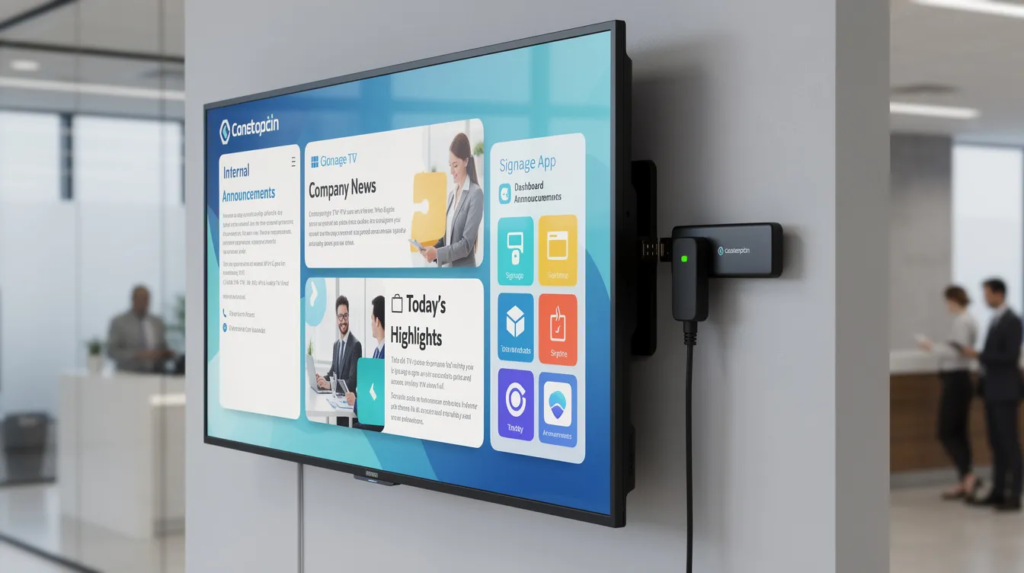 Cloud Digital Signage
Are you a small or mid-sized business owner, IT manager, or marketing team leader looking to modernize your communications and engage audiences...
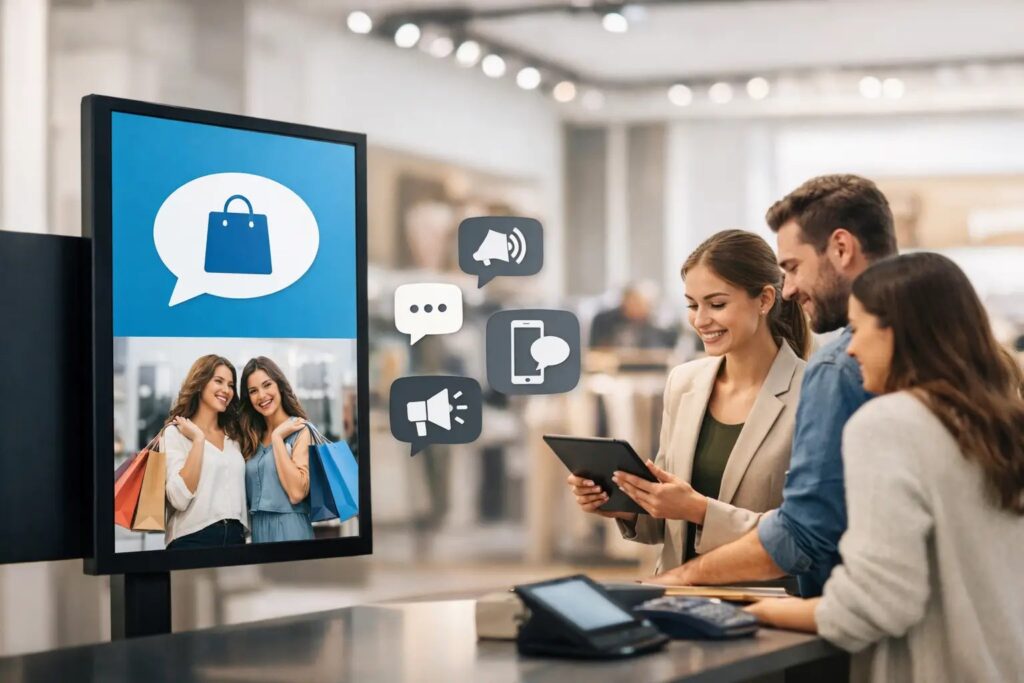 SignageTube Digital Signage
Find the best tools for store screen messaging, from content creation to scheduling and live updates, so teams can manage screens faster.
 SignageTube Digital Signage
Fire stations operate around the clock, coordinating dispatch, apparatus status, training schedules, and safety briefings across shifts that never fully overlap. This...
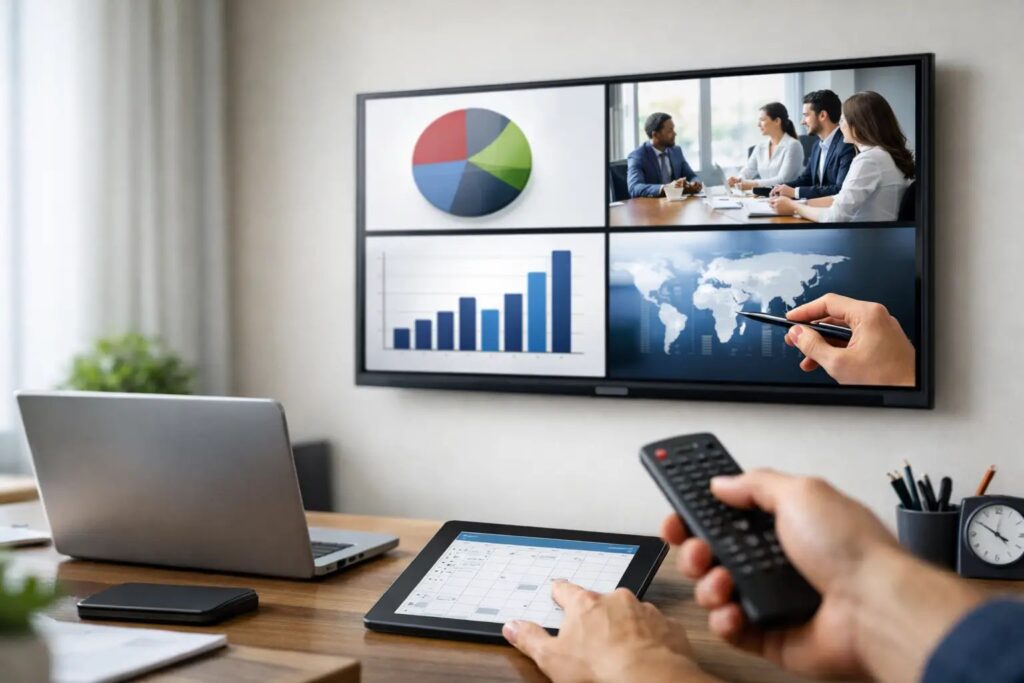 SignageTube Digital Signage
Learn how to schedule PowerPoint slides on TVs for digital signage, with simple workflows for uploading, scheduling, and managing screens.
 SignageTube Digital Signage
Use this digital signage rollout planning guide to launch faster, align teams, choose the right setup, and manage screens with less effort.
Pick the edition you want to try for 15 days. No credit card, just your name and email.
Images, video, web pages, PowerPoint and Live Pages on any TV. The easiest place to start.
Start Starter trial →Real PowerPoint on Windows, a report of what played (Proof of Play) and a Control Room for all your screens.
Start Professional trial →Live data from Excel, databases and 20+ sources, screen health alerts and switching screens on and off.
Start Enterprise trial →Not sure? Start with Starter. You can move up any time.
Both come with a 15 day free trial. No credit card, just your name and email.