 SignageTube
What is a digital safety board?
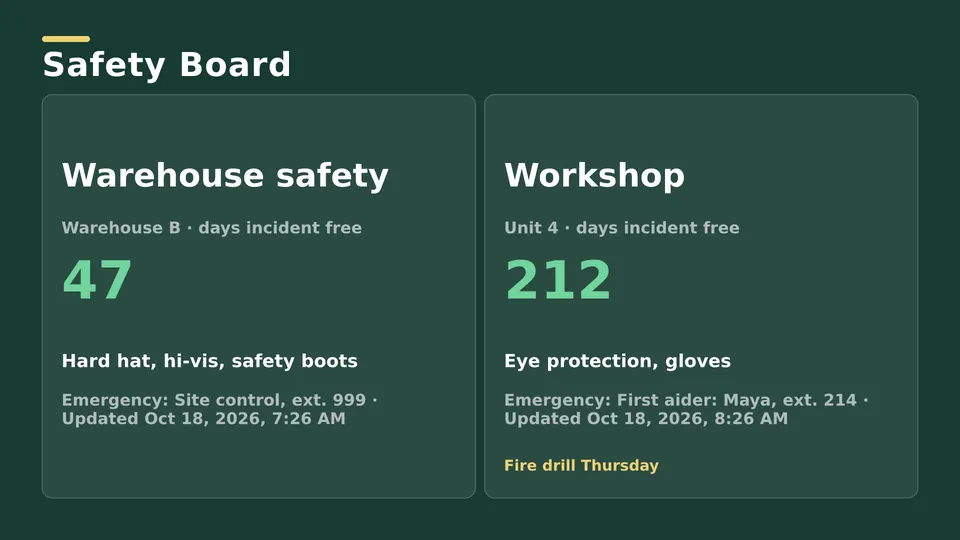
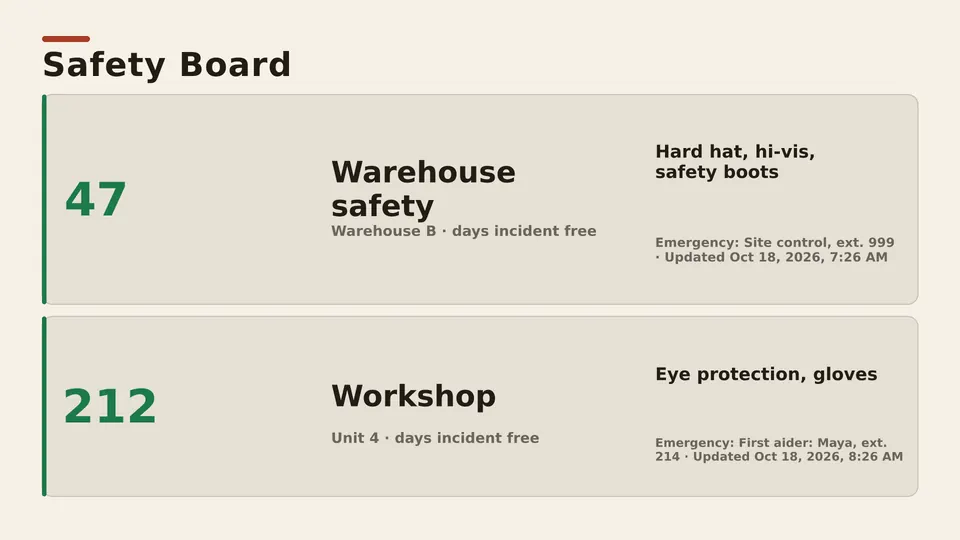
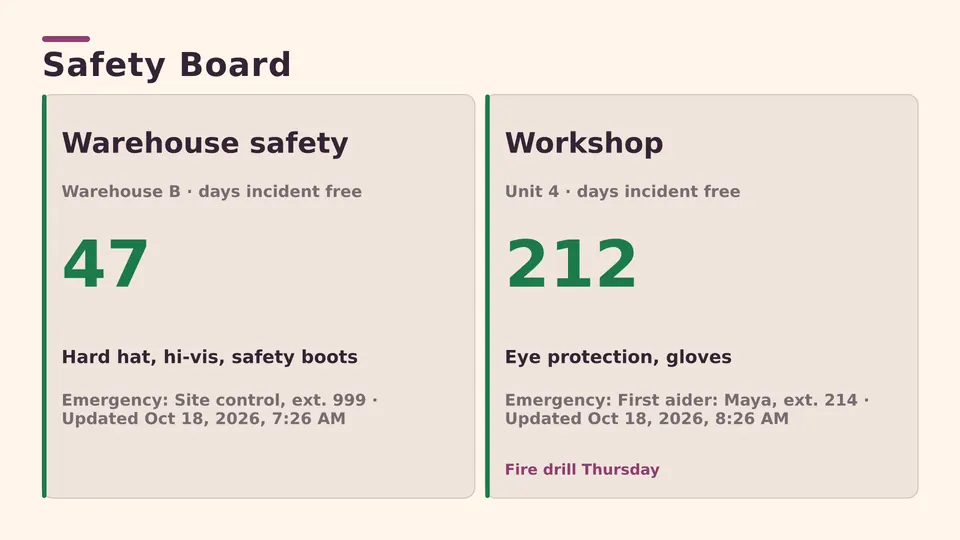
A digital safety board is a screen on the factory floor that shows safety information: a "days without an incident" counter, the rules for each area, alerts and who is trained on which machine. It does the job of the whiteboard or printed sign by the entrance, but it's always current and you change it from your desk.
In most plants it works best as one part of the floor's information board, not a screen of its own. The same screen that shows today's output, the shift plan and news can carry the counter and the area rules, so people look at it every shift for the numbers and see the safety message along the way.
What to show on a factory information board
| Item | What it shows | Who updates it |
|---|---|---|
| Days without an incident | A big counter the whole floor can read, with the last reset date | Safety or plant manager, or automatic from a spreadsheet |
| Area rules | Hard hats, glasses, hearing protection and other rules where they apply | Safety team, per area |
| Alerts | An urgent message on every screen at once | Plant manager |
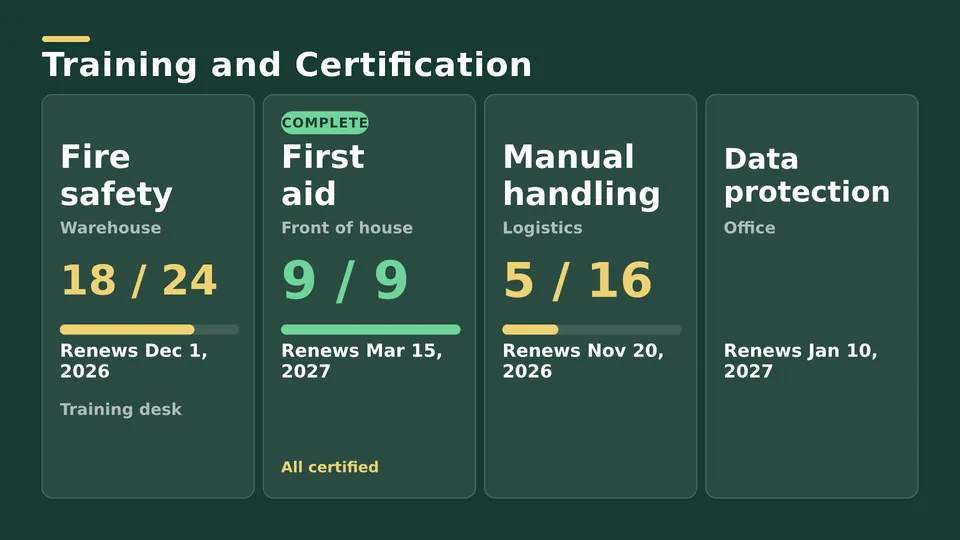
| Training and certifications | Who is trained on which machine, and what is due | HR or training lead |
| Output against target | Today's production and the target for the shift | Automatic from Excel or your systems, with Enterprise |
| Shift news | Changes, visitors, maintenance windows | Shift lead |
How the days without an incident counter works
The counter is the item people search for most, so here's how it works in SignageTube. On every edition, the counter is a ready made Live Page: you set the number, and you reset or change it in seconds when you need to. With Enterprise, the counter can read the number from an Excel sheet or a database, so it updates on its own as soon as the source changes, on every screen in the plant.
A few tips that make a counter work:
- Show the date of the last reset beside the count, so the number means something.
- Make it big. People should read it from across the aisle.
- Pair it with the one rule that matters most in that area, not ten.
- Keep it next to the output figures people already check, so it gets seen every shift.
How to set up safety boards in five steps
- Pick the spots. Entrances, break areas and the end of each line, where people stop for a moment.
- Add a player. Any TV with HDMI, plus an Android TV or Google TV device or a Windows PC behind it.
- Choose layouts. Start from the counter and area rules Live Pages, or use images, video or your PowerPoint.
- Group screens by area. Give each area its own playlist, so the welding bay shows welding rules and the warehouse shows forklift rules.
- Connect the numbers (Enterprise). Link the counter and the output figures to the Excel sheet or database you already keep.
Digital safety board vs a whiteboard
| Whiteboard or printed sign | Digital board | |
|---|---|---|
| Updating the counter | Someone walks over with a marker, every day | Changed from a desk, or automatic from a spreadsheet |
| Several areas or sites | One board at a time | Every screen, or one group, at once |
| Alerts | A new printout | On every screen in seconds |
| Getting noticed | Stops being seen after a week | Movement and fresh content keep it in view |
What safety boards cost
Starter covers safety boards on any TV for EUR 12 a month per screen, or EUR 10 billed yearly. Enterprise, where the counter and other numbers update on their own from Excel or your systems, is EUR 40 a month per screen, or EUR 36 billed yearly. Both come with a 15 day free trial and no credit card. For the full factory picture, see manufacturing KPI dashboards and production boards.