 SignageTube
Output per line, the shift plan, maintenance status and the orders going out today. One production board per line, run from one dashboard for the whole factory.
See pricing per screen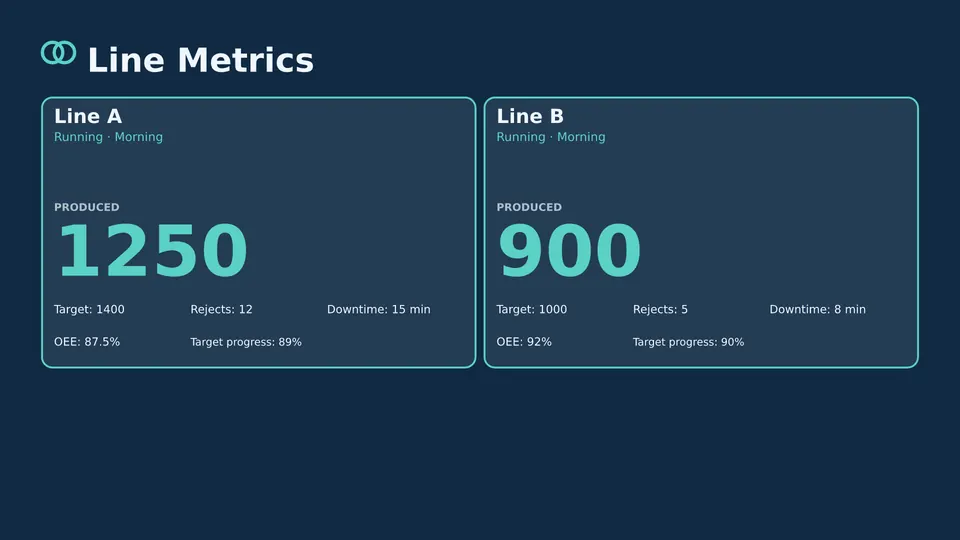
Start from a ready made Live Page, change the text, publish.
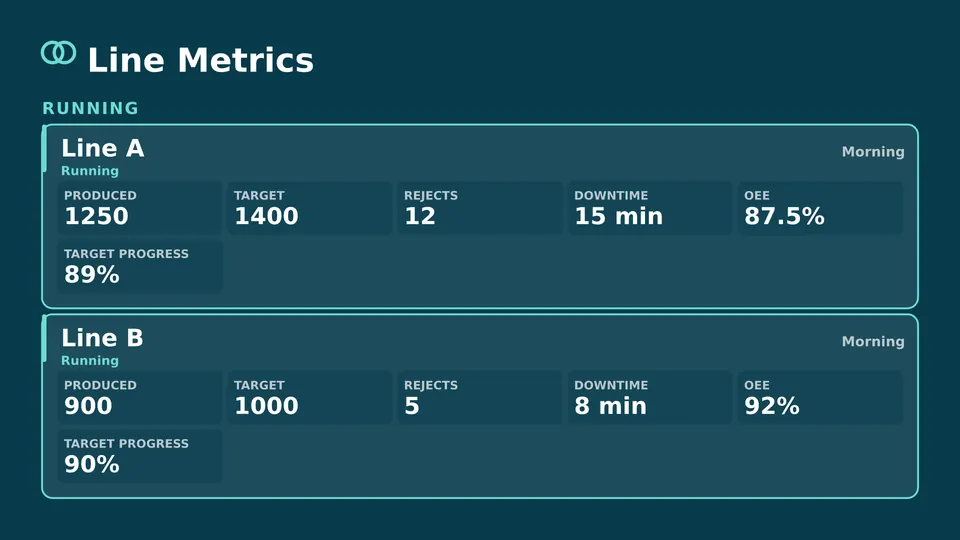
Running, stopped or changing over, per line.
Who works where, and the handover notes from the last shift.
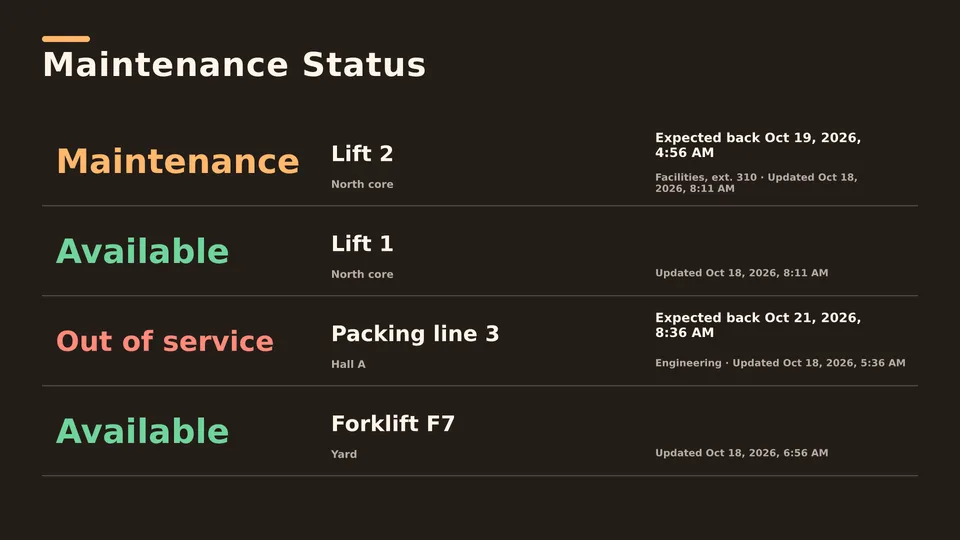
Which machines are down and when they are back.
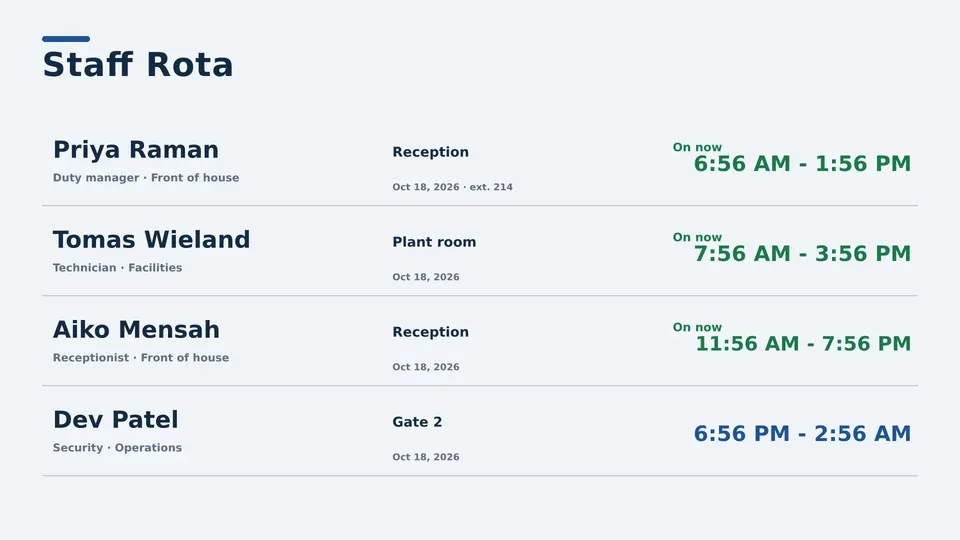
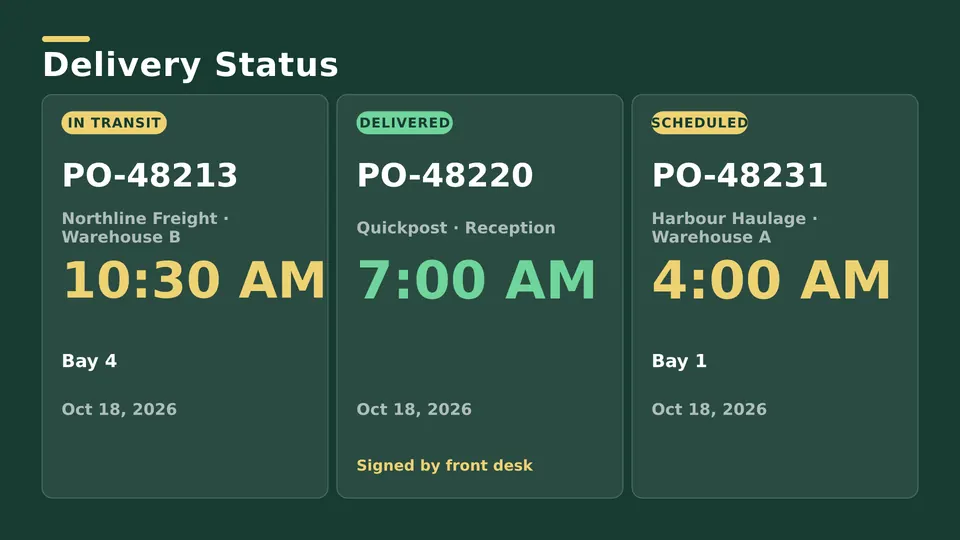
What has to leave the building today.
Whiteboards are only as current as the last person with a marker. A digital production board is the same on every screen and changes the moment the plan does.
Starter runs production boards you update by hand. Enterprise fills them from Excel, your ERP database or other sources so they stay current on their own.
Data Pages put your own data on a screen, and keep it up to date. It works in three steps. Connections feed Data Tables, and Data Tables feed Data Pages. Start with a connection. It can be a database, a web feed, an Excel or CSV file, or data you type in. We'll upload a CSV file with some sample numbers, and save it. Next, make a data table. Pick the connection and the source, and you'll see the real rows. Then make a data page. Pick the table, choose a layout, and check the live preview. Save it, and add it to a playlist like any other item. When your data changes, the page follows.
A screen on the shop floor that shows line status, output, the shift plan and other production information, replacing the whiteboard.
Yes. Group screens per line and give each its own playlist, while managing all of them from one dashboard.
Yes. Downloaded content keeps playing during a connection outage.
SignageTube is priced per screen. See the pricing page for Starter and Enterprise.
Pick the edition you want to try for 15 days. No credit card, just your name and email.
Images, video, web pages, PowerPoint and Live Pages on any TV. The easiest place to start.
Start Starter trial →Real PowerPoint on Windows, a report of what played (Proof of Play) and a Control Room for all your screens.
Start Professional trial →Live data from Excel, databases and 20+ sources, screen health alerts and switching screens on and off.
Start Enterprise trial →Not sure? Start with Starter. You can move up any time.
Both come with a 15 day free trial. No credit card, just your name and email.