Churches

Church digital signage any volunteer can run

Service times, events, notices and volunteer rotas on screens in the lobby and hall. Simple enough for any volunteer, on the TV you already have.

See pricing per screen
15 day free trial, no credit cardAny TV, Android TV or Windows
Church digital signage any volunteer can run
What to show

What to put on your screens

Start from a ready made Live Page, change the text, publish.

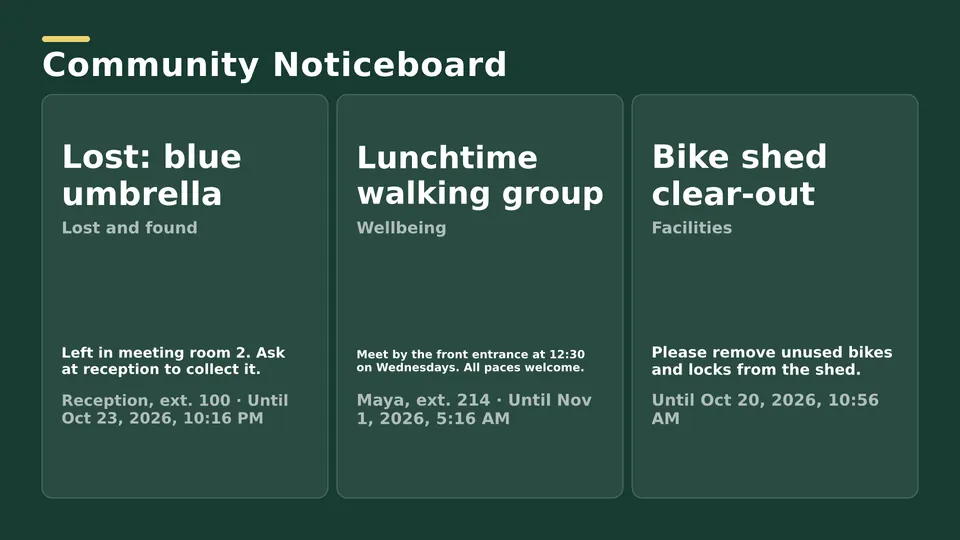
Service times example screen
Service times

This week's services and any changes.

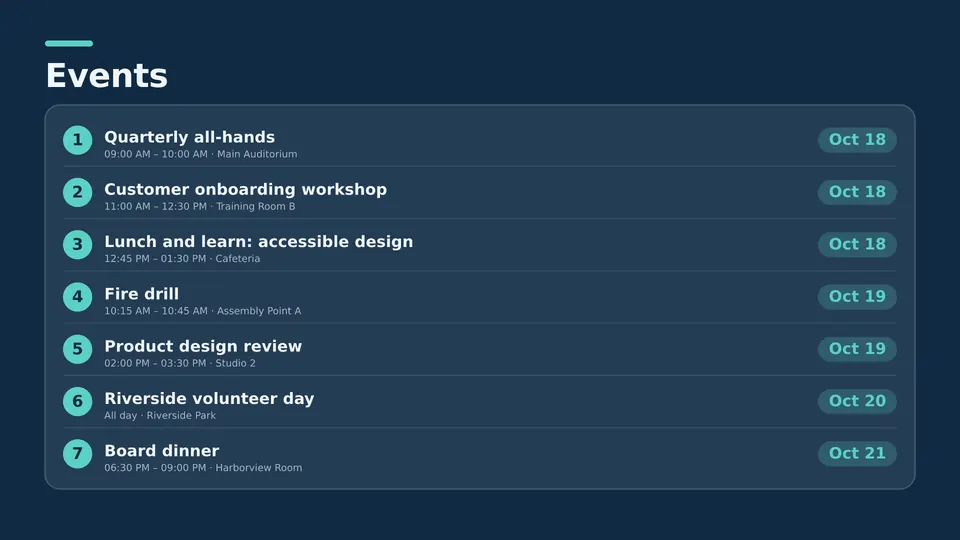
Events example screen
Events

What is coming up, with images.

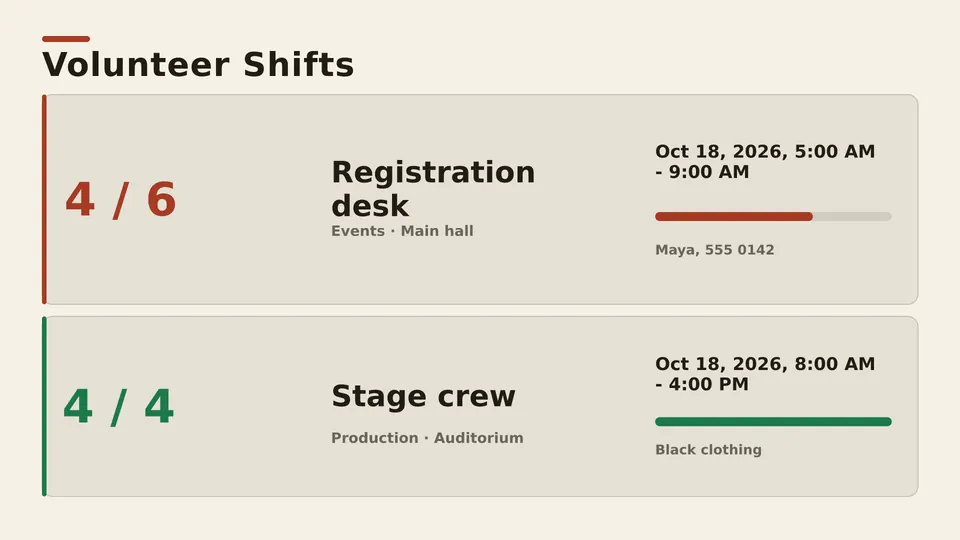
Volunteer rotas example screen
Volunteer rotas

Who helps when.

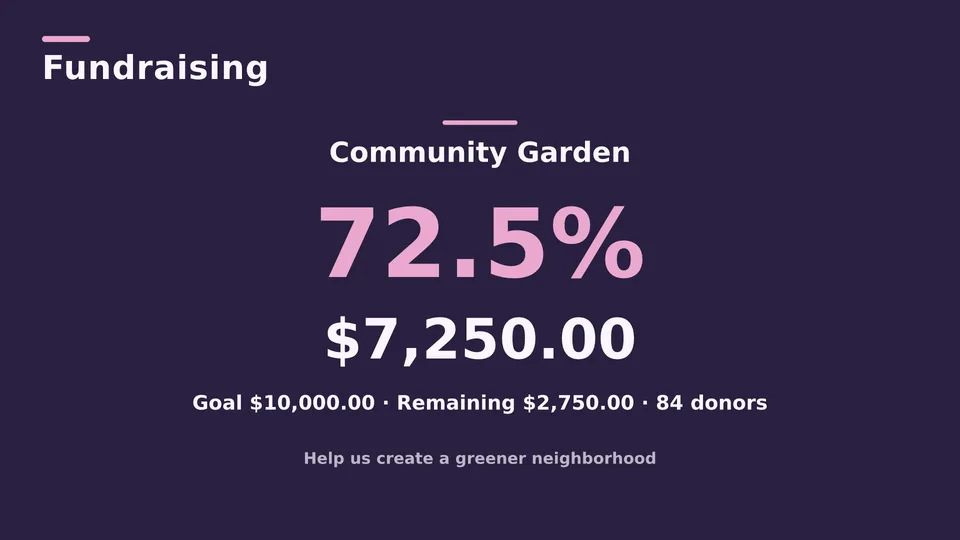
Fundraising example screen
Fundraising

Progress toward the goal.

Why screens beat paper here

The bulletin and the notice board only reach some people. A lobby screen reaches everyone who walks in.

  1. Pick a layoutA ready made Live Page, an image, a video or your PowerPoint.
  2. Fill it inType your text or connect your data.
  3. PublishTo one screen, a group or every site.
Which edition

What you need

Starter is all most churches need. Professional plays service presentations built in PowerPoint exactly as designed.

Starter
€€10 per screen / month, billed yearly
Professional
€€22 per screen / month, billed yearly

What is church digital signage?

Church digital signage means screens in the lobby, hall or cafe area that show service times, events, notices, volunteer rotas and fundraising progress. It works like a digital notice board for your church: a volunteer updates it from any browser, and everyone who walks in sees it.

What churches put on screen

ScreenWhat to showWhen
LobbyWelcome, this week's services and any changes, upcoming eventsEvery day
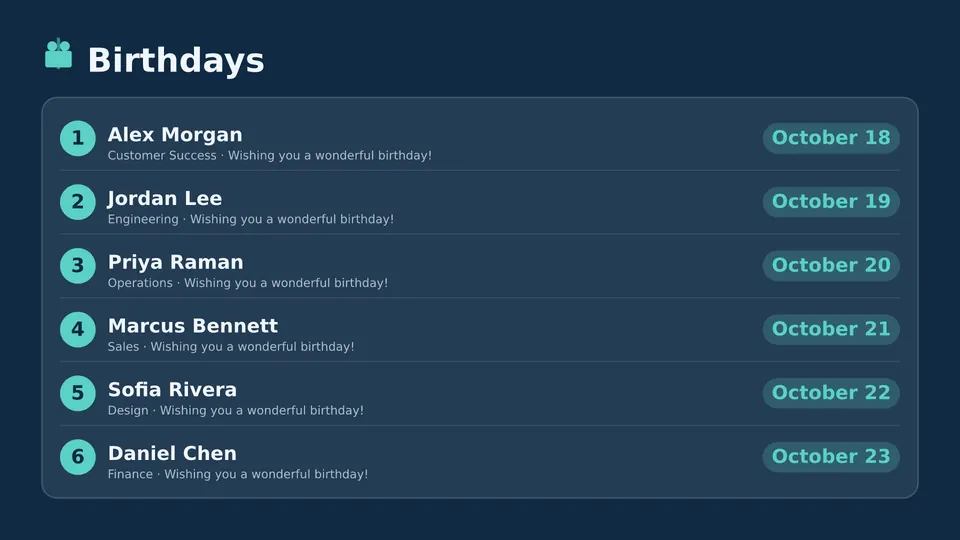
Hall or cafe areaGroups and clubs, volunteer rotas, notices, birthdaysDuring the week
Fundraising screenProgress toward the goal, how to giveDuring a campaign
Children's areaCheck in reminders, activities, pick up timesOn service days

Simple enough for any volunteer

Most churches run their screens with volunteers, so the setup has to be simple. Pick a ready made layout, type the text and publish. Give each volunteer access to the screens they look after. Schedule Sunday's notices on Saturday from home, and they appear on time without anyone at the building.

How to set up church screens in five steps

  1. Start with the lobby TV you already have.
  2. Add a player: an Android TV or Google TV device, or a Windows PC, behind the TV.
  3. Choose layouts for service times, events, rotas and fundraising, or use your own slides.
  4. Add your volunteers with access to their screens only.
  5. Schedule the week so each notice starts and stops on its own.

Church announcements made in PowerPoint

If your team already makes announcement slides in PowerPoint, you don't need to rebuild them. Starter plays PowerPoint as a video. Professional plays service presentations built in PowerPoint exactly as designed, animations included, on a Windows PC. Read more about announcement screens for churches.

What it costs

Starter is all most churches need: EUR 12 a month per screen, or EUR 10 billed yearly. Professional is EUR 25 a month, or EUR 22 billed yearly. Both have a 15 day free trial with no credit card.

Send Now or Schedule? Two Ways to Update Your Screens

Send Now or Schedule? Two Ways to Update Your Screens
Read the transcript

There are two ways to put content on a screen: Send now, and Schedule. The send icon plays content on that display, starting from its next sync. Be careful: Clear current and future schedules is ticked by default. Untick it if you want to keep them. Tick Interrupt current playlist if it should play right away. Schedule is for content with dates and hours. Use it when something should start and stop by itself.

FAQ

Questions, answered

What is church digital signage?

Screens in a church lobby or hall that show services, events and notices, updated from a browser.

Is it easy for volunteers?

Yes. Pick a layout, type the text and publish.

Can several volunteers update the screens?

Yes. Give each volunteer access to the screens they look after.

Can we use our existing TV?

Yes. Add an Android TV or Google TV device or a Windows PC.

Can we show our PowerPoint announcements?

Yes. Starter plays PowerPoint as a video; Professional plays it exactly as built on a Windows PC.

What does it cost?

Starter is EUR 12 a month per screen, or EUR 10 billed yearly. Try it free for 15 days, no credit card.

Related

Your first screen live today

15 days free, no credit card.

SignageTube
Privacy Overview

This website uses cookies so that we can provide you with the best user experience possible. Cookie information is stored in your browser and performs functions such as recognising you when you return to our website and helping our team to understand which sections of the website you find most interesting and useful.