Home/Editions/SignageTube Starter
SignageTube Starter

Simple digital signage for any TV

Put images, video, PDF, web pages, PowerPoint and ready made Live Pages on your screens. Change them from your browser, any time.

Best for: waiting rooms, receptions, shop windows, menus and notice screens. One screen to a few dozen.

See Starter pricing
15 day free trial, no credit card Runs on Android TV or a Windows PC
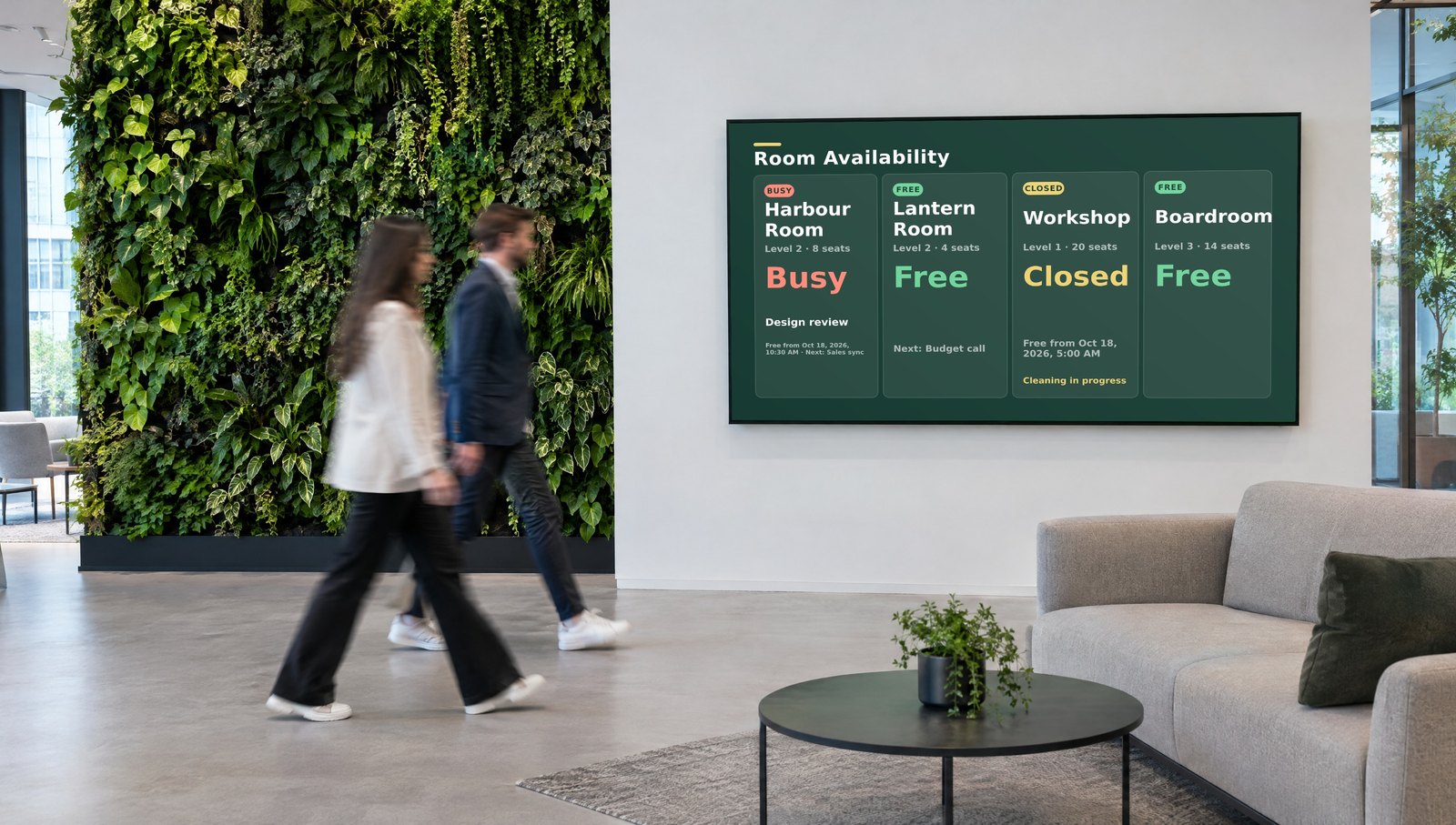
SignageTube Starter welcome screen in an office reception

Trusted by teams at organizations like these

Who it is for

Who uses Starter

Small teams that update their own screens. This is who runs Starter today, and how many screens they typically have.

1 to 2 screensClinics, practices and care homes

Waiting room screens the front desk updates.

On their screens: Opening hours, health tips, queues, staff news

1 to 3 screensChurches and community groups

A screen in the hall or the lobby, run by volunteers.

On their screens: Services, events, notices, birthdays

1 to 5 screens, more for chainsCafes, restaurants and shops

Menus and window screens that change with the day.

On their screens: Menus, daily specials, promotions, opening hours

1 to 3 screensSchools and driving schools

Hallway and reception screens for students and parents.

On their screens: Timetables, news, exam days, birthdays

1 to 5 screensOffices and receptions

A welcome screen and a news screen for the team.

On their screens: Visitor welcome, company news, weather, clocks

1 per client, repeat ordersAV integrators

Install screens for their clients, one license per project.

On their screens: Whatever their client needs

How many screens Starter customers run
1 screen59%
2 to 5 screens32%
6 or more9%

Based on 66 paying customers on our cloud plans since 2019.

See it in action

See Starter in action

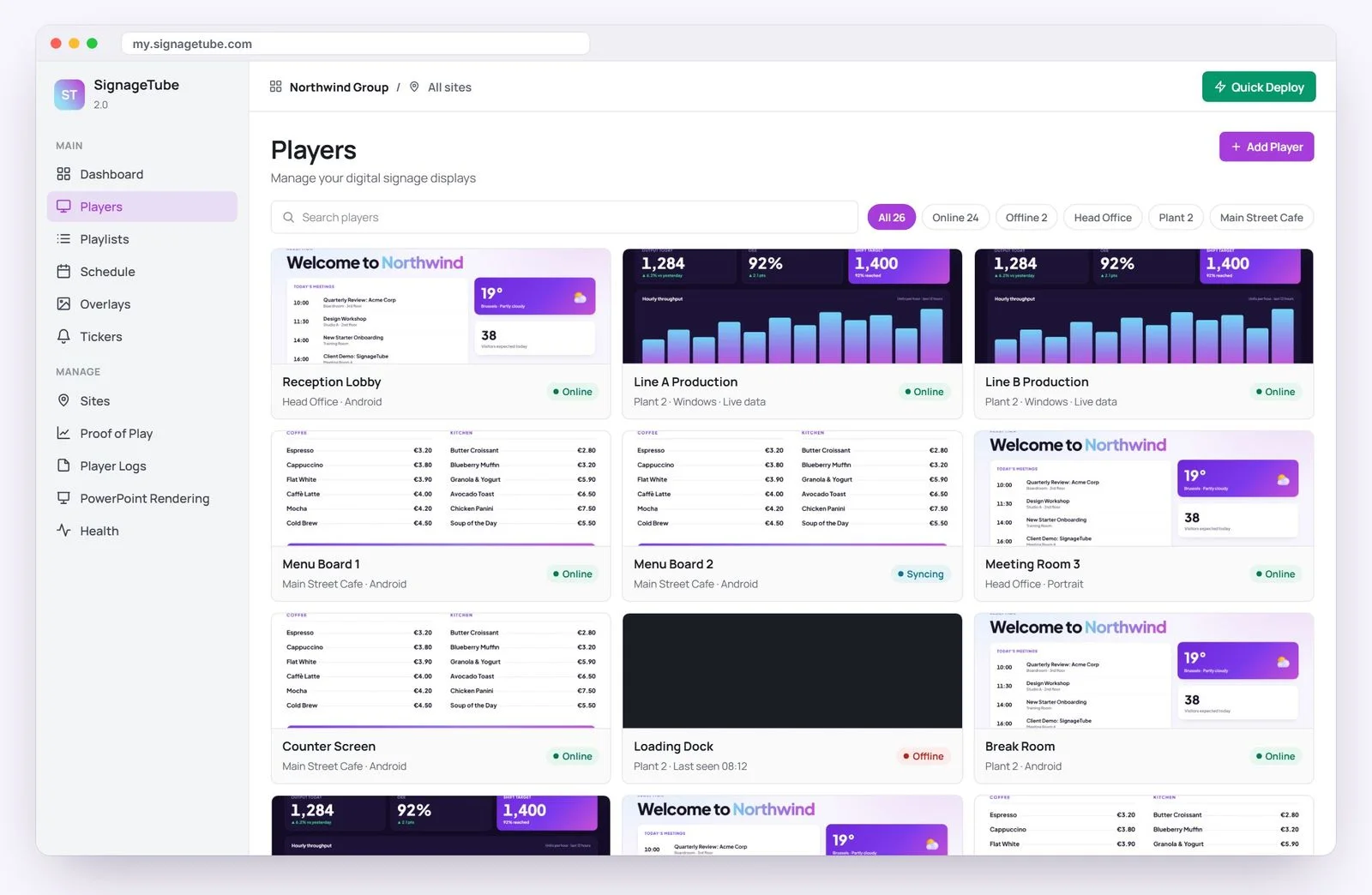
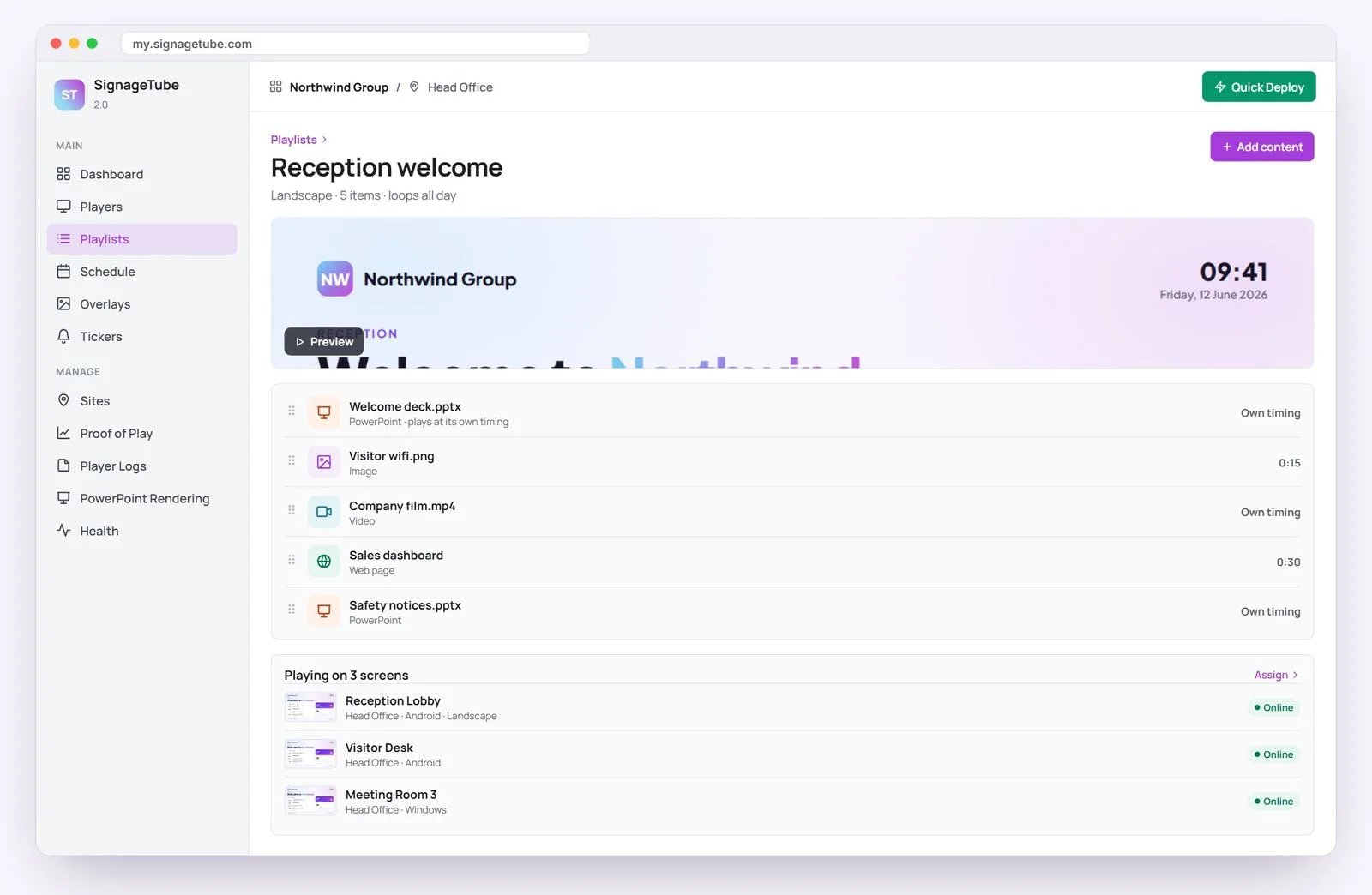
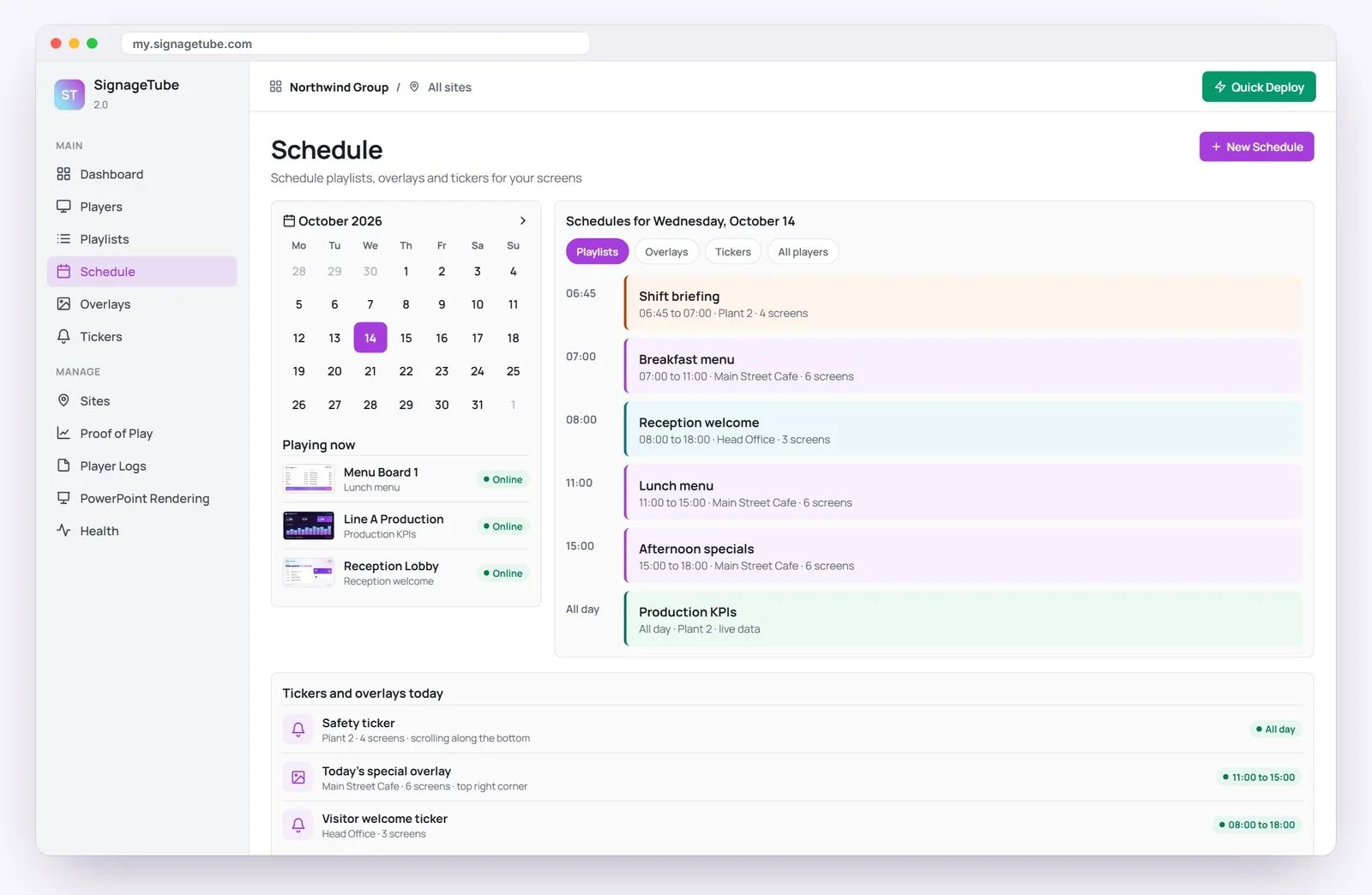
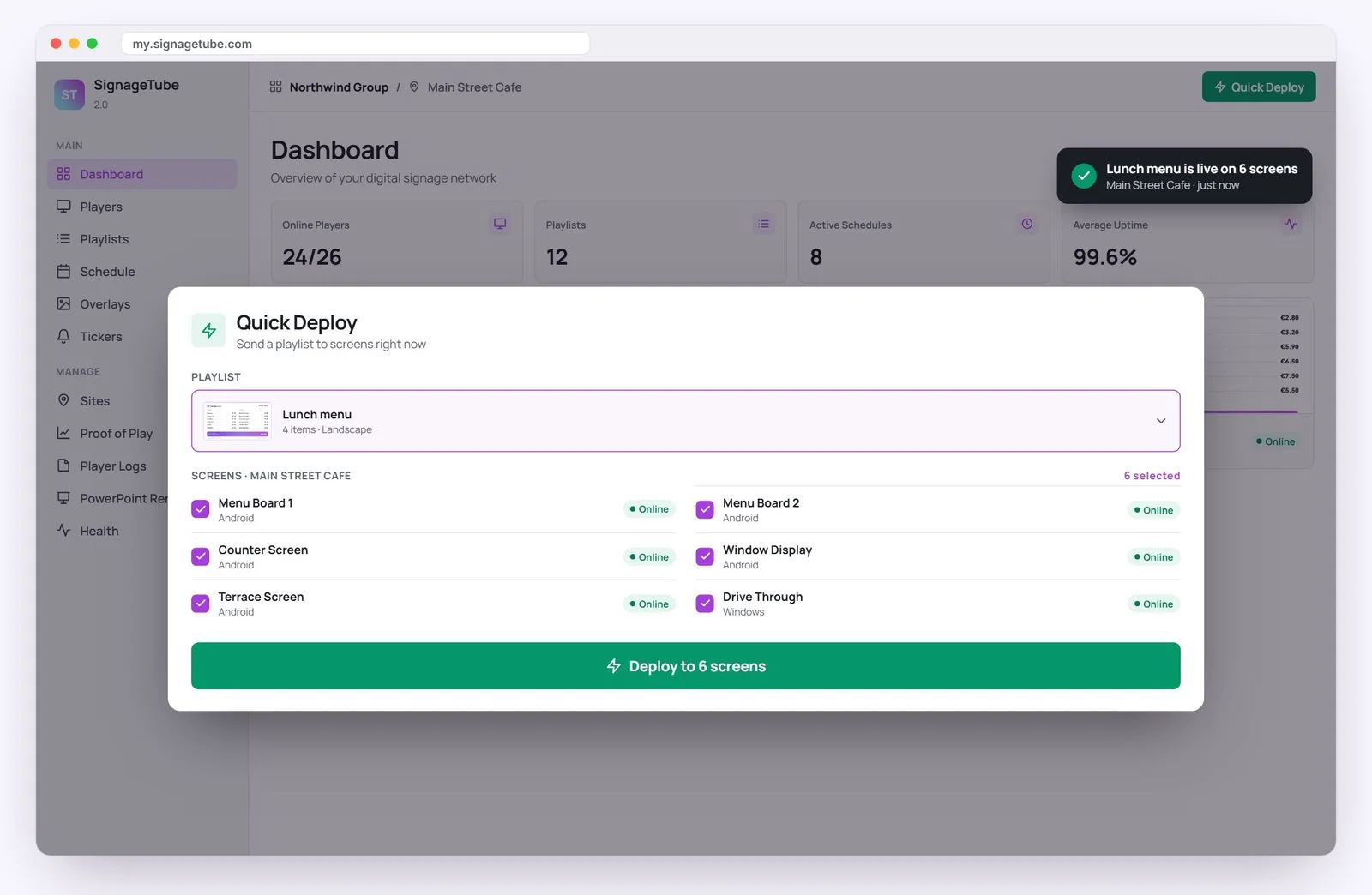
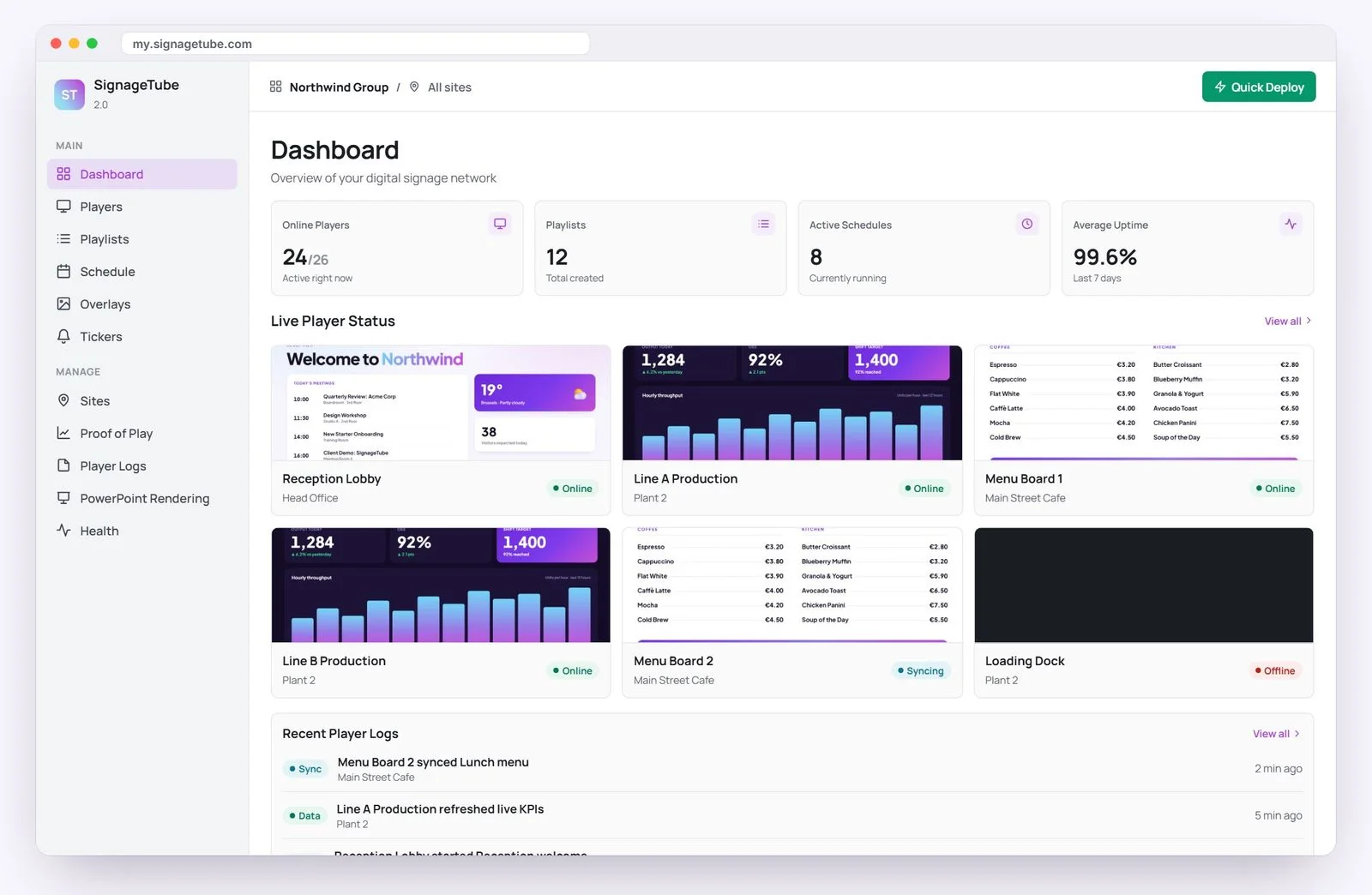
This is the real SignageTube dashboard. Click through it.
my.signagetube.com
SignageTube Dashboard screen
SignageTube Screens screen
SignageTube Playlists screen
SignageTube Schedule screen
SignageTube Quick Deploy screen
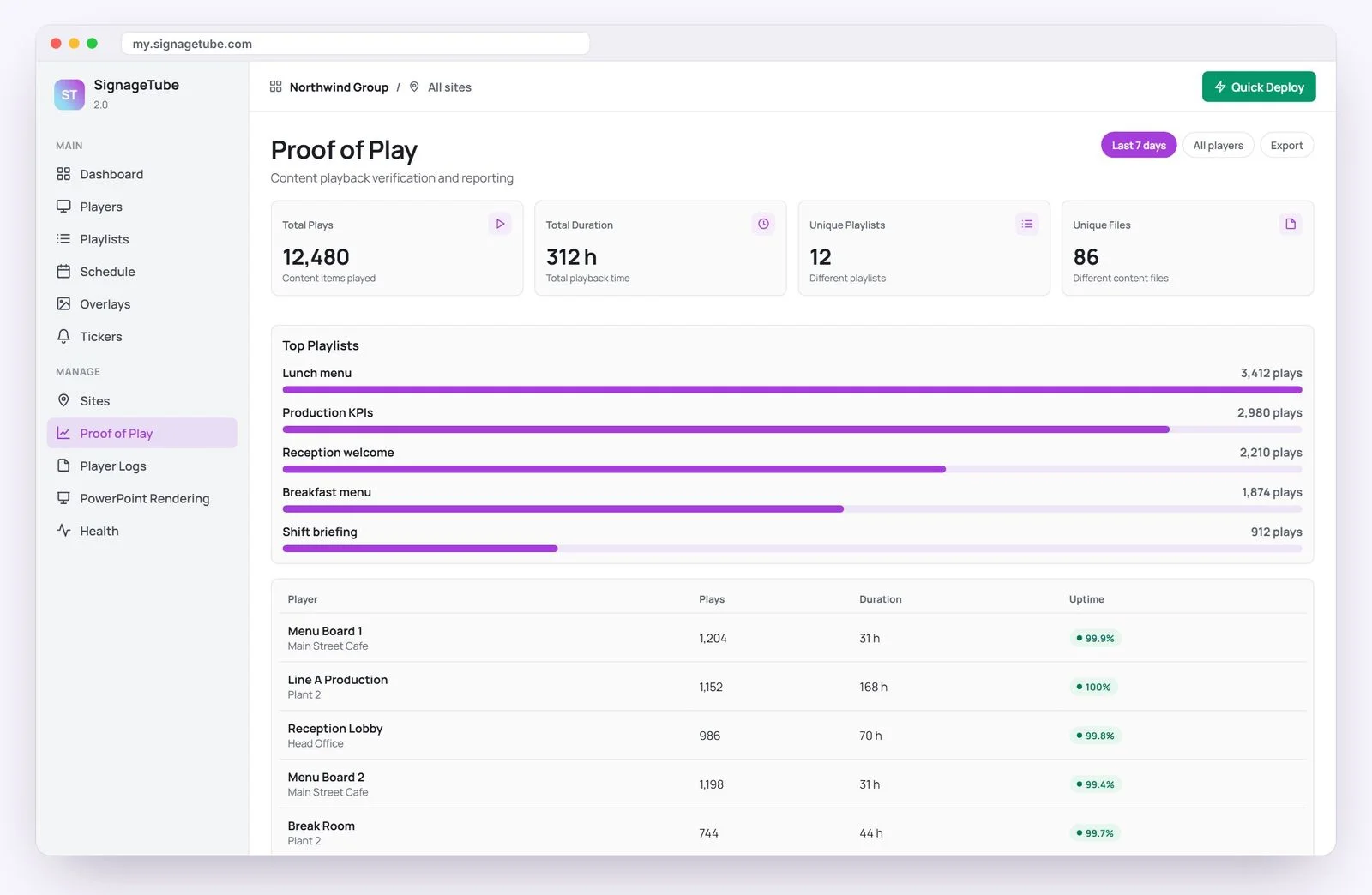
SignageTube Proof of Play screen
Pricing

Starter pricing, per screen

Free for 15 days, then pay per screen, monthly or yearly.

SignageTube Starter
Show your content

Images, video, PDF, web pages, PowerPoint (played as a video) and Live Pages, managed from your browser.

  • Playlists and scheduling
  • Live Pages and scrolling text
  • Sites, groups and screenshots
€10per screen
per month
Billed yearly: €120 per screen a year

Other editions: Professional · Enterprise · Custom

Need Starter on your own servers? SignageTube Custom does that, from 5 screens.

Is it the right edition?

When Starter fits

Choose Starter if
  • You want images, video, PDF, web pages or PowerPoint on a TV
  • Someone on the team updates the screens
  • You run one screen or a few dozen
  • You want weather, news or queues on screen
Look at another edition if
  • Numbers should update by themselves from Excel or your systemsEnterprise
  • Your PowerPoint must play exactly as built, animations includedProfessional
  • You need a report of what played, or several teams share the screensProfessional
  • Your screens must run on your own serversCustom
Everything included

What Starter includes

All of this is in every edition.

Content and playlists

  • Images, videos, PDFs and web pages
  • Playlists that mix any content
  • Scheduling by date and time
  • Scrolling text and image overlays

Live Pages you fill in

  • Weather and news that update on their own
  • Opening hours, appointments and announcements
  • Birthdays, clocks and countdowns
  • Queues, scores and totals you type in

Screens and people

  • PowerPoint played as a video
  • Screens by site, with access per person
  • Screenshots and online status
  • Keeps playing if the internet drops

Every feature, edition by edition: compare all editions →

Already on SignageTube

Teams running their screens on SignageTube

Paying SignageTube customers. Editions vary by account.

FAQ

Questions about Starter

Which file types can I upload?
Images (.png, .jpg, .jpeg, .gif, .webp), videos (.mp4, .wmv, .mov), PowerPoint (.pptx, .ppt, .ppsx) and PDF (.pdf), where you choose which pages show and for how long. See every supported file type.
Who is Starter for?
Teams that update their own screens and don't need numbers pulled from Excel or other systems. Think clinics, shops, receptions, churches and schools.
Does Starter play PowerPoint animations?
Starter plays your PowerPoint as a video. To play it exactly as built, animations included, choose Professional on a Windows PC.
Can Starter show live Excel data?
No. Numbers that update from Excel or other systems come with Enterprise. Live Pages in Starter are layouts you fill in, and weather and news update on their own.
What hardware do I need?
Any TV plus an Android TV or Google TV box, or a Windows PC.
What if the internet drops?
Screens keep playing what they already downloaded. Web pages update when the connection is back.
Is there a free trial?
Yes. 15 days, no credit card needed.

Get your first screen live today

Content on a screen in minutes. No credit card needed.

SignageTube
Privacy Overview

This website uses cookies so that we can provide you with the best user experience possible. Cookie information is stored in your browser and performs functions such as recognising you when you return to our website and helping our team to understand which sections of the website you find most interesting and useful.