 SignageTube
Practical how-tos, tips and inspiration for getting more from your screens.
 Real-Time Digital Signage
Static signage can’t keep up when exhibitions change by the minute. Real-time content broadcasting turns every screen into a live channel—updating schedules,...
 Digital Signage Templates
Powerpoint digital signage templates help teams publish polished screens fast. Learn what to look for, how to design, and how to manage...
 Cloud Digital Signage
Digital signage using PowerPoint can be fast, consistent, and scalable. Learn the right workflow for creating, scheduling, and managing screens.
 Cloud Digital Signage
Turn factory screens into real-time command centers with SignageTube. Publish cloud-based PowerPoint signage and sync live KPIs, shift updates, safety alerts, and...
 Cloud Digital Signage
Learn how to play PowerPoint presentations on any TV. Discover simple methods and tools to display slides, loop content, and turn your...
 Cloud Digital Signage
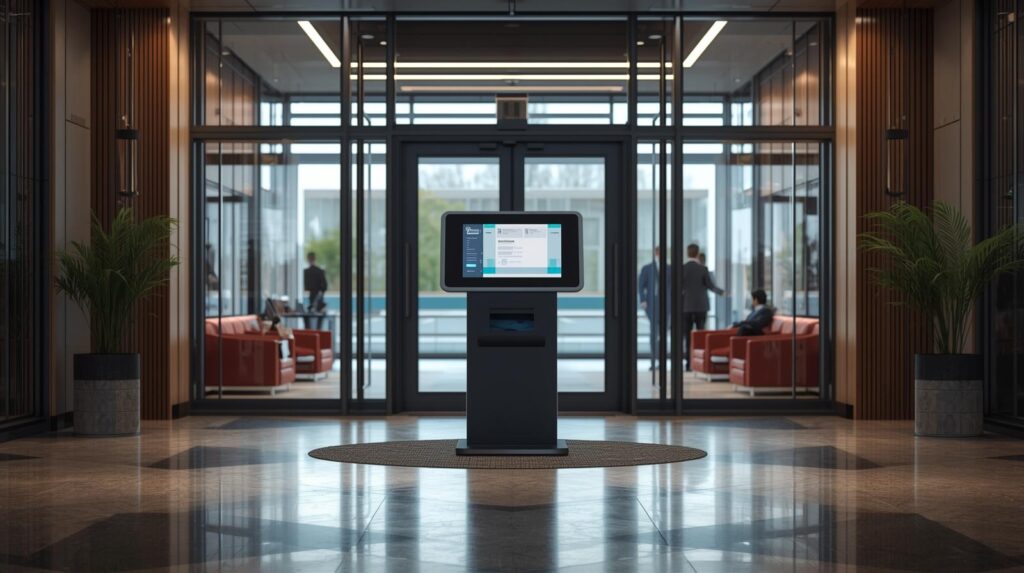
Learn how to run PowerPoint in kiosk mode (“Browsed at a kiosk”), build button-based navigation for touch screens, loop your presentation safely,...
 Cloud Digital Signage
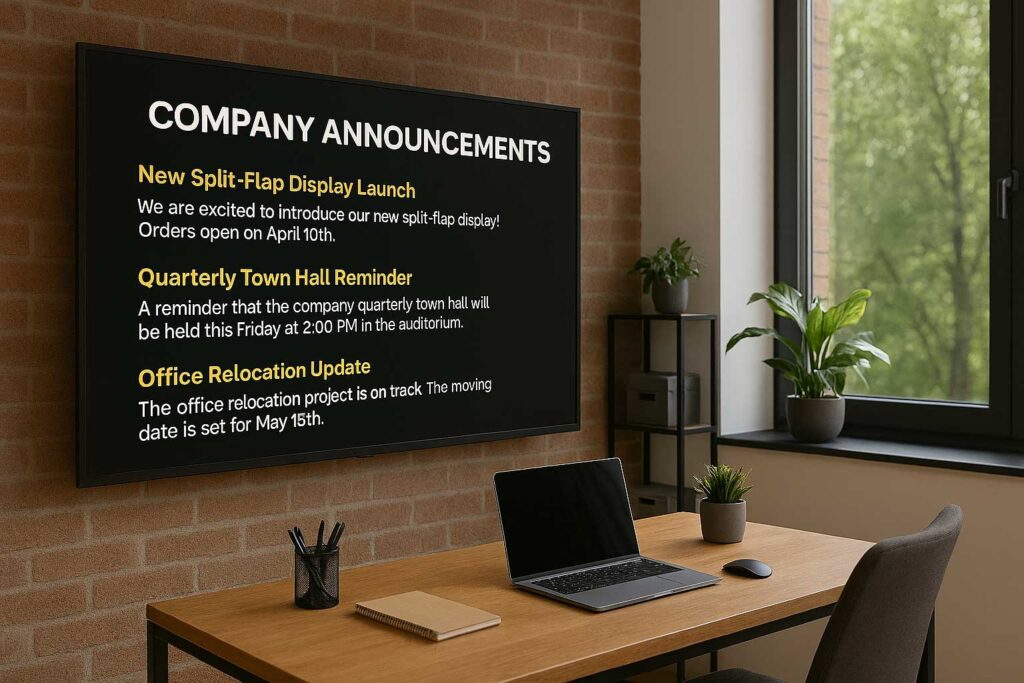
A step-by-step guide to using office TVs for internal communication. Learn how to set up hardware, choose software, and create engaging content...
 Cloud Digital Signage
Learn how to schedule and manage presentation‑based digital displays with ease. Discover tools, workflows, and best practices for automating PowerPoint content, organizing...
Applicable to SignageTube Enterprise Dynamic digital signage is about more than just showing changing text or numbers. What if your data could...
Applicable to SignageTube Live The SignageTube Live PowerPoint plugin is a powerful tool for bringing live data directly into your presentations and...
Applicable to SignageTube Enterprise This comprehensive guide covers how to automate Excel spreadsheets for digital signage workflows, specifically for use with SignageTube...
 Cloud Digital Signage
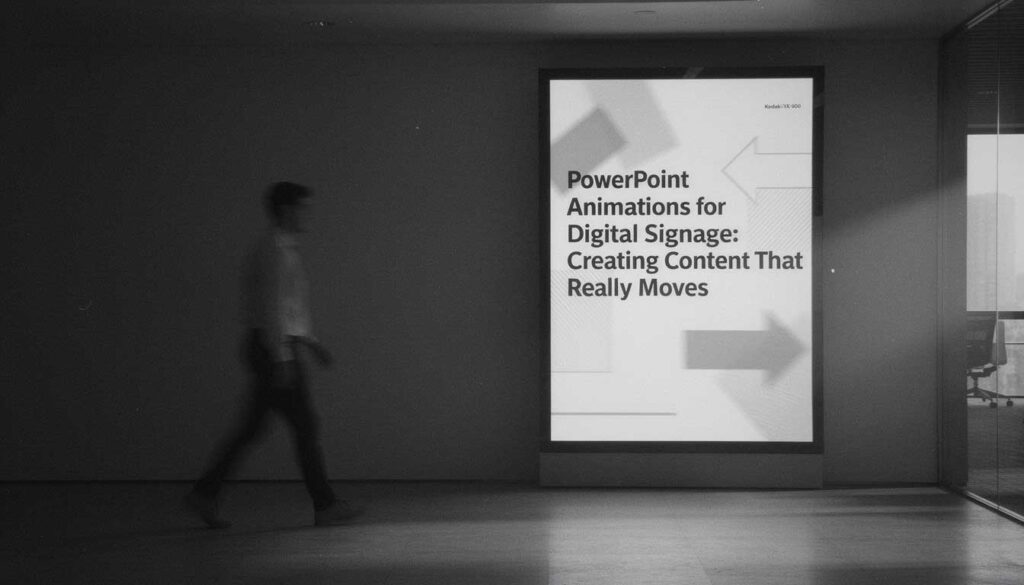
Discover how to use PowerPoint animations to create eye‑catching digital signage. Learn simple techniques and best practices to add motion, transitions, and...
Pick the edition you want to try for 15 days. No credit card, just your name and email.
Images, video, web pages, PowerPoint and Live Pages on any TV. The easiest place to start.
Start Starter trial →Real PowerPoint on Windows, a report of what played (Proof of Play) and a Control Room for all your screens.
Start Professional trial →Live data from Excel, databases and 20+ sources, screen health alerts and switching screens on and off.
Start Enterprise trial →Not sure? Start with Starter. You can move up any time.
Both come with a 15 day free trial. No credit card, just your name and email.