 SignageTube
Show which rooms are free, busy or closed today on a screen outside each room or one overview in the lobby. Update the schedule from your desk.
See pricing per screen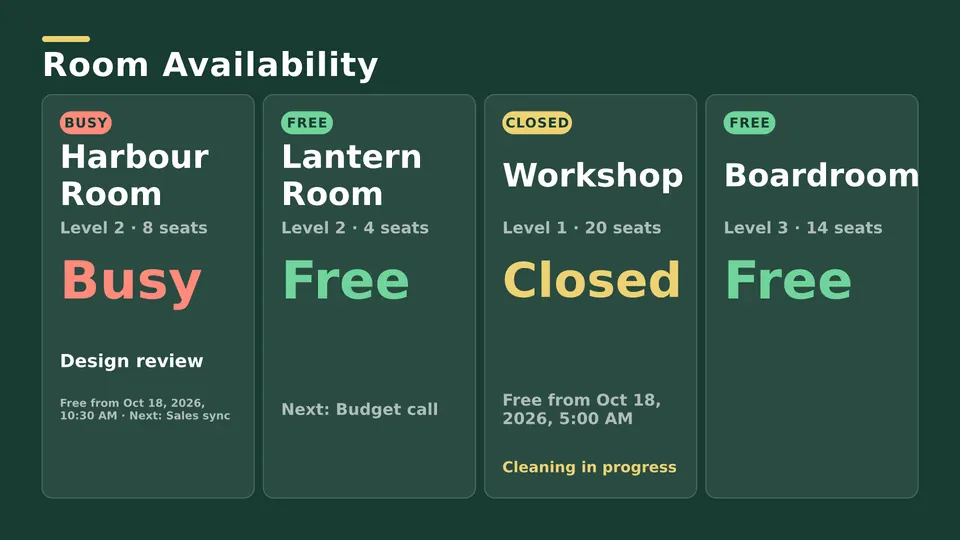
Start from a ready made Live Page, change the text, publish.
Free, busy or closed, in clear colors.
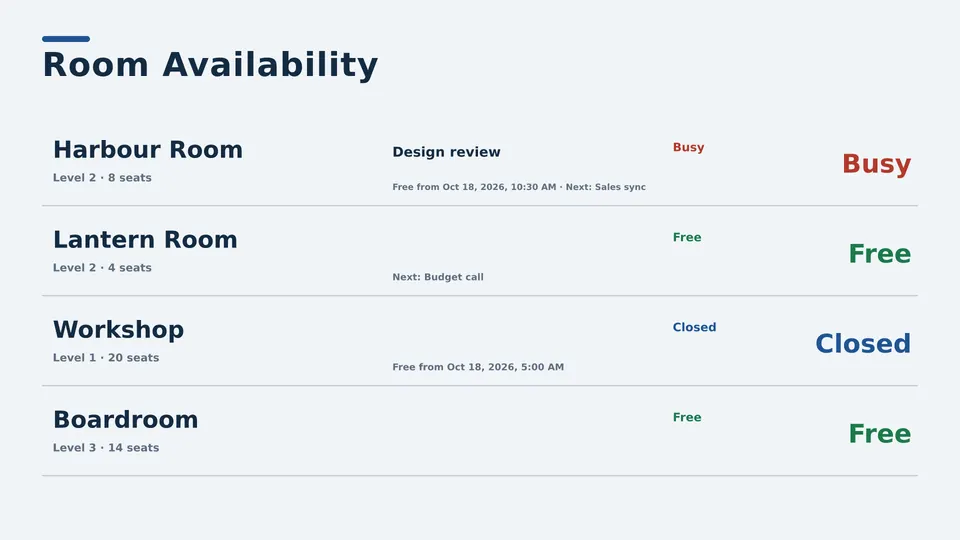
What is booked and by whom.
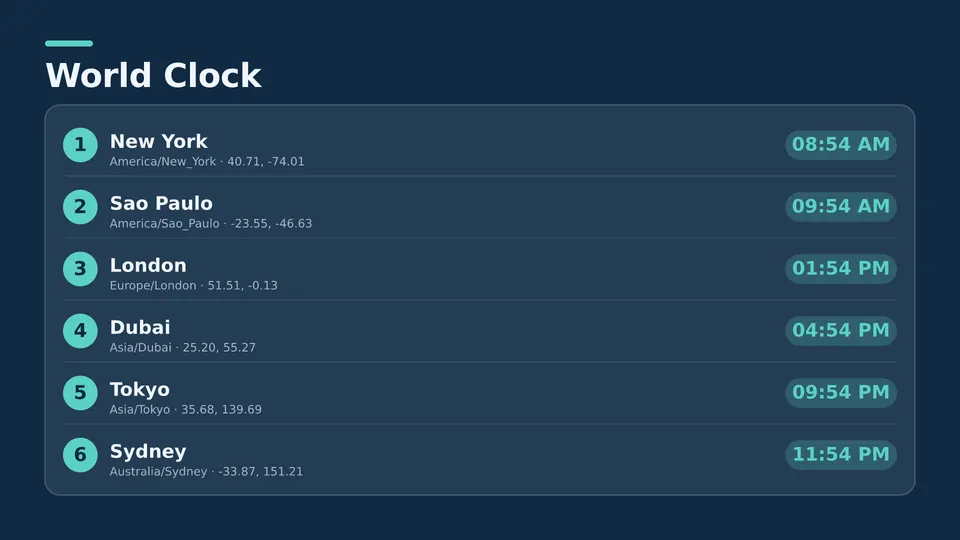
Every room on one screen.
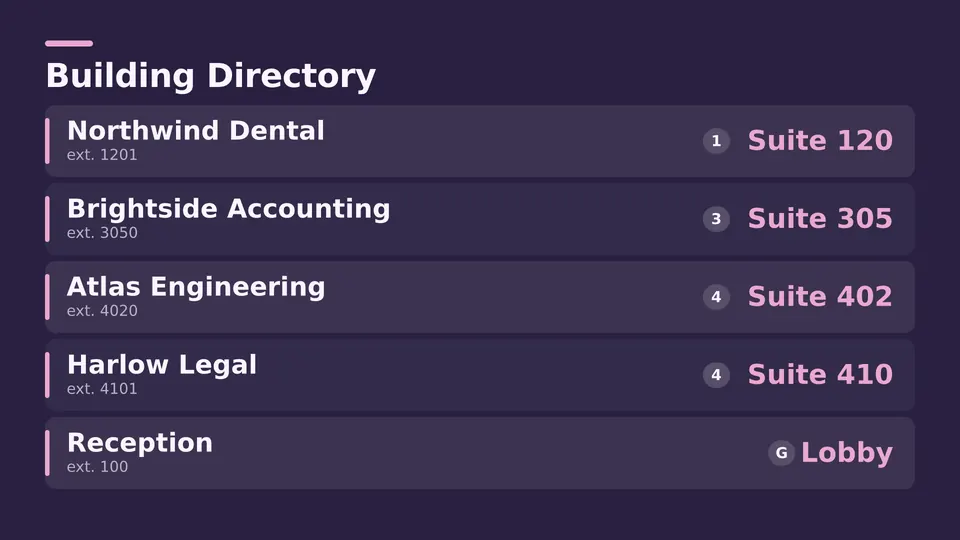
Which floor and which way.
Paper schedules on doors are out of date by lunch. A meeting room display keeps everyone from walking into the wrong room.
Starter shows room schedules you keep up to date. With Enterprise the overview can read from a spreadsheet or database.
A screen outside a meeting room, or a lobby overview, that shows whether rooms are free and what is booked today.
Yes. Use a room availability layout as an overview in the lobby or hallway.
With Enterprise it can read room information from a spreadsheet or database you keep.
Any TV or monitor, with an Android TV or Google TV device or a Windows PC.
Pick the edition you want to try for 15 days. No credit card, just your name and email.
Images, video, web pages, PowerPoint and Live Pages on any TV. The easiest place to start.
Start Starter trial →Real PowerPoint on Windows, a report of what played (Proof of Play) and a Control Room for all your screens.
Start Professional trial →Live data from Excel, databases and 20+ sources, screen health alerts and switching screens on and off.
Start Enterprise trial →Not sure? Start with Starter. You can move up any time.
Both come with a 15 day free trial. No credit card, just your name and email.