 SignageTube
What is a digital directory board?
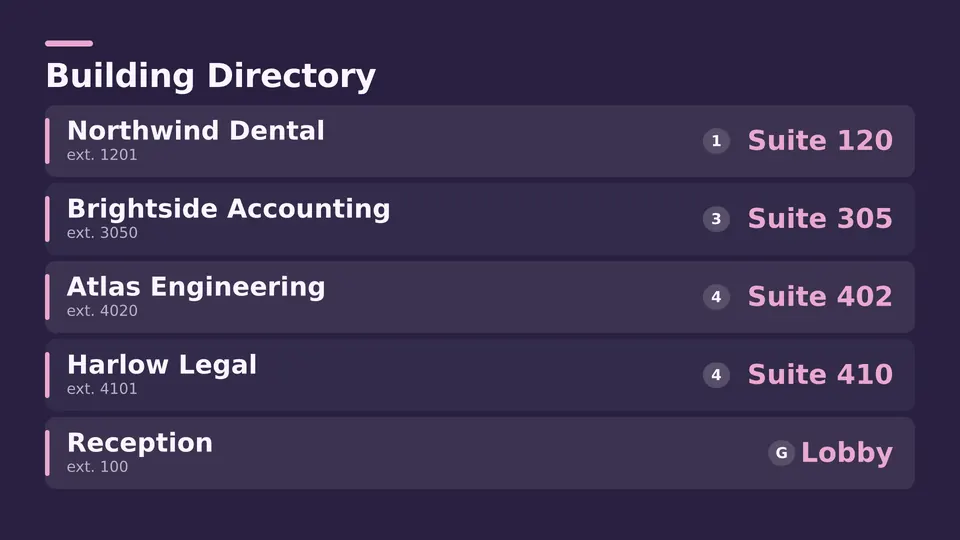
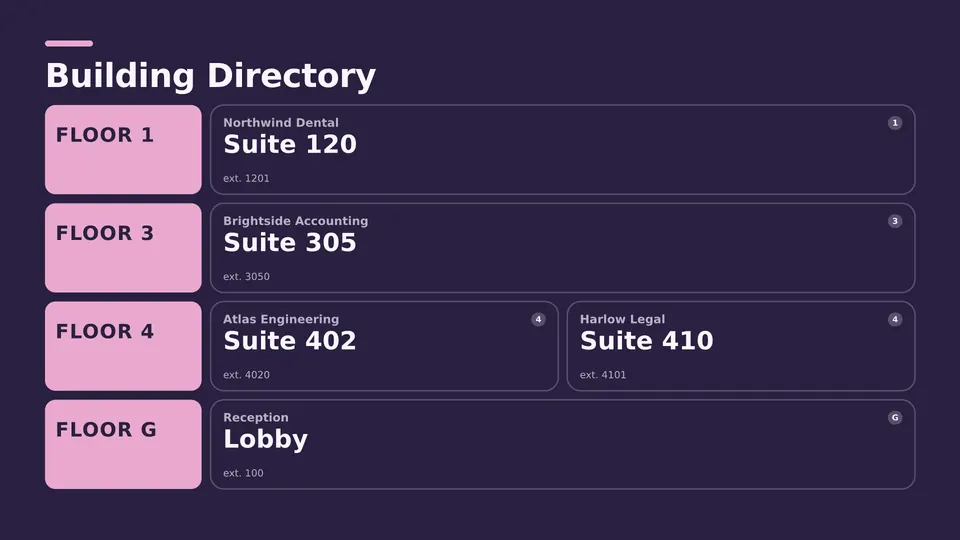
A digital directory board is a screen in a lobby, entrance or lift area that lists who is where: tenants, companies or departments by floor and suite number. It replaces the engraved or printed board that goes out of date every time someone moves. Because it's a screen, it can also show directions, today's visitors and building notices, and you change it from your desk.
Office buildings, business centers, hospitals, campuses, town halls and coworking spaces use them. Anywhere people walk in and ask "which floor is it on?", a digital building directory answers before they reach the front desk.
What to put on a digital building directory
| Section | What it shows | Tip |
|---|---|---|
| Directory list | Tenant or department, floor, suite or room | Sort alphabetically for visitors; by floor for staff. Keep 12 to 20 names per screen and page through the rest. |
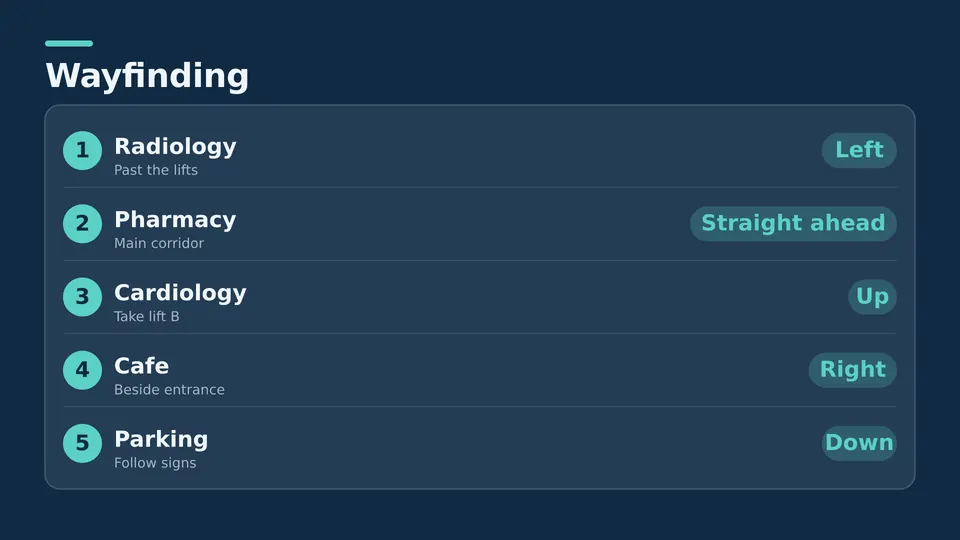
| Wayfinding | Arrows to lifts, stairs, reception, meeting rooms and services | Put directions on the screen people see first, before the lifts. |
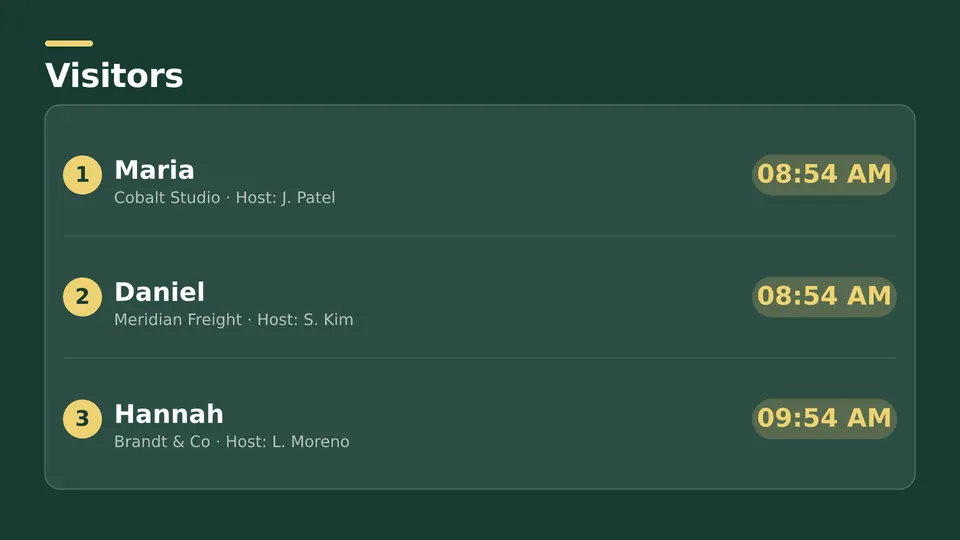
| Visitor welcome | Today's visitors or events, by name or company | Schedule each welcome for the hour of the visit. |
| Building notices | Maintenance, closures, fire drills, events | Give urgent notices their own slide so they stand out. |
| Extras | Weather, clock, news headlines | A clock and weather keep people glancing back at the screen. |
How to set up a digital directory board in five steps
- Pick the screen and where it hangs. Portrait suits a long list of names; landscape suits a directory with directions beside it. Hang it at eye level, near the entrance or the lifts.
- Add a player. An Android TV or Google TV device, or a Windows PC, behind the screen. If the TV runs Android TV or Google TV, install the player straight on it.
- Choose a layout. Start from a ready made directory Live Page, or use an image, a video or your own PowerPoint.
- Fill in the list. Type the names, floors and suites. With Enterprise, the directory can read from a spreadsheet or database you already keep, so it updates when the list does.
- Publish and schedule. Send it to one screen, a group or every building, and add the visitor welcome and notices to the same playlist.
Digital directory board vs a printed directory
| Printed or engraved board | Digital directory board | |
|---|---|---|
| Changing a name | Order a new plate or reprint, then fit it | Edit the list in your browser |
| Several buildings | One job per board | Update every screen at once |
| Directions and notices | A separate sign for each | On the same screen |
| Visitor welcome | Not possible | Scheduled by the hour |
| Up front cost | Low for one board | A screen, a player and a per screen subscription |
A printed board still makes sense for a small building where nobody moves. Once tenants or teams change a few times a year, or you run more than one building, the digital version pays for itself in time saved.
Keeping the directory up to date
The point of a digital directory is that it's never wrong, so decide who owns it. In a multi tenant building that's usually the building manager or reception. In a company it's facilities or the office manager. Give that person access to the directory screens only, so they can't change anything else.
If your tenant or staff list already lives in a spreadsheet, Enterprise can link the directory to it: change the spreadsheet and every directory screen follows. On Starter you edit the list on the screen layout itself, which takes a minute.
What a digital directory board costs
You need a screen with HDMI, a player device and a SignageTube subscription per screen. Starter runs directory boards on any TV or display for EUR 12 a month, or EUR 10 a month billed yearly. Enterprise, which can read the directory from a spreadsheet or database, is EUR 40 a month, or EUR 36 billed yearly. Every edition comes with a 15 day free trial and no credit card.