 SignageTube
Turn any TV into a safety board. Days without an incident, PPE reminders and the rules for each area, on every screen in the plant, changed from your desk.
See pricing per screen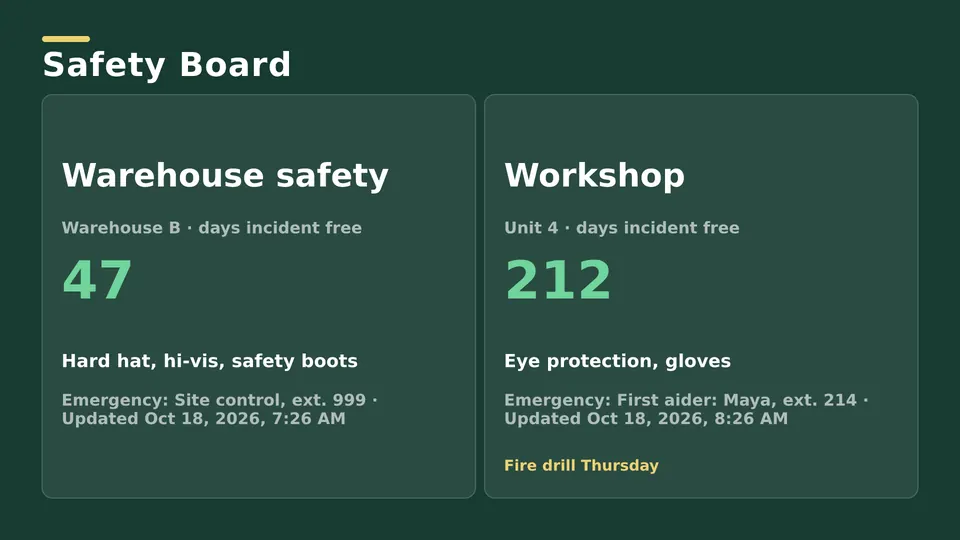
Start from a ready made Live Page, change the text, publish.
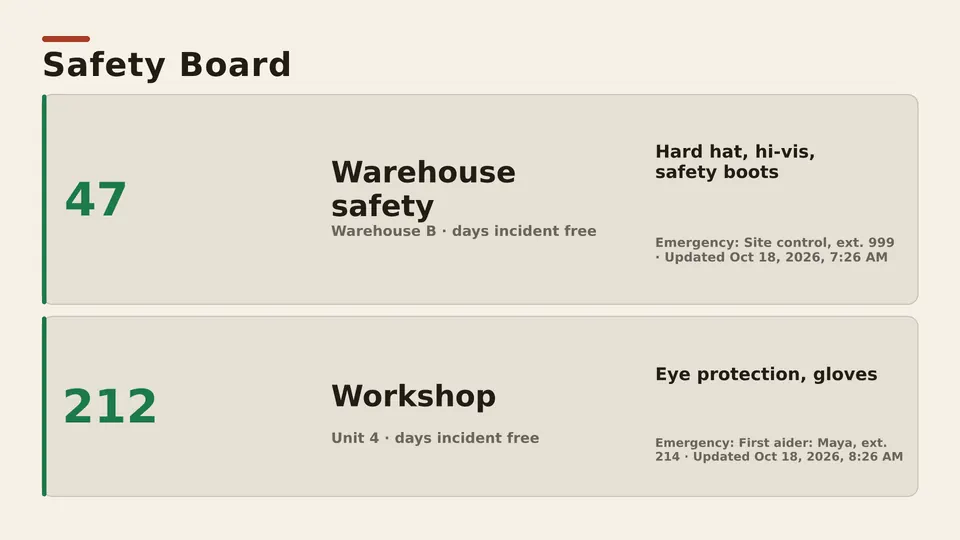
A big counter the whole floor can see, reset or updated in seconds.
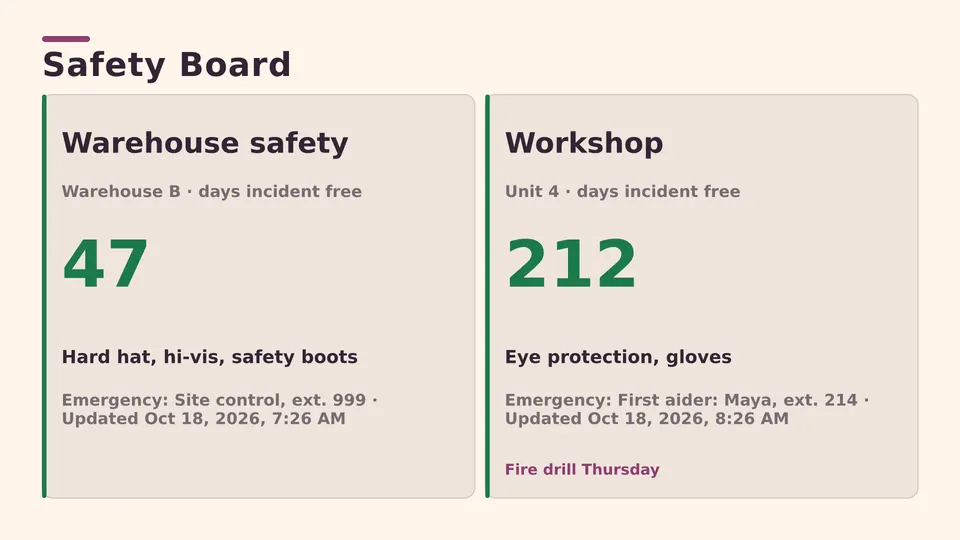
Hard hats, glasses and hearing protection, shown where they apply.
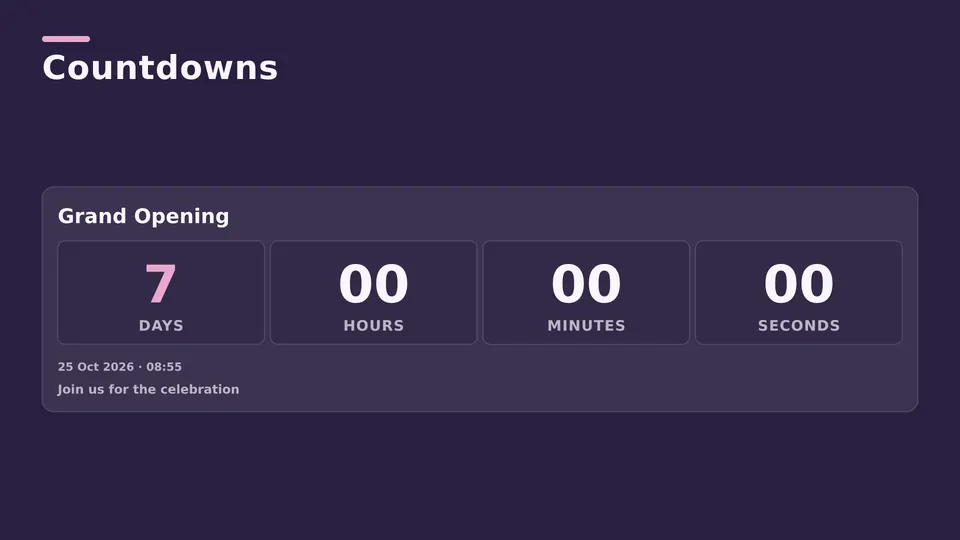
Put an urgent message on every screen at once.
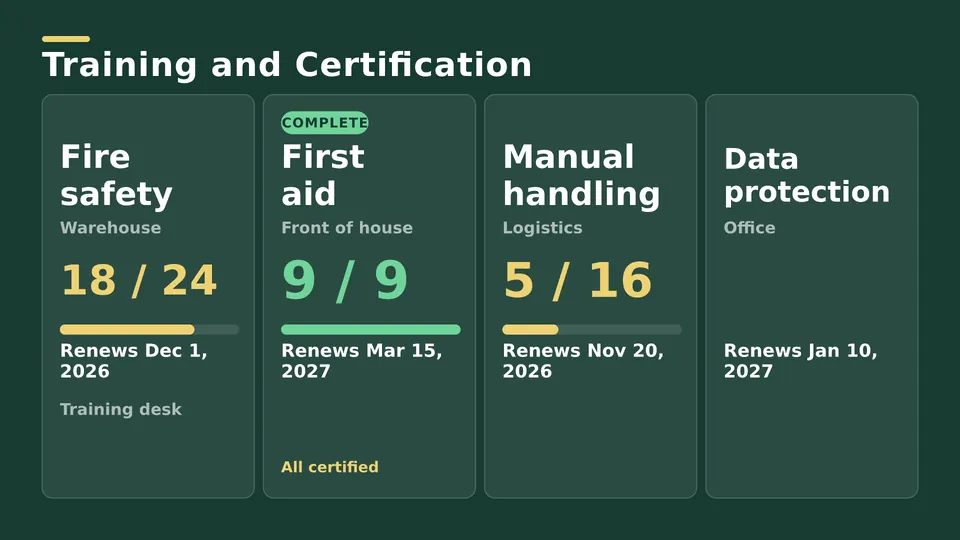
Who is trained on which machine, and what is due.
A safety TV gets read. Paper notices on the wall stop being seen after a week; a moving screen keeps the message in front of people every shift.
Starter covers safety boards on any TV. With Enterprise, the incident counter and other numbers can update on their own from Excel or your systems.
A TV or monitor on the factory floor that shows safety information: days without an incident, PPE rules, alerts and training. With SignageTube you update it from your browser.
Yes, with Enterprise it can read the number from an Excel sheet or a database. On Starter you change it yourself in seconds.
Yes. Group screens by area or site and give each group its own playlist.
Any TV with HDMI, plus an Android TV or Google TV device or a Windows PC behind it.
Pick the edition you want to try for 15 days. No credit card, just your name and email.
Images, video, web pages, PowerPoint and Live Pages on any TV. The easiest place to start.
Start Starter trial →Real PowerPoint on Windows, a report of what played (Proof of Play) and a Control Room for all your screens.
Start Professional trial →Live data from Excel, databases and 20+ sources, screen health alerts and switching screens on and off.
Start Enterprise trial →Not sure? Start with Starter. You can move up any time.
Both come with a 15 day free trial. No credit card, just your name and email.