 SignageTube
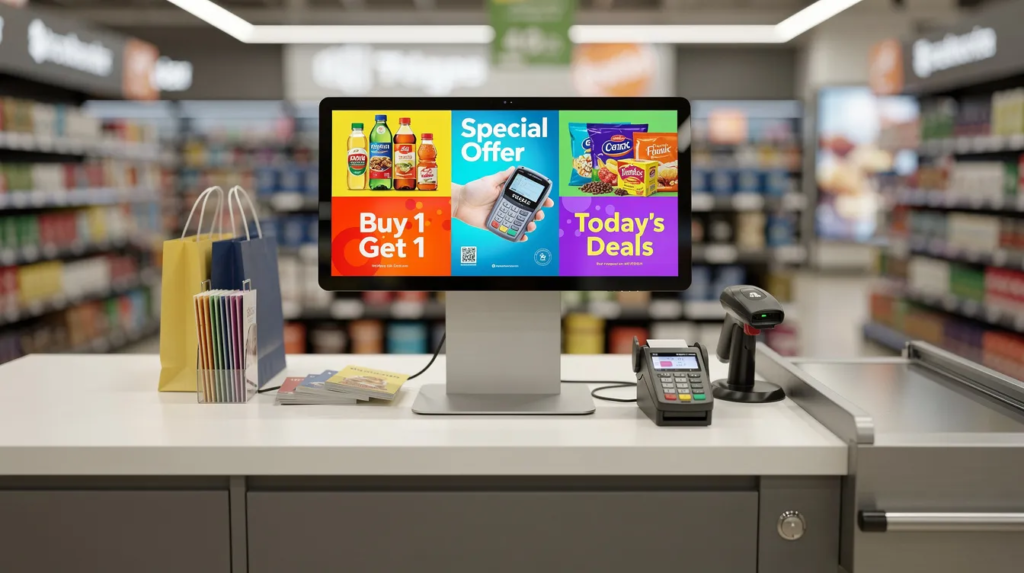 SignageTube Digital Signage
Managing promotional content across dozens or hundreds of retail locations has traditionally meant printing posters, shipping USB drives, and hoping store staff...
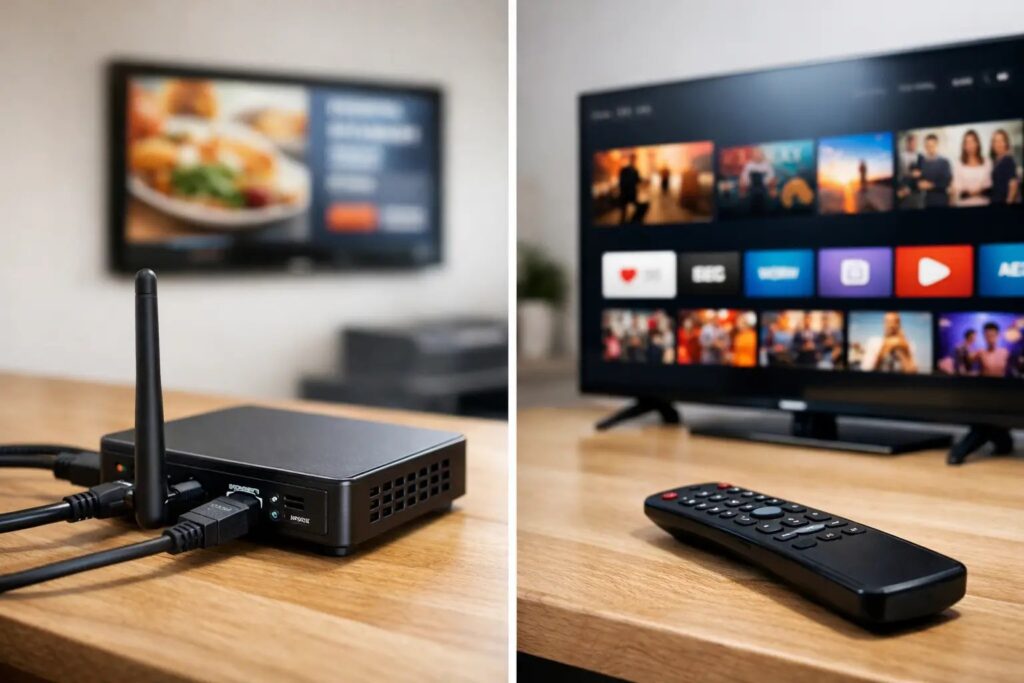 SignageTube Digital Signage
Comparing digital signage players vs smart TV apps? Learn which setup fits your screens, content, control, and rollout needs at scale.
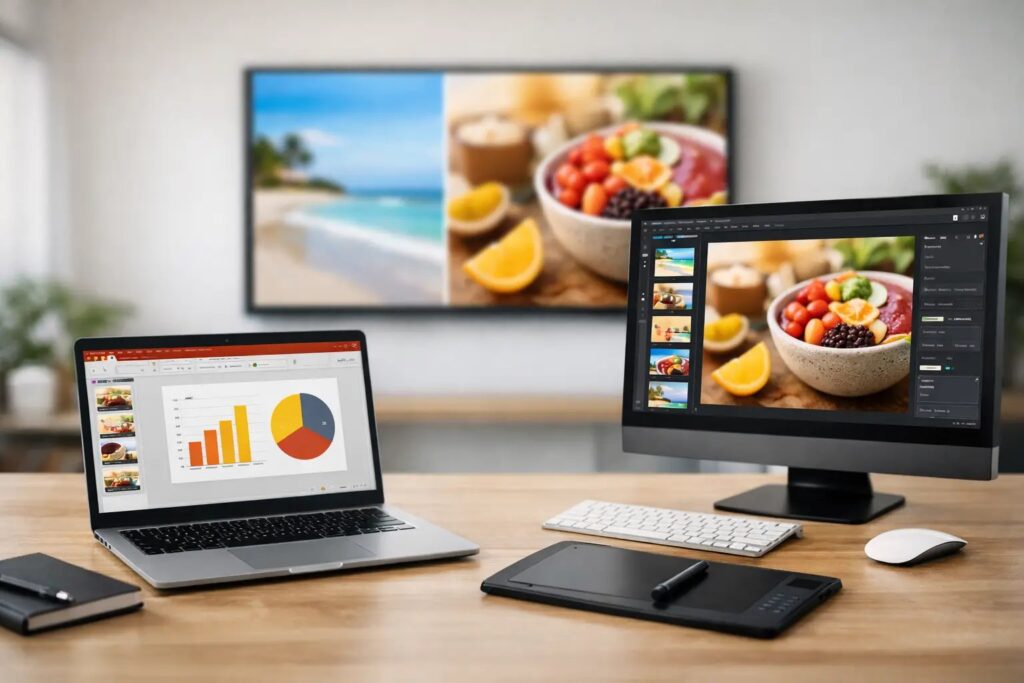 SignageTube Digital Signage
Digital signage PowerPoint vs Canva - compare speed, control, templates, and team workflows to choose the right tool for business screens.
 SignageTube Digital Signage
A manufacturing KPI screens guide for building clear plant-floor displays, choosing metrics, and managing updates across one site or many.
 SignageTube Digital Signage
Build a PowerPoint screen content workflow that speeds creation, scheduling, and screen management across locations without added complexity.
 SignageTube Digital Signage
Digital screens are everywhere—restaurants, banks, retail stores, and office lobbies. For business owners, IT managers, and marketers, understanding display digital signage is...
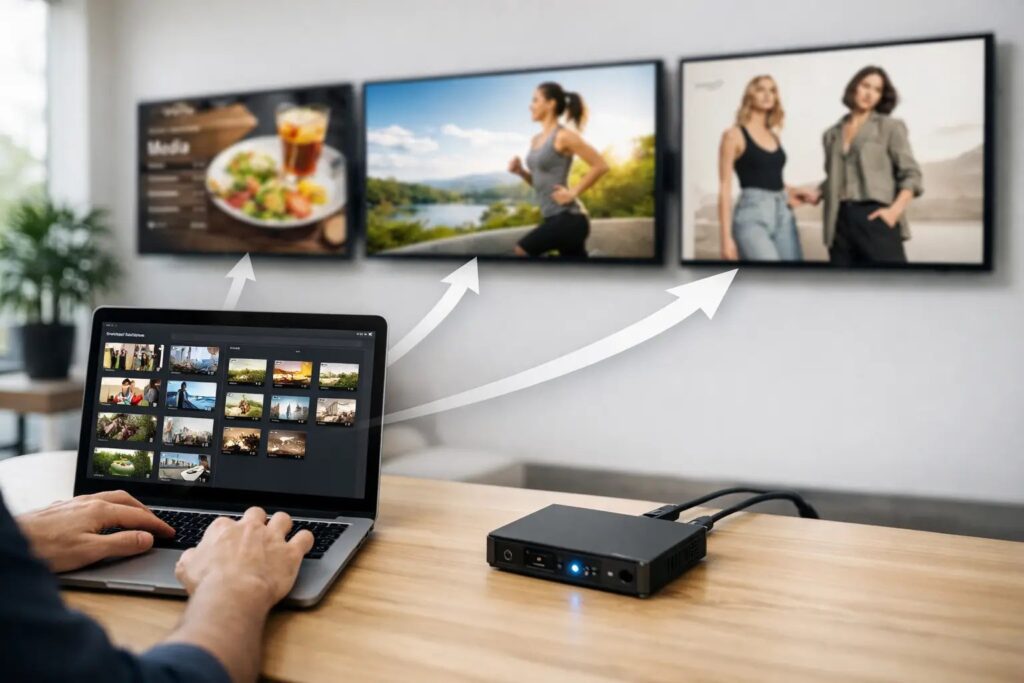 SignageTube Digital Signage
Learn how to assign playlists to multiple screens for faster signage management, consistent messaging, and simpler scheduling across locations.
 SignageTube Digital Signage
Brand consistency on digital screens guide for teams that need faster screen updates, stronger governance, and polished content across locations.
 SignageTube Digital Signage
Screen software for clinics should be easy to update, schedule, and manage across locations without design or IT bottlenecks.
 SignageTube Digital Signage
Introduction Modern PowerPoint versions—2016, 2019, 2021, and Microsoft 365—can export your slides as full MP4 video files, and each version supports this...
 SignageTube Digital Signage
A cross platform digital signage playback guide for teams that need reliable screen content across devices, locations, and IT environments.
 SignageTube Digital Signage
Learn how on premises signage control improves security, speed, and reliability for multi-screen networks while keeping updates simple and centralized.
Pick what you want to try. No credit card needed, just your name and email.
Show your content, menus, welcome screens and promotions. The easiest place to start.
Start Cloud trial →Show live data that updates itself, prices, KPIs and dashboards from Excel and 20+ live sources. All features included.
Start Live trial →Not sure? Start with Cloud, you can switch anytime.
Both include a 7-day free trial. No credit card needed, just your name and email.