 SignageTube
 SignageTube Digital Signage
Airport digital signage software guide for teams that need faster updates, clear wayfinding, centralized control, and easy content workflows.
 SignageTube Digital Signage
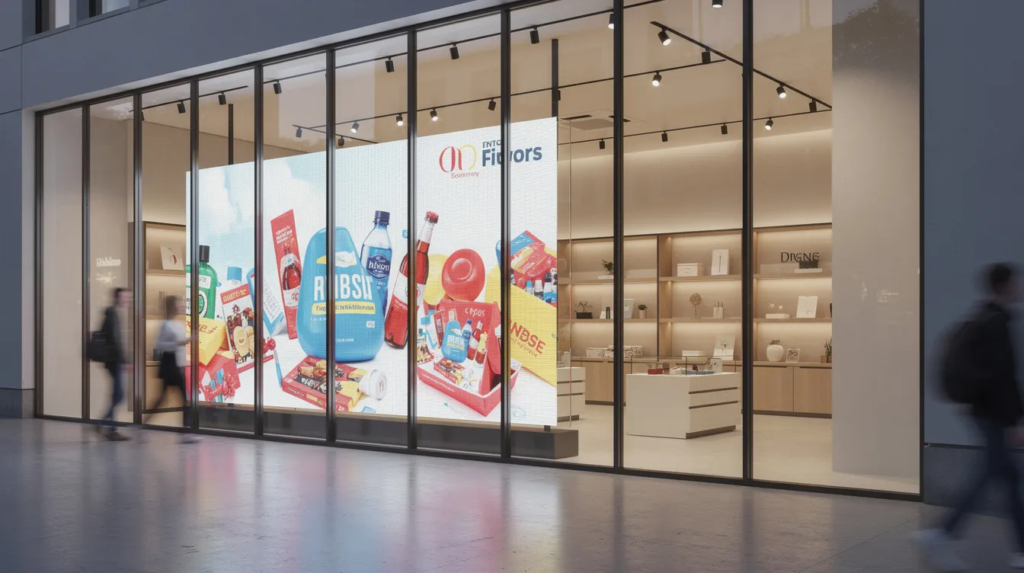
This guide is for retail business owners, store managers, and marketing professionals looking to leverage digital signage for in-store success. Digital signage...
 SignageTube Digital Signage
Signage software for universities helps teams publish campus updates fast, manage screens centrally, and keep messages accurate across buildings.
 SignageTube Digital Signage
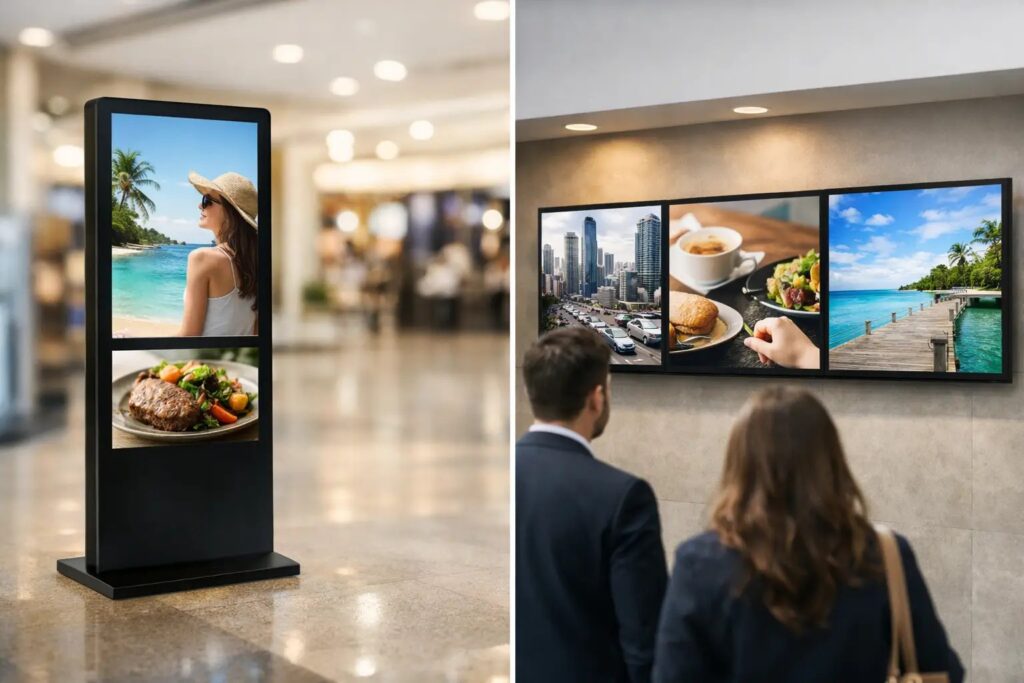
Digital poster vs screen network: learn which fits single-screen messaging, multi-location control, scheduling, and long-term signage goals.
 SignageTube Digital Signage
What does signage actually mean, and why does it matter for your business or organisation? This guide is designed for business owners,...
 SignageTube Digital Signage
Screen scheduling software should make content planning, playback, and multi-screen control simple for teams using familiar tools and clear workflows.
 SignageTube Digital Signage
See the real PowerPoint based signage benefits for teams that need faster content creation, simpler updates, and scalable screen management.
 SignageTube Digital Signage
Build a screen content approval workflow that keeps signage accurate, on-brand, and fast to publish across locations without slowing teams down.
 SignageTube Digital Signage
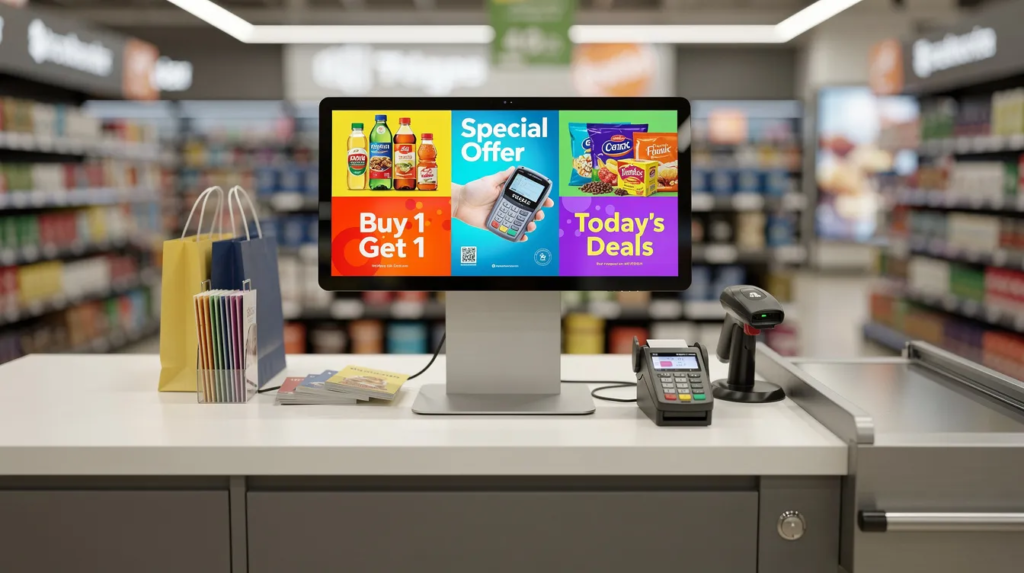
Managing promotional content across dozens or hundreds of retail locations has traditionally meant printing posters, shipping USB drives, and hoping store staff...
 SignageTube Digital Signage
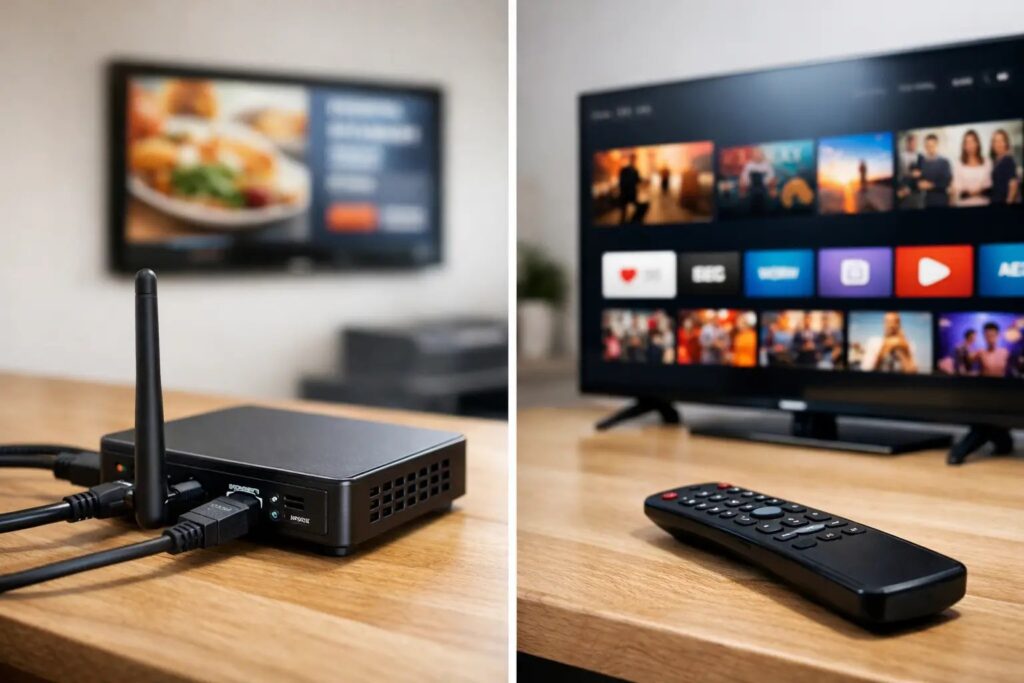
Comparing digital signage players vs smart TV apps? Learn which setup fits your screens, content, control, and rollout needs at scale.
 SignageTube Digital Signage
Digital signage PowerPoint vs Canva - compare speed, control, templates, and team workflows to choose the right tool for business screens.
 SignageTube Digital Signage
A manufacturing KPI screens guide for building clear plant-floor displays, choosing metrics, and managing updates across one site or many.
Pick what you want to try. No credit card needed, just your name and email.
Show your content, menus, welcome screens and promotions. The easiest place to start.
Start Cloud trial →Show live data that updates itself, prices, KPIs and dashboards from Excel and 20+ live sources. All features included.
Start Live trial →Not sure? Start with Cloud, you can switch anytime.
Both include a 7-day free trial. No credit card needed, just your name and email.