 SignageTube
The Best Retail Store Digital Signage Solutions for Engaging Customers
This guide is for retail business owners, store managers, and marketing professionals looking to leverage digital signage for in-store success. Digital signage is transforming the way retailers engage customers, drive sales, and stay competitive in a rapidly evolving market. With the global digital signage market projected to reach $35.2 billion by 2026 and retail accounting for 31% of that share, understanding how to implement and optimize digital signage is essential for modern brick-and-mortar retailers.
Retail Store Digital Signage
Retail store digital signage refers to networked screens—LED, LCD, tablets, and kiosks—deployed throughout physical stores to deliver dynamic content like promotions, product information, and wayfinding. In 2026, with the global digital signage market reaching $35.2 billion and retail commanding 31% of that share, these systems have become essential tools for modern brick and mortar retailers. Nielsen conducted a study with 120 retailers using a digital signage solution in their store, observing that 80% of them saw their sales increase by 33% compared to those made with traditional printed posters.
Digital signage helps retailers increase sales, modernize the in store experience, and reduce printing costs significantly. Studies show that digital displays can generate 30-35% sales uplift on promoted items and attract 400% more views than static posters. In fact, 68% of customers say that digital signage makes them more likely to buy the products they’re advertising.
Digital signage enhances customer engagement and brings the shopping experience to life by creating immersive, interactive environments that captivate shoppers. This article focuses on practical, store-centric applications across fashion, grocery, electronics, automotive, and home segments—real use cases you can implement today.
What is digital signage in retail stores?
Digital signage in retail stores specifically encompasses networked digital displays using LCD, LED, or system-on-chip (SoC) technologies that show multimedia content including promos, product features, pricing, and wayfinding maps, aligning with the broader definition of what digital signage is and how it works. Unlike static posters, these screens update in real-time and adapt to time, location, and audience.
The core components are straightforward: screens (ranging from 1080p to 4K resolution). A standard TV screen can also be used as part of a digital signage setup, provided it meets the necessary resolution and reliability requirements. Media players or integrated SoC displays handle processing, so it’s important to understand the features you need in a digital signage player before buying.
You can use any screen that accepts HDMI input for digital signage, making it easy to repurpose existing TV screens or monitors for in-store use. A content management system (CMS) enables playlist creation and scheduling, and reliable internet connectivity is essential. Modern setups are typically cloud-based, allowing a single marketing team to push updates across hundreds of locations with just a few clicks.
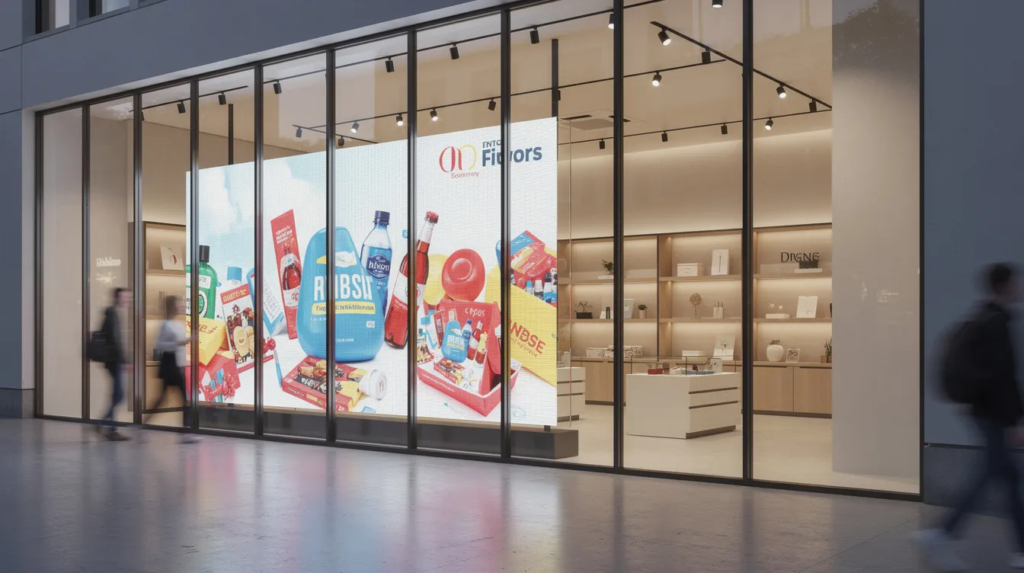
In-store signage targets shelves, aisles, checkouts, and service counters for contextual messaging, while window displays use ultra-bright outdoor-rated screens facing streets for broader visibility.
For example, a grocery chain might sync all end-cap promos every Monday at 07:00, automatically removing out-of-stock items based on POS data. A fashion retailer could update seasonal campaign content across 200 stores within minutes.
Why invest in retail store digital signage?
The business case for retail digital signage rests on concrete, quantified benefits and clear signals that it’s time to invest in digital signage. Studies between 2022-2025 show digital displays lift featured product sales by 24-38% compared to static posters.
Average basket sizes increase through impulse triggers, perceived wait times drop by 30% via engaging queue content, and retailers eliminate printing and distribution logistics entirely.
Brand recall reaches 83% for digital content versus just 40% for print, while motion graphics deliver 30% longer dwell times. These numbers translate directly to revenue. Digital signage also supports omnichannel retail by integrating QR codes for click-and-collect, app-linked loyalty rewards, and real-time stock displays that connect online and offline shopping experiences.
The competitive aspect matters too. Physical stores using static signage appear outdated beside digital-first brands and concept shops deploying video walls and interactive kiosks. As customer expectations rise, staying up to date with technology becomes increasingly difficult to ignore. The average ROI on digital signage deployments climbed to 42% in 2026, up from 35% in 2024.
Key use cases of digital signage in retail stores
Different areas of a typical store can leverage digital signage to draw customers and drive conversions. Here’s how retailers are deploying advertising screens in the digital signage industry across their retail space.
- Window displays use ultra-bright screens to show video lookbooks, real-time promos, countdown timers to sales, and live inventory alerts. These high-visibility placements generate massive engagement from potential customers walking by.
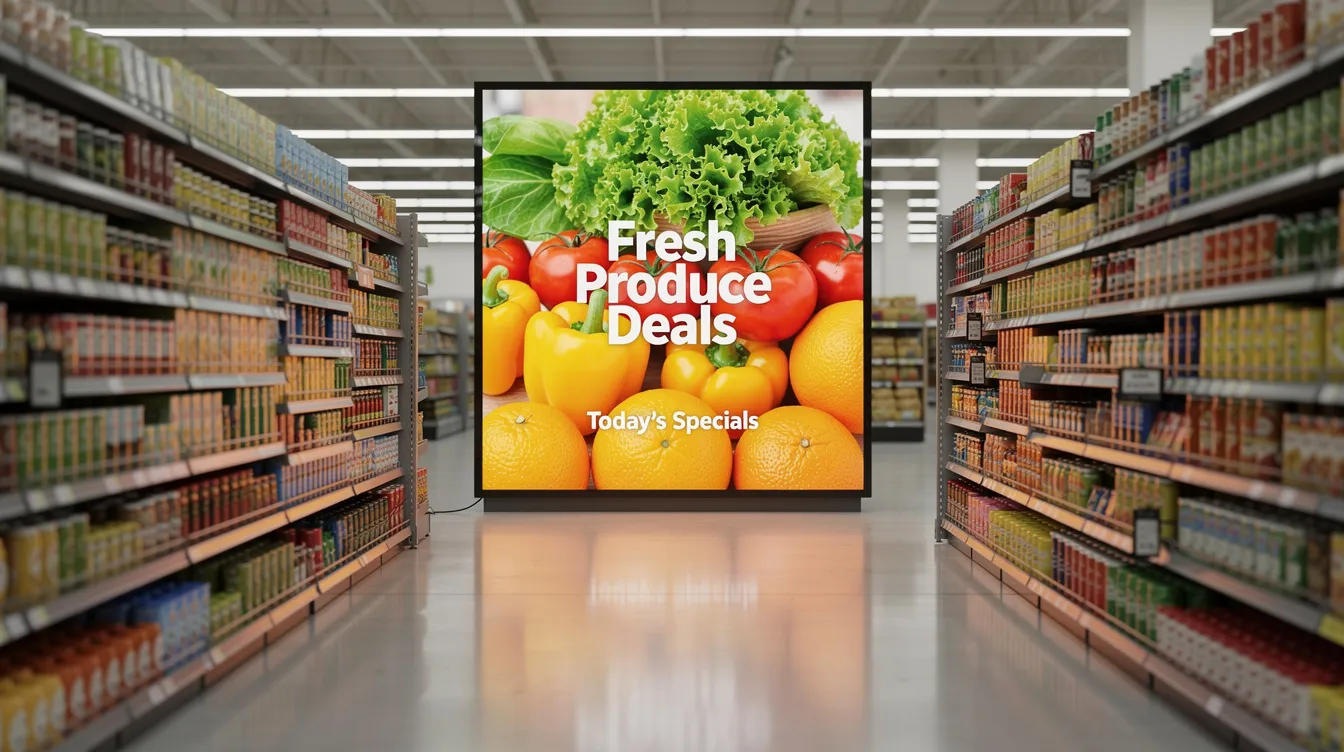
- In-aisle and shelf-edge screens enable “lift and learn” experiences where picking up headphones triggers product demos. End-cap displays rotate dynamic pricing in grocery, and cross-sell prompts increase basket values. Electronics retailers see 30%+ performance gains over static product displays with this approach.
- Fitting rooms in fashion stores deploy smart mirrors with gesture controls for style recommendations, accessory upsells, and staff-summoned size requests—keeping customers engaged while reducing friction.
- Queue and service counters display ticketing information, order status for click-and-collect, and menu boards in food zones. This content reduces perceived wait times and drives last-minute purchases.
- Back-of-house staff screens in breakrooms show sales targets, safety briefings, and daily operations updates—extending the value of your digital signage systems beyond customer-facing applications.
Digital signage by retail segment
Different verticals use digital signage in distinct ways, each tailored to their customers and shopping behaviors.
Fashion and apparel retailers maximize window video walls for runway footage and seasonal campaigns. Inside, digital lookbooks near key product zones inspire purchases, while interactive changing rooms let shoppers request sizes or see accessory recommendations without leaving the fitting room.
Automotive showrooms deploy large-format screens for model comparisons, finance calculators, and rotating pre-owned inventory synced with website listings, often powered by real-time data as a digital signage secret weapon. The average automotive dealership runs 42 screens across their retail experience.
Furniture and home décor stores use wayfinding in vast warehouse-style locations, inspirational room-scene videos, and screens integrated into living-room setups displaying pricing and configuration options.
Consumer electronics retailers feature interactive comparison tables, product demos on TV walls, and sensor-triggered content for gear like cameras and gaming equipment. The “pick up to trigger content” approach works exceptionally well here.
Grocery and convenience stores thrive on digital end-caps, fresh food menu boards, and time-based promos—breakfast offers in the morning, dinner bundles after 5 pm. POS integrations auto-remove out-of-stock items and boost sales 20-30% on featured products.
Core components of a retail digital signage solution
Effective retail digital signage depends on choosing the right digital signage software, hardware, and connectivity to manage content at scale.
- CMS (Content Management System): Cloud-based platforms now represent 78% of deployments, enabling playlist scheduling, audience targeting, and multi-location control. Marketing teams can upload media, build playlists, schedule by time/day/location, and push updates remotely using an effortless cloud digital signage solution.
- Players and Screens: Options include small form-factor media players or system-on-chip displays with built-in processing. Commercial displays at 4K resolution (62% of 2026 deployments) offer the sharpness needed for close viewing. High-brightness panels are essential for windows. Always choose commercial over consumer TVs for 24/7 reliability.
- Connectivity: Wired Ethernet provides stability, with Wi-Fi and 4G/5G as backups. Offline caching ensures screens keep running during outages, maintaining 99%+ uptime.
- Integrations: Connect to POS systems for live pricing and stock data, ERP for inventory, queue management systems, and marketing tools for synchronized campaigns across your business.
Content strategy for in-store digital signage
Content quality and relevance drive results more than screen count. The best digital signs deliver the right message at the right moment, supported by thoughtful scheduling of digital signage content best practices.
Key content types include:
- Product promotions with limited-time offers
- Brand storytelling that connects emotionally
- How-to demonstrations
- Social proof through reviews and UGC
- Wayfinding for large retail stores
Each serves a purpose in guiding shoppers through the customer journey.
Playlist planning should account for time-of-day scheduling (morning vs. evening shoppers), day-of-week patterns, and seasonal campaigns like Black Friday or holiday 2025, all organized through effective work with digital signage media files, playlists, and channels.
Different store locations may need customized content for regional events, local weather, or language options—while maintaining consistent brand guidelines.
Best practices: keep messages short, use large fonts visible from a distance, ensure strong contrast, and apply motion sparingly to draw attention without overwhelming. Remember that consumers often glance at screens for just 3-5 seconds while walking by.
Retail space optimization with digital signage
Digital signage is a powerful tool for optimizing retail space, transforming traditional stores into vibrant, interactive environments that captivate customers from the moment they step inside.
Interactive Experiences
By strategically placing digital displays throughout the retail space, retailers can showcase products, highlight promotions, and reinforce brand messaging in ways that static signage simply can’t match. Retail digital signage solutions enable stores to create immersive in-store experiences—think touch-enabled screens that let shoppers browse product catalogs, or QR codes that unlock exclusive offers and product information with just a few clicks on a smartphone.
These interactive experiences not only draw customers deeper into the store but also encourage them to explore new sections and engage with featured products.
Promotions and Urgency
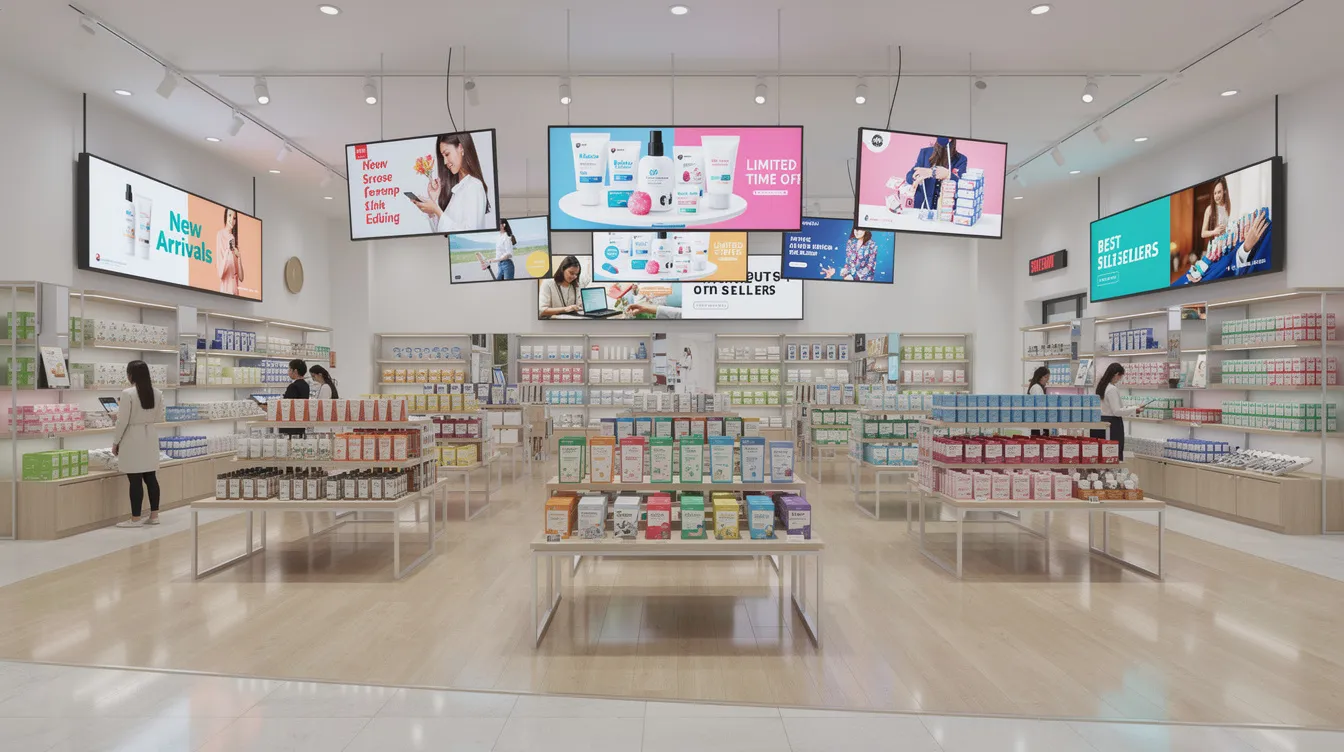
Digital signage can also be used to spotlight limited-time promotions or bestsellers, creating a sense of urgency that drives sales and keeps customers engaged. By leveraging digital displays to guide shoppers, promote special events, and deliver up-to-date content, retailers can maximize every square foot of their retail space.
Maximizing Store Layout
Digital signage turns your store into a dynamic platform for customer engagement and increased revenue. By guiding shoppers through the space and highlighting key products or areas, you can optimize traffic flow and ensure that every part of your store is working to drive sales.
Common challenges in retail digital signage
While digital signage offers significant benefits for retail stores, implementing and maintaining these systems comes with its own set of challenges.
Keeping Content Up to Date
One of the most common hurdles is keeping digital signage content up to date and relevant for customers. Without a robust digital signage software solution, content can quickly become outdated, reducing its impact on customer engagement and undermining many of the core benefits of digital signage for modern businesses.
Integration with Store Systems
Integration with existing store systems—such as inventory management and point-of-sale platforms—can also be complex. Retailers need digital signage systems that seamlessly connect with these tools to ensure accurate, real-time information is displayed across all screens.
Cost and Maintenance
The initial investment in hardware and software, along with ongoing maintenance and support costs, can be a concern for many retailers.
To overcome these challenges, it’s essential to invest in digital signage solutions that offer intuitive content management, reliable integration capabilities, and strong support services. By planning ahead and choosing the right technology, retailers can ensure their digital signage remains a valuable asset for both their business and their customers.
Best practices for retail digital signage
To unlock the full potential of retail digital signage, retailers should follow a set of proven best practices:
- Create content that is visually engaging, relevant, and easy to digest.
- Use high-quality images, concise messaging, and dynamic videos or animations to capture attention.
- Place screens strategically so digital signage is visible from key customer pathways and high-traffic areas.
- Incorporate interactive experiences, such as touch-enabled screens or social media integration, to encourage customer engagement and make the in-store experience more memorable.
- Maintain brand standards across all digital displays while allowing for localized content where appropriate.
- Regularly update content to reflect current promotions, events, and product launches, ensuring your messaging stays fresh and relevant.
By following these best practices, retailers can create digital signage campaigns that enhance the customer experience, drive sales, and strengthen their brand presence in the physical store.
Measuring ROI and performance
Retailers should treat digital signage as a measurable media channel, not just a décor upgrade. Tracking the right metrics justifies investment and guides optimization.
|
Metric |
What It Measures |
Typical Improvement |
|---|---|---|
|
Featured product sales |
Uplift vs. static signage |
24-38% |
|
Average basket value |
Impulse and cross-sell impact |
10-15% increase |
|
QR code redemptions |
Digital engagement |
Varies by campaign |
|
Zone footfall/dwell time |
Content effectiveness |
30% longer dwell |
|
Brand recall |
Advertising impact |
83% vs. 40% static |
|
Testing approaches include A/B testing content across matched stores, time-based comparisons (before/after installing screens), and controlled experiments for specific categories. Integrate with POS data and traffic counters for comprehensive analytics. |
|
|
Realistic payback periods range from 12-24 months depending on hardware density and store format. When presenting to stakeholders, connect signage performance directly to revenue and contact necessary information from your analytics platforms.
Implementation roadmap for retail store digital signage
Moving from concept to scaled deployment requires a structured approach:
- Pilot Phase: Start with 1-5 representative stores. Define success KPIs upfront—perhaps a 20% sales lift on promoted items. Limit initial screen types to one window display, a few in-aisle screens, and checkout displays. This affordable approach validates your concept before major investment.
- Design and Installation: Conduct store surveys for power availability and network infrastructure. Position screens based on customer flow and sightlines, using heatmap data where available. Ensure compliance with safety and accessibility requirements.
- Content and Operations: Define who creates content, who approves it, and update frequency. Standardize templates for promotions and corporate messaging so store teams can manage local content within brand guidelines.
- Scaling: Roll out by region or store format. Train store teams, create documentation, and establish remote monitoring routines. Most digital signage solutions allow centralized management of hundreds of locations from a single dashboard.
Digital signage maintenance in retail environments
Maintaining digital signage systems is essential for ensuring smooth operation and delivering a consistently high-quality experience to retail customers.
- Regular maintenance tasks include updating software and firmware to keep systems secure and functional.
- Clean and inspect hardware to prevent technical issues.
- Troubleshoot proactively, with clear protocols in place to address any disruptions quickly and minimize downtime in the physical store.
A strong content management strategy is also crucial—digital signage content should be reviewed and refreshed regularly to keep it up to date and relevant for paying customers.
Implementing a digital signage network management system allows retailers to monitor and control all digital displays remotely, making it easier to deploy updates, track performance, and resolve issues across multiple retail stores.
By prioritizing maintenance and support, retailers can ensure their digital signage systems deliver maximum value, enhance customer engagement, and provide a seamless in-store experience that keeps customers coming back.
Future trends in retail store digital signage
Between 2024 and 2026, in-store digital signage is rapidly adding AI and data-driven capabilities that create endless possibilities for retailers.
AI-powered personalization at the edge adapts content based on time, weather, local events, and anonymized audience demographics—41% of deployments now use some form of AI optimization.
Interactive experiences through touchscreens, mobile-triggered content via QR codes or NFC, and voice-controlled kiosks enhance customer engagement significantly.
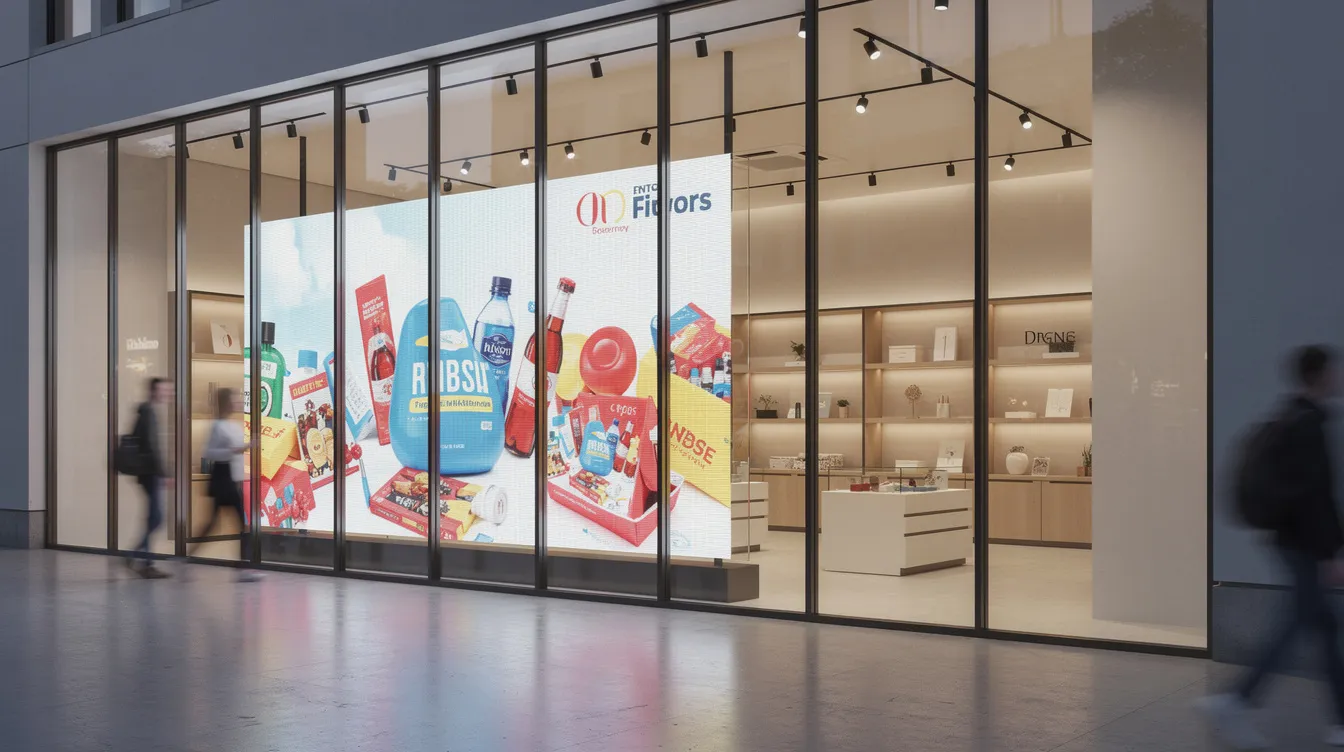
Emerging formats include seamless LED video walls, transparent displays in shop windows that let shoppers see products behind the screen, and shelf-edge displays with “walk-by” sensors that trigger contextual content.
Sustainability trends drive adoption too: lower-energy screens, elimination of printed materials, and centralized control reducing waste from obsolete signage. Programmatic DOOH (digital out-of-home) advertising is projected to reach 30% of retail media by 2027.
How to choose a digital signage partner for retail
Retailers should prioritize reliability, scalability, and ease of use over flashy features when selecting digital signage solutions.
Key evaluation criteria include:
- Experience with multi-store retail deployments
- Robust uptime monitoring (target 99%+)
- Flexible scheduling and content management
- Integration capabilities with your existing tools
- Responsive support services
Total cost of ownership matters more than initial price. Consider hardware lifespan (5-10 years for commercial displays), license models, installation and maintenance costs, and content creation resources. Comparing digital signage plans and pricing options can help you align features with budget. Some partners offer end-to-end services while others focus purely on the device and software line.
Run a proof of concept in live stores before committing:
- Evaluate feedback from store teams.
- Analyze performance metrics.
- Ensure the system fits existing workflows.
- Test how users interact with the platform—can your marketing team manage it without constant IT support?
Define your goals clearly before selecting technology: sales lift, improved retail experience, or operational savings. The right partner will help you achieve measurable outcomes, not just install screens. Contact potential vendors with specific use cases and expect them to demonstrate how their platform delivers results for paying customers in similar retail environments.
- SignageTube Starter – content signage on any TV
- SignageTube Enterprise – live data on your screens
- Digital signage software – how to choose, and what matters
- Templates – 120+ ready-made designs
- Pricing – simple per-screen plans