Home/Digital signage software
Digital signage software

Digital signage software, built from PowerPoint

Design content in PowerPoint, build playlists, schedule what plays where, and manage screens across every site. Add live data so your displays stay current on their own.

Cloud based Multi site management Free plan
Digital signage software managing screens
Powering screens in 60+ countries Cloud managed Playlists & scheduling Live data Multi site 25+ years of digital signage expertise
The product

Everything you need to run your screens

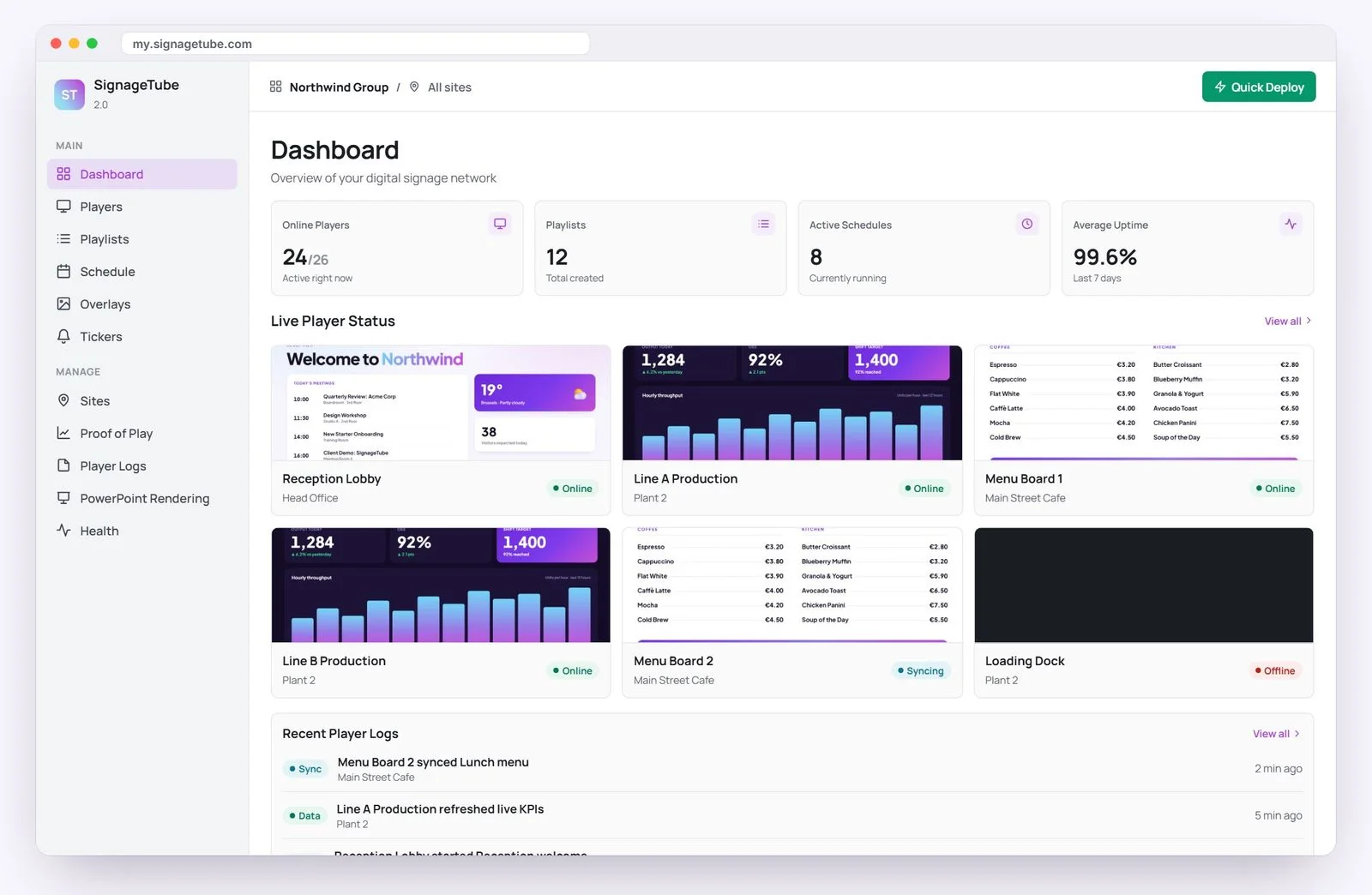
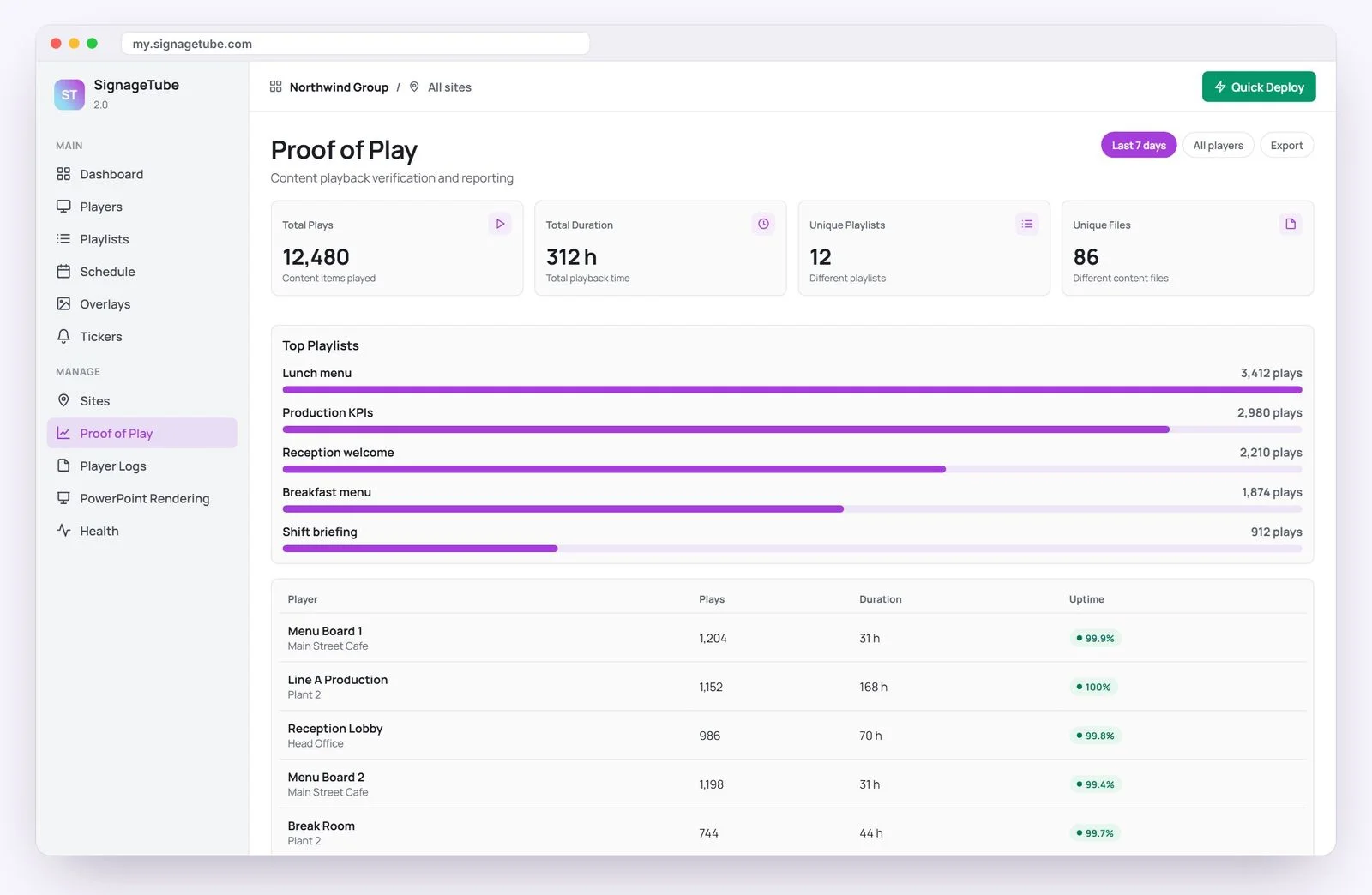
One clean dashboard for content, scheduling and every player in your digital signage software.

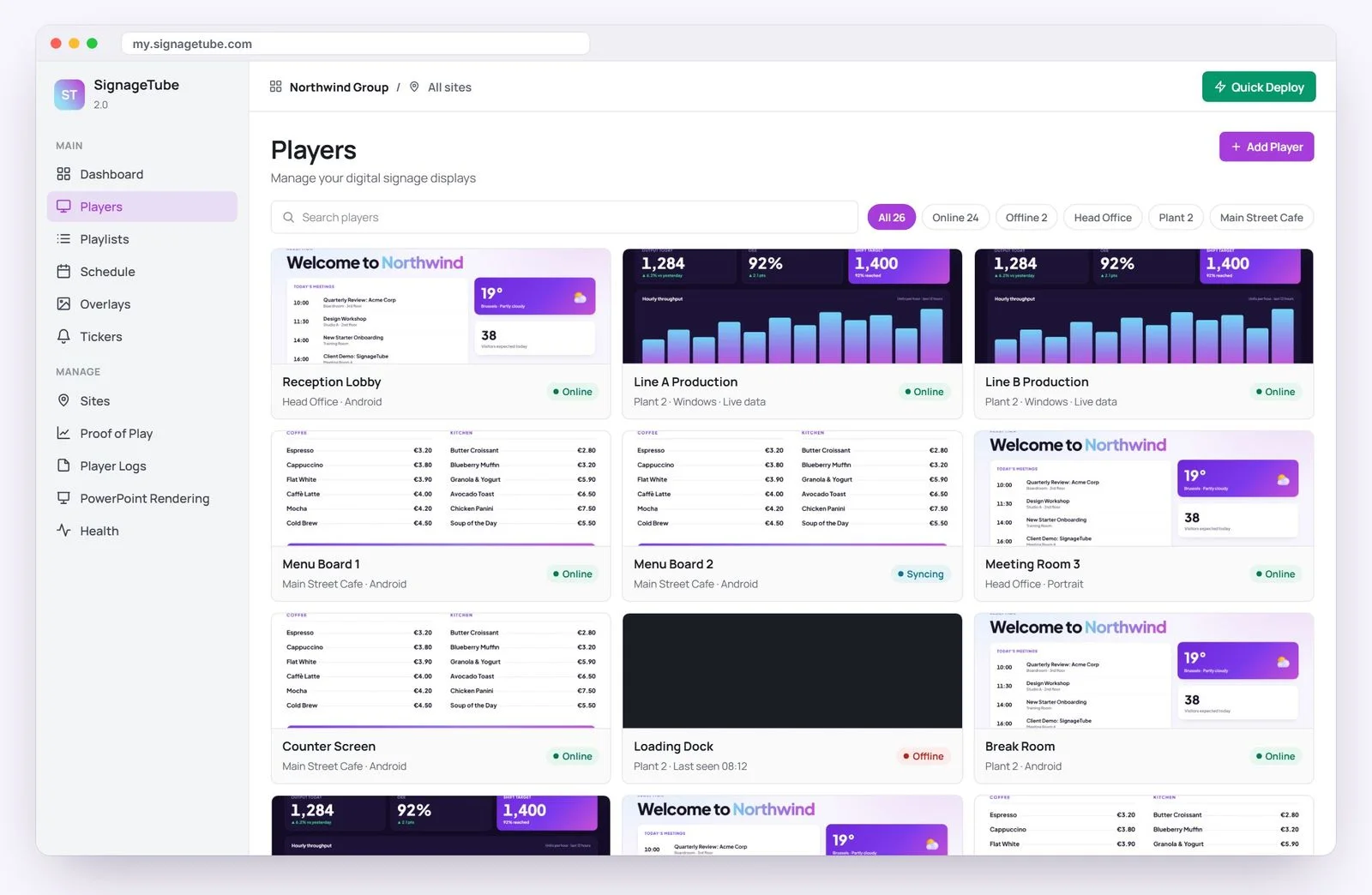
Screens

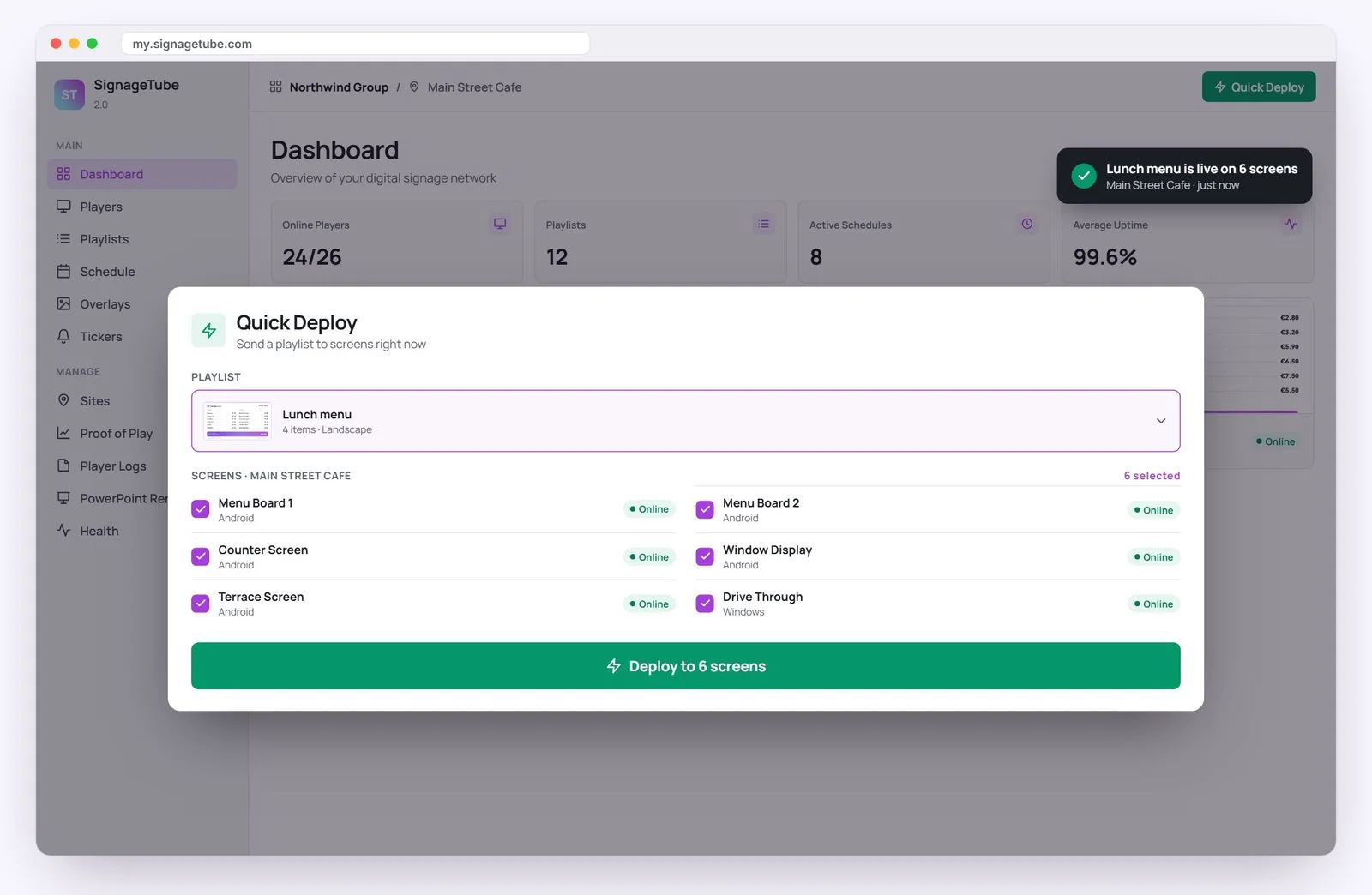
Every player at a glance, with status and one click deploy.

Media

PowerPoints, videos and images in one library.

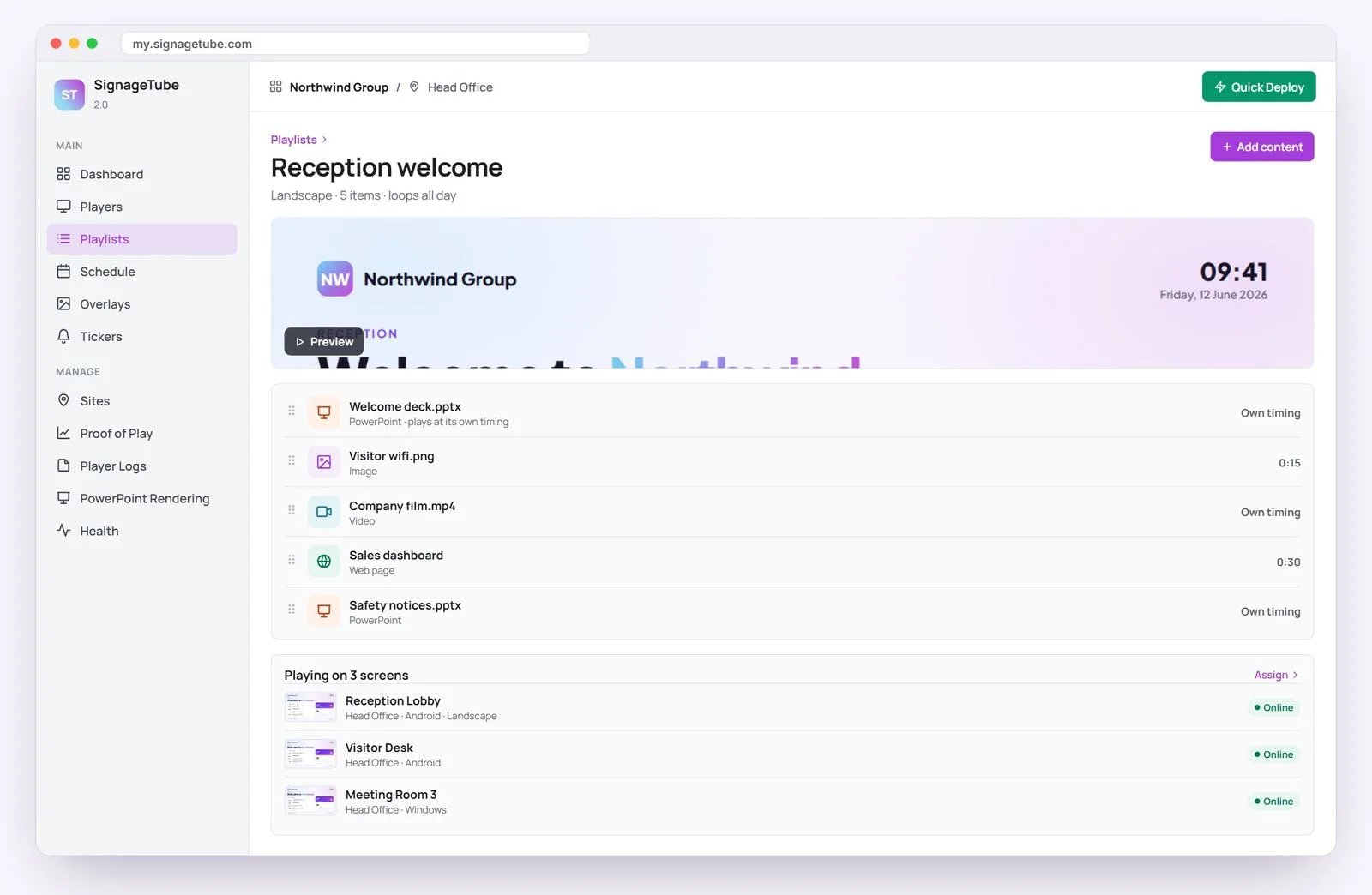
Playlists

Sequence content and assign it to any screens.

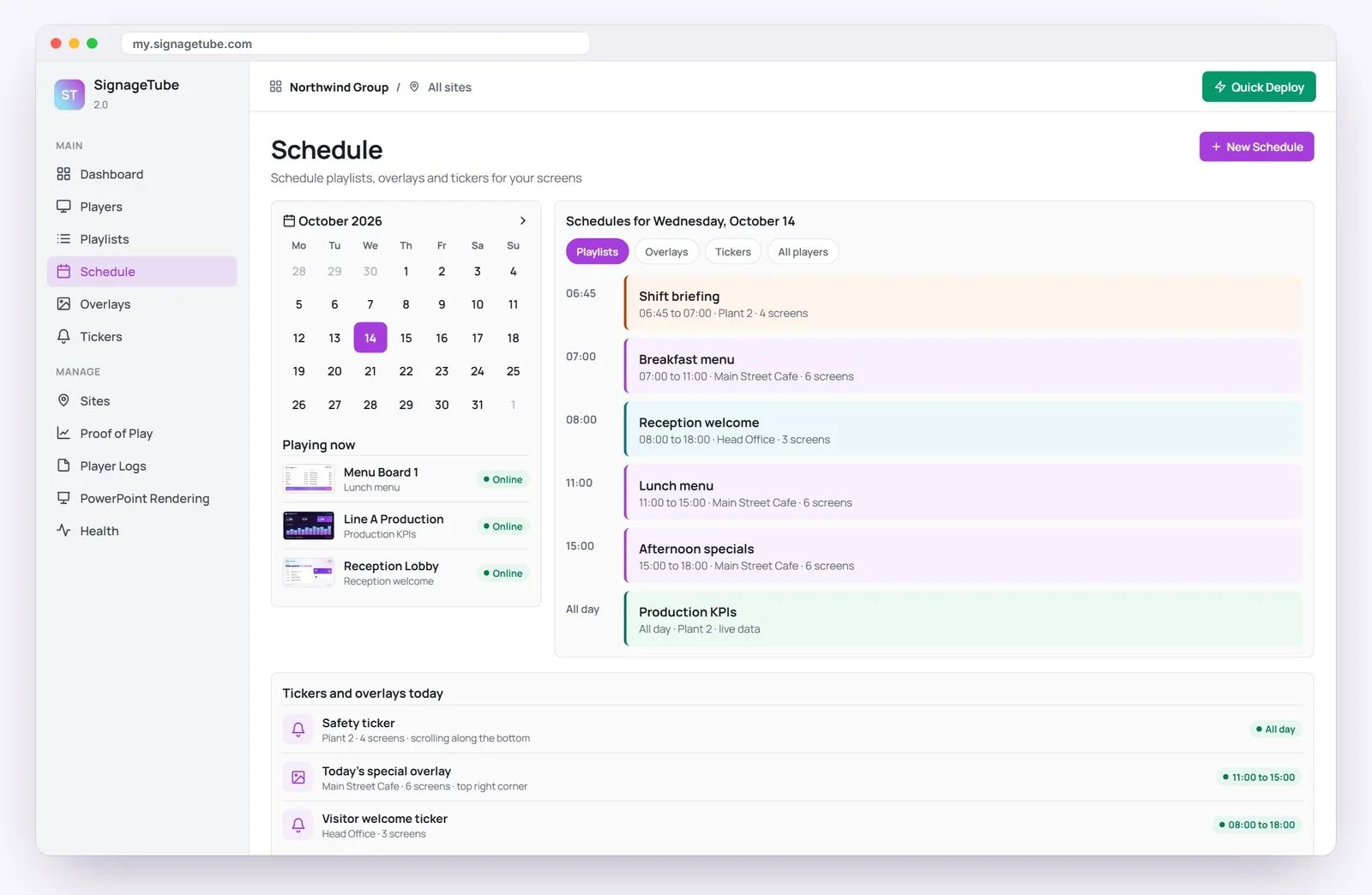
Schedule

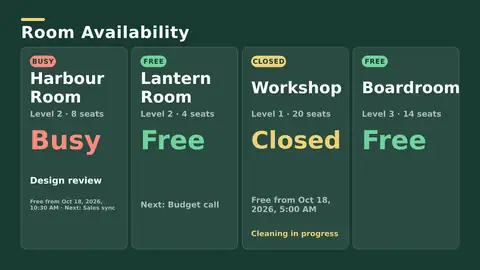
The right message by day, hour, store or timezone.

Quick Deploy

One press pushes content live everywhere.

Made simple

Design in PowerPoint, no signage degree required

Most digital signage software asks you to learn a new editor. SignageTube uses the PowerPoint your team already knows, so you are productive from the first day with no training.

  • 120+ templates included
  • Runs on Android TV and Windows
  • No proprietary hardware to buy
Start free
Signage content designed in PowerPoint
Live data

Screens that keep themselves up to date

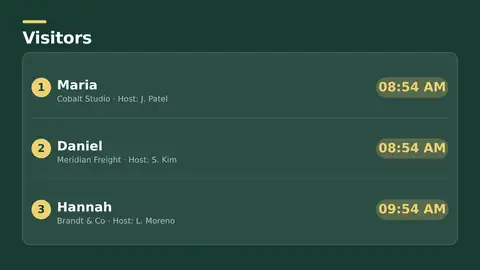
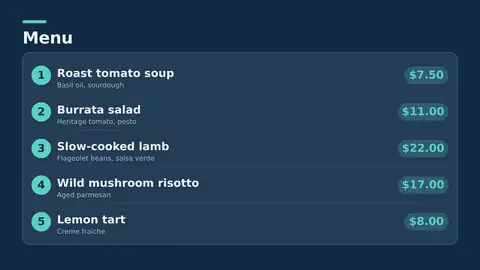
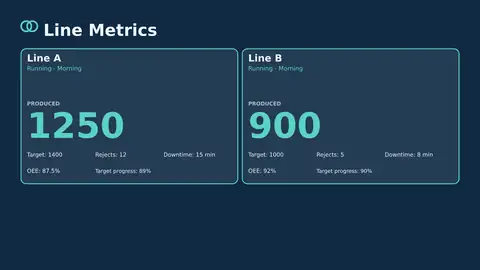
Connect your digital signage software to Excel, databases and 20+ live feeds. Prices, KPIs and schedules refresh on their own, so your screens never show yesterday's numbers.

  • Excel, RSS, weather, clock and timer
  • Microsoft Office, Google Workspace, Salesforce, Oracle
  • Cloud or fully on premises
See SignageTube Live
Live data dashboard on a screen
Who uses it

One software, every industry

The same digital signage software works wherever your screens are.

The real bottleneck

Why most screen projects stall

Screen rollouts rarely fail at installation. They fail about a week later, when someone realises the team needs fresh content every week across every location, and nobody has time to make it. Marketing wants an update by noon, operations wants different messaging per site, IT wants control, and no one wants to learn a new design tool to get there.

Most organisations do not employ a digital signage designer. They have marketing managers, office administrators, HR teams, store managers and operations leads — people who already know PowerPoint. When content creation stays in a familiar tool, adoption is faster, training is lighter, and the gap between an idea and what is on the screen closes.

What PowerPoint on its own cannot do

Using PowerPoint by itself is not digital signage. PowerPoint is excellent at making slides, but it was never built to manage a network of screens, schedule playlists by time and location, or update content remotely across many devices. Emailing files to sites, or asking local staff to walk a USB stick to the TV, breaks down as soon as there is more than one screen.

Digital signage software closes that gap. It keeps PowerPoint as the place content is made, and adds the parts needed to run screens as a real communication channel: remote publishing, scheduling, central control, template-based consistency and reliable playback.

For anyone signing off the purchase, the value is not just convenience — it is governance. A screen network is far easier to standardise when content starts from approved templates and goes out through one controlled platform, rather than a patchwork of local workarounds.

Templates are a governance tool, not a design convenience

If every department builds slides from scratch, brand consistency slips within a month. A good template library shortens review cycles, lets non-designers produce something polished, and keeps logos, colours and layouts aligned across locations. At dozens or hundreds of screens, that is often the difference between a signage programme that stays current and one that quietly goes stale.

Buyer's guide

How to choose digital signage software

Dozens of tools call themselves digital signage software and they are not all alike. Good software handles four jobs well: creating content, scheduling it, managing every screen from one place, and playing it back reliably. Here is what actually separates them.

Cloud or on-premises

Cloud software stores your content online and pushes it to screens over the internet. It is faster to set up, needs no server, and lets you manage screens in any location from one dashboard, which suits most businesses. On-premises software keeps everything on your own network, the right choice when data cannot leave the building or screens must run with no internet at all. SignageTube offers both.

The features that matter

  • Easy content creation. If building a screen needs a designer, it will not get updated. Designing in PowerPoint removes that barrier entirely.
  • Scheduling and dayparting. Different content at different times, per screen or per group.
  • Multi-site management. One dashboard for every location.
  • Live data. The biggest differentiator: binding a screen to your real data so it updates itself, instead of showing a static picture.
  • Flexible players. Runs on affordable hardware, not just proprietary displays.
  • Honest pricing. Per screen, with no long lock-in.

The live-data difference

Most digital signage software is good at images, video and static slides, but very little of it can put a live number on a wall. If your prices, stock levels, production figures or KPIs live in Excel, Microsoft 365 or a database like SQL Server, MySQL, Postgres or Oracle, the right software binds the screen straight to that source, so the number on the wall changes when the number in your system changes.

PowerPoint-based vs a proprietary editor

Some platforms make you learn their own editor. SignageTube lets you design in PowerPoint, so your team is productive from day one with no training, no new licences, and no bottleneck waiting on the one person who knows the tool.

A quick checklist

  1. Can a non-designer update a screen in a few minutes?
  2. Can it show live data from your systems, not just a static picture?
  3. Does it manage every location from one dashboard?
  4. Does it run on affordable, standard hardware?
  5. Is the pricing per screen with no long contract?

If the answer to all five is yes, you have the right tool. See the plans or start a free trial.

In practice

How teams actually run it, day to day

A communications or marketing team builds slides in PowerPoint from a branded template — promotions, announcements, wayfinding, event reminders, internal updates. Once approved, the file is published to the platform and assigned to one screen, a group, or the whole network.

Then comes the schedule. Some messages run all day. Others appear only during opening hours, at lunch, during check-in, or around a seasonal campaign. When next week’s content changes, the schedule is updated once, centrally, instead of at every location.

In organisations with several departments, this is what removes the bottleneck: teams create their own slides while central administrators keep control of templates, approvals and distribution. That balance matters in both directions. Too much freedom produces inconsistency; too much central control makes every small update slow.

It has to work for two very different audiences

Non-technical staff need predictable workflows, familiar content tools, reusable templates and scheduling that does not feel like programming. If they can handle daily updates unaided, the programme stays current.

IT needs something else entirely: device management, user permissions, deployment control, and confidence the platform fits existing infrastructure. Software that looks polished at the front end but creates governance problems behind it will stall on internal resistance, however good the demo was.

Central management is not just an enterprise feature

A restaurant group with a handful of sites saves hours every week by updating menus and promotions from one dashboard instead of relying on staff at each location. The same is true for clinics, banks and small office networks. Once screens are part of daily operations, remote management is a practical requirement, not a luxury.

Before you buy

Common mistakes, and how to test for them

Three mistakes worth avoiding

  • Treating signage as an installation, not a channel. If nobody owns the content calendar, screens go stale within weeks. The software should make updating easy, but someone still has to own who creates, approves and schedules.
  • Underestimating governance. When every location improvises its own layouts, the network stops looking like your brand. Templates, role-based access and central scheduling are what prevent that.
  • Choosing a system that assumes expert users. If the people responsible for updates are not designers or developers, the platform has to meet them where they already work.

Walk your own workflow, not the demo

Any platform looks capable in a scripted demo, so test it against what your team will really do.

  • Content. How fast can someone on your team build a branded screen from nothing? Can they use tools they already know, or is there training first?
  • Scheduling. Can you assign content to groups, set dates and times, and handle recurring updates without confusion? Can one location differ without rebuilding every playlist?
  • Administration. How easy is it to add screens, monitor playback and manage permissions? Does the deployment model suit your IT environment, and will it still fit after the next phase of growth?

The right answer is rarely the platform with the most features. It is the one that removes work across the whole process, from making a slide to it appearing on the wall.

FAQ

Digital signage software questions

What is digital signage software?
It lets you design content, schedule it and manage what plays on TVs and screens from one place. SignageTube does this from the cloud, using the PowerPoint you already know.
Can it manage multiple locations?
Yes. The dashboard is multi site and organization aware, with playlists, scheduling, timezones and roles.
What hardware does it run on?
Any TV with an Android TV device or a Windows PC. There is no proprietary hardware to buy.
Is there a free plan?
Yes. You can start free with no card, and every paid plan includes a 7 day free trial.

The signage software your team will actually use

Start free and manage every screen from one cloud dashboard, built on PowerPoint.

7 day trial on every plan Runs on hardware you own
SignageTube
Privacy Overview

This website uses cookies so that we can provide you with the best user experience possible. Cookie information is stored in your browser and performs functions such as recognising you when you return to our website and helping our team to understand which sections of the website you find most interesting and useful.