 SignageTube
 SignageTube Digital Signage
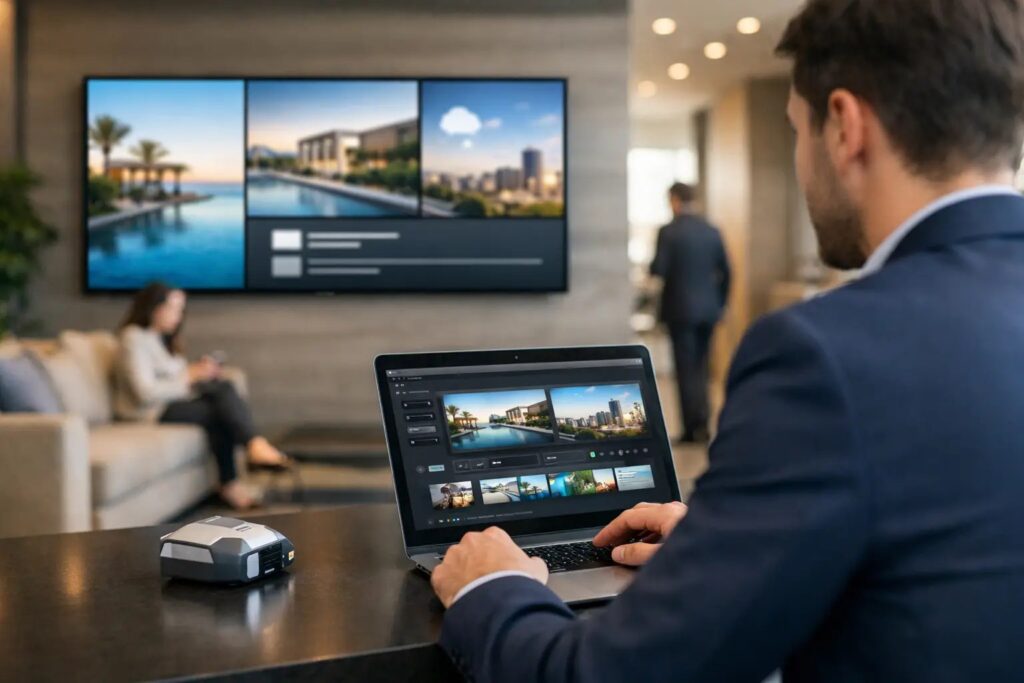
Learn how to automate lobby screen updates with simple workflows, scheduling, live data, and centralized control for faster, more reliable signage.
 Real-Time Digital Signage
This article explores how real-time information systems benefit police air support operations, what data should appear on heliport displays, and how your...
 SignageTube Digital Signage
Learn how to publish PowerPoint screens fast for digital signage, with practical steps for setup, scheduling, playback, and multi-screen control.
 Learning
Having trouble with your SignageTube Live plugin not showing up in PowerPoint? You’re not alone. COM add-ins can be tricky — PowerPoint...
 Cloud Digital Signage
Key Takeaways What Is a Digital Signage TV? A digital signage TV is a commercial-grade display specifically designed to show scheduled, remotely...
 SignageTube Digital Signage
Find the best digital signage for corporate offices with practical guidance on software, screens, scheduling, governance, and rollout.
 SignageTube Digital Signage
Enterprise screen management software review for teams that need simple, scalable control, scheduling, and governance across many business displays.
 SignageTube Digital Signage
Digital signage for franchises helps brands update screens fast, keep messaging consistent, and manage promotions across every location with less effort.
 Cloud Digital Signage
Getting messages to employees has never been more challenging. Email inboxes overflow, intranets go unvisited, and printed posters fade into the background....
 SignageTube Digital Signage
Compare PowerPoint signage vs graphic design tools for faster content creation, easier updates, and scalable screen management across teams.
 SignageTube Digital Signage
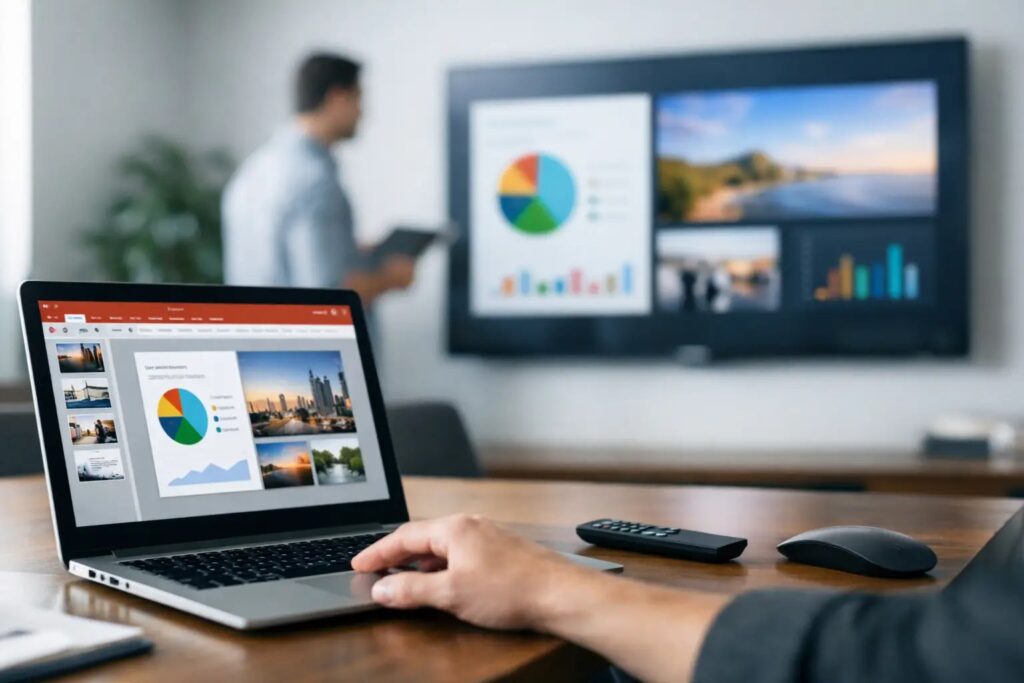
PowerPoint signage software review for teams that need fast content creation, easy scheduling, and reliable screen management at scale.
 Category - Knowledgebase
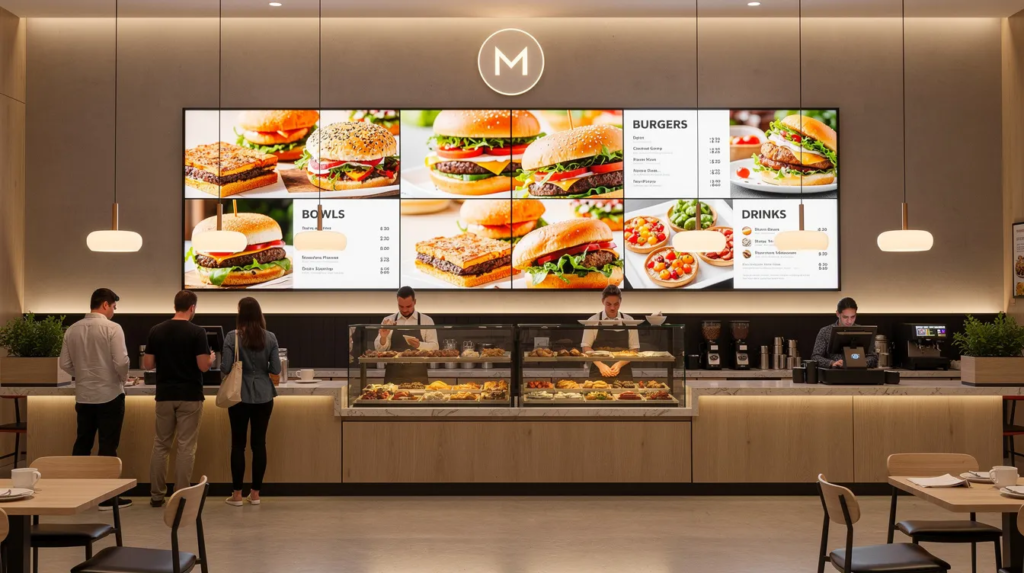
Digital signboards have transformed how businesses communicate with customers and employees in physical spaces. This guide is designed for business owners, managers,...
Pick what you want to try. No credit card needed, just your name and email.
Show your content, menus, welcome screens and promotions. The easiest place to start.
Start Cloud trial →Show live data that updates itself, prices, KPIs and dashboards from Excel and 20+ live sources. All features included.
Start Live trial →Not sure? Start with Cloud, you can switch anytime.
Both include a 7-day free trial. No credit card needed, just your name and email.