 SignageTube
 SignageTube Digital Signage
Find the best digital signage software for non-designers with simple creation, scheduling, and screen management that teams can use fast.
 SignageTube Digital Signage
Digital signage for manufacturing production boards helps teams share live KPIs, shift goals, alerts, and updates faster across every line and plant.
 Real-Time Digital Signage
Police stations form the operational backbone of public safety in communities worldwide. From processing crime reports to coordinating emergency response, these facilities...
 SignageTube Digital Signage
Compare digital signage cloud vs on premises deployment for security, control, speed, and scalability so you can choose the right fit.
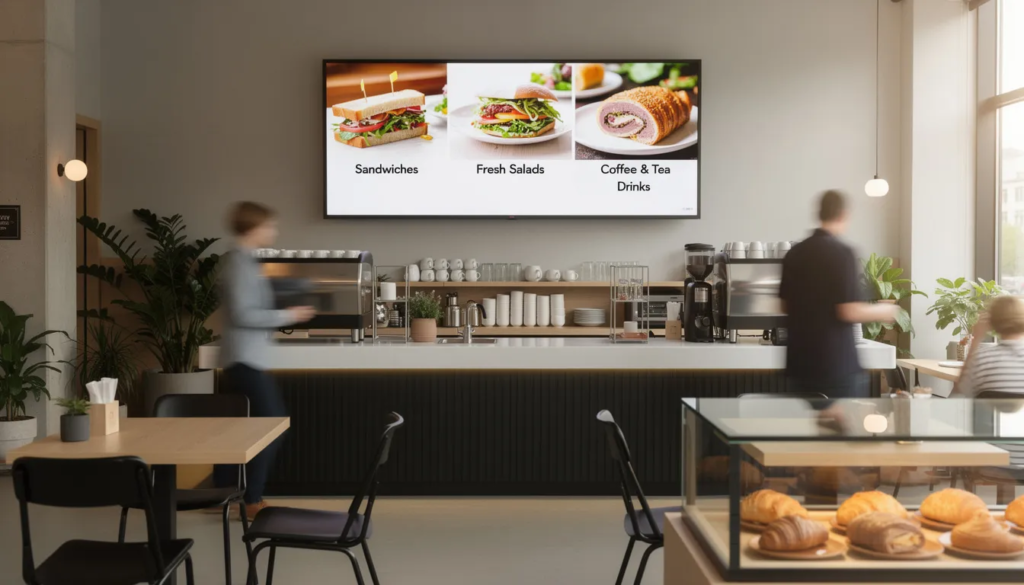 Cloud Digital Signage
If you’ve ever walked into a café and seen a screen cycling through breakfast specials, or noticed a retail window playing eye-catching...
 SignageTube Digital Signage
Compare digital signage software vs usb slideshow for business screens. See when USB works, where it fails, and when centralized control pays...
 SignageTube Digital Signage
Learn what to look for in a cloud based digital signage platform, from content creation and scheduling to governance, scale, and deployment.
 SignageTube Digital Signage
Multi location screen content scheduling helps teams control messaging, timing, and local updates across screens without adding design or IT complexity.
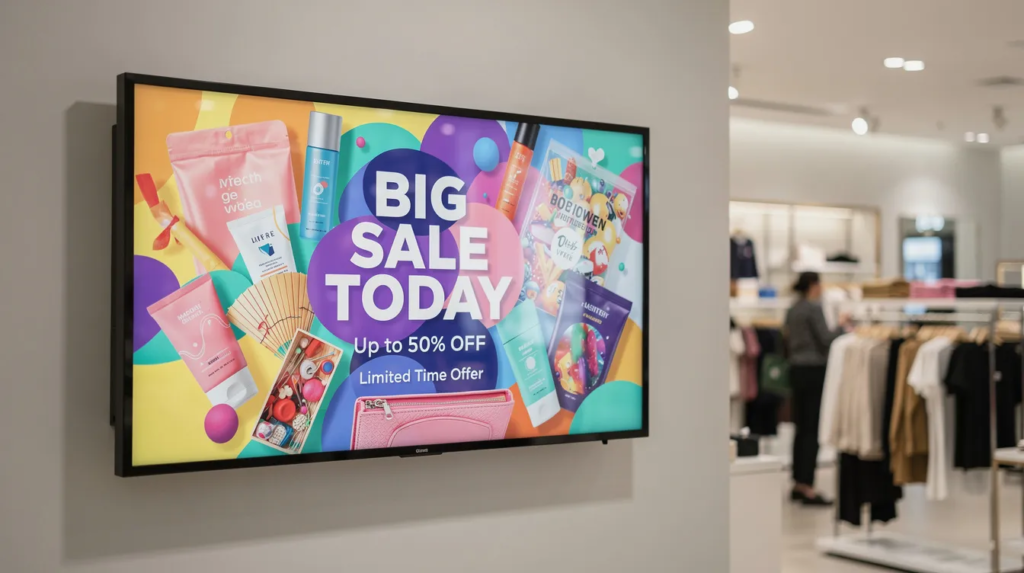 Cloud Digital Signage
If you’ve ever glanced at a digital sign, such as a flight information board at an airport, watched a menu change automatically...
 SignageTube Digital Signage
Learn how to create digital signage in PowerPoint, from slide setup to scheduling and screen management for fast, polished business displays.
 SignageTube Digital Signage
Digital menu boards for quick service restaurants help teams update pricing, promos, and dayparts faster while improving consistency.
 SignageTube Digital Signage
Build a PowerPoint dashboard for digital signage using familiar slides, live updates, and simple scheduling across one screen or many locations.
Pick what you want to try. No credit card needed, just your name and email.
Show your content, menus, welcome screens and promotions. The easiest place to start.
Start Cloud trial →Show live data that updates itself, prices, KPIs and dashboards from Excel and 20+ live sources. All features included.
Start Live trial →Not sure? Start with Cloud, you can switch anytime.
Both include a 7-day free trial. No credit card needed, just your name and email.