 SignageTube
 SignageTube Digital Signage
See a multi department signage workflow example that helps marketing, HR, ops, and IT publish faster with clear roles and fewer bottlenecks.
 SignageTube Digital Signage
Digital signage for churches announcement screens helps share updates, events, and worship info clearly with easier scheduling and screen control.
 SignageTube Digital Signage
Learn digital signage security best practices to protect screens, players, data, and remote access without slowing down daily content updates.
 SignageTube Digital Signage
Public transportation systems—buses, trams, metros, light rail, commuter rail, and ferries—move billions of passengers annually across cities worldwide. Public transportation refers to...
 SignageTube Digital Signage
Learn how to connect live KPI data to screens for faster decisions, clearer communication, and easier screen management across locations.
 SignageTube Digital Signage
Introduction: Scope, Audience, and Importance Courthouses are government buildings where judicial proceedings and legal administration take place. From arraignments to trials, these...
 SignageTube Digital Signage
Can digital signage run on smart tv screens? Yes - but hardware, app support, and management needs determine whether it works well...
 SignageTube Digital Signage
Use this digital signage content calendar guide to plan, schedule, and manage screen messaging across locations with less effort and better results.
 SignageTube Digital Signage
Learn how real time data driven signage improves screen communication with faster updates, better accuracy, and easier management.
 Cloud Digital Signage
Most methods for displaying a PowerPoint presentation on a TV create frustrating trade-offs. Using an HDMI cable is one of the easiest...
 SignageTube Digital Signage
How often should digital signage change? Learn the right update cadence for retail, offices, healthcare, and more without overloading viewers.
 SignageTube Digital Signage
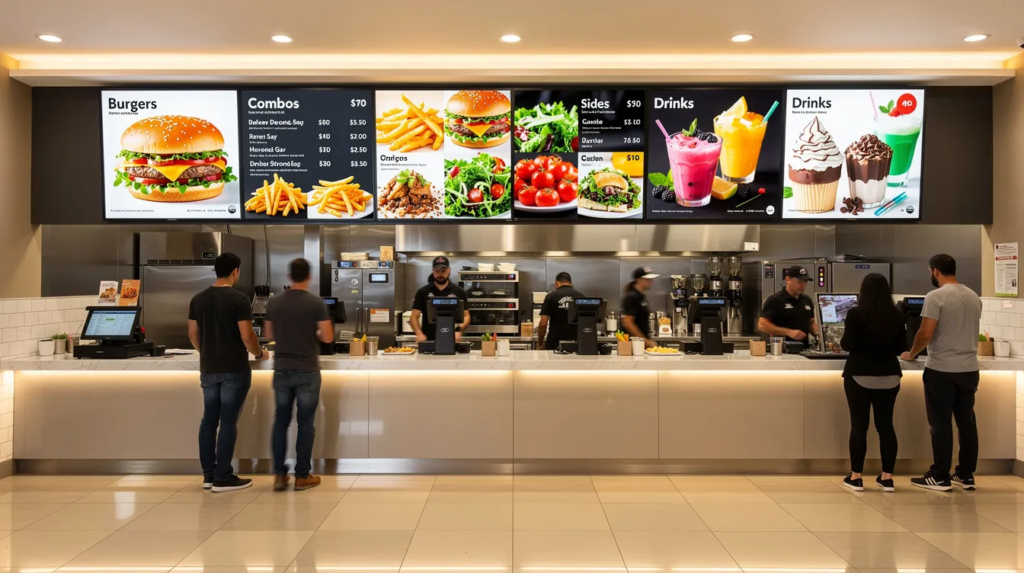
Digital Signage PowerPoint vs Canva: Which Works Better with SignageTube? Digital signage PowerPoint vs Canva is a core question for organizations seeking...
Pick what you want to try. No credit card needed, just your name and email.
Show your content, menus, welcome screens and promotions. The easiest place to start.
Start Cloud trial →Show live data that updates itself, prices, KPIs and dashboards from Excel and 20+ live sources. All features included.
Start Live trial →Not sure? Start with Cloud, you can switch anytime.
Both include a 7-day free trial. No credit card needed, just your name and email.