
Digital Signage Blog
Interesting articles and knowledge about digital signage software
How Many Screens Can Digital Signage Manage?
How many screens can digital signage manage? Learn what really sets screen limits, from software and hardware to content, control, and scale.
Tips for PowerPoint Digital Signage (Practical Guide for SignageTube Users)
Introduction: Why PowerPoint Works So Well for Digital Signage Most SignageTube customers already design their digital signage content in Microsoft PowerPoint. The presentation software is familiar, flexible, and installed on virtually every work computer. PowerPoint...

Multi Department Signage Workflow Example
See a multi department signage workflow example that helps marketing, HR, ops, and IT publish faster with clear roles and fewer bottlenecks.

Digital Signage for Churches Announcement Screens
Digital signage for churches announcement screens helps share updates, events, and worship info clearly with easier scheduling and screen control.

Digital Signage Security Best Practices
Learn digital signage security best practices to protect screens, players, data, and remote access without slowing down daily content updates.

Public Transportation: Real-Time Digital Signage for Government and Public Services
Public transportation systems—buses, trams, metros, light rail, commuter rail, and ferries—move billions of passengers annually across cities worldwide. Public transportation refers to shared passenger transport services available for use by the general public,...

How to Connect Live KPI Data to Screens
Learn how to connect live KPI data to screens for faster decisions, clearer communication, and easier screen management across locations.

Courthouses: Real-Time Digital Signage for Government and Public Services
Introduction: Scope, Audience, and Importance Courthouses are government buildings where judicial proceedings and legal administration take place. From arraignments to trials, these facilities serve citizens, lawyers, jurors, law enforcement officers, and...
Can Digital Signage Run on Smart TV?
Can digital signage run on smart tv screens? Yes – but hardware, app support, and management needs determine whether it works well at scale.
Digital Signage Content Calendar Guide
Use this digital signage content calendar guide to plan, schedule, and manage screen messaging across locations with less effort and better results.

Real Time Data Driven Signage That Works
Learn how real time data driven signage improves screen communication with faster updates, better accuracy, and easier management.

Best Way to Show PowerPoint on TV (Without Losing Animations & Fonts)
Most methods for displaying a PowerPoint presentation on a TV create frustrating trade-offs. Using an HDMI cable is one of the easiest ways to connect a laptop or mobile device to a TV for displaying PowerPoint presentations. Connect via HDMI cable and your laptop...
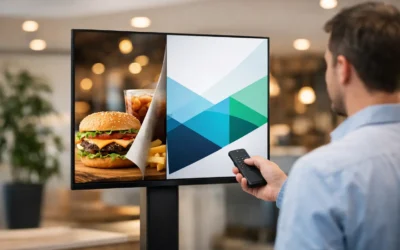
How Often Should Digital Signage Change?
How often should digital signage change? Learn the right update cadence for retail, offices, healthcare, and more without overloading viewers.
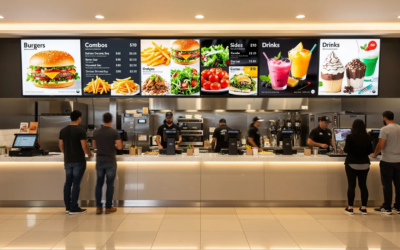
Digital Signage: PowerPoint vs Canva with SignageTube
Digital Signage PowerPoint vs Canva: Which Works Better with SignageTube? Digital signage PowerPoint vs Canva is a core question for organizations seeking the most effective way to create and manage digital signage content in 2026. This guide is for digital signage...
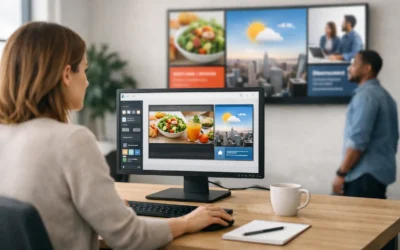
Best Digital Signage Software for Non-Designers
Find the best digital signage software for non-designers with simple creation, scheduling, and screen management that teams can use fast.
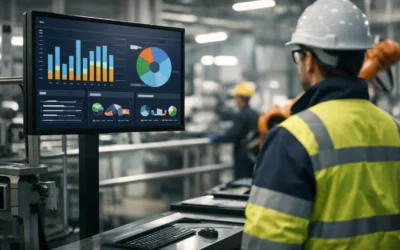
Digital Signage for Manufacturing Production Boards
Digital signage for manufacturing production boards helps teams share live KPIs, shift goals, alerts, and updates faster across every line and plant.

Police Stations: Real-Time Digital Signage for Modern Law Enforcement
Police stations form the operational backbone of public safety in communities worldwide. From processing crime reports to coordinating emergency response, these facilities handle complex, time-sensitive operations around the clock. Digital signage is widely used in...
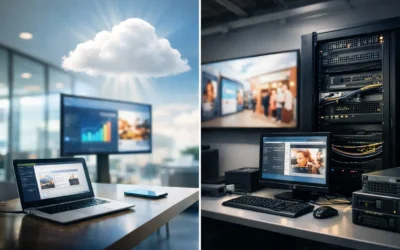
Digital Signage Cloud vs On-Premises
Compare digital signage cloud vs on premises deployment for security, control, speed, and scalability so you can choose the right fit.
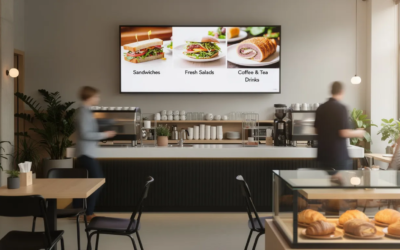
TV Digital Signage: How to Turn Any Screen into a Powerful Display
If you’ve ever walked into a café and seen a screen cycling through breakfast specials, or noticed a retail window playing eye-catching video content, you’ve seen TV digital signage in action. The good news? Setting up your own is far simpler—and more affordable—than...
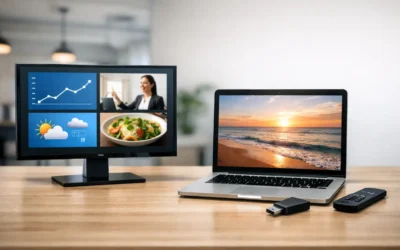
Digital Signage Software vs USB Slideshow
Compare digital signage software vs usb slideshow for business screens. See when USB works, where it fails, and when centralized control pays off.
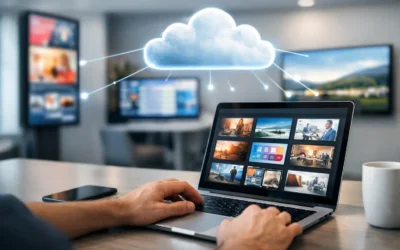
Choosing a Cloud Based Digital Signage Platform
Learn what to look for in a cloud based digital signage platform, from content creation and scheduling to governance, scale, and deployment.
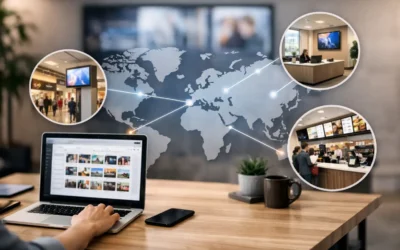
Multi Location Screen Content Scheduling That Works
Multi location screen content scheduling helps teams control messaging, timing, and local updates across screens without adding design or IT complexity.

Digital Signs: Definition, Options, and Why PowerPoint + SignageTube Is a Smart Combo
If you’ve ever glanced at a digital sign, such as a flight information board at an airport, watched a menu change automatically at a quick-service restaurant, or followed directions on an interactive map in a hospital, you’ve experienced digital signs in action. These...

How to Create Digital Signage in PowerPoint
Learn how to create digital signage in PowerPoint, from slide setup to scheduling and screen management for fast, polished business displays.

Digital Menu Boards for Quick Service Restaurants
Digital menu boards for quick service restaurants help teams update pricing, promos, and dayparts faster while improving consistency.

Real-Time Information for Police Air Support Teams
When managing a busy police aviation unit, every second counts. Flight crews and ground support teams rely on accurate data to make split-second decisions that impact public safety. Outdated communication methods, like manual whiteboards, slow down operations and...
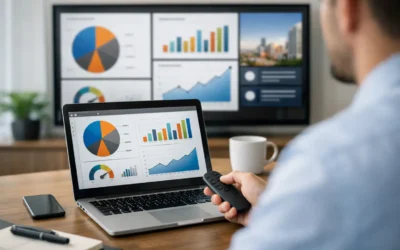
PowerPoint Dashboard for Digital Signage
Build a PowerPoint dashboard for digital signage using familiar slides, live updates, and simple scheduling across one screen or many locations.
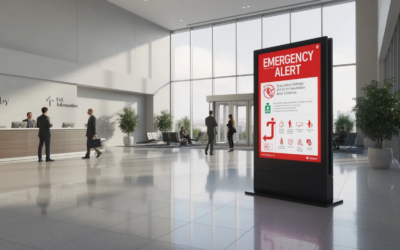
City Halls: Architecture, Civic Life, and Real-Time Digital Signage
City halls are the central administrative buildings and seat of power for local municipal governments. They play a vital role in shaping civic life, serving as the hub for local governance, public services, and community engagement. This article explores the...
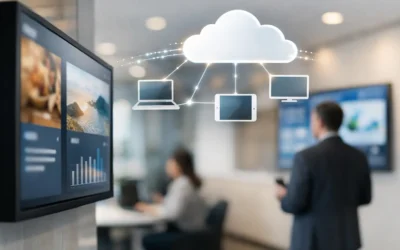
What Cloud Digital Signage Does Better
Cloud digital signage helps teams update screens fast, manage content remotely, and scale communication without complex tools or heavy IT overhead.
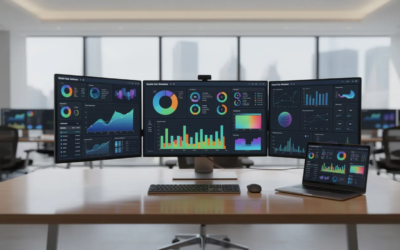
Business Dashboard Software: Tools, Trends, and How to Choose in 2026
Key Takeaways Business dashboard software serves as an interactive analytics layer that pulls data from CRM, ERP, web analytics, and finance systems into a single visual interface—enabling teams to track revenue dashboards, marketing funnel views, and support SLA...

Why Real-Time Digital Signage Works
Learn how real-time digital signage helps teams share live updates, automate content, and manage screens faster across locations.

Does PowerPoint Work for Digital Signage?
See when PowerPoint digital signage works best, where it falls short, and how teams can publish, schedule, and manage screens with less effort.
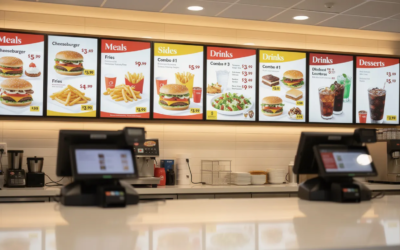
Cloud Digital Signage: The Future of Content Management
Key Takeaways Cloud based digital signage is a content delivery system where software, storage, and management are hosted on remote servers, allowing you to control every screen from a single online dashboard accessible from any internet-connected device. No...
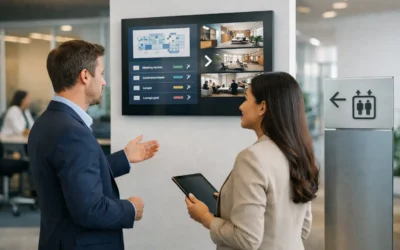
Build an Office Signage Plan That Works
Build a digital signage content strategy for offices that keeps messages clear, timely, and easy to manage across every screen.
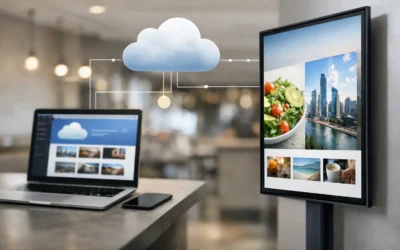
What Is Cloud Managed Digital Signage?
What is cloud managed digital signage? Learn how it works, who it fits, and why teams use it to control screens, scheduling, and updates remotely.

Keeping Your Team Safe with BE-Alert and SignageTube
In any business, the safety of your people is the highest priority. This is especially true for business owners, facility managers, and safety officers working in environments like factories, industrial parks, or large corporate campuses, where quick, clear...