 SignageTube
Digital Signage in Retail Stores: Strategy, Content & Technology That Sell
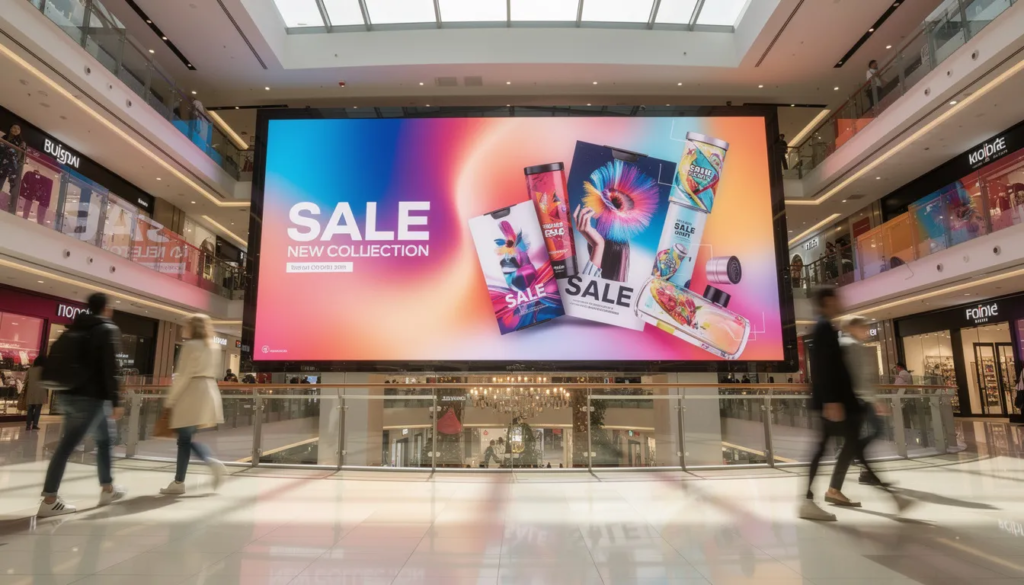
Walk into any major retail store in 2025 and you’ll notice screens everywhere. Window displays pulse with weather-triggered promotions. Entrance totems offer interactive store maps. Checkout screens suggest complementary items based on what’s already in your cart. This isn’t decoration—it’s a revenue-driving channel that smart retailers are treating with the same strategic rigor as their e-commerce investments. These technologies work together to create a seamless digital experience for shoppers, enhancing engagement and overall satisfaction.
This guide is for retail business owners, managers, and marketers looking to implement or optimize digital signage in their stores.
Digital signage is transforming the retail landscape by driving sales, enhancing customer engagement, and providing measurable ROI.
If you’re considering digital signage for retail businesses or looking to optimize an existing network, this guide breaks down the strategy, technology, and content approaches that actually move the needle on sales.
Key Takeaways
- Modern retail digital signage is a revenue-driving channel, not just “screens on walls,” and should be planned like any other marketing investment with clear KPIs and ROI expectations.
- Well-placed, data-informed screens can lift in-store sales by 5-15% on promoted SKUs, increase impulse purchases at POS by nearly 20%, and improve overall customer experience.
- The core building blocks of a retail signage stack include commercial-grade displays, media players, cloud CMS, data integrations, and analytics tools.
- Specific use cases span the entire customer journey: window displays to attract customers, wayfinding to reduce friction, product discovery screens, queue management, and retail media networks for monetization.
- Retailers should start with a pilot in 1-3 stores over 90 days, define success metrics upfront, and only then scale to their full digital signage network.
What Is Digital Signage in Retail Stores Today?
Digital signage displays can be used for various applications, including advertising, wayfinding, and enhancing customer engagement.
Picture yourself walking through a grocery chain in 2025. As you approach, high-brightness window screens catch your eye with iced tea promotions—it’s a hot day, and the content has automatically adjusted to the weather. Inside, an entrance totem displays an interactive store map, helping you locate the items on your list without flagging down staff.
Digital signage for retail is easy to set up and requires digital signage software, a digital signage player, and a TV screen.
As you navigate the aisles, end-cap displays highlight real-time inventory deals. That overstock of premium olive oil? It’s now featured with a limited-time discount that didn’t exist yesterday. At checkout, a screen above the register suggests batteries to go with the flashlight in your cart. All of this updates seamlessly via a cloud CMS without any staff intervention, especially when you use a cloud-based digital signage platform that centralizes control across locations.
Retail digital signage is precisely this: networked arrays of screens, embedded media players, and centralized software delivering dynamic, scheduled content within and around physical stores to influence behavior and drive sales, mirroring the broader definition of digital signage and how it works across industries. These hardware components—screens, media players, and software—are collectively referred to as a digital sign in retail environments. Digital signage for retail is easy to set up, requiring only digital signage software, a digital signage player, and a TV screen, with flexible digital signage plans for different deployment models to match your needs.
This starkly contrasts with legacy static posters. Where printed signs remain unchanged for weeks or months, dynamic content adjusts based on:
- Time of day (day-parting): Commuter breakfast deals in the morning, dinner specials in the evening
- Real-time inventory: Automatically swapping out-of-stock items or promoting overstock
- Local weather APIs: Umbrella promotions when it rains, sunscreen when it’s sunny
- Audience detection: Personalized offers based on anonymized demographic signals
Typical retail environments using this technology include:
- Fashion outlets with virtual mannequin window displays
- Grocery chains with digital menu boards and shelf-edge promotions
- Electronics stores using video walls for product demos
- QSR corners with dynamic pricing boards
- DIY and home improvement aisles with how-to video loops
- Shopping malls deploying wayfinding kiosks
Common Content Use Cases
What content do retailers actually show on these screens? Here are the most common use cases:
- Promotional loops: Featured product campaigns that boost sales by an average of 32%
- Digital menus: Dynamic pricing and menu boards that optimize order flow in QSR environments
- Interactive wayfinding: Navigation assistance that reduces staff inquiries
- Product explainers: Educational content lifting category-wide purchases
- Social proof walls: Customer reviews and social media feeds spurring 33% higher repeat purchases
The In-Store Opportunity: From Screens to Measurable Sales
By 2024-2025, in-store media has evolved from a cost center into a critical profit driver. Retail commands 40% of the digital signage market share, and with brick-and-mortar capturing 76% of U.S. shopping activity, chains are integrating displays for incremental revenue rather than viewing them as sunk costs.
Digital signage supports the full path to purchase in ways that static signage simply cannot:
|
Stage |
How Digital Signage Helps |
Impact |
|---|---|---|
|
Attracting footfall |
Bold window visuals influence 80% of store entries |
Increase foot traffic into stores |
|
Guiding discovery |
Aisle screens receive 400% more views than static signs |
Enhance customer engagement with products |
|
Supporting comparison |
Feature highlight loops help shoppers evaluate options |
Improved product features understanding |
|
Nudging at checkout |
POS displays prompt impulse buys |
19.8% uplift in unplanned purchases |
The concrete impacts are backed by substantial research. A 2025 study tracking 30 million shopper visits via RFID carts and screens confirmed that displays drive 8.1% higher purchase likelihood for advertised SKUs, with 87.7% of additional revenue directly attributable to digital signage exposure. Deloitte Digital reports 5-15% overall sales increases, while Mvix data shows 32% lifts on promoted SKUs.
Retailers are also leveraging their digital screens as the backbone of retail media networks (RMNs), selling ad inventory to CPG and brand partners. This market is projected to reach $203.9 billion in 2026, growing at 17.6% year-over-year. Brands see 21% gross ROI on exposures near POS, making this a win-win for retailers and advertisers alike.
Beyond revenue, the non-monetary benefits are significant:
- 35% reduction in perceived wait times through queue entertainment
- Fewer staff interruptions for directional questions via wayfinding screens
- 47.7% in-store recall rates ensuring better promotional compliance
Core Components of a Retail Digital Signage System
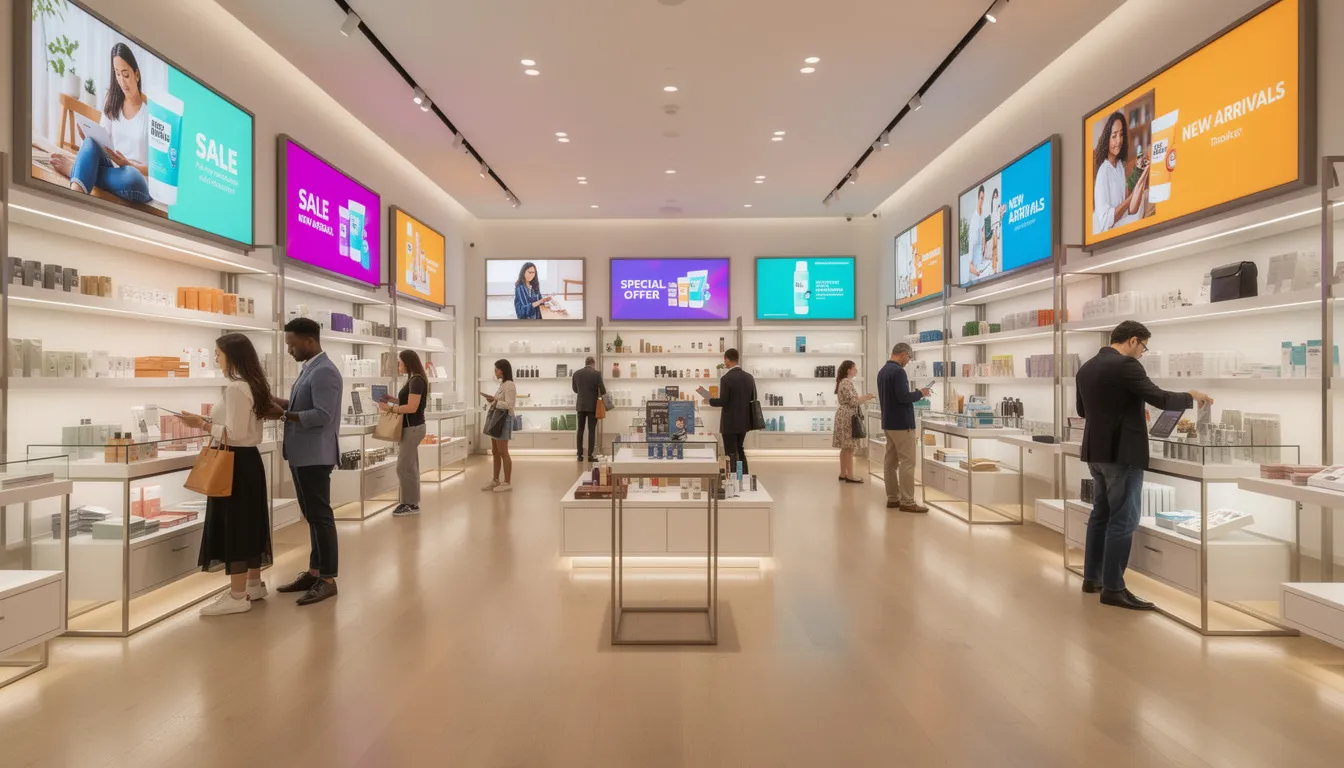
Think of this section as your buyer’s checklist. Before investing in a digital signage system, you need to understand the five core components that make it work.
Displays
Your display screens are the most visible part of the system. Options include:
- Commercial-grade LCD panels: Designed for 16/7 reliability, these are the workhorse of most retail deployments
- 4K UHD displays: Ideal for crisp product demos in electronics aisles and fashion displays
- High-brightness window screens: Up to 5000 nits to combat sunlight glare in fashion storefronts
- Direct-view LED walls: Perfect for expansive mall atriums, offering seamless bezel-free visuals at wider viewing angles
Media Players
These compact, fanless devices mount behind each screen and handle content playback. Look for:
- Intel processors supporting 4K/8K video
- Offline playback capability for connectivity lapses
- Remote over-the-air update functionality
- Low-power operation to minimize heat in enclosed fixtures
Cloud Content Management System (CMS)
Your digital signage software centralizes control over all your screens. A cloud digital signage solution with centralized management should offer features like:
- Drag-and-drop scheduling and playlist management
- Screen grouping by store zones (e.g., all POS displays synced)
- Role-based access for marketing versus store managers
- Template libraries accelerating campaign deployment across chains
Integrations
The power of dynamic content comes from connecting your signage to other systems, using real-time data as a digital signage secret weapon:
- POS systems: Trigger basket-based upsells at checkout
- Inventory databases: Auto-swap out-of-stock items to avoid shopper frustration
- Weather and traffic APIs: Deliver contextually relevant promotions powered by real-time digital signage updates
- Loyalty apps: Personalized offers via anonymized Bluetooth detection, enabling real-time digital signage benefits for engagement
Monitoring and Support
Remote management keeps your network running smoothly:
- Heartbeat signals for remote health diagnostics
- Automatic reboots when screens freeze
- Proactive alerts when a screen or media player goes offline
- Target: 99% uptime in scaled deployments
Types of Digital Signage in Retail & Where to Use Them
Different store zones call for different screen types. Mapping the right format to each location maximizes impact while optimizing your investment. Different types of retail digital signage displays are effective tools to engage customers in a retail environment, as they can deliver targeted content and promotions that capture attention and drive interaction.
Display Types and Best Use Cases
|
Technology |
Best Use Case |
Key Advantage |
|---|---|---|
|
LED |
Large-scale atriums, outdoors |
100,000-hour lifespan, weather durability |
|
High-brightness LCD |
Sunlit windows |
Cost-effectiveness, visibility |
|
4K LCD |
Indoor mid-store displays |
Clarity and affordability balance |
Window-Facing Signage
High-brightness LCD or transparent OLED displays (often in 21:9 portrait ratios) function as virtual mannequins in fashion retail. Research shows window displays influence 68% of customer decisions to enter a store. For example, a fashion retailer might use digital signage content showing outfit combinations that change throughout the day.
Wayfinding Totems
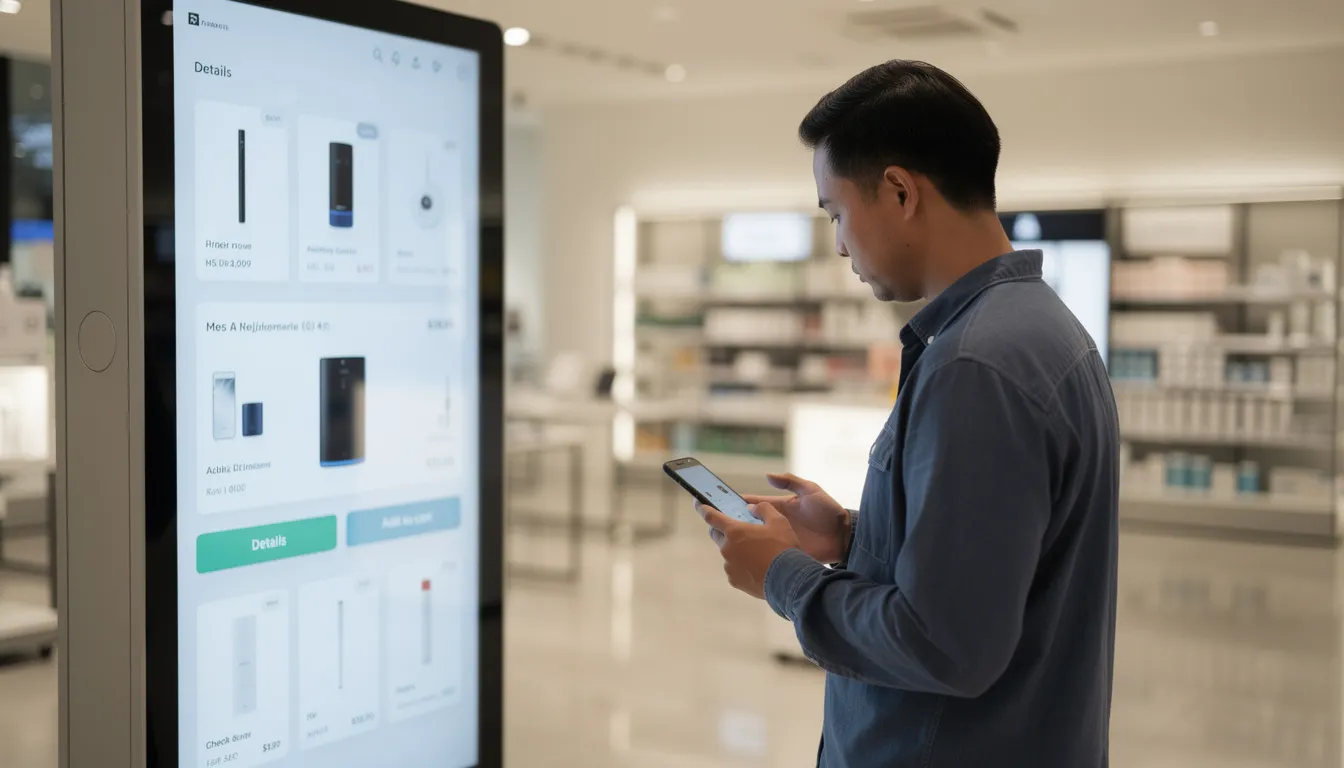
Touchscreen kiosks or QR-code handoff stations at entrances help shoppers navigate sprawling DIY warehouses or big box stores. These reduce staff inquiries and improve customer satisfaction by helping shoppers find what they need quickly.
Shelf-Edge Displays
Small 10-inch panels integrated with electronic shelf labels flash dynamic pricing in grocery aisles. These are ideal for targeted promotions and real-time price adjustments based on inventory levels.
End-Cap Video Walls
These cross-promote seasonal bundles and create visual impact in high traffic areas. End-caps are prime real estate in any retail store and deserve engaging content that draws attention.
POS Screens
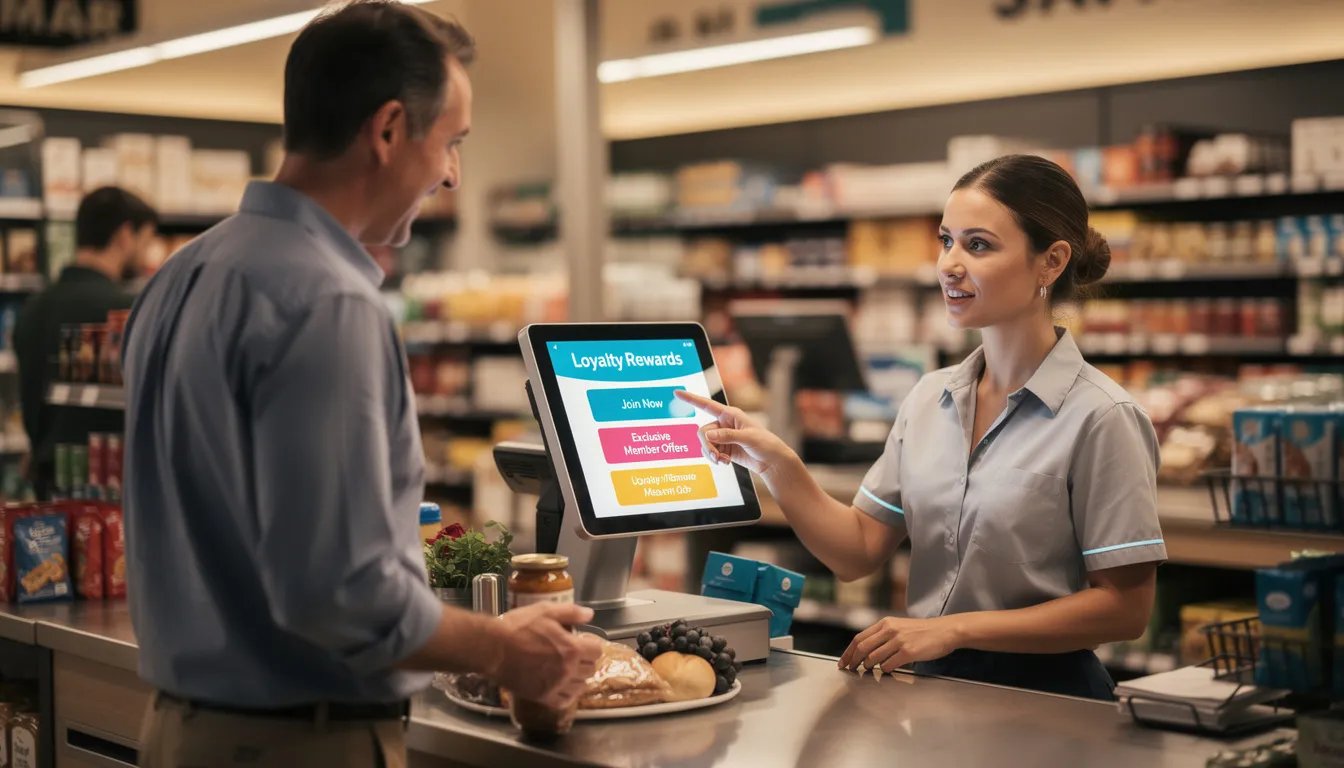
Checkout displays nudge impulse buys with loyalty reminders and complementary product suggestions. With 19.8% uplifts in unplanned purchases, this placement delivers measurable ROI.
Menu Boards
Digital menus in QSR environments auto-adjust prices during peak periods and highlight high-margin items. This is one of the most common applications of store digital signage in food retail.
Immersive Video Walls
Large-format LED installations in electronics sections demo 4K content, creating an interactive experience that lets shoppers interact with products virtually.
Practical placement considerations:
- Optimal viewing cones of 30-100 degrees
- Pixel pitch of 1-2 pixels per foot of viewing distance
- Anti-glare coatings for ambient light mitigation
- Foot-traffic heatmaps to identify high-dwell zones
Content Strategy: Turning In-Store Screens into Selling Tools
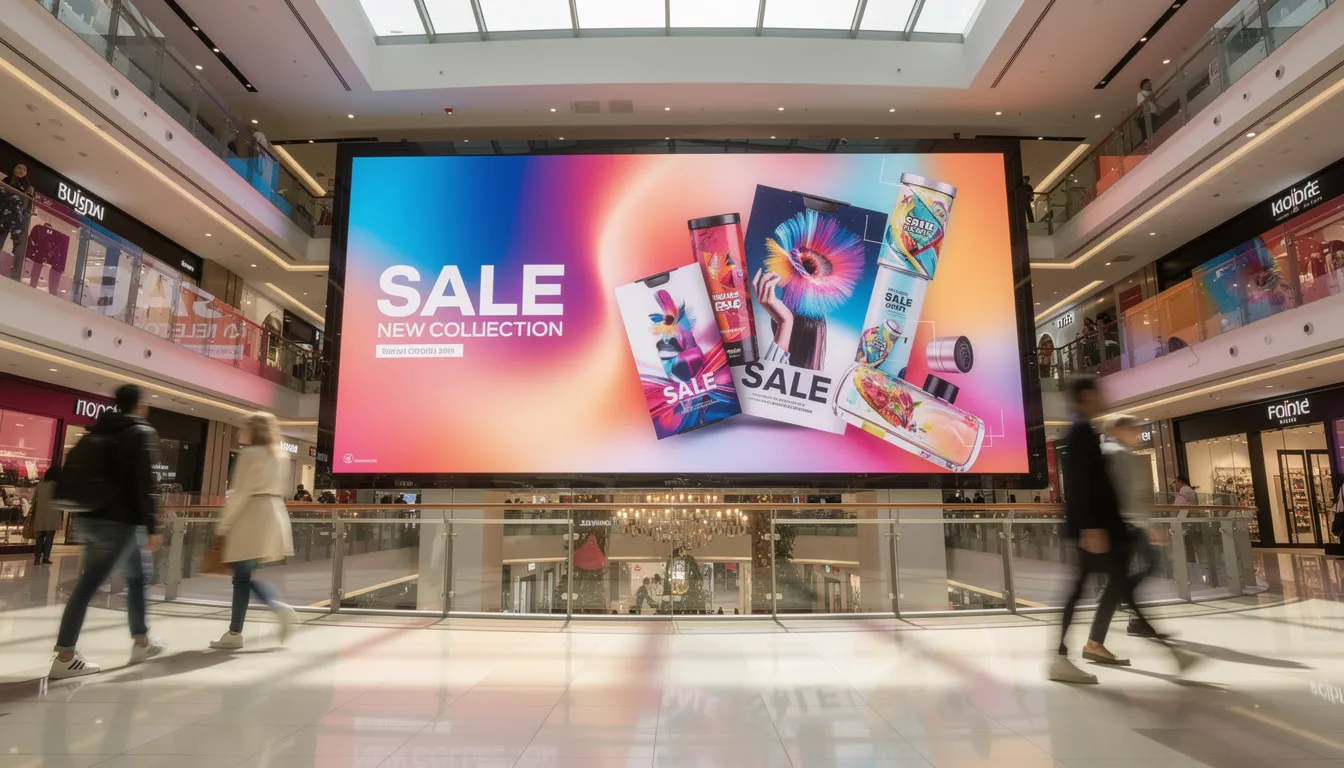
Here’s a truth that many retailers learn the hard way: content, not hardware, determines whether signage actually moves the needle on revenue. You can install the most sophisticated digital signage solutions available, but without the right messaging, you’re just running expensive slideshows.
Customer-First Messaging
Use digital screens to solve shopper problems rather than just broadcasting promotions:
- Finding items: Wayfinding content achieves 47.7% recall
- Comparing features: Silent captioned videos explaining product differences
- Understanding promotions: Shoppable QR codes linking to detailed offer pages
Day-Parting Strategy
Schedule content to match shopper behavior throughout the day:
|
Time Period |
Audience |
Content Focus |
|---|---|---|
|
Morning |
Commuters |
Quick coffee deals, grab-and-go items |
|
Lunchtime |
Browsers |
Combo meals, midday specials |
|
After work |
Dinner shoppers |
Meal solutions, dinner specials |
|
Weekends |
Families |
Bundle deals, special events |
Dynamic Rules
Set up triggers that automatically adjust content based on real-world conditions to fully leverage dynamic real-time digital signage content:
- Show umbrella offers when weather APIs detect rain
- Clear overstock with real-time pricing when inventory exceeds thresholds
- Auto-substitute unavailable SKUs with alternatives
- Promote products based on trending demand data
Content Formats That Work
Research shows certain formats consistently outperform others:
- 10-15 second motion clips: 83% recall rate
- Silent loops with subtitles: Effective without audio
- Social proof carousels: Boost repeat purchases by 33%
- How-to animations: Particularly effective in hardware and DIY aisles
- Shoppable QR codes: Bridge physical and digital shopping experience
Accessibility and Inclusivity
Ensure your retail signage content works for all customers:
- Minimum 24-point fonts for readability
- 4.5:1 contrast ratios between text and background
- Captioning for all video content
- Reduced motion options for epilepsy compliance
- Avoid overwhelming sensory experiences in compact spaces
Placement, Layout & Store Experience Design
Screens should be part of your store design from the beginning, not an afterthought bolted on later. Strategic placement across entrance, aisles, and checkout zones creates a cohesive in store experience that guides shoppers naturally toward purchase.
Entrance and Window Strategy
First impressions matter. Your entrance digital displays should feature:
- High-brightness panels visible in direct sunlight
- Bold visuals with minimal text (5-second comprehension rule)
- Clear calls to action: “20% off inside today”
- Content that syncs with e-commerce promotions for omnichannel recognition
Mid-Store Screens
Once shoppers are inside, your in store digital signage serves different purposes:
- Wayfinding: Essential in grocery labyrinths and big box stores to enhance customer engagement
- Product education: DIY how-to loops in hardware aisles
- Cross-selling: Suggesting batteries near flashlights, cases near phones
Checkout and Queue Zones
The final moments before purchase are critical. Deploy:
- POS upsells based on cart contents
- Loyalty program reminders and sign-up prompts
- Queue entertainment that reduces perceived wait times by 35%
- Last-minute impulse buy suggestions
Sound Considerations
Audio requires careful management in retail environments:
- Use directional speakers at menu boards to avoid aisle bleed
- Default to mute in most areas to prevent overload
- Reserve audio for dedicated demo areas or kiosks where shoppers interact intentionally
Omnichannel Consistency
44% of retail executives project 1.5 percentage point profit margin gains from integrated technology experiences. Ensure your in-store layouts and messages align with:
- Website and e-commerce promotions
- Mobile app content and notifications
- Email campaigns and offers
When shoppers see the same promotion in-store that they received via email, recognition is instant and conversion rates climb.
Measuring Performance & Proving ROI
Define your success metrics before installing the first screen. Without clear KPIs, you’ll have no way to measure success or justify continued investment.
Primary KPIs to Track
|
Metric |
What It Measures |
Target Range |
|---|---|---|
|
SKU uplift |
Sales increase on promoted products |
5-32% |
|
Basket size change |
Average transaction value |
5-15% increase |
|
Offer redemption rate |
Effectiveness of on-screen promotions |
Varies by category |
|
Dwell time |
Time spent near key display areas |
Context-dependent |
Data Collection Methods
- POS Integration: Connect your digital signage system to point-of-sale data for direct sales attribution. This is the gold standard for proving ROI.
- Loyalty ID Tracking: When customers use loyalty cards, you can track repeat purchase behavior and link it to signage exposure.
- Anonymous Foot-Traffic Analytics: Wi-Fi and Bluetooth heatmaps show where customers spend time without collecting personal data.
- A/B Testing: Compare “screen on vs. screen off” periods or test vs. control stores over 4-12 weeks to isolate signage impact.
Retail Media Network Metrics
If you’re monetizing your screens through an RMN, track:
- Impressions and play counts by brand
- Category performance during campaigns
- Proof-of-play reports for advertisers
- Brand exposure near POS (21% gross ROI benchmark)
Optimization Cycles
Don’t set and forget. Establish regular review cadences:
- Monthly: Review content performance, retire underperformers (anything under 5% engagement)
- Quarterly: Evaluate placement effectiveness, adjust screen locations if needed
- Annually: Assess hardware condition, plan upgrades, recalibrate strategy
ROI breakeven typically occurs in 1-2 years at 3% margins, faster when you add advertising revenue from brand partners.
Implementation Roadmap: From Pilot to Chain-Wide Rollout
The biggest mistake retailers make with digital signage? Trying to launch everywhere at once. Start small with a defined pilot, prove the concept, then scale—especially if you’re already seeing clear signals it’s time to invest in digital signage.
Pilot Plan Structure
- Scope: 1-3 representative stores, 20-50 screens, 60-90 day test window
- Goals: Establish baseline metrics, test content effectiveness, identify operational challenges
Example from research: A 2025 study used five screens plus RFID per store to track 30 million visits and demonstrated measurable sales impact.
Implementation Steps
- Store survey and design: Assess power availability, Wi-Fi coverage, mounting locations, and sunlight exposure
- Hardware selection: Match display types to each zone based on requirements
- Installation planning: Secure mounts, cable management, and network configuration
- Content creation: Develop initial playlists aligned with business goals
- Staff training: Ensure local teams understand the CMS and troubleshooting basics
- Go-live with baselines: Document pre-launch metrics to measure against
Operational Planning
Assign clear ownership:
- Content owners: Central marketing team with local store input capability
- Approval workflows: Who signs off on campaigns before they go live
- Update cadence: Bi-weekly content refreshes as a baseline
- Outage protocols: Remote reboot procedures and escalation paths
Scaling to Additional Locations
Once your pilot proves successful:
- Standardize templates: Create playbook documents for consistent rollouts
- Use cloud replication: Duplicate successful content and settings across locations
- Manage all your screens centrally while allowing local customization
- Budget appropriately: Factor in ongoing SaaS licensing ($50-200/screen/month), content production, and maintenance
Future Trends in Retail Digital Signage
Looking ahead to 2026, the U.S. digital signage market is projected to reach $9.73 billion with a 7.26% CAGR, while global markets expand to $29 billion at 8.1% annual growth. Here’s where the technology is heading.
Personalization at Scale
Screens will increasingly react to individual shoppers:
- Loyalty app check-ins triggering personalized offers
- Localized promotions based on store demographics
- Anonymized audience analytics adjusting content in real-time
AI-Driven Content Selection
Machine learning will automatically choose which creative to show based on:
- Time of day and historical performance data
- Current demand signals and inventory levels
- Price elasticity optimization
Interactive Experiences
Engagement is moving beyond passive viewing:
- Touch kiosks: Product configuration and comparison tools
- Mobile handoff via QR codes: Seamless transition to smartphone
- AR mirrors: Virtual try-ons for fashion and cosmetics
- Product configuration stations: Customize items before purchase
Sustainability Considerations
Environmental impact is becoming a purchasing factor:
- Energy-saving schedules reducing power consumption
- 50,000+ hour panel lifespans reducing replacement cycles
- Eliminated paper waste compared to printed signage
- Reduced logistics costs from not shipping physical materials
The right message for retailers evaluating this technology: see digital signage as a long-term platform you can evolve, not a one-time hardware purchase. Retail media is projected to become a top-three advertising channel, and your in-store screens are the infrastructure that makes it possible.
FAQ
How much does digital signage in a retail store typically cost to get started?
For a small pilot, expect to invest $5,000-20,000 upfront for 5-10 commercial displays ($500-2,000 each), media players ($200-500 each), CMS licenses (around $100/screen/year), and basic installation. Ongoing costs run $200-1,000/month for software, support, and content production.
To justify the investment, model your ROI using measurable uplifts. If promoted SKU sales increase by even 5-15%—well within documented ranges—the system typically pays for itself within months. Add retail media revenue from brand advertisers, and breakeven accelerates further.
Do I need commercial-grade displays, or can I use regular consumer TVs?
Commercial panels are strongly recommended for most retail deployments. Key differences include:
- Operation hours: Commercial displays are rated for 16/7 or 24/7 use; consumer TVs are designed for 8-hour daily operation
- Brightness: Commercial screens offer 700-5000 nits versus 300-400 nits for consumer TVs
- Warranty: 3-5 year coverage versus 1 year
- Burn-in resistance: Commercial panels handle static content without image retention
Consumer TVs may work for very small, low-hours pilots in controlled environments, but they’ll fail faster and cost more over a 3-year total cost of ownership calculation—despite the 2x initial price difference.
Who should manage the content for our in-store screens?
Common ownership models include:
- Centralized marketing team: Controls brand consistency, uses templates with local store input
- Mixed approach: Central team creates campaigns, local managers can schedule promotions
- External partners: Agencies handle high-quality motion design and campaign production
Regardless of structure, assign a clear internal “screen owner” responsible for calendar planning, approval workflows, and performance reviews. When internal capacity is limited, creative ways to supplement include agency partnerships for seasonal campaigns or template-based systems that reduce design requirements.
How often should I update my digital signage content?
Baseline recommendation: refresh hero campaigns every 2-4 weeks with day-parted variations running within that window. However, content types have different lifespans:
- Wayfinding and store policies: Can remain stable for months
- Promotional campaigns: Rotate every 2-4 weeks
- Seasonal and special events content: Update with calendar events
- Data-driven content: May change daily or hourly based on triggers
Use performance data to decide which assets to keep longer (high engagement) and which to retire quickly (underperformers). If something isn’t working after two weeks, replace it rather than waiting for the scheduled rotation.
What technical prerequisites does my store need before deploying digital signage?
Essential requirements include:
- Network: Reliable broadband connection (10Mbps+ recommended)
- Power: GFCI outlets near planned mounting points
- Mounting: Secure structures capable of supporting display weight
- Cable management: Paths for power and network cables
IT considerations:
- Network security policies for connected devices
- VLANs or dedicated guest networks for media players
- Remote access policies for CMS management
Before installation, conduct a short site survey to identify potential issues: Wi-Fi dead zones that need boosters, sunlight glare requiring anti-glare coatings or repositioning, and structural limitations for mounting. Addressing these upfront prevents costly modifications after the device is installed.
- SignageTube Starter – content signage on any TV
- SignageTube Enterprise – live data on your screens
- Digital signage software – how to choose, and what matters
- Templates – 120+ ready-made designs
- Pricing – simple per-screen plans