

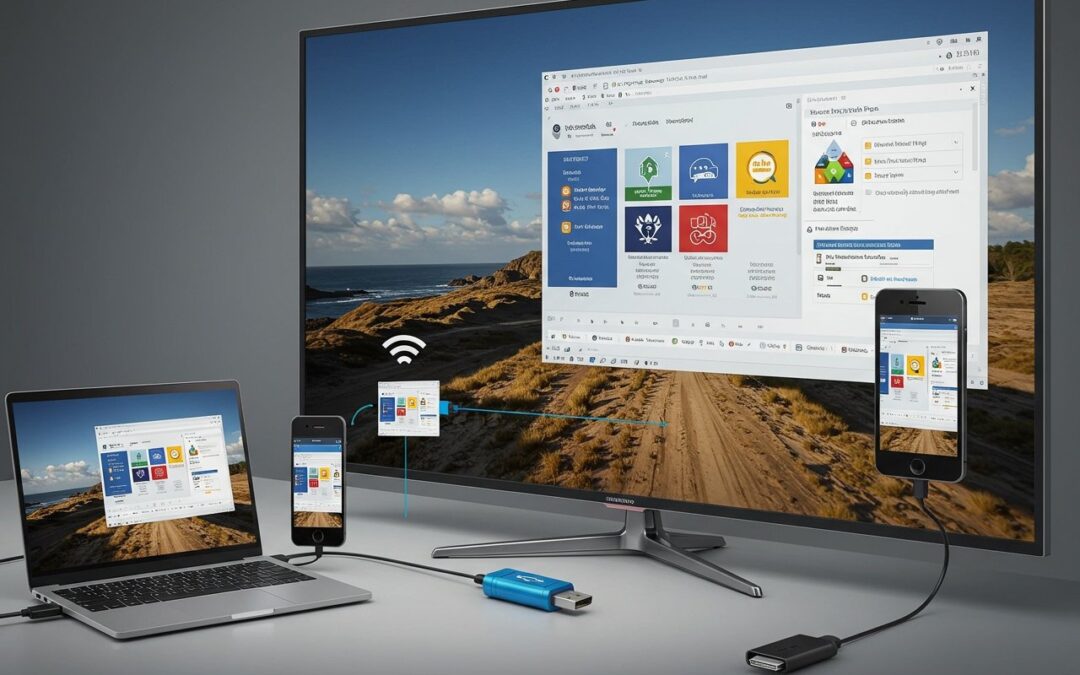
How to play a PowerPoint on a TV (HDMI, wireless casting, USB, and digital signage)
Showing a PowerPoint on a TV is one of the fastest ways to make your message feel bigger, clearer, and more shared—whether you’re presenting live, running a loop in a lobby, or broadcasting information across multiple locations.This guide walks through the four most...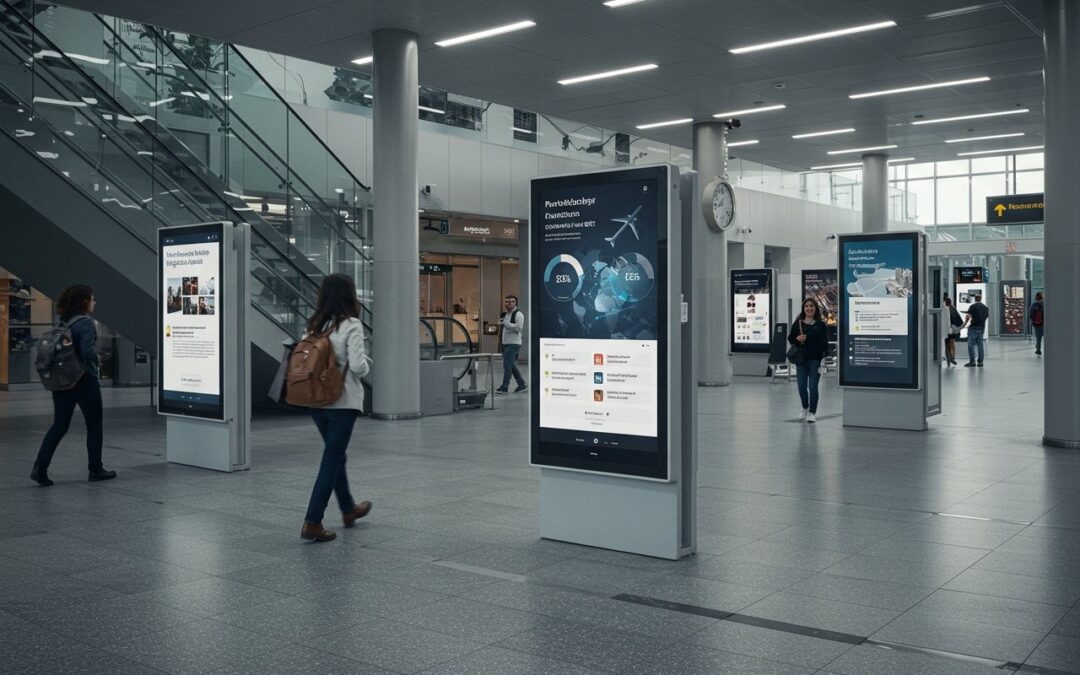
PowerPoint digital signage solutions in the cloud and in real time
If you already know PowerPoint, you already have a powerful digital signage design studio. What most organizations don’t have is a simple way to publish those slides to one screen or a thousand, keep them on schedule, and update them instantly when the real world...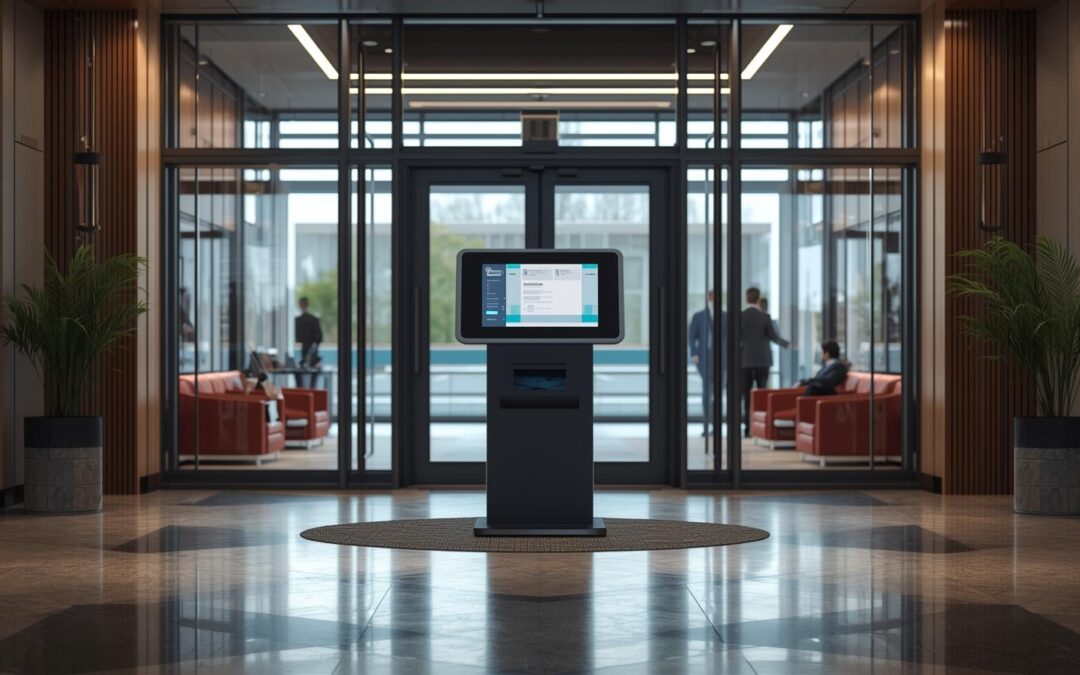
PowerPoint Kiosk Mode: How to Create a Locked-Down Interactive Kiosk (step-by-step)
PowerPoint isn’t just for meetings. With the right settings, it can become a touch-friendly, locked-down kiosk that people can use without accidentally skipping slides or breaking your flow. That’s exactly what PowerPoint kiosk mode is for. In this guide, you’ll...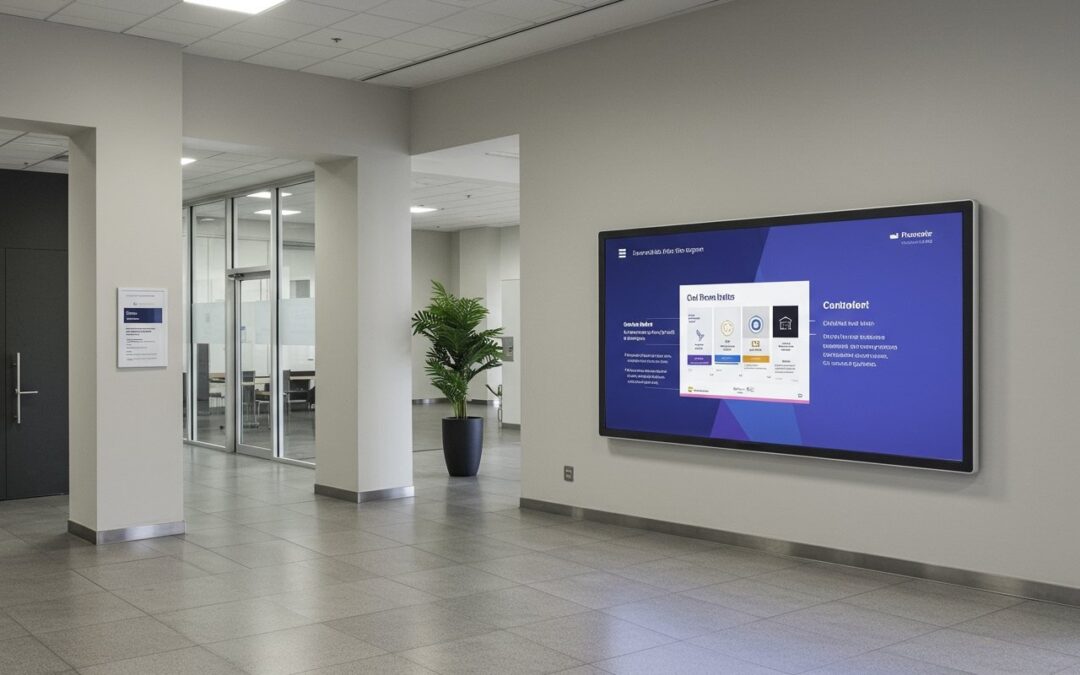
PowerPoint Digital Signage: The Complete Guide to Turning Slides into Screen-Ready Content (2026)
PowerPoint is one of the fastest ways to create on-screen messages—because your team already knows how to use it (your existing PowerPoint skills carry over immediately).But “PowerPoint on a TV” and PowerPoint digital signage are not the same thing.PowerPoint digital...
Recent Comments