


Multi-Location Signage That Stays On-Brand
Your best promo shouldn’t depend on whoever happens to be working the front desk. That’s the real problem multi-site teams run into with digital signage. The screens are there, the intent is there, but execution turns into a patchwork: one store loops last month’s...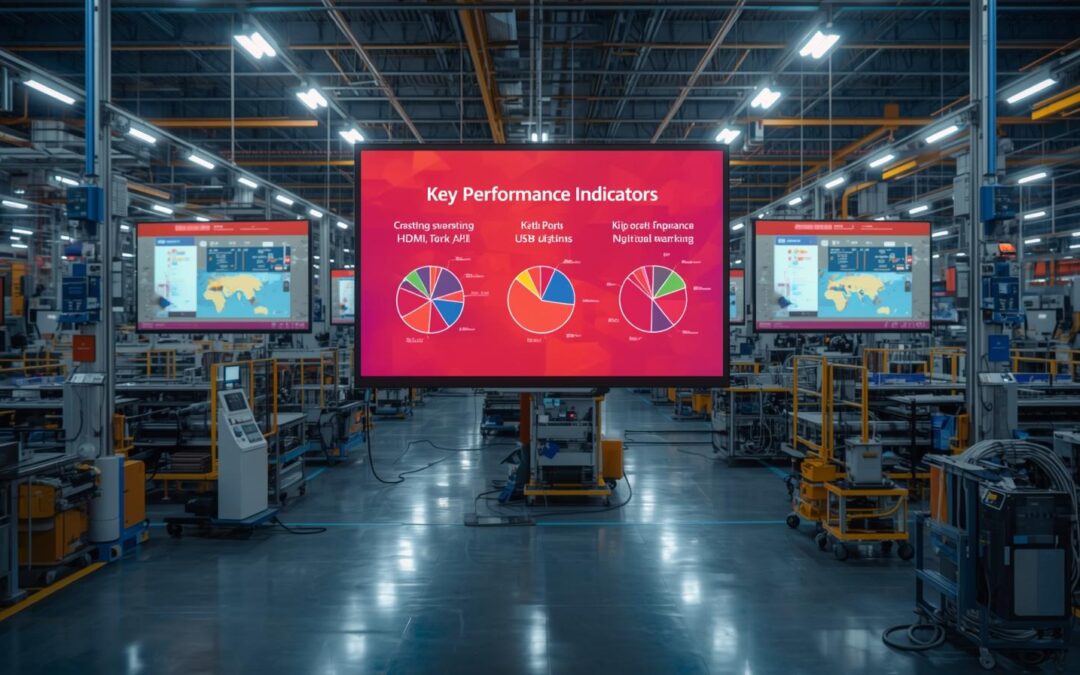
Publish PowerPoint to a TV easily: 5 reliable methods (HDMI, casting, USB, kiosk, and digital signage)
If you’ve ever tried to get a PowerPoint onto a TV five minutes before people arrive, you already know the truth: it’s not hard—until it is. Cables don’t fit. Audio goes to the wrong device. The TV crops the slide edges. Wi‑Fi drops. And suddenly “just show the deck”...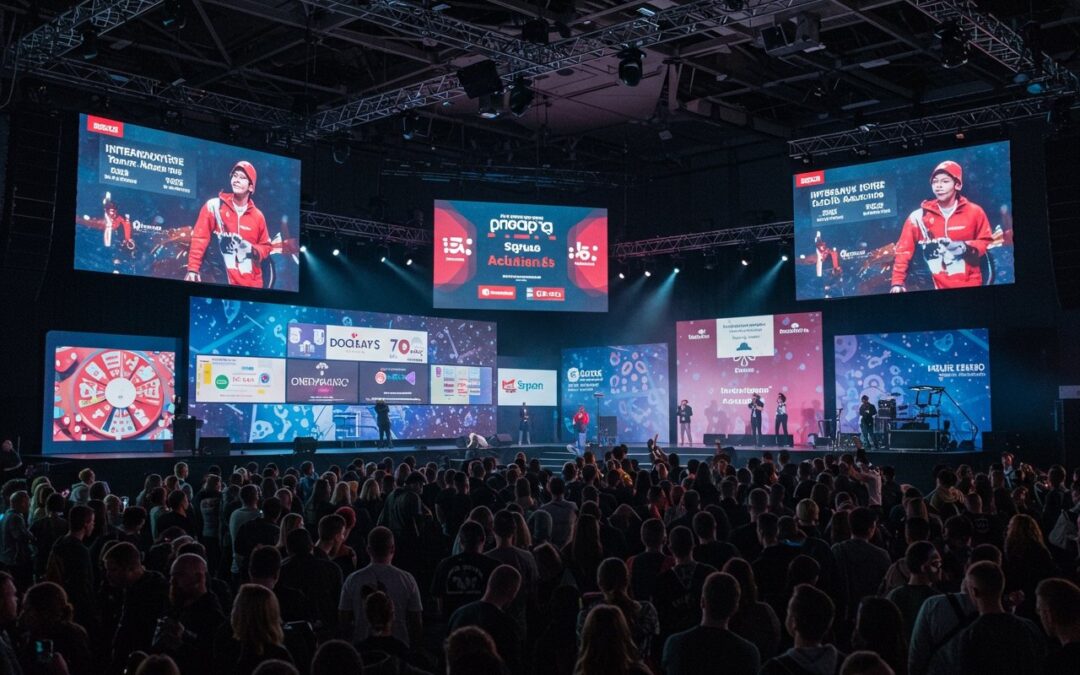
How real-time content broadcasting enhances event experiences
Exhibitions and live events move fast. A session room changes, a sponsor activates a surprise giveaway, a queue builds at registration, or weather forces an entrance reroute. In that moment, static signage becomes friction. Real-time content broadcasting solves that...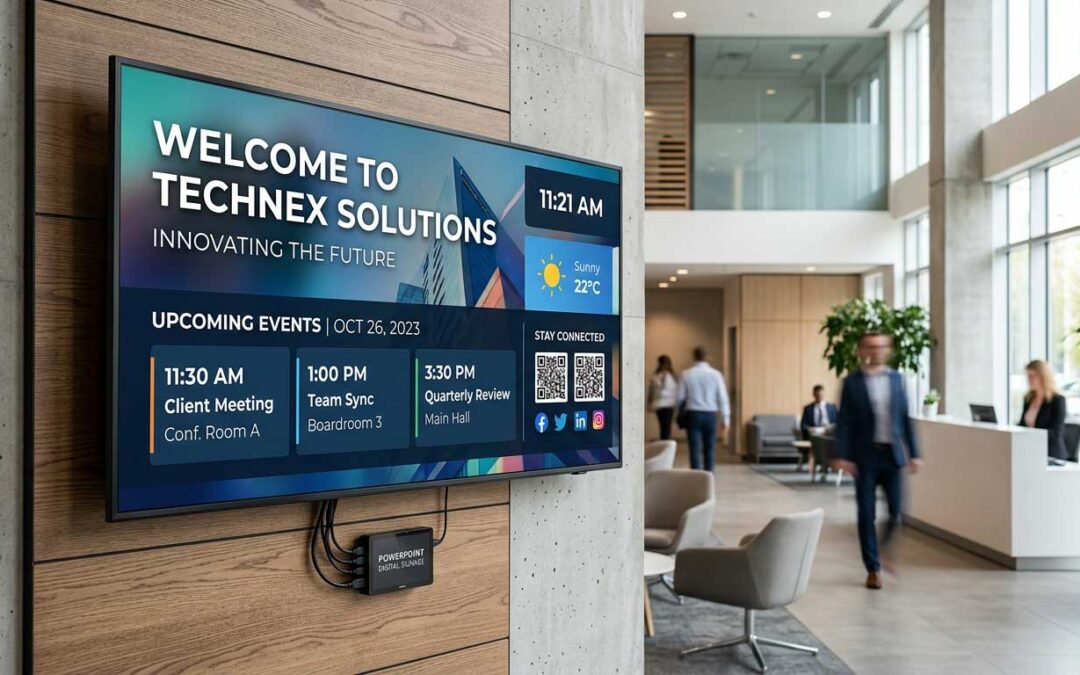
Digital Signage Using PowerPoint That Actually Scales
PowerPoint digital signage can be fast, consistent, and scalable. This guide is for business owners, IT managers, and communications teams looking to implement or scale digital signage using PowerPoint. Effective digital signage improves communication, saves time, and...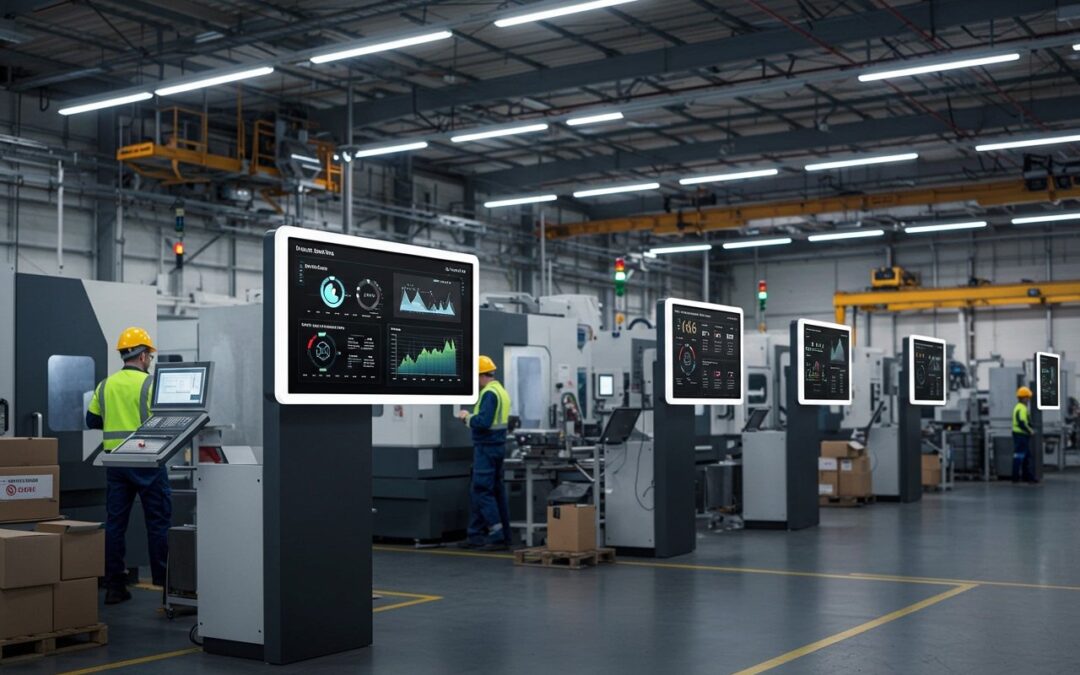
Recent Comments