 SignageTube
City Halls: Architecture, Civic Life, and Real-Time Digital Signage
City halls are the central administrative buildings and seat of power for local municipal governments. They play a vital role in shaping civic life, serving as the hub for local governance, public services, and community engagement. This article explores the architecture of city halls, their core civic functions, and how real-time digital signage is transforming public communication within these essential institutions.
Scope and Audience:
This comprehensive guide is designed for municipal staff, civic leaders, technology planners, and anyone interested in the intersection of architecture, local government operations, and digital transformation. By understanding the design, function, and communication strategies of city halls, readers can enhance effective local governance and improve public engagement.
Why City Halls Matter:
City halls are more than just buildings—they are the face of local government, the seat of leadership, and the primary point of contact between citizens and their municipality. Effective management and communication within city halls are crucial for transparency, service delivery, and fostering civic trust.
What is a City Hall?
A city hall is the central administrative building and seat of power for a local municipal government. It houses elected officials and staff who manage daily city operations, including public safety, infrastructure maintenance, zoning, and public services. City halls typically provide essential local administrative services such as building permits, utility bill payments, business licenses, and vital records. They also offer civil registration services, including birth registrations, marriage licenses, and passports. As the primary hub for civic engagement, transparency, and public interaction, city halls are where residents go for permits, records, public meetings, and to participate in local governance.
Typical Search Intent: What Do City Halls Do?
City halls serve as the central location for local governance and administration, providing essential services like permits, records, and public meetings. They are also the seat of power for local leaders and a hub for civic engagement. Residents visit city halls for a variety of needs, including parking permits, pet licenses, code enforcement issues, and to attend public meetings. City halls function as the primary hub for civic engagement, transparency, and public interaction.
Core Functions and Roles of City Halls
City halls are the central administrative buildings and seat of power for local municipal governments. They house elected officials and staff who manage daily city operations, including:
- Public safety
- Infrastructure maintenance
- Zoning and urban planning
- Public services
City halls typically provide essential administrative services such as:
- Building permits
- Utility bill payments
- Business licenses
- Vital records (births, marriages, deaths)
- Civil registration services (passports, marriage licenses)
They function as the primary hub for civic engagement, transparency, and public interaction, hosting council meetings, public hearings, and community events.
Iconic City Halls in the United States
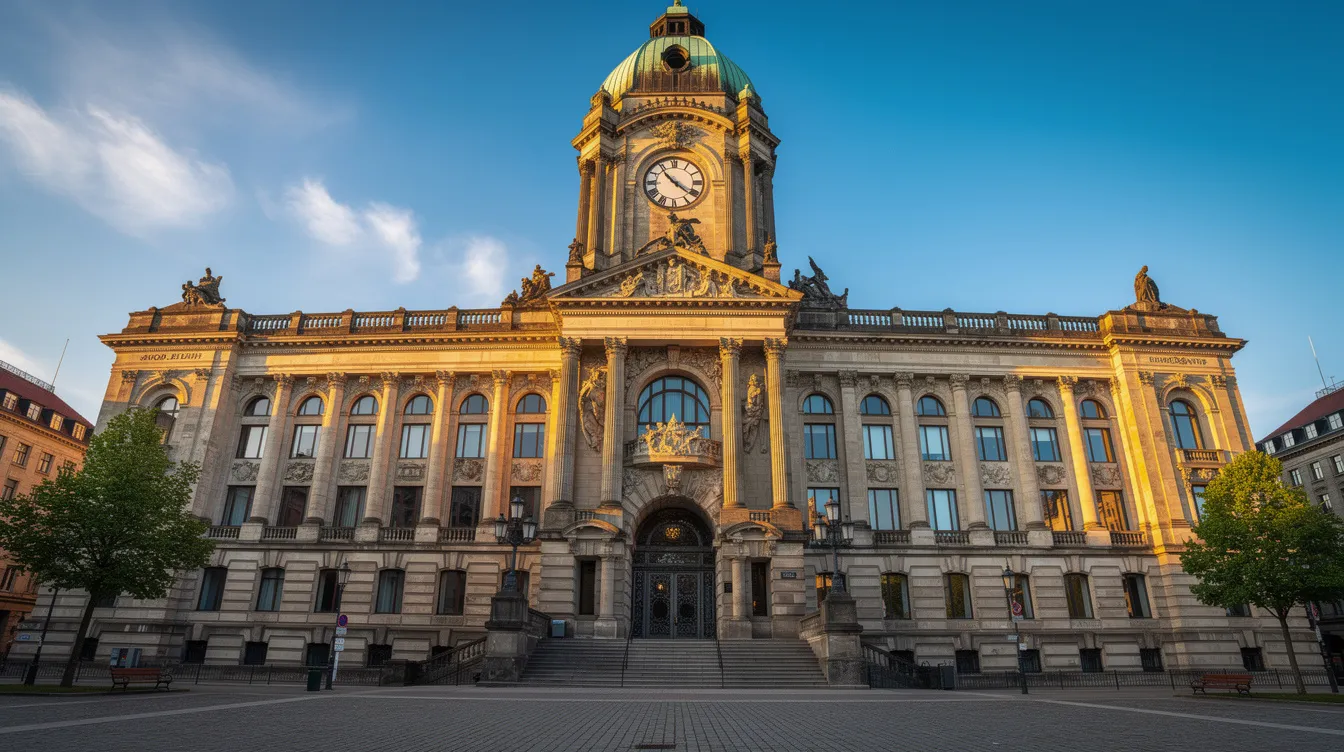
The following profiles highlight city halls selected for architectural significance, historical importance, or innovative design. These examples show how civic architecture reflects local identity and era—and how even historic buildings can integrate modern digital signage without losing character.
Austin City Hall (Austin, Texas)
Completed in 2004, Austin City Hall was designed by Antoine Predock and Cotera+Reed Architects. The building features contemporary, angular forms constructed with Texas limestone, copper cladding, and extensive glass. Water features buffer traffic noise from Cesar Chavez Street.
The concept of a “public living room” plaza hosts concerts, rallies, and community events. Energy-efficient elements include shading overhangs and daylighting strategies. Digital signage kiosks and video walls in the plaza and lobby can display event schedules, transit information, and emergency alerts.
Buffalo City Hall (Buffalo, New York)
Opened in 1931, Buffalo City Hall was designed by Dietel, Wade & Jones and remains one of the largest city halls in the U.S. The Art Deco style features a 32-story tower and elaborate façade with reliefs symbolizing industry, transportation, and agriculture.
The building’s 1,520 inward-opening windows exemplify functional Art Deco detailing. A public observation deck around the 25th floor offers panoramic views of Lake Erie. Interior digital information screens could streamline navigation in such a large, vertically organized building where visitors often struggle to find specific departments.
San José City Hall (San José, California)
The current San José City Hall opened in 2005 at a cost of approximately $343 million, consolidating scattered municipal offices into one site. Richard Meier’s modernist design includes an 18-story office tower, glassy rotunda, council wing, and civic plaza.
The transparent dome symbolically reinterprets traditional city hall domes, stressing government openness. Real-time digital signage in the rotunda can display live council agendas, streaming sessions, and multilingual visitor guidance—essential for a diverse city population.
Boston City Hall (Boston, Massachusetts)
Completed in 1968, Boston City Hall was designed by Kallmann, McKinnell & Knowles and stands as a key example of Brutalist architecture. The structure features rough, board-formed concrete, bold cantilevers, and deeply recessed windows creating dramatic shadows.
City Hall Plaza hosts festivals, protests, and seasonal events throughout the year. Digital displays in the plaza and interior concourses serve well for event calendars, MBTA transit updates, and urgent advisories during emergencies.
Los Angeles City Hall (Los Angeles, California)
Opened in 1928, Los Angeles City Hall was designed by John Parkinson, John C. Austin, and Albert C. Martin Sr. The 32-story tower blends Art Deco and Classical influences, with a ziggurat top inspired by the Mausoleum at Halicarnassus.
Concrete was mixed with sand from all California counties and water from each county—a symbolic gesture that influenced the building’s identity. Discreet digital signage in historic interiors can provide wayfinding, floor directories, and historical context via interactive timelines.
Dallas City Hall (Dallas, Texas)
The current Dallas City Hall opened in 1978, designed by I.M. Pei as part of a downtown revitalization effort. The distinctive inverted-pyramid profile features a façade leaning back at a 34-degree angle, supported by massive concrete piers.
The building was constructed to project a modern, forward-looking image for Dallas. Indoor and outdoor LED signage can support civic events, public art projections, and real-time notifications for citizens visiting the center.
Milwaukee City Hall (Milwaukee, Wisconsin)
Completed in 1895, Milwaukee City Hall was designed by Henry C. Koch in a Flemish Renaissance Revival style with a tall clock tower. Standing over 350 feet, it was among the tallest habitable buildings in the country between 1895 and 1899.
Interior features include mosaic floors, marble staircases, and a large central atrium. A $66 million restoration completed around 2008 addressed structural issues. Any digital signage here needs a heritage-sensitive approach—framed, portrait-style screens for meeting notices and building directories.
New York City Hall (New York, New York)
Construction occurred from 1803 to 1812, making New York City Hall one of the oldest city halls in the U.S. still serving its original function. The architecture mixes American Georgian massing with French Renaissance details.
The interior rotunda features a domed ceiling and collection of 19th-century portraits. Minimal, museum-style digital labels and small info screens work best for tours, security messages, and schedule updates in this famous historic building.
San Francisco City Hall (San Francisco, California)
The current City Hall opened in 1915 after the 1906 earthquake destroyed its predecessor. Arthur Brown Jr. and John Bakewell Jr. designed the Beaux-Arts French Renaissance structure with a grand dome taller than the U.S. Capitol’s.
The building serves as the Civic Center complex’s centerpiece. Tasteful lobby video walls can display cultural programming, art exhibits, and real-time civic announcements while respecting the architectural style.
Philadelphia City Hall (Philadelphia, Pennsylvania)
Construction spanned from 1871 to 1901, designed by John McArthur Jr. in French Second Empire style. Covering approximately 14.5 acres of floor space, it was one of the tallest occupied buildings of its era.
The 548-foot masonry tower is topped by a statue of William Penn. A comprehensive digital signage network assists visitors navigating courts, council chambers, and permit offices across multiple wings—addressing the challenge of guiding customers through such an expansive building.
Government and Public Services in City Halls
City halls function as hubs where legislative, administrative, ceremonial, and emergency response roles converge.
Council meetings determine local policy. Licensing offices process business permits. Urban planning departments review zoning applications. Public safety coordination happens during emergencies.
These activities depend on timely communication with residents—both online and in person. When a council meeting runs late, when a hearing room changes, or when an emergency requires immediate action, the speed of information delivery directly affects lives.
Real-time digital signage inside city halls supports these services with up-to-the-minute information, delivering the benefits of real-time digital signage that many other organizations also rely on.
Core Civic Functions Hosted in City Halls
- Mayor’s Office: Executive leadership and policy coordination
- City Council: Legislative sessions and public hearings
- City Clerk: Marriage licenses, birth/death records, official document processing
- Finance/Treasury: Tax payments, utility bills, budget management
- Planning and Zoning: Building permits, variance applications, development review
- Public Works: Infrastructure projects, maintenance coordination
Heavy foot traffic and complex floorplans make clear wayfinding essential. Real-time screens reduce confusion at counters by showing ticket numbers, open counters, and estimated wait times. This improves customer engagement and service efficiency.
City Halls as Emergency and Information Hubs
During crises, city halls transform into command centers. Hurricane briefings in Gulf Coast city halls coordinate evacuations. Wildfire updates in California inform residents about shelter locations. Snow emergency announcements in northern cities communicate parking restrictions.
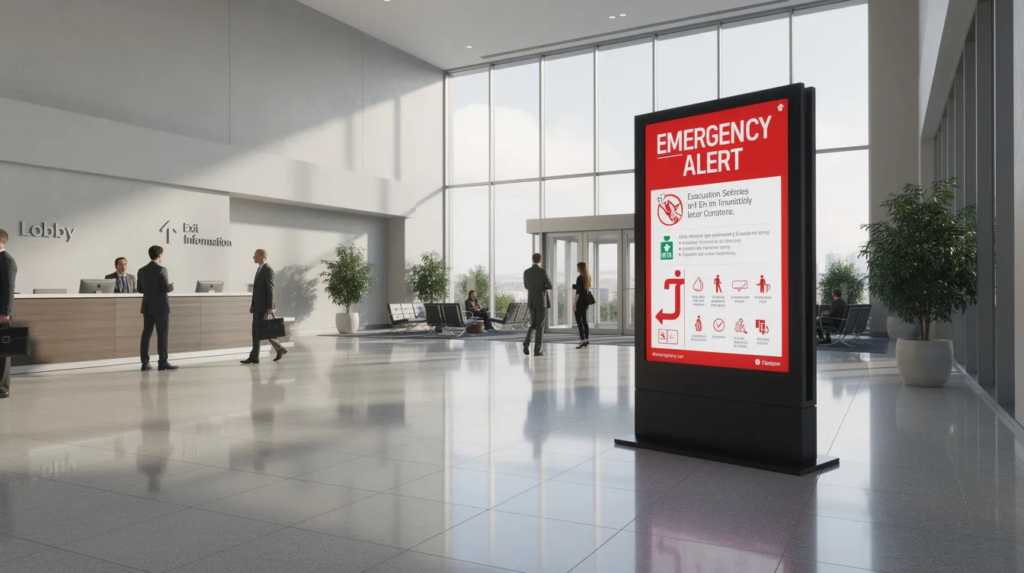
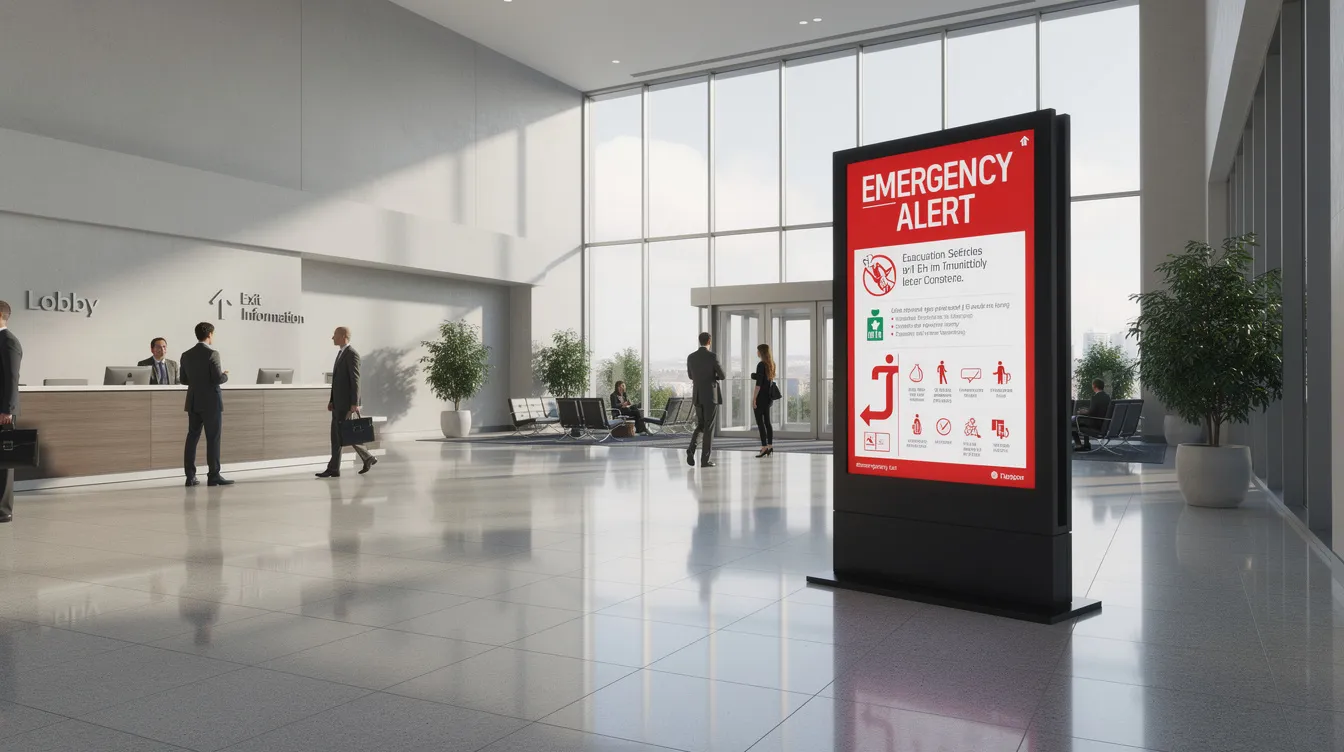
In emergencies, communication needs change minute by minute. Real-time digital signage can simultaneously update lobbies, council chambers, exterior screens, and satellite municipal buildings. Systems like SignageTube Live or other cloud-based emergency alert signage help staff push verified messages quickly, ensuring reliable information reaches audiences when it matters most.
Real-Time Digital Signage Inside City Halls
Real-time digital signage refers to screen-based communication where dynamic content updates instantly from live data sources or operator inputs. For city halls, this means showing agendas that update when meetings run late, wayfinding that reflects room changes, and emergency alerts that deploy in seconds—capabilities that platforms like SignageTube Live real-time digital signage are designed to deliver.
Typical screen locations include entrance halls, elevator lobbies, council chamber foyers, payment counters, and exterior LED boards. SignageTube Live provides an on-premises, real-time digital signage platform built for public-sector environments where data security and local control matter.
Key Use Cases in Municipal Buildings
- Meeting schedules: Display today’s council agenda, start times, speakers, and live status
- Wayfinding: Interactive or rotating maps guiding citizens to Building Permits, Tax Office, or Public Records
- Queue management: Show ticket numbers, wait times, and multilingual instructions
- Public campaigns: Health advisories, recycling programs, election date reminders
- Employee communications: Internal screens for HR updates, IT maintenance windows, and safety reminders
Content That Must Update in Real Time
- Live council vote outcomes
- Sign-up lists for public comment periods
- Last-minute room changes
- Breaking weather alerts
- Service counter availability
Integrating feeds via APIs or calendar systems enables automated updates. When a council meeting runs late, lobby screens automatically show “Meeting in progress” with revised end times—no manual intervention required. This ensures only you control the message, maintaining accuracy across all screens.
How Much Work and Time Does a City Hall Digital Signage Project Take?
A city hall deployment unfolds in phases: planning, hardware installation, content design, and ongoing operations. Small city halls might complete implementation in a few weeks. Large multi-building campuses may require several months.
With tools like SignageTube Live and leveraging existing PowerPoint skills for digital signage, existing staff can handle most content work without specialized training or expensive software purchases.
Project Phases
Planning and Procurement (1–4 Weeks)
-
- Needs assessment and stakeholder interviews with the Clerk, IT, and Communications teams
- Screen location mapping and budget estimation
- Requirements gathering (typically a few workshop sessions)
- Effort estimate: 10–20 staff hours for a mid-size city hall
- Check compatibility with existing networks and security policies
- Use PowerPoint as the primary design tool to avoid additional software procurement
- Needs assessment and stakeholder interviews with the Clerk, IT, and Communications teams
- Screen location mapping and budget estimation
- Requirements gathering (typically a few workshop sessions)
- Effort estimate: 10–20 staff hours for a mid-size city hall
- Check compatibility with existing networks and security policies
- Use PowerPoint as the primary design tool to avoid additional software procurement
Installation and Configuration (1–3 Weeks)
-
- Mount screens and run cabling
- Install player devices (Windows, Android, or smart TV operating systems)
- Set up the SignageTube Live server on-premises
- Technician can install 5–10 screens per day
- IT configures network access, firewall rules, and user accounts
- Start with a pilot phase (3–5 key locations) before expanding
- Mount screens and run cabling
- Install player devices (Windows, Android, or smart TV operating systems)
- Set up the SignageTube Live server on-premises
- Technician can install 5–10 screens per day
- IT configures network access, firewall rules, and user accounts
- Start with a pilot phase (3–5 key locations) before expanding
Content Creation and Scheduling (Ongoing, 1–4 Hours per Week)
- Build most city hall content in PowerPoint using an intuitive interface
- Allocate 1–2 hours weekly for updating recurring slides like council agendas and seasonal messages
- Initial content sprint (1–2 weeks) to create reusable templates for emergency alerts, event posters, and service guides
- Schedule playlists by date, time, or event to reduce daily manual work
- Multiple editors can manage their department’s content without overlap
- Build most city hall content in PowerPoint using an intuitive interface
- Allocate 1–2 hours weekly for updating recurring slides like council agendas and seasonal messages
- Initial content sprint (1–2 weeks) to create reusable templates for emergency alerts, event posters, and service guides
- Schedule playlists by date, time, or event to reduce daily manual work
- Multiple editors can manage their department’s content without overlap
Alternatives to Real-Time Digital Signage (and Their Disadvantages)
Traditional methods include printed posters, static plaques, email blasts, and manual whiteboards. While these seem cheaper initially, they carry hidden costs in staff time, delays, and outdated information.
Cloud-only signage platforms can challenge municipalities with strict data residency requirements. Understanding the risks of each approach helps inform your business goals.
Paper Notices and Static Boards
Common practice: printed council agendas on bulletin boards, taped signs for room changes, and posters for hearings.
Disadvantages:
- Daily reprinting and labor costs
- High risk of conflicting information
- Staff must physically replace signs on each floor
- Sustainability concerns from constant media printing
A last-minute hearing room change requires staff to replace paper signs everywhere—often leading to citizen confusion when some notices are missed.
Email, Websites, and Social Media Only
Many municipalities rely on email newsletters, websites, and social channels for announcements.
Disadvantages:
- Doesn’t help walk-in visitors already inside the building
- Not all citizens have smartphones or browser access on their phone
- Accessibility barriers for elderly residents and children with limited tech familiarity
- In-person tax payment days where lobby crowds miss real-time instructions
Real-time screens complement web and email by handling on-site, last-meter communication.
Generic or Consumer-Grade Screen Setups
Improvised setups use USB sticks plugged into TVs, slideshows from office PCs, or consumer streaming sticks running looped videos.
Disadvantages:
- No central control across as many screens as needed
- No proof-of-play logs for compliance
- Manual updates per screen device
- Security concerns when consumer apps connect to municipal networks
- Someone can accidentally stop the loop
Dedicated signage software like SignageTube Live offers scheduling, monitoring, and role-based access that consumer tools cannot deliver.
Why SignageTube Live and PowerPoint Are a Strong Combination for City Halls
SignageTube Live is SignageTube’s real-time, on-premises digital signage solution designed for environments like city halls and town halls. Municipalities keep control of data inside their own infrastructure while benefiting from cloud-style usability.
Integration with PowerPoint enables staff to create slides with a familiar tool and publish them directly as dynamic signage. Explore this combination to modernize your city hall communications without extensive training or new software purchases.
Benefits of On-Prem Real-Time Signage for Government
- Data control: Content and logs stored on municipality’s own servers, meeting audit requirements
- Reliability: Local network operation ensures screens function even if external internet goes down
- Security: IT applies existing authentication, backups, and monitoring to the platform
- Sensitive notices: Court schedules and safety messages stay within municipal infrastructure
SignageTube Live still supports remote management—authorized staff can deploy updates from their desks within the city network, whether in stores of permits, the council chamber, or administrative offices.
Using PowerPoint to Build Civic Content
City communications teams already use PowerPoint for council presentations and budget slides. These produced decks adapt easily into signage playlists: agenda screens, “next up” items, and infographic statistics.
PowerPoint allows easy use of city branding—logos, colors, images—without additional company software purchases. Example: A weekly “What’s happening at City Hall” loop with slides for hearings and campaigns designed entirely in PowerPoint, then scheduled via SignageTube Live for specific date ranges like budget week or election day.
How SignageTube Live Reduces Ongoing Workload
Centralized control means communications staff update one playlist and instantly push changes to dozens of screens across all floors. Templates and reusable timelines mean updating text takes minutes once patterns are established.
Monitoring dashboards and proof-of-play logs show which messages ran where and when—supporting transparency and compliance. On the morning of a major storm, one staff member updates emergency instructions, and all lobby and council screens change within seconds.
Real-time digital signage powered by SignageTube Live and familiar PowerPoint workflows can transform city halls into clearer, more responsive spaces for citizens and employees alike. Whether you manage a historic building in Columbia or a modern campus elsewhere, the combination delivers awareness, equality of information access, and the insights you need to connect with your community.
Ready to implement real-time signage in your city hall? Explore SignageTube Live to see how on-premises digital signage can support your government services—without the complexity of free digital signage software alternatives or generic consumer setups. If you need tailored advice or a demo, you can also contact the SignageTube team directly.
- SignageTube Starter – content signage on any TV
- SignageTube Enterprise – live data on your screens
- Digital signage software – how to choose, and what matters
- Templates – 120+ ready-made designs
- Pricing – simple per-screen plans
- Police Stations: Real-Time Digital Signage for Modern Law Enforcement
- Public Transportation: Real-Time Digital Signage for Government and Public Services
- Fire Departments: Real-Time Digital Signage for Government and Public Services
- Post Offices: Modern Services, Queues, and Real-Time Digital Signage