


Tips for PowerPoint Digital Signage (Practical Guide for SignageTube Users)
Introduction: Why PowerPoint Works So Well for Digital Signage Most SignageTube customers already design their digital signage content in Microsoft PowerPoint. The presentation software is familiar, flexible, and installed on virtually every work computer. PowerPoint...
Best Way to Show PowerPoint on TV (Without Losing Animations & Fonts)
Most methods for displaying a PowerPoint presentation on a TV create frustrating trade-offs. Using an HDMI cable is one of the easiest ways to connect a laptop or mobile device to a TV for displaying PowerPoint presentations. Connect via HDMI cable and your laptop...
TV Digital Signage: How to Turn Any Screen into a Powerful Display
If you’ve ever walked into a café and seen a screen cycling through breakfast specials, or noticed a retail window playing eye-catching video content, you’ve seen TV digital signage in action. The good news? Setting up your own is far simpler—and more affordable—than...
Digital Signs: Definition, Options, and Why PowerPoint + SignageTube Is a Smart Combo
If you’ve ever glanced at a digital sign, such as a flight information board at an airport, watched a menu change automatically at a quick-service restaurant, or followed directions on an interactive map in a hospital, you’ve experienced digital signs in action. These...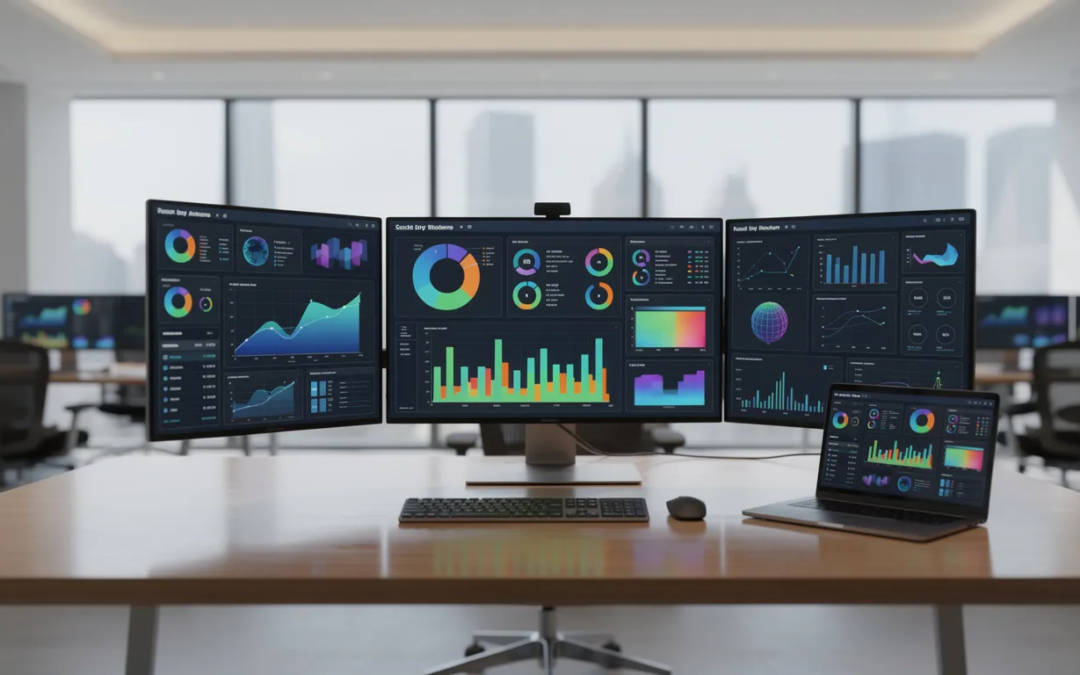
Recent Comments