
Our SignageTube Player App is Listed Now at the Google Play Store

Google Play logo
Choosing a digital signage app from the Google Play Store is the easiest way to turn any Android device into a powerful display. This article explains what to look for in a signage app, how to install the SignageTube Player, and how to connect your device to the cloud for smooth, reliable playback. You’ll learn how to publish content, schedule updates, and manage screens remotely—whether you’re setting up a single TV or deploying displays across multiple locations. With the right app, your Android device becomes a flexible, professional digital signage solution.

First we started our SignageTube platform with our player app for the Windows platform. Then we developed our SignageTube Player app for Android, as a typical APK file. An APK file can be compared to a setup.exe on Windows that is used to add an application or program to a computer. The APK file is a setup or package file that you run the install the SignageTube Player app on any Android driven device; a tablet, a phone or a smart TV.

Since today, our SignageTube Player app is now verified and published the Google Play Store. This has a few advantages:

  • SignageTube can now be seen by a larger audience
  • Confidence: the SignageTube Player app is tested and evaluated; it is considered to be safe
  • But the most important advantage is for the users: they will benefit from the live and automatic updates on the player app

Get started. Install the SignageTube Player app direct from the Google Play Store.
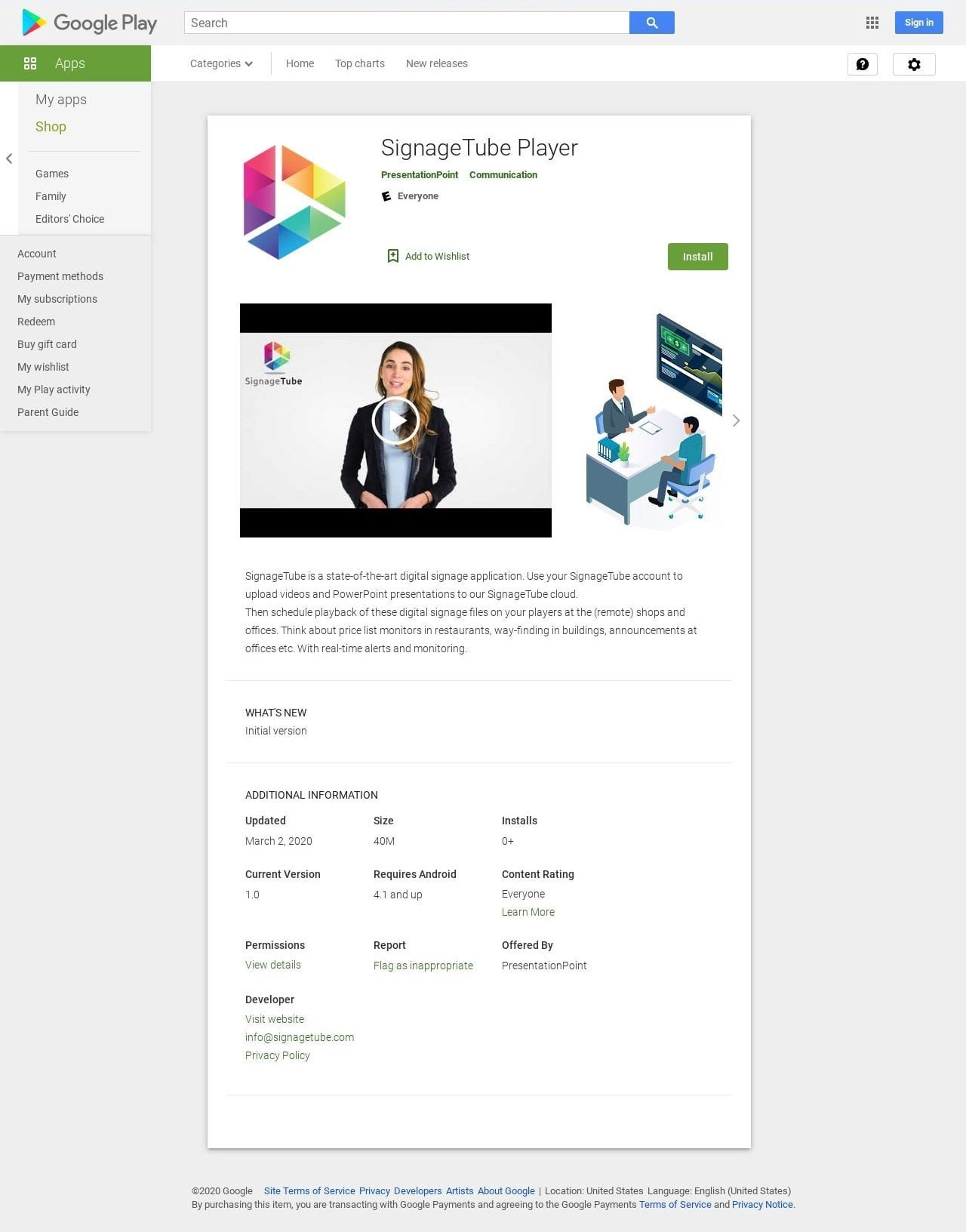
signagetube player app listed on google play store
SignageTube
Privacy Overview

This website uses cookies so that we can provide you with the best user experience possible. Cookie information is stored in your browser and performs functions such as recognising you when you return to our website and helping our team to understand which sections of the website you find most interesting and useful.