
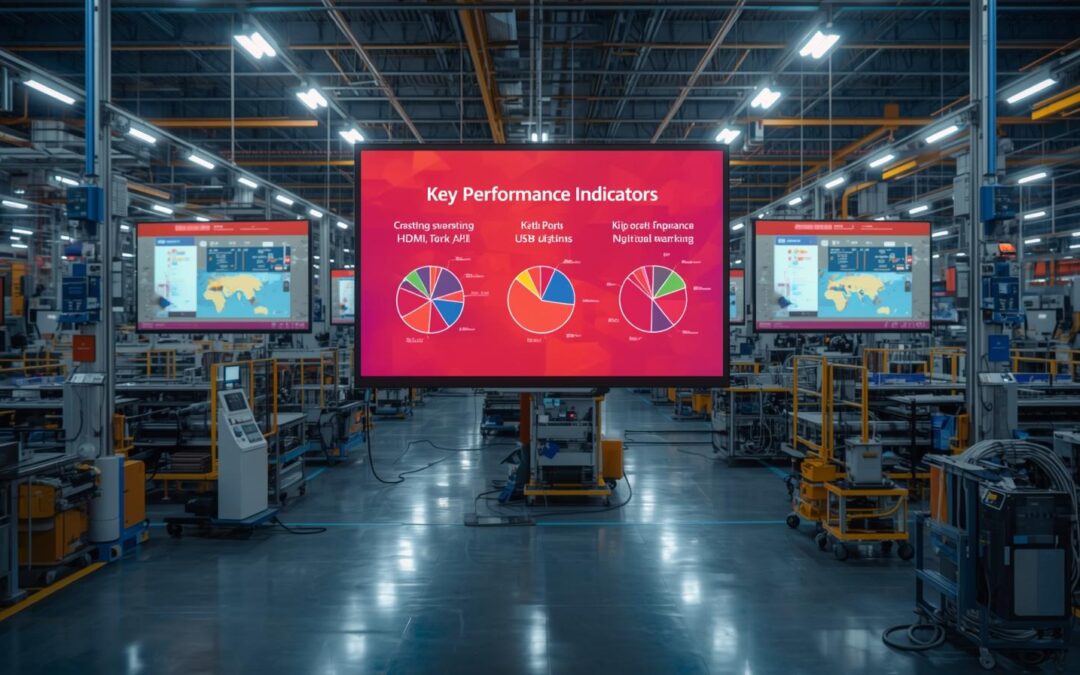
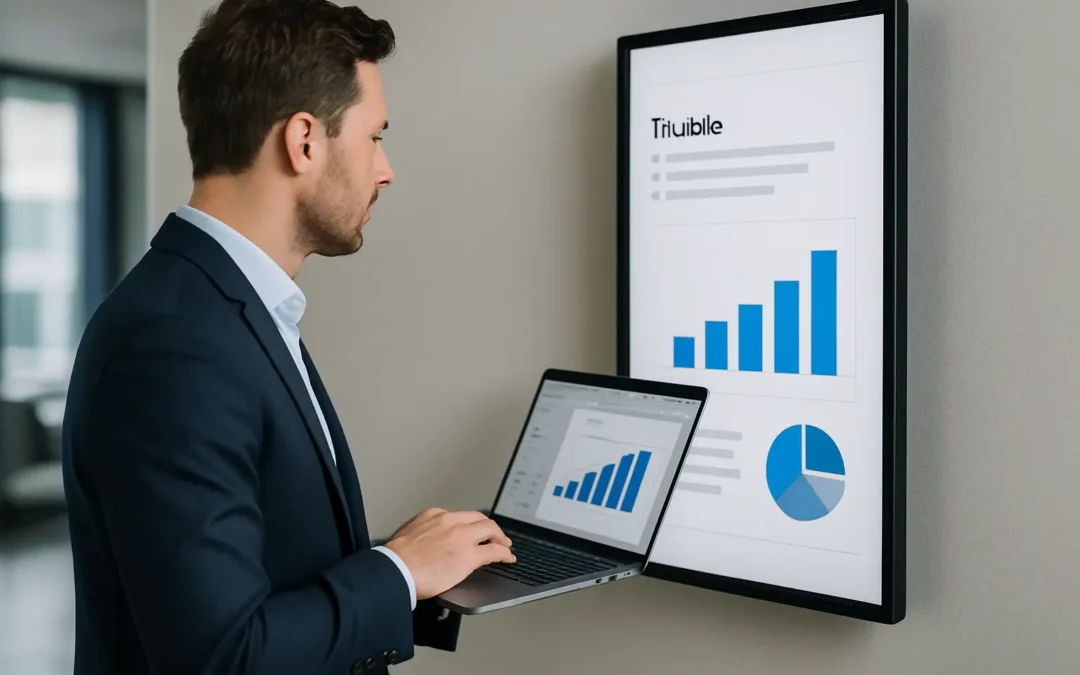
PowerPoint Templates That Work on Digital Signs
A menu board that looks perfect on your laptop can turn into a squint test on a 55-inch lobby screen. A safety slide that felt “clear enough” in a staff meeting can become invisible from 15 feet away. That gap between “looks fine in PowerPoint” and “works as digital...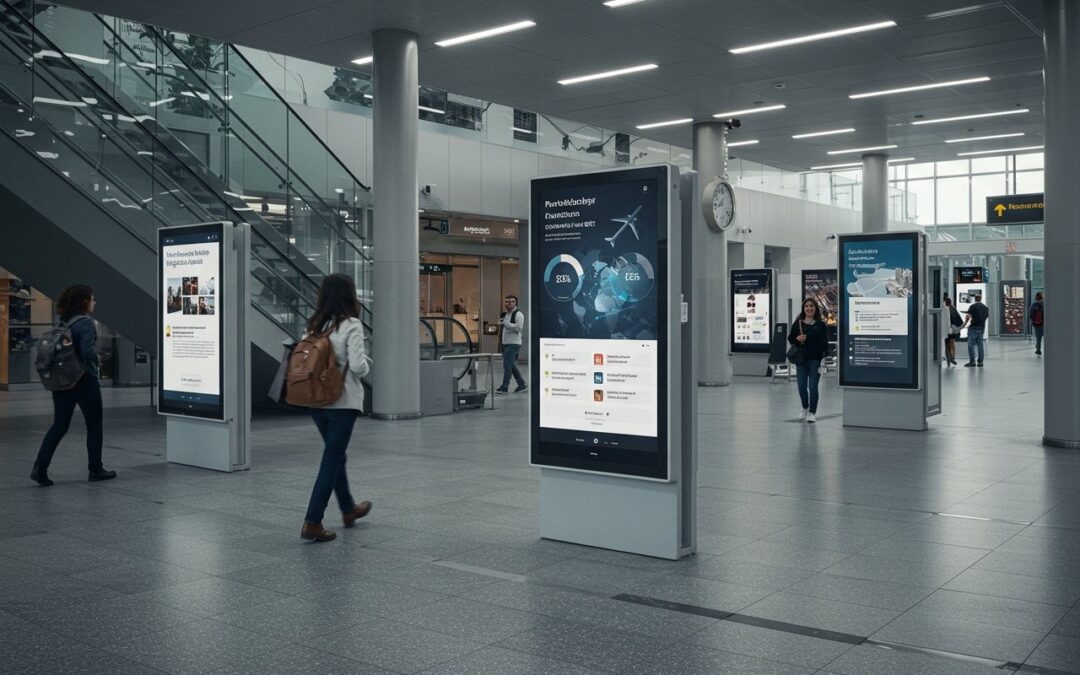
PowerPoint digital signage solutions in the cloud and in real time
If you already know PowerPoint, you already have a powerful digital signage design studio. What most organizations don’t have is a simple way to publish those slides to one screen or a thousand, keep them on schedule, and update them instantly when the real world...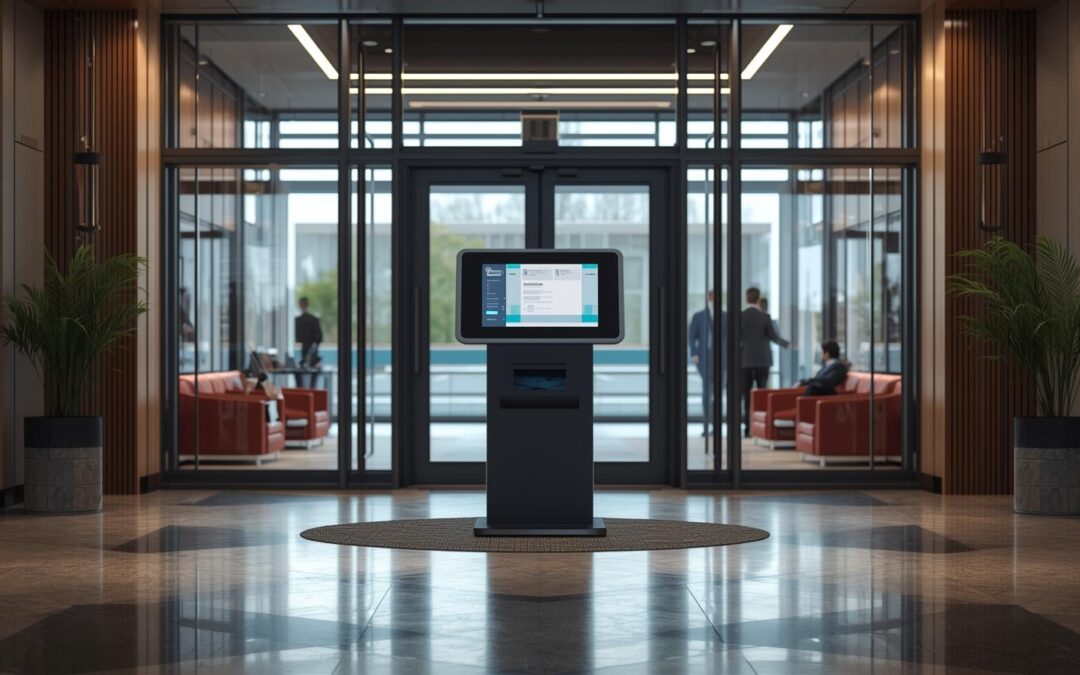
PowerPoint Kiosk Mode: How to Create a Locked-Down Interactive Kiosk (step-by-step)
PowerPoint isn’t just for meetings. With the right settings, it can become a touch-friendly, locked-down kiosk that people can use without accidentally skipping slides or breaking your flow. That’s exactly what PowerPoint kiosk mode is for. In this guide, you’ll...
Recent Comments