 SignageTube
Retail Chain Screen Migration Example
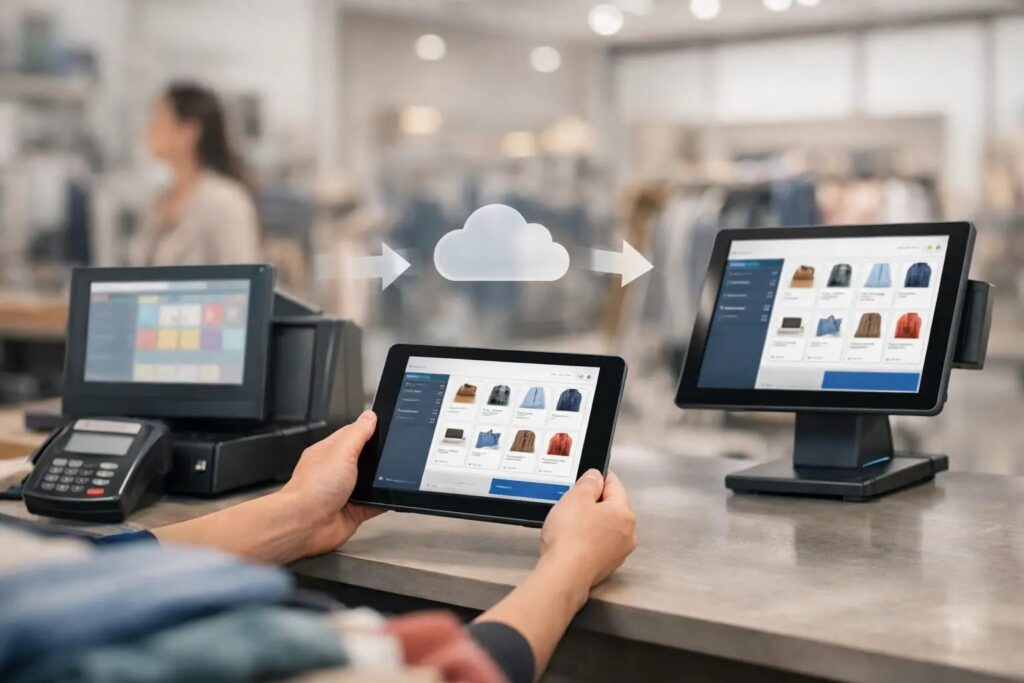
A store manager swaps a weekend promotion on one screen, but the old pricing loop is still running in six other locations by Monday morning. That is usually the point when a retail chain screen migration example stops being theoretical and starts looking like an operations problem.
For multi-location retail, screen migration is rarely about replacing one media player with another. It is about fixing how content gets created, approved, scheduled, and pushed across dozens or hundreds of displays without wasting store time. When the process depends on USB sticks, one-off design files, or manual updates at each site, the weak spot is not the screen. It is the workflow behind it.
What a retail chain screen migration example actually shows
A useful retail chain screen migration example is not a glossy before-and-after story. It shows how a chain moves from fragmented screen management to a repeatable system that store operations, marketing, and IT can all live with.
Picture a regional retailer with 80 locations. Each store has screens at the entrance, checkout, and service counter. Over time, different teams have used different methods to update them. Some locations rely on local staff to change content. Some use slideshow files built by marketing. A few stores run seasonal campaigns correctly, while others miss updates because no one had time to load the new files.
The chain decides to migrate to a centralized digital signage platform. The goal is not just modern playback. The goal is to let head office control brand consistency while still giving stores room for local messaging when needed.
That distinction matters. A migration that only changes hardware can leave the same operational friction in place. A migration that improves content ownership, scheduling, and governance usually delivers the real value.
The starting point in most retail chains
Retail environments tend to accumulate screen systems rather than plan them cleanly from day one. One store opens with a simple looping display. Another adds a promotional screen near the register. Later, someone installs menu-style pricing boards or service messaging. The result is a patchwork.
In practice, most chains start with three common issues. First, content creation is too specialized, so every screen update depends on a designer or outside support. Second, deployment is inconsistent, because there is no central scheduling model. Third, reporting and governance are limited, which makes IT cautious about scaling the network further.
This is why familiar tools matter more than many teams expect. If marketing or store support already works comfortably in PowerPoint, asking them to switch into a complex creative workflow can slow the migration before it begins. A simpler content path reduces resistance and speeds up rollout.
How the migration usually unfolds
A practical retail chain screen migration example typically starts with an audit. The chain identifies which screens exist, what content they show, who owns the messaging, and how often updates happen. That sounds basic, but it exposes the real migration scope.
One chain may discover that its front-of-store displays need centrally scheduled campaigns, while its service desk screens need location-specific notices. Another may find that the checkout zone requires short promotional loops, while the employee break room needs internal communications. These are different use cases, and treating them all the same often creates frustration later.
The next step is standardization. Not every display has to show the same content, but the chain does need a standard way to build and publish it. This is where a PowerPoint-based workflow can help. Instead of retraining every content owner on specialist software, the business can use a tool many teams already know, apply brand templates, and move faster with fewer handoffs.
Then comes pilot deployment. A sensible rollout does not start with every location at once. It starts with a controlled group of stores that represent real operating conditions – maybe a flagship, a typical suburban branch, and a smaller-format location. That pilot reveals whether the schedule logic works, whether content approval is realistic, and whether local teams can support the day-to-day process without extra burden.
A closer retail chain screen migration example
Take a fictional apparel retailer with 120 stores. Before migration, the chain runs promotional screens through a mix of local PCs and manual file updates. Marketing creates campaign assets, but store execution is uneven. Some screens go dark. Some show outdated offers. Store teams spend time on playback issues instead of customer-facing work.
The chain sets three migration goals. It wants centralized control for national campaigns, easy local overrides for store-specific events, and a content workflow that does not require design software expertise at every step.
During the pilot, head office creates a small template library in PowerPoint. One template is used for weekly promotions, another for seasonal campaigns, and another for localized store announcements. Marketing updates the content, operations reviews timing and placement, and approved presentations are published to the right screen groups.
Stores are organized by region, format, and screen type. That means a spring campaign can run chain-wide, while a mall location can still schedule its own late-night shopping message without affecting the rest of the network. The system becomes easier to manage because targeting is built into the structure, not improvised each time.
The result is not magic. There are still policy decisions to make. Who can override local content? How long should expired campaigns remain available? What happens if a store loses connectivity? But the chain now has a framework for those decisions instead of handling every issue as a one-off exception.
Why content workflow matters as much as hardware
A lot of migrations get evaluated through the lens of devices, players, and displays. Those pieces matter, but retail teams feel the migration through the content process.
If updating a campaign takes too many steps, people skip updates. If local teams cannot make small changes safely, they create workarounds. If head office cannot trust that scheduled content will actually appear in the right stores at the right times, screen networks lose credibility quickly.
That is why accessibility is not a soft benefit. It is an adoption requirement. When teams can build polished content in a familiar format, reuse templates, and publish to multiple locations from one place, the screen network starts acting like an operational system rather than an isolated marketing channel.
For some chains, cloud-based control is the right fit because remote scheduling and centralized management are the main priorities. For others, on-premises deployment makes more sense, especially when they need tighter infrastructure control or live, automated updates tied to internal systems. It depends on IT policy, connectivity conditions, and how dynamic the content needs to be.
Where migrations succeed or stall
The best retail chain screen migration example usually has one thing in common: ownership is clear. Marketing owns campaign content. Operations owns timing and store relevance. IT owns governance, deployment standards, and support boundaries. When those roles blur, the project slows down.
Another success factor is resisting overengineering. Retail chains do not need every screen to become an advanced interactive experience on day one. Most benefit comes from getting the basics right: current promotions, accurate messaging, consistent branding, and reliable scheduling across locations.
Migrations also stall when the rollout ignores store reality. A process that works at headquarters may fail in a busy store if local staff need too many steps to troubleshoot playback or request changes. Simplicity is not a shortcut here. It is what makes scale possible.
This is where a platform like SignageTube fits naturally for chains that want speed without heavy creative or technical overhead. Using PowerPoint as the content starting point lowers training demands, while centralized scheduling and cross-location management help teams keep control as the network grows.
What decision-makers should take from this example
For operations leaders, the lesson is that screen migration should reduce inconsistency and store effort. For IT, it should improve governance without creating a support headache. For marketing, it should make campaign execution more dependable across every location.
A good migration plan does not chase features first. It starts by asking simpler questions. Who needs to create content? Who approves it? Which screens must stay centrally controlled, and which need local flexibility? How will the chain schedule updates at scale without adding friction?
When those answers are clear, the technology decision gets easier. The chain is no longer buying software just to play content on screens. It is building a repeatable communication system that can support promotions, customer messaging, and internal updates across the business.
That is the real value behind any strong retail chain screen migration example. It shows how to turn scattered displays into a network the business can actually use every day – without making screen management a second job for the people running stores.
- SignageTube Cloud – cloud-managed signage on any TV
- SignageTube Live – real-time data on your screens
- Digital signage software – how to choose, and what matters
- Templates – 120+ ready-made designs
- Pricing – simple per-screen plans